
Using ChatGPT+MidJourney+Adobe Firefly to Create Posters
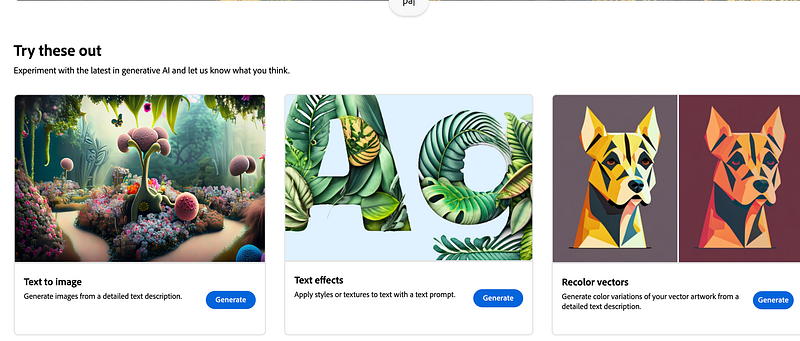
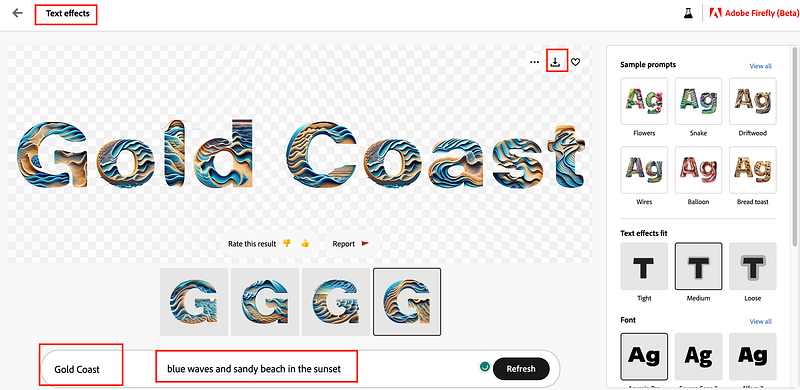
I applied for access to Adobe Firefly in March and forgot about it(Adobe Firefly is All You Need). I searched for the reply email today and found I got access on the 13th of April…Three tools are available: Text to image, Text effects and Recolor vectors. I think the text effects are helpful, as I already have an image generator — Midjourney. I tried to generate texts using Midjourney but failed. (The Ultimate Midjourney Prompt Guide)
Now, we can use it to add scripts to the images generated.
- Ask ChatGPT to describe an image
- Text to image with Midjourney
- Creating matching texts
1. Ask ChatGPT to describe an image
I wanted an image of Gold Coast and asked ChatGPT to describe it.
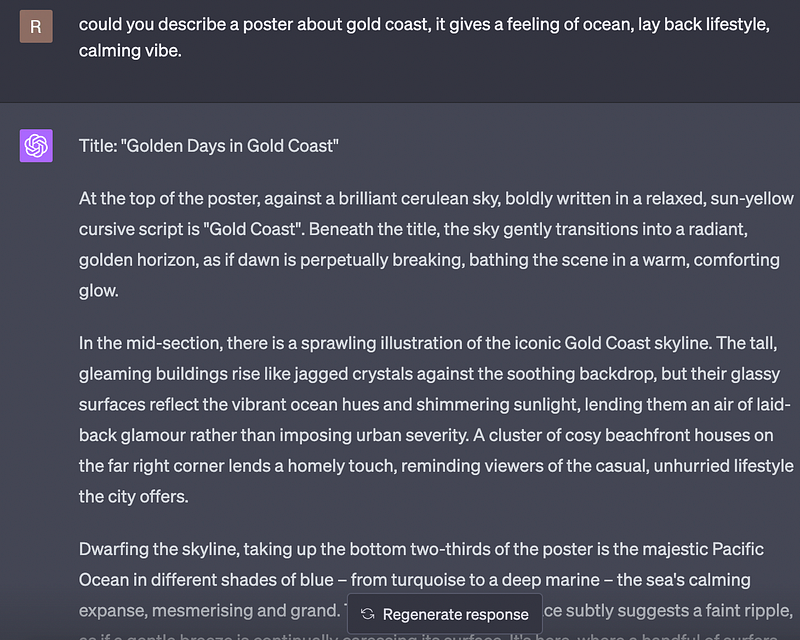
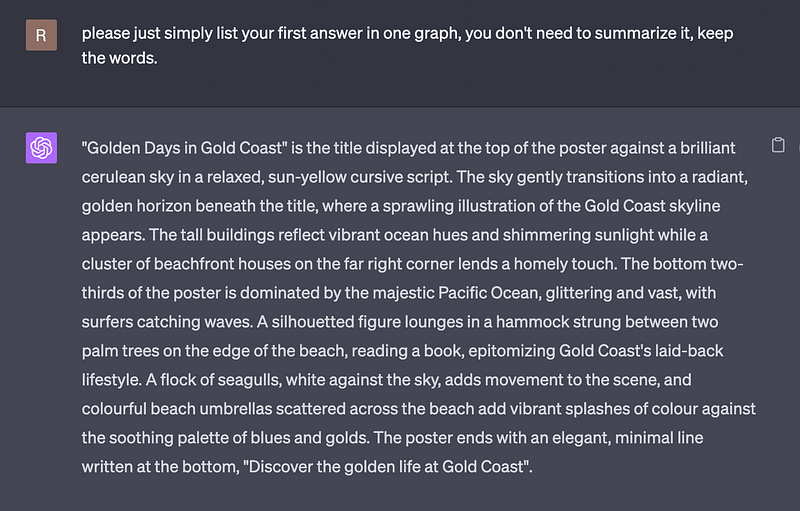
The essay was too long, asked for a shorter version. GPT tends to summarize the texts.
2. Text to image with Midjourney
Copy and paste in MidJourney. It doesn’t capture any lifestyle elements because it neglects some descriptions from GPT above(reading, beach umbrellas, etc.).
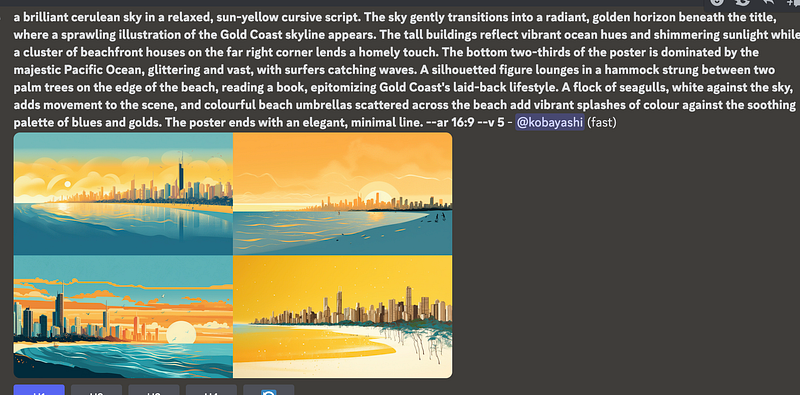
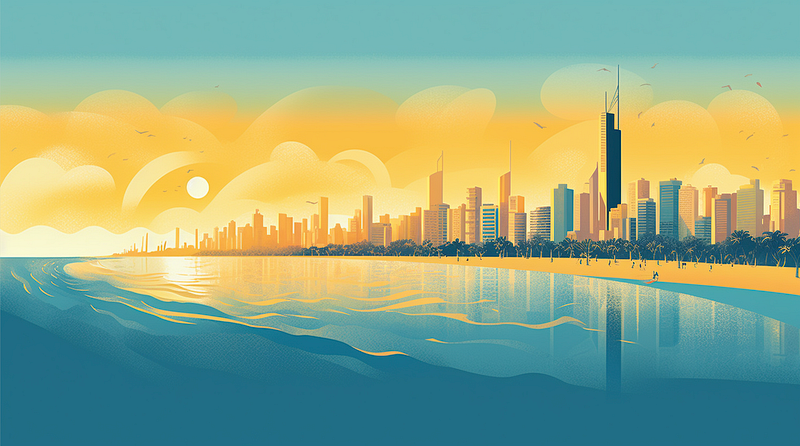
I picked the first one.
3. Creating matching texts
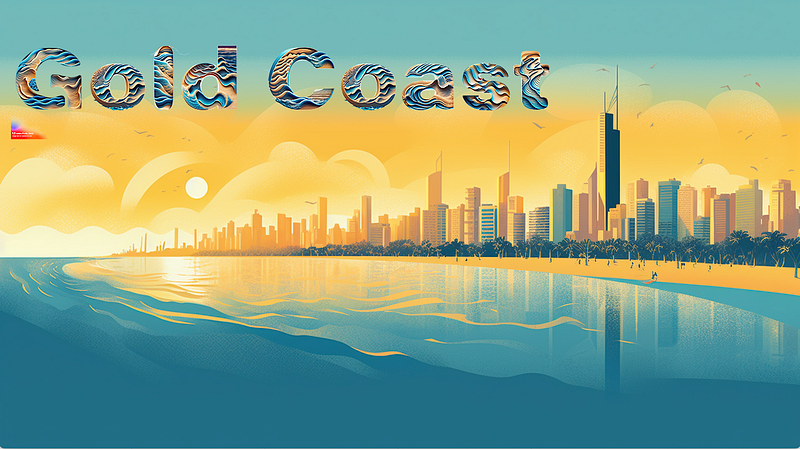
Adding the text generated by Firefly.
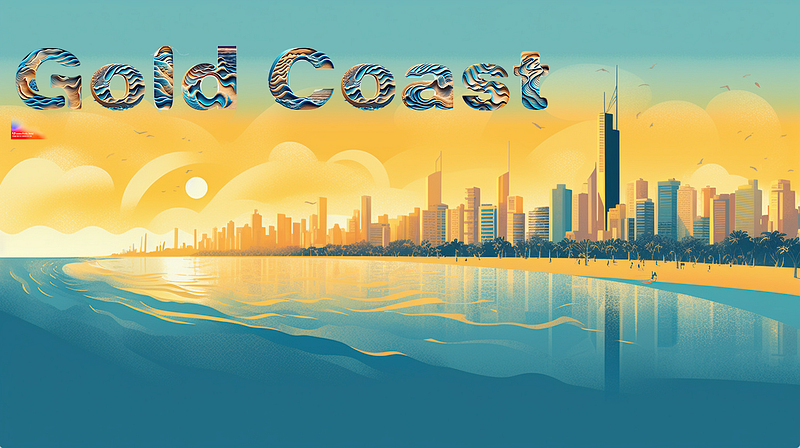
There is a watermark “Adobe Firefly” in the left corner, but I still like it. My drawing skill is terrible, but now, using AI tools I can create something like this. I don’t know how to describe it; although it doesn’t convey what exactly I want to tell(lifestyle instead of the coastline), it still makes me happy.
The other related posts on exploring how to use AI tools:
- Three Ways to Upload PDF to ChatGPT to Analyze or Summarize
- How to Use ChatGPT to Accelerate Literature Review
- The Ultimate Midjourney Prompt Guide 2023
- What is Prompt Engineering? Will it Last Long? Do We Need to Learn It?
- ChatGPT in Healthcare
- ChatGPT in healthcare: diagnosis of mental issues like stress, burnout, procrastination and depression