
9 Rules to Optimize PHP for High Traffic Websites
How to Optimize a High Traffic Website?

Managing a high traffic website can be hard; therefore, it requires a great balance when running PHP applications. Whenever you face considerable numbers of visitors, optimizing your PHP code is not just a sensible idea.
It is more on the side of being imperative. Here are 9 practical rules to help you get the most out of your PHP application when traffic spikes.
Let find out together!
1. Caching of Static Content
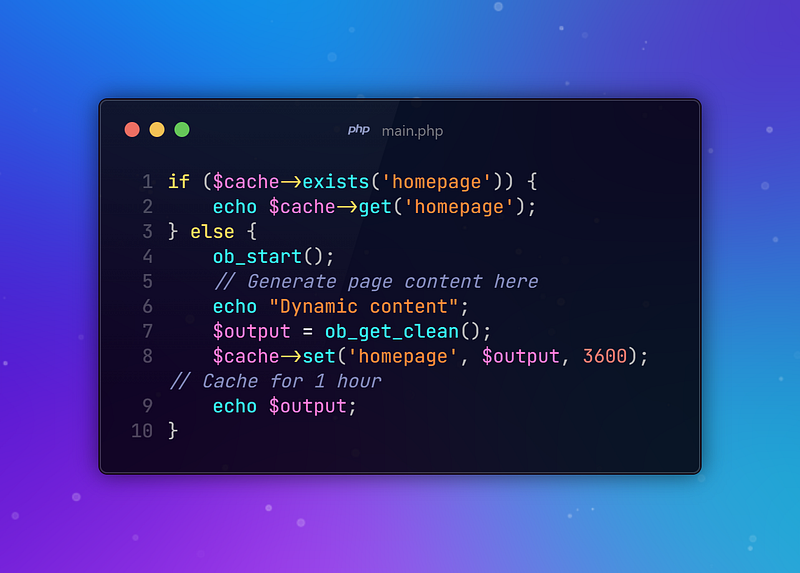
The simplest way to enhance performance is to cache static content. Instead of creating pages from scratch whenever there is a hit, you save what’s been generated and then serve the saved copy on subsequent requests. This reduces server workload and speeds up page delivery.
2. Optimize Your Database Queries
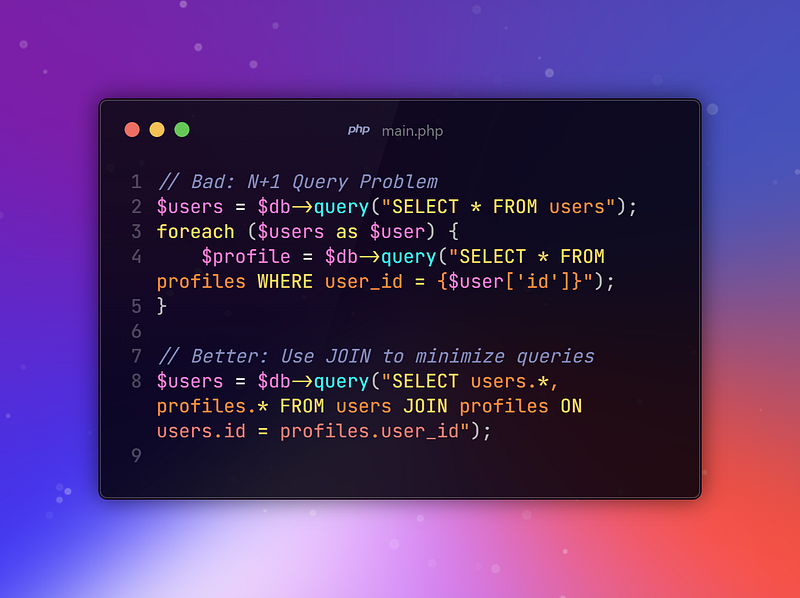
Queries are the weakest link in most PHP applications. Query Optimizations — you can optimize your queries in so many ways: indexing, avoiding unnecessary joins, and elimination of redundant queries, among others.
3. Client-Side Caching
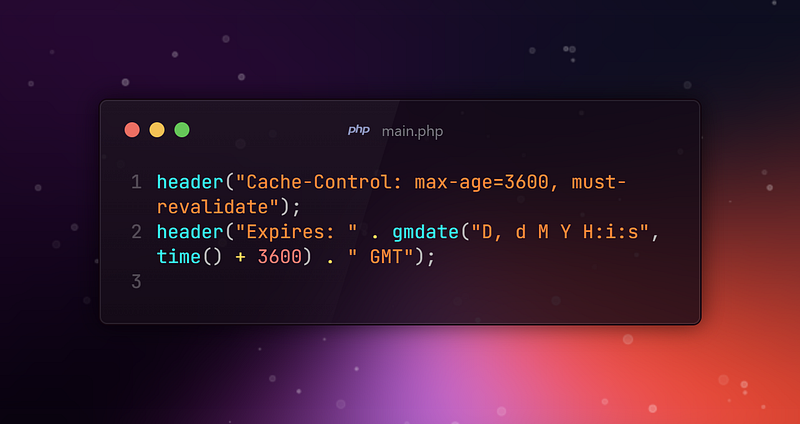
Store static files on the user’s device. In doing so, you cut down on the requests sent to your server. Use the Expire and Cache-Control headers liberally for this.
4. Use Autoloading to Streamline
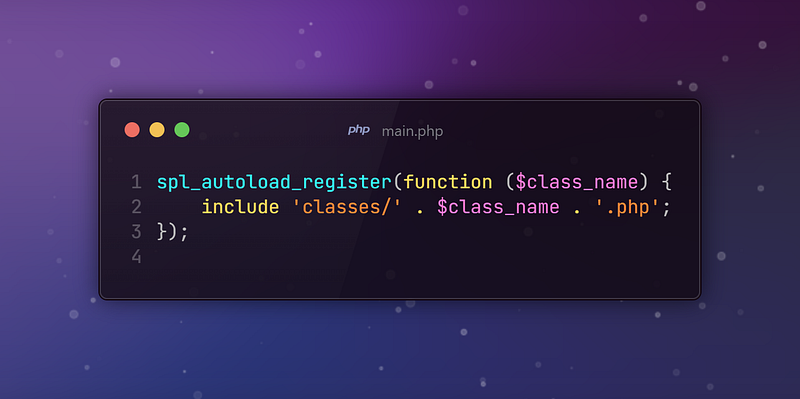
Your Code Instead of manual file includes, use autoloading from PHP. This will load only the classes that are actually used in code, which means it can help you cut down overhead and improve the performance of your application.
5. Enable Opcode Caching
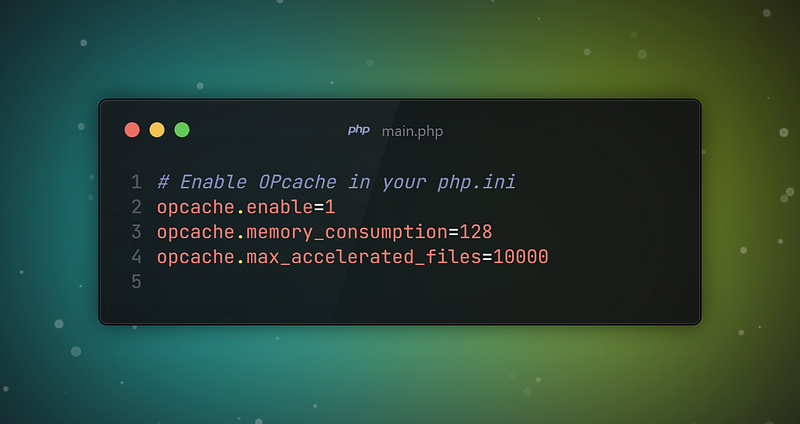
This opcode caches the compiled version of your PHP code, so the opcache is not actually recompiled for every request made. Opcache is a quick win to get more performance.
6. Avoid Unnecessary Code Execution
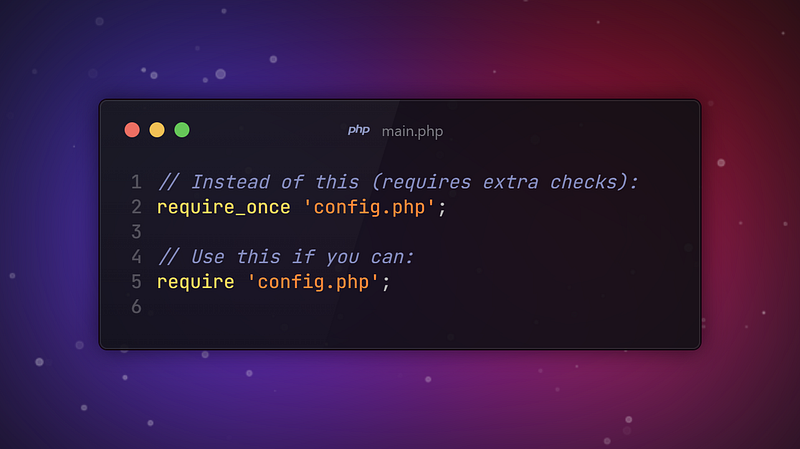
PHP executes line by line, so any unnecessary code or functions that get called can slow down your application. Stick to what’s necessary, and consider using require instead of require_once when you’re certain a file will only be included once.
7. Pool Your Database Connections
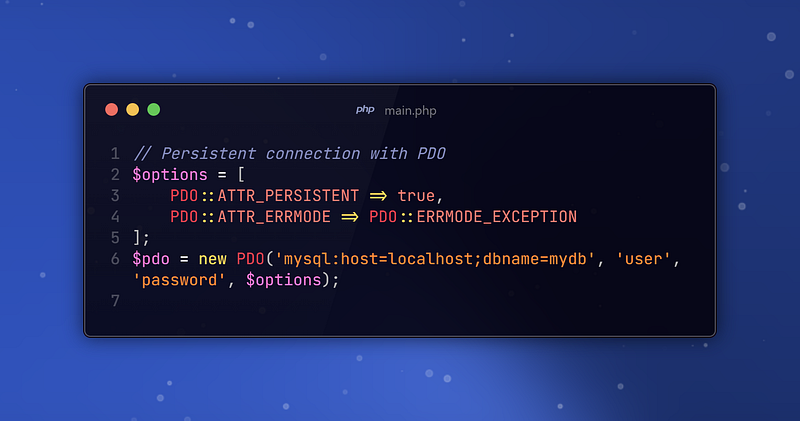
Opening and closing database connections for every request can be costly. Instead, use a connection pool to reuse database connections, vastly improving performance under load.
8. Content Delivery Network
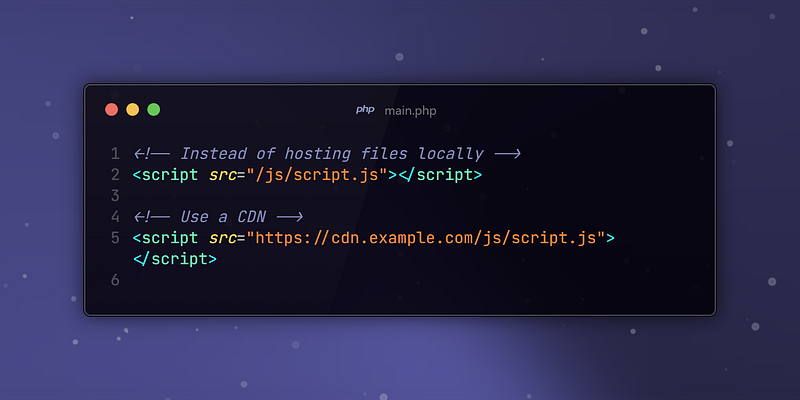
A CDN will offload static content, like images and CSS, from your server and distribute them to a global network of servers. This will not only decrease the load on your server but also hasten content delivery around the world.
9. Profile Your Code Regularly
Finally, don’t guess where the bottlenecks are — find out for sure by profiling your code. Tools like Xdebug, Blackfire, or even simple logging can help you identify slow parts of your application, so you know exactly where to optimize.
Wrapping Up
Optimizing PHP for high-traffic websites isn’t a one-time task — it’s an ongoing process. Following these nine rules will ensure your PHP application can withstand anything the web throws at it.
Continue to tweak, test, and monitor and you will find your site’s performance improving. Good luck and happy coding!
Stay conected, Stay online.
Have a wonderful day!
Thanks for coming this far 🎉
- 👏 Could you please clap the story to help spread the article? (50 applause).
- 📩 Also if you want to my newsletter: https://yunus-emre-adas.ck.page/c090914848
You can reach me from the links below:
To access my other articles:


