
5 Ways To Master Slack When Working Remotely
Slack is a powerful tool for communication in the workplace but how can we use the tool to improve our efficiency yet reduce our distractions whilst working remotely?
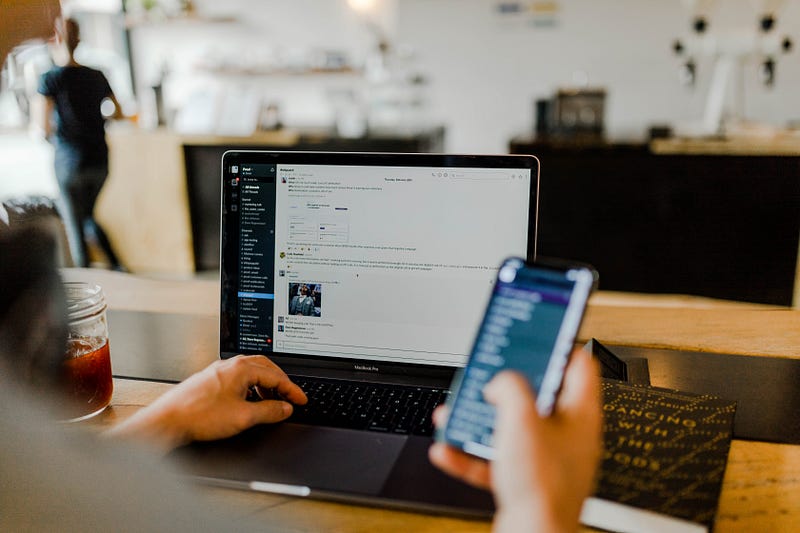
If you’ve recently joined the remote working club, then welcome — know that your life has just been upgraded. If you’ve been remote for a while, then I am sure you agree with my previous comment.
However, it can sometimes be a little overwhelming still. Remote workers will sometimes feel additional pressure to get work done. We need to stay aligned on projects whilst also trying to keep up the connections with our work pals — I get it, there’s a lot to keep on top of here.
Working remotely can also make us feel isolated and out of touch with our coworkers, but we can use Slack to our advantage to improve this. With that in mind, Slack is a platform that can easily intrude on your life if you are not in control of the distractions. I have a love-hate relationship with Slack but they’ve certainly improved the productivity features with the user in mind over the past 5 years I’ve been a member.
Let me help you by sharing my tips on how to master Slack whilst working remotely.
So, Remote workers, here are my tips for you — go, be productive!
Reduce your distractions
- Set your status — impromptu calls over lunch? Say no more, setting your status when you’re busy, not reachable will change how you operate. Be sure to prioritise yourself, especially over your lunch break. You can also set up DND mode if you’ve got an afternoon of focus time scheduled.
- Set your working hours — update your notification schedule. This will allow you to define when notifications are allowed, disable them outside of your working times.
- Mute Channels — there are always channels we get added to but don’t really need to be there. Mute them. Reduce your notifications; limit your distractions
Increase your efficiency
- The @ mention feature — allows you to tag anyone to get their attention quicker (this will notify them), you can also @ tag someone else into a thread bringing them into the conversation directly.
- Pin messages — this will make it easier to find important messages in the near future.
- Mark as unread — if you can’t action a task right away, mark the message as unread so you don't forget about it and can come back to it before the end of the day.
- ‘Remind me’ feature — one of my favourites, Slack can essentially become your PA. Reminding you of all the important tasks you need to complete before the end of the week, or in a few months.

Finally, here’s my BEST advice…
REMOVE SLACK FROM YOUR PHONE.
Whatever messages you get from logging off in the evening, to signing back online the next morning — you can deal with them, then — not in your own time!
It’s so important to maintain a work-life balance, especially whilst working remotely.
If you enjoy reading stories like this and you want to support me, why not consider signing up for a Medium membership? It will only cost you $5 a month — and you’ll get access to all stories on Medium!
If you use this link, I will earn a small part of that, otherwise, if you want to stay updated when I share a new story, you can signup here, for my free newsletter!
Whilst you’re here, check out some more of my stories: