
Artificial Intelligence, Visual Design, and Prompt Engineering
I made 3D AI images using Jasper Art
3D AI art you can view with a VR headset or retro 3D glasses
There’s been a lot of buzz lately about the 3D potential of AI art generators, like Google’s upcoming text-to-3D-image generator DreamFusion. While these prototypes are available to researchers, visualizing a 3D scene is a tough challenge — even for the most sophisticated deep learning models.
It requires trained models, datasets, and coding to achieve. Until today.
I discovered an easy way to prove that current AI can produce 3D images. And all it requires is a simple, old-school viewing method: the stereoscope.
That’s right, just like your vintage View-Master reels. Remember those?
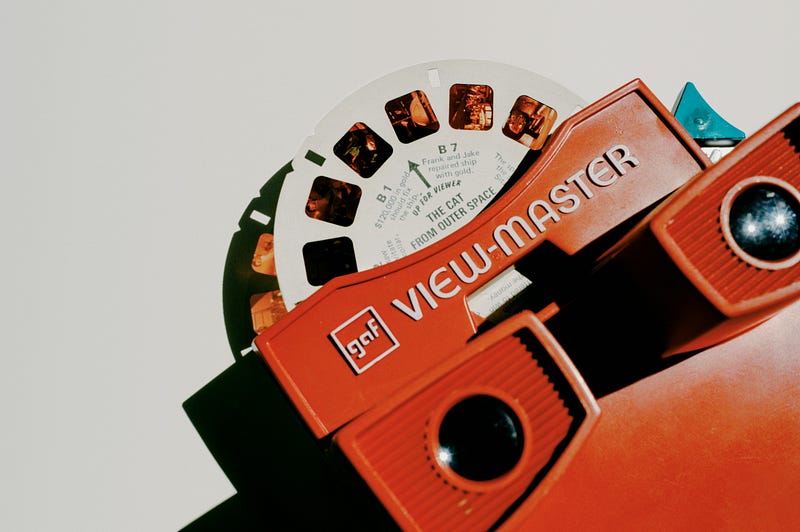
Stereoscopic images trick your brain into perceiving images in 3D by showing each eye an image taken from a slightly different perspective.
I realised that if I could make an AI generator produce stereoscopic images, it would mean that the M-Dimensional space that the AI art is mapped onto is not strictly two-dimensional, and is conceptually representational of 3D!
The Goal: 3D images straight from the source
I wanted to McGyver it and try to make a rough-and-ready version of functional, unedited 3D. I was also looking forward to the challenge.
My first rule was no coding. I wanted to see if it could be done in a simple text-to-image generator. I used a readily available and affordable AI image generator (Jasper Art). In short, I wanted to show that even commercially available AI art software can generate 3D images given the right input. I aimed to prove that the underlying models are capable of 3D perception!
You can create unlimited AI images for $20/mo
The latest news from Jasper AI headquarters
medium.com
To my knowledge, no one has tried this before. I didn’t want to just take the 2D output of an AI art generator and turn it into a stereoscopic image using editing software like Photo Vibrance, which can simulate parallax effects.
My 3D images had to be generated within the AI engine.
This was going to be a feat of prompt engineering!
The Process:
Without getting my hands on a model that was specifically designed for 3D perception, there were three main obstacles I would have to overcome:
- The difficulty of getting a coherent image
- The difficulty of getting a replicable image
- The difficulty of getting parallax in an image
Fortunately, the first two were problems I had resolved in earlier prompt engineering endeavours. I got the AI to generate consistent images using the technique below, but instead of variations, I asked for paired images:
The third obstacle — invoking the illusion of depth through stereopsis — was the crux, but was easy to solve with a little ingenuity. To my “Same Twice” prompt recipe, I simply added, “photographed by two cameras 2.5″ apart”.
Eyes Wide Open
The reason I picked a 2.5" interaxial baseline is that it’s approximately the width between your eyes. This is the standard for stereoscopic images. I hoped this fact might increase the chances of there being photographic references in the original training set too (I included 3D cameras in the prompt as well, like the Vivitar 3D cam and Takara Tomy 3D ShotCam).
I wanted to reproduce the same shot, just slightly to each side.
Basically, I wasn’t going to ask for miracles yet. But as AI becomes more sophisticated, I think we can expect more rigorous visual consistency.
For now, I needed to generate an image that would evoke 3D without being too complicated. Inspired by the Twilight Zone’s Spooky Door, and the symbolism of being on a threshold, I decided to use a doorway as my subject. It would also give the right kind of feel for an image that was artificially produced, with a “picture within a picture” aesthetic.
The Result: It actually worked!
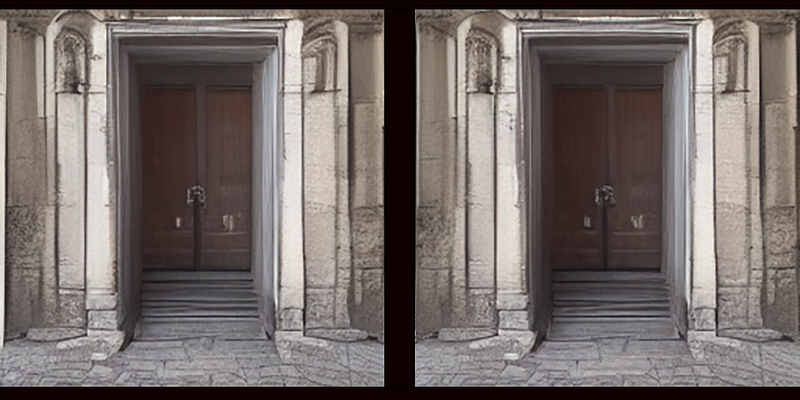
What you are seeing are two positionally different but conceptually identical images that were generated by an AI engine, and represent the same area within the M-Dimensional space that the AI art is mapped onto.
The only difference is the position of the virtual “camera” (just like your eyes). The only edits are the black frames, resizing and cropping. The 3D effect is entirely down to Jasper — and not due to post-production magic!
You’re viewing the real, raw result. I wanted this experiment to be as pure as possible. This is why the image is unpolished. I’d usually run my AI art through a GFP-GAN or another graphics enhancer at this point, but I wanted you to see the “unenhanced” power of the current state of AI.
Great, but how do I view the results in 3D?
I’m glad you asked! There are two ways. Have you got a VR headset for your phone? Whip it out, and load the image into a VR viewer, or just make the image fullscreen and align the midline. The image should appear in 3D!
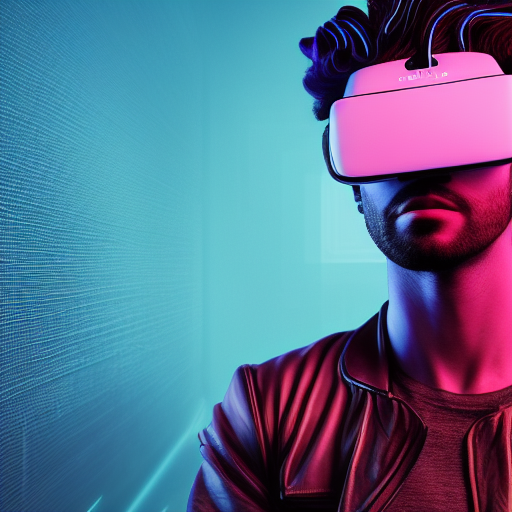
If you don’t have a VR headset yet, why not? Especially if you’d like to try out making 3D art yourself using my new technique. You can get one for about $12. For an entry-level VR viewer, I recommend Google Cardboard. For something more professional, get the Meta Quest 2 All-in-One 256GB.
Viewing 3D the old-fashioned way
If you don’t want to use a VR headset, you can do it the old-fashioned way with retro 3D glasses (again, just a few bucks, or make them at home with cellophane and cardboard). I’m a sucker for vintage vibes and Doctor Who, so I decided to make the image viewable with classic red-blue 3D glasses:
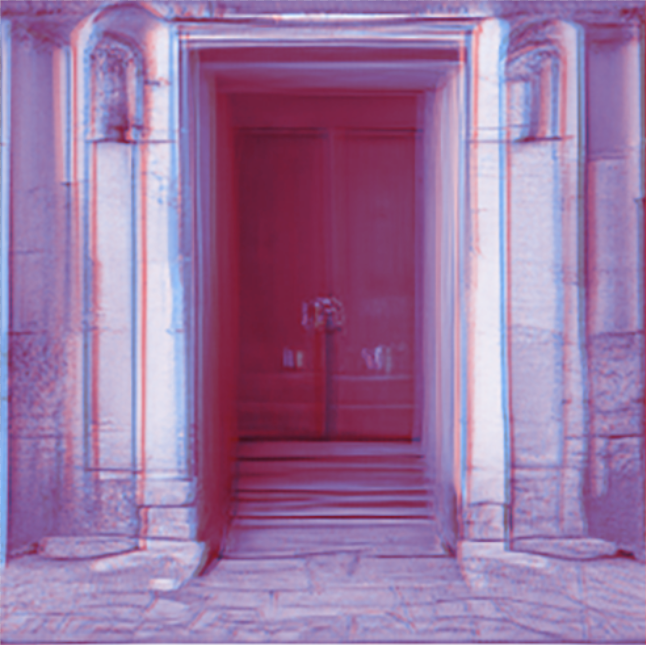
I’d like to emphasize that other than adding the red/cyan filters, this image remains unchanged from the VR version. Here’s how you can do it at home:
The anaglyphic method for encoding 3D information into a 2D image
Once you’ve generated your 3D AI image, you can turn it into an anaglyph image by separating the red and blue channels in Photoshop. It’s easy: just colour-tint each pair of images to match the colours of 3D glasses; red for the left eye, and blue for the right. Superimpose the images and bring the opacity down to 50%. This means we can see both images simultaneously.
When you put on 3D glasses, the image resolves into a 3D scene.
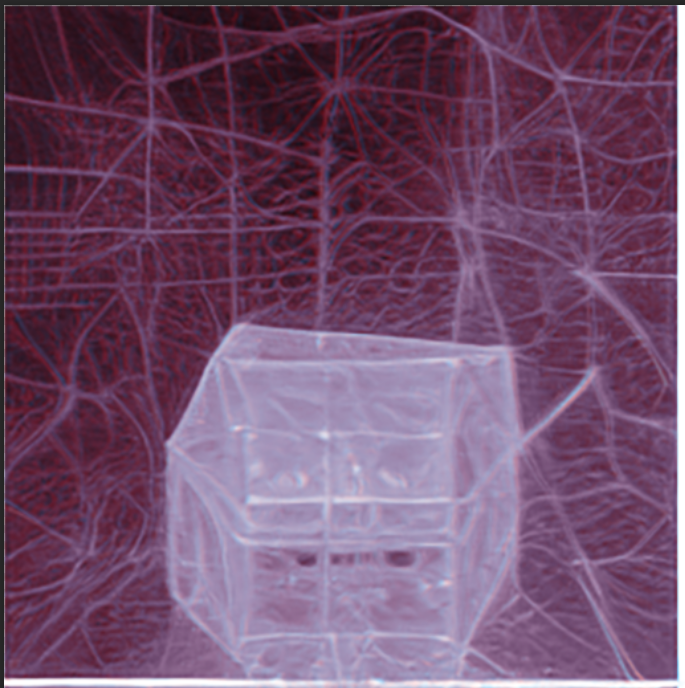
Here’s another AI-generated 3D anaglyphic image I produced:
Conclusion:
Granted, this is a proof of concept — and not the latest 3D Avatar film at an IMAX cinema! But the prototype works. As AI continues to improve, we’ll see less noise and fewer artefacts, making 3D images nearly flawless. The future might be 360-degree 3D photos or immersive environments that are procedurally generated at our command. To quote Jean-Jacques Rousseau:
“The world of reality has its limits; the world of imagination is boundless”.
With the help of AI, we‘ll soon see those boundless worlds in 3D.
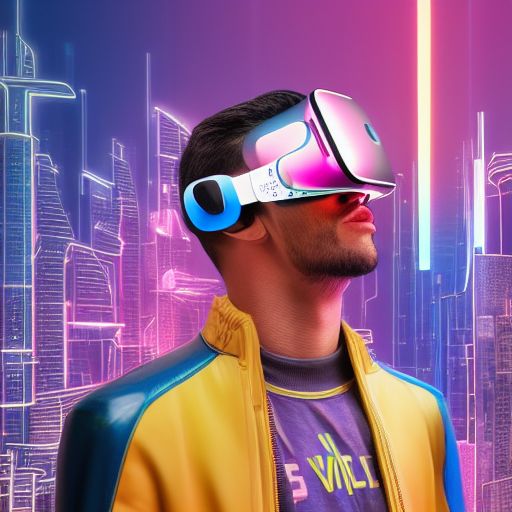
I hope you enjoy looking at the 3D results of my experiment as much as I enjoyed conducting it. As always, if you have any questions or comments, please reach out. If you want to try this yourself, feel free to use my “Same Twice” guide. Remember to add “two cameras 2.5″ apart”! And send me your results, I’d love to see what you come up with and share the success.
For tons of advice from myself and others, visit the Jasper Facebook group!
Jasper Art is now only $20/mo for unlimited image generations!
You can start to generate AI art right away — no waitlist!
Ready to join Medium?
Unlock the entire Medium catalogue with my referral link, and you’ll also be supporting my ongoing writing at no extra cost to you. I’d appreciate it.


