
10 Must-Have UI Patterns in 2025
As a UI/UX developer with a passion for creating seamless and visually stunning experiences, I’ve observed the evolving trends in design over the years. In 2025, design is all about simplicity, accessibility, and providing users with experiences that feel intuitive and modern. In this article, I’ll walk you through the top 10 must-have UI patterns for that you can’t afford to miss this year.
These patterns are carefully curated based on their usability, popularity, and impact on user experience. Let’s dive in!
1. Neumorphism 2.0: Enhanced Soft UI
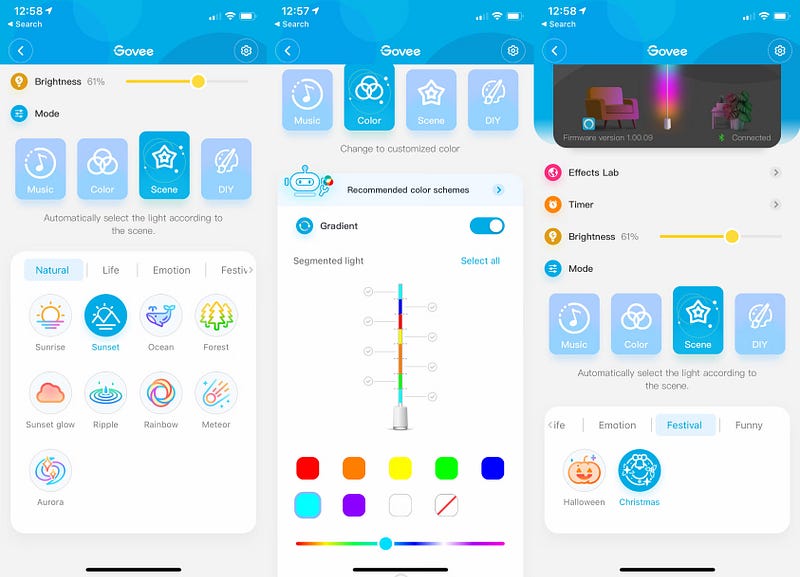
If you loved Neumorphism in 2020, you’d be thrilled by its evolution. Neumorphism 2.0 combines soft shadows with a slightly flatter look, balancing aesthetics and accessibility. The key to mastering this pattern is subtlety — use it for buttons, cards, and toggles to create a polished and tactile experience.
Why it works: It feels modern, and minimal, and encourages interaction without overwhelming the user.
2. Bottom Navigation Bars with Floating Actions
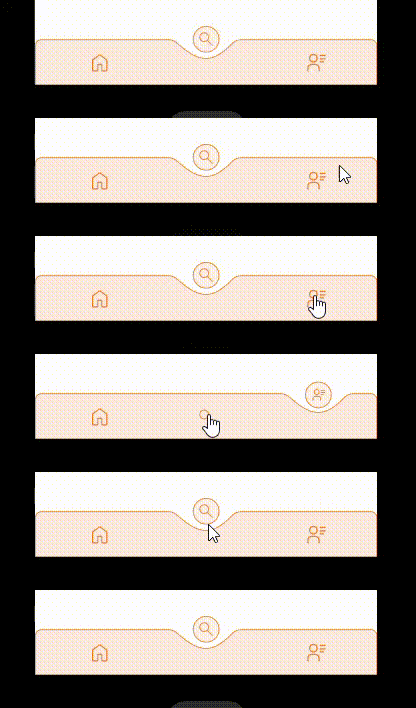
The bottom navigation bar remains a staple, but in 2025, it will be paired with a floating action button (FAB) that houses primary app actions. This design works well for apps that require frequent user input, such as social media or productivity tools.
Tip: Keep the navigation bar minimal and avoid overcrowding it with too many icons.
3. Swipeable Cards for Quick Actions

Swipe gestures are intuitive and satisfying for users. Whether it’s dismissing notifications, liking a post, or switching between screens, swipeable cards are a must-have UI pattern. Apps like Tinder and Instagram have already popularized this feature, but the trend is now more refined.
Pro tip: Add smooth animations to make interactions feel fluid and responsive.
4. Personalized Onboarding Experiences
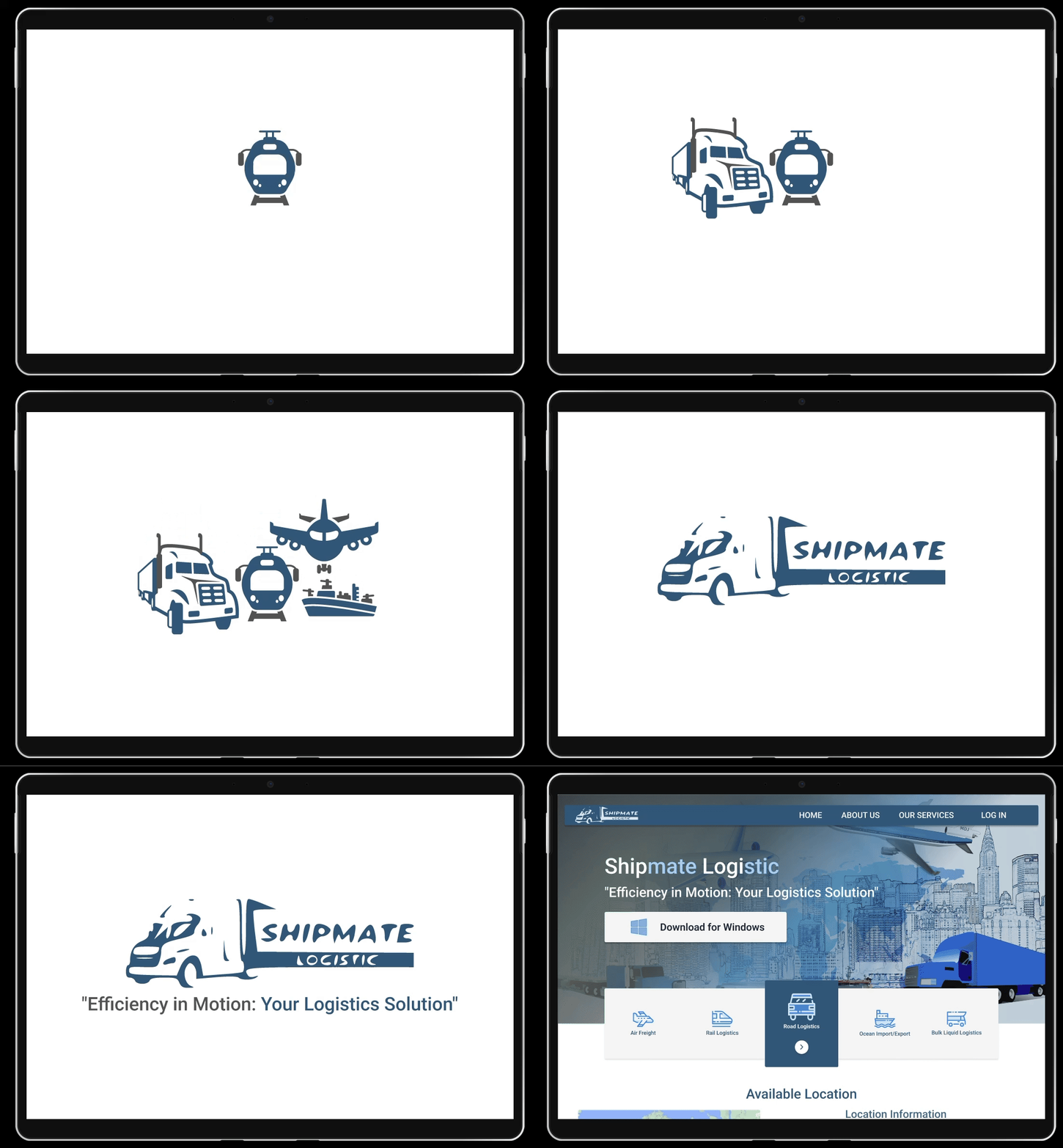
In 2025, onboarding is all about personalization. Instead of showing static tutorials, apps now ask users a few questions during onboarding to tailor their experience. For example, fitness apps can ask about fitness goals to customize the dashboard.
Why it matters: It saves users time and makes them feel valued right from the start.
5. Dark Mode with Dynamic Colors
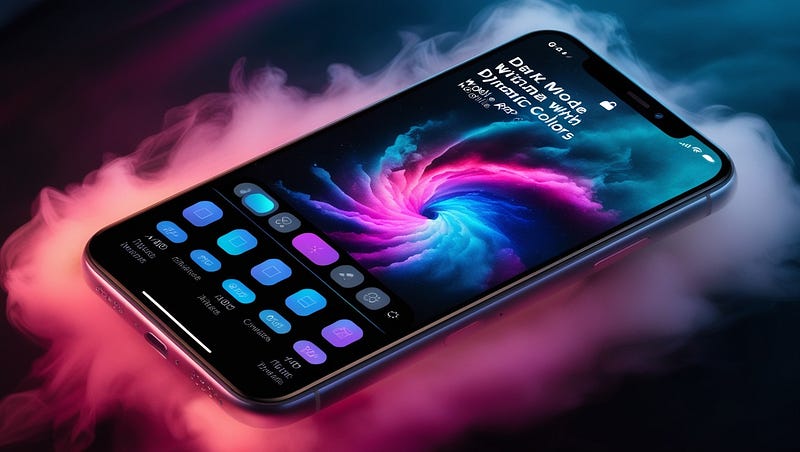
Dark mode isn’t just a trend — it’s a necessity. Modern apps take it a step further by adding dynamic colors that adjust based on the app’s theme. This enhances readability and reduces eye strain during long usage.
Quick suggestion: Ensure that your dark mode isn’t just inverted colors; it should be thoughtfully designed.
6. Scroll-Based Animations
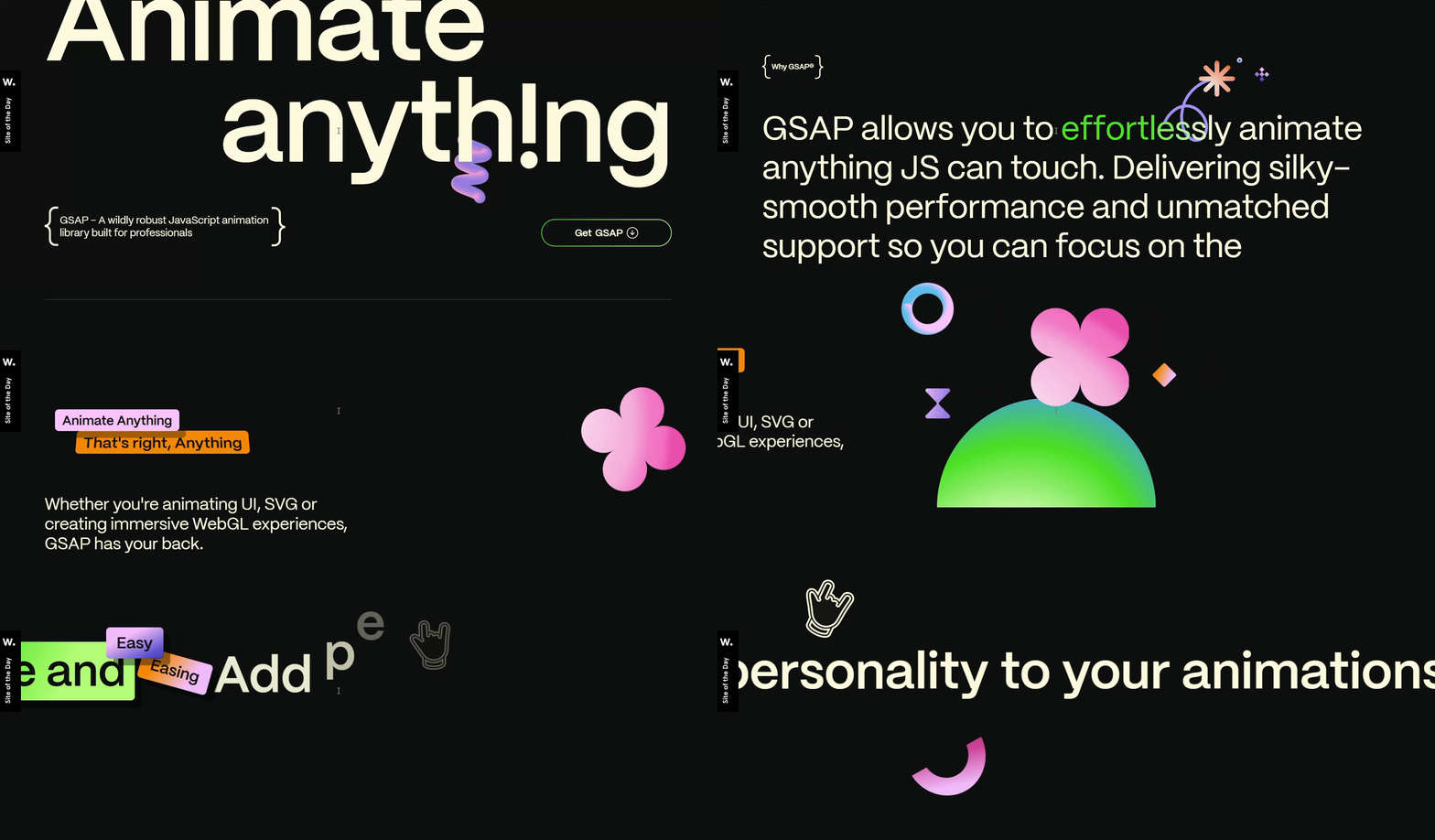
Scroll-based animations have gained immense popularity, thanks to their ability to guide users and create a delightful experience. This pattern is a game-changer, whether it’s revealing content as you scroll or animating elements in sync with the user’s gestures.
Apps to learn from: Check out websites and apps using GSAP or Locomotive Scroll for inspiration.
7. Voice-Enabled Interfaces
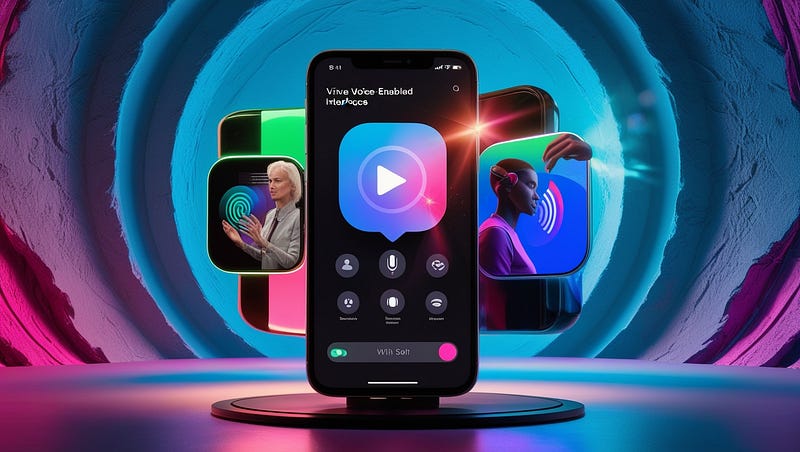
Voice interfaces are no longer futuristic — they’re here, and users love them! Incorporate voice commands or assistants into your app to make navigation hands-free and accessible.
Example: A weather app that provides updates when users ask, “What’s the weather today?”
8. Modular Design Systems
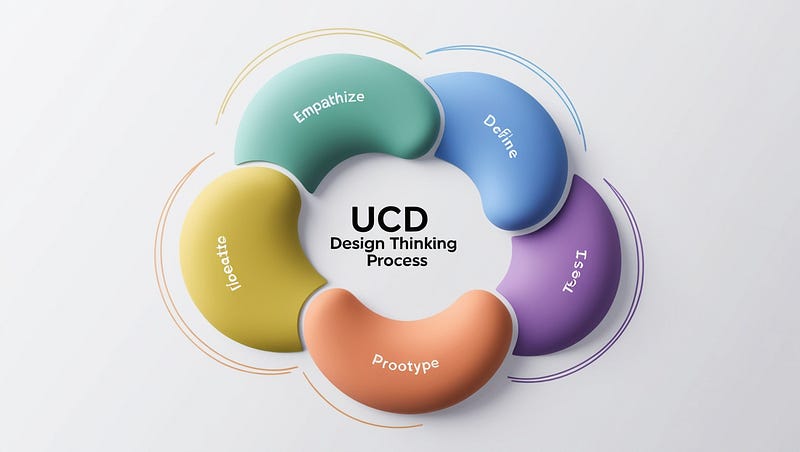
A consistent design system is essential for scaling apps efficiently. In 2025, modular design systems are dominate the UI scene. They allow developers to reuse components while ensuring consistency across the app.
My tip: Tools like Figma and Storybook are great for building and managing design systems.
9. Micro-Interactions for Delight
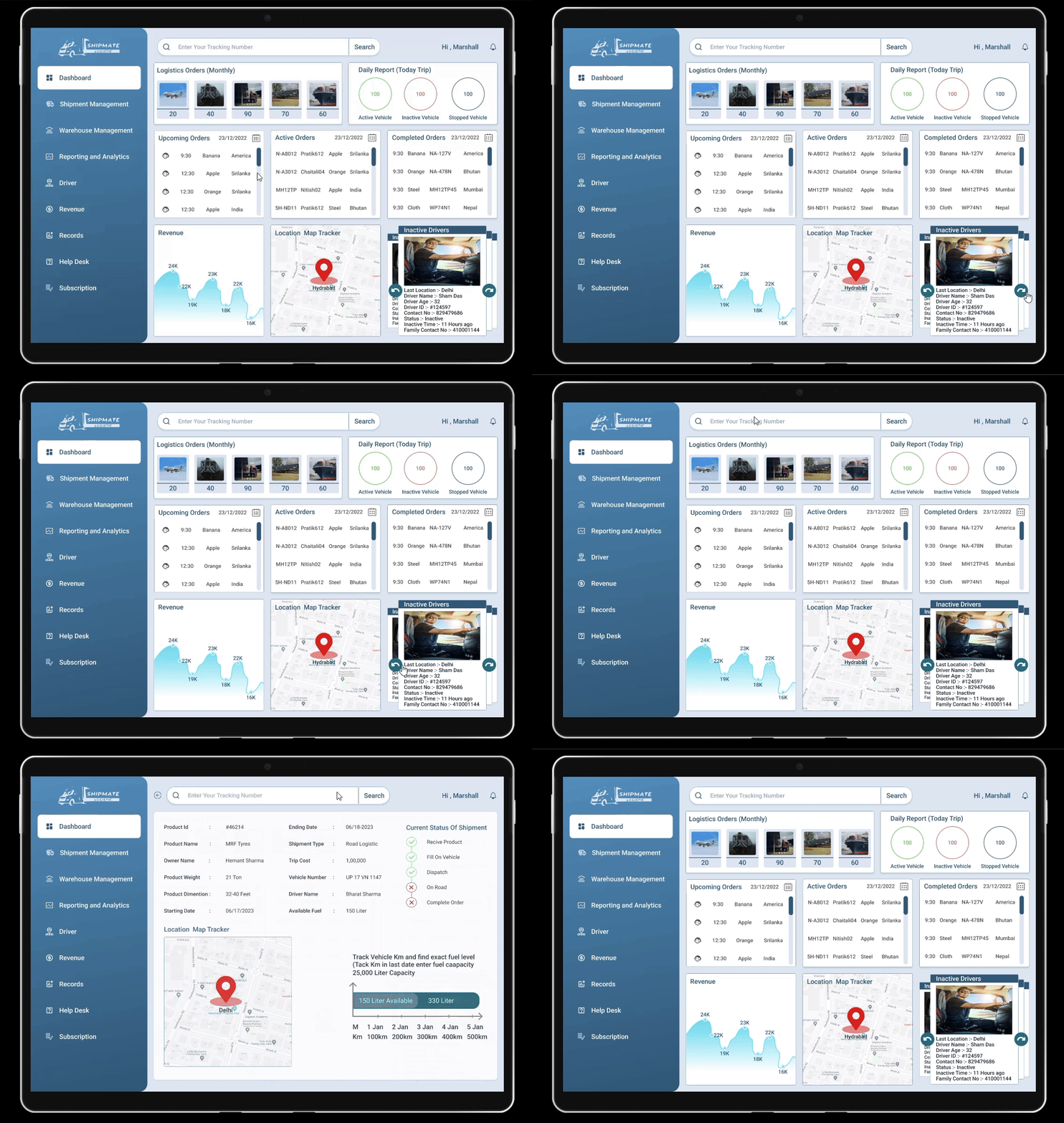
Micro-interactions are the little details that make a big difference. Whether it’s a button that subtly changes color when tapped or a loading spinner that feels alive, these small touches create an emotional connection with users.
Real-life example: LinkedIn’s “Like” button animation when you hover over different reactions.
10. AI-Driven Recommendations
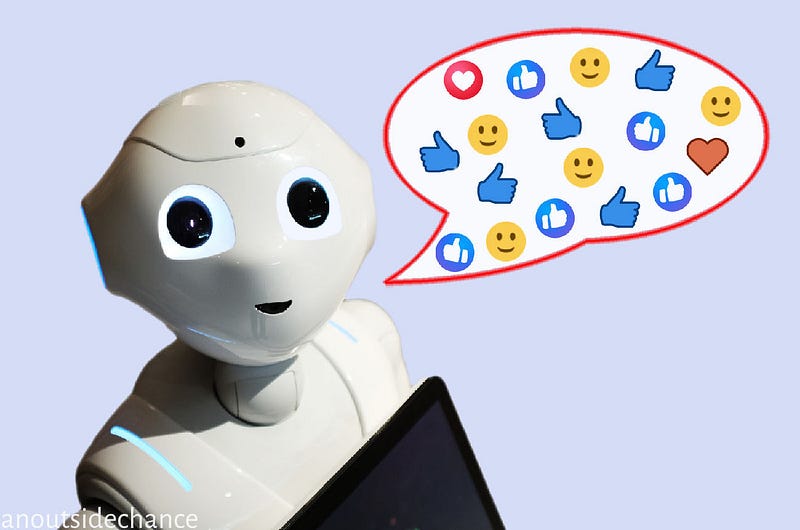
Finally, AI is redefining mobile app experiences in 2025. Apps are now smarter and can suggest actions, content, or products based on user behavior. For instance, a food delivery app might suggest your favorite pizza on a Friday night.
Why it works: It feels personal and makes the user’s life easier, which is what great UI/UX is all about.
Conclusion
Designing mobile apps in 2025 isn’t just about looking good — it’s about functionality, accessibility, and creating meaningful user experiences. I believe these 10 UI patterns will help you stay ahead of the curve and create apps that users love.
Let me know which of these patterns you’re excited to implement in your next project! I’d love to hear your thoughts in the comments.


