
7 Magical Christmas Animations for Your Website 🎄✨
The Christmas season is here, and what better way to celebrate than with some delightful animations? This article walks you through seven creative animations, complete with code examples and explanations to bring festive cheer to your projects. Let’s dive in!
🎩 1. Moving Santa Hat
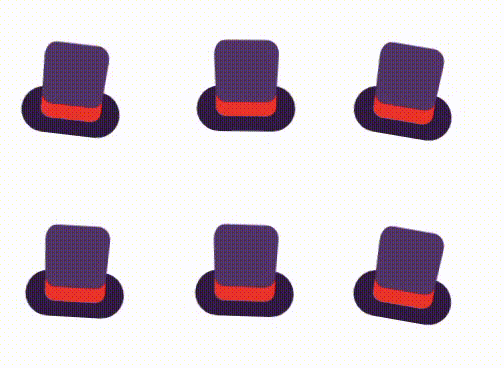
This animation makes a Santa hat wiggle back and forth for a playful effect.
Code:
<div class="santa-hat"></div>.santa-hat {
width: 100px;
height: 100px;
background: url('santa-hat.png') no-repeat center/contain;
animation: wiggle 1s infinite ease-in-out;
}@keyframes wiggle {
0%, 100% { transform: rotate(0deg); }
50% { transform: rotate(10deg); }
}Explanation:
- HTML: Creates a
<div>with the classsanta-hat. The Santa hat image is set as the background. - CSS: The
@keyframesrule defines thewiggleanimation, which rotates the hat between 0° and 10° continuously.
🛷 2. Flying Santa Sleigh

Santa’s sleigh moves from left to right, creating the illusion of flight.
Code:
<div class="santa-sleigh">🎅🛷✨</div>.santa-sleigh {
position: absolute;
top: 50px;
left: -100px;
font-size: 2rem;
animation: fly 5s linear infinite;
}@keyframes fly {
0% { left: -100px; }
100% { left: 100%; }
}Explanation:
- HTML: A
<div>contains the sleigh emoji (🎅🛷✨). - CSS: The
@keyframesrule defines theflyanimation, moving the sleigh across the screen in a loop.
✨ 3. Glowing Christmas Lights
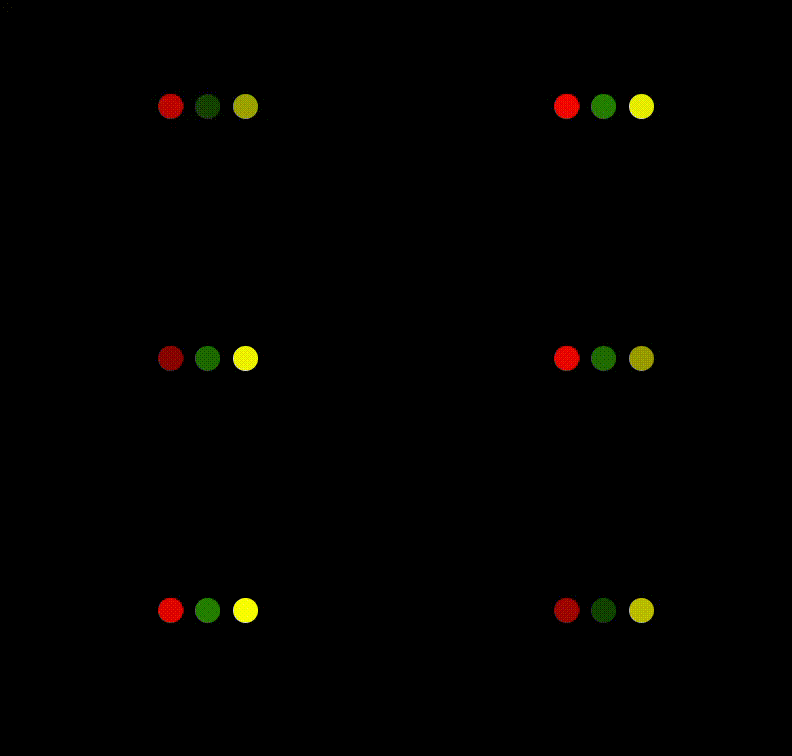
This animation cycles through colors for decorative lights.
Code:
<div class="lights">
  <div class="light"></div>
  <div class="light"></div>
  <div class="light"></div>
</div>
.lights {
display: flex;
gap: 10px;
}
.light {
width: 20px;
height: 20px;
border-radius: 50%;
background-color: red;
animation: glow 1s infinite alternate;
}@keyframes glow {
0% { opacity: 0.5; }
100% { opacity: 1; }
}Explanation:
- HTML: Creates multiple child
<div>elements, each representing a light. - CSS: The
glowanimation changes theopacityto create a glowing effect. The lights cycle through in a sequence.
🍭 4. Bouncing Candy Canes

Candy canes bounce up and down for a festive touch.
Code:
<div class="candy-cane">🍭</div>.candy-cane {
font-size: 3rem;
animation: bounce 1.5s infinite;
}@keyframes bounce {
0%, 100% { transform: translateY(0); }
50% { transform: translateY(-20px); }
}Explanation:
- HTML: A single
<div>contains the candy cane emoji (🍭). - CSS: The
@keyframesrule defines thebounceanimation, shifting the candy cane vertically to create a playful motion.
❄️ 5. Snow Globe Animation
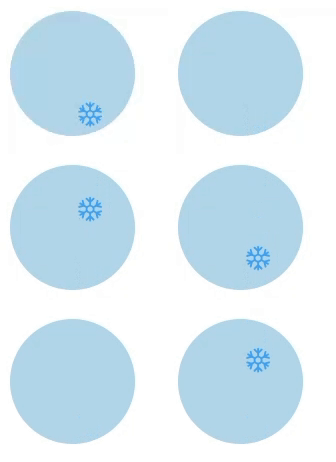
A calming snow globe with falling snowflakes.
Code:
<div class="snow-globe">
  <div class="snowflake">❄️</div>
</div>
.snow-globe {
width: 150px;
height: 150px;
border-radius: 50%;
overflow: hidden;
background: lightblue;
position: relative;
}
.snowflake {
position: absolute;
top: -20px;
left: 50%;
font-size: 1.5rem;
animation: fall 3s linear infinite;
}@keyframes fall {
0% { top: -20px; }
100% { top: 150px; }
}Explanation:
- HTML: A
snow-globecontainer holds the snowflake emoji (❄️). - CSS: The
fallanimation moves the snowflake from the top to the bottom, creating a falling effect.
🎁 6. Ornament Wreath
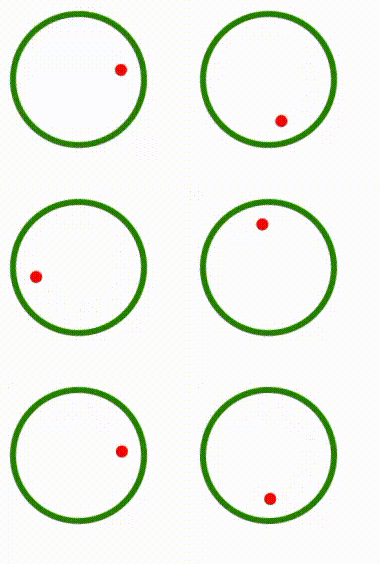
A wreath spins with an ornament attached to it.
Code:
<div class="wreath">
  <div class="ornament"></div>
</div>
.wreath {
width: 150px;
height: 150px;
border: 5px solid green;
border-radius: 50%;
position: relative;
animation: spin 3s linear infinite;
}
.ornament {
width: 20px;
height: 20px;
background: red;
border-radius: 50%;
position: absolute;
top: 10px;
left: 50%;
transform: translateX(-50%);
}@keyframes spin {
0% { transform: rotate(0deg); }
100% { transform: rotate(360deg); }
}Explanation:
- HTML: A circular
wreathcontainer with a smallerornamentinside. - CSS: The
spinanimation rotates the wreath continuously while the ornament remains fixed.
🎅 7. Waving Santa
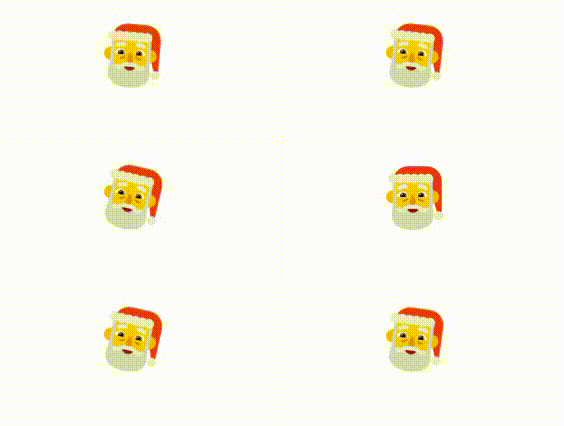
Santa waves to greet visitors.
Code:
<div class="santa">🎅</div>.santa {
font-size: 4rem;
animation: wave 1s infinite ease-in-out;
}@keyframes wave {
0%, 100% { transform: rotate(0deg); }
50% { transform: rotate(15deg); }
}Explanation:
- HTML: A single
<div>contains the Santa emoji (🎅). - CSS: The
waveanimation rotates Santa’s arm between 0° and 15°, creating a waving effect.
Conclusion
These animations add a touch of Christmas cheer to your projects. By combining HTML, CSS, and simple animations, you can create engaging festive designs. Feel free to experiment with these ideas and share the holiday spirit! 🎄


