
Structuring Your Ideas: A Guide for Aspiring Writers
Learn to Build Impactful Articles from Top-Performing Content

In this article, we’ll discover how to find the right topic you want to write about. Also, we’ll discover research through the Web and use free tools that already exist that might help us.
For example, I am a writer on the Medium platform and would like to know what people are interested in.
And for you, my reader, and to improve my experience, I’d like to research and show possible ways to create a good article people will love to read.
Google Trends
The number #1 tool you can use before looking for any other is Google Trends. This website can help you discover trends globally or in a particular area.
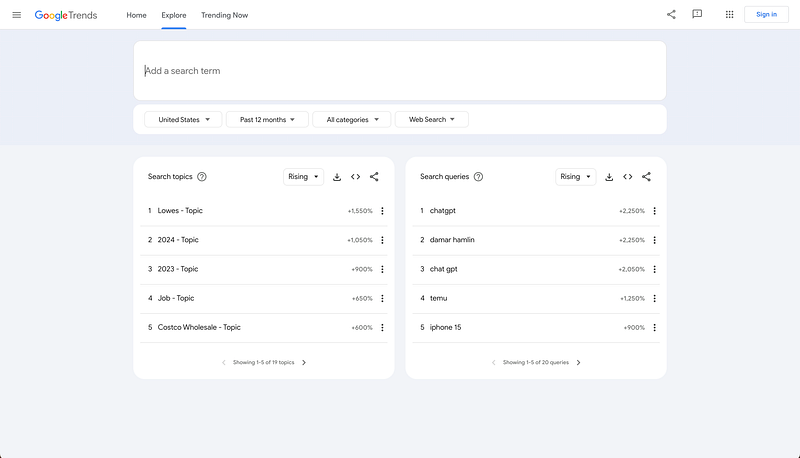
After navigating to the Google Trends website, you can click on the second tab, Explore, and see all the possible topics that have recently become more popular.
On this page, you can also see some filters that may help you:
- Region
- Period
- Categories
- Search type
Also, you can write some search queries using your words in the text box at the top of this page. It will show you the dynamic of searches and related queries to this topic that might become 300% more popular than several months ago.
You can find what is trending in the selected category on the home page and trending now tab.
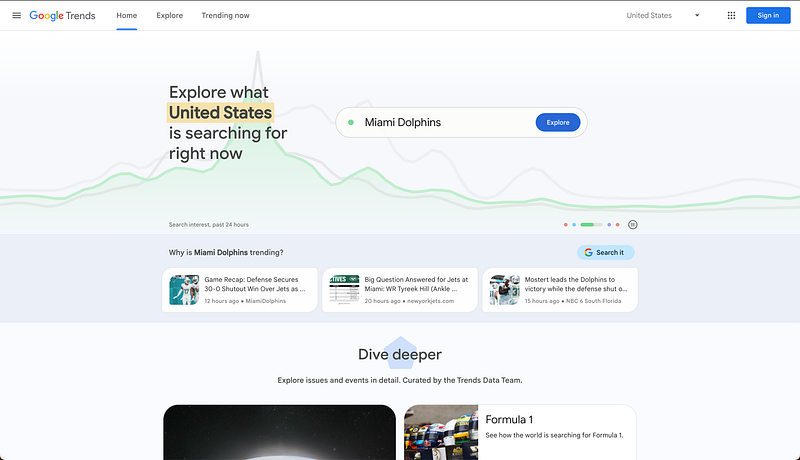
On the next page, you can learn more by getting more examples and explanations of what each button, page, and filter means in Google Trends.
Google Search
Now, we come to the hard artillery. If you already know a topic you want to write about or recently found one in Google Trends, you must find out the following things.
- Keywords in Your Header
- Subtitle
- Headers in Your Article
- Topics in Your Article
So, as you know, your article isn’t just a header, subtitle, or image in the body text. You should know that each word in your article is essential for better SEO optimization.
Also, only a few people know that headers inside of your article matter.
When Google indexes your article (like other websites), it analyses your H1 and H2 headers and decides if your article is relevant to people searching for it.
That’s why it’s essential to do good pre-research and look for other articles and their content.
Open the Incognito Tab in Google Chrome
Google search is the best tool to help you in this type of research; now you will see why.
Let’s imagine you want to write an article on productivity.
Here are the steps we need to take.
In the Google Search (Incognito Tab), write word productivity.
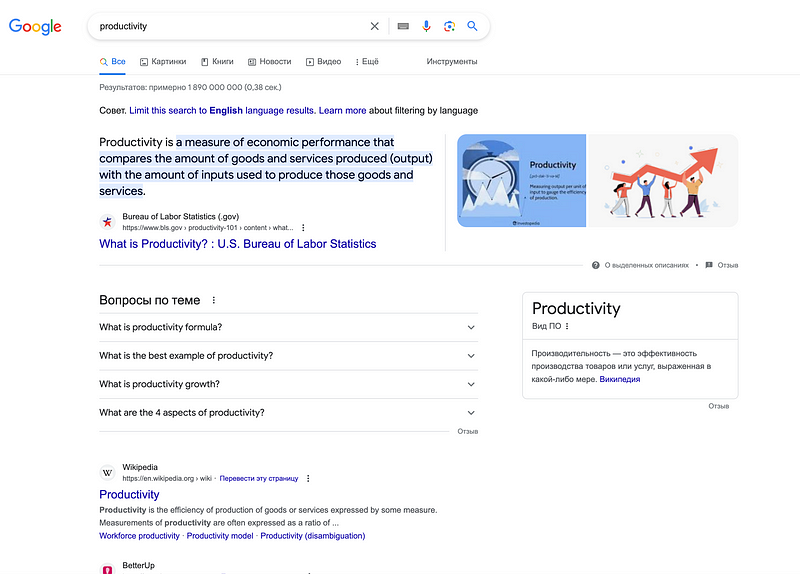
There are only a few topics we see here. Let’s be more specific.
For example, you want to write about top productivity tips at work.
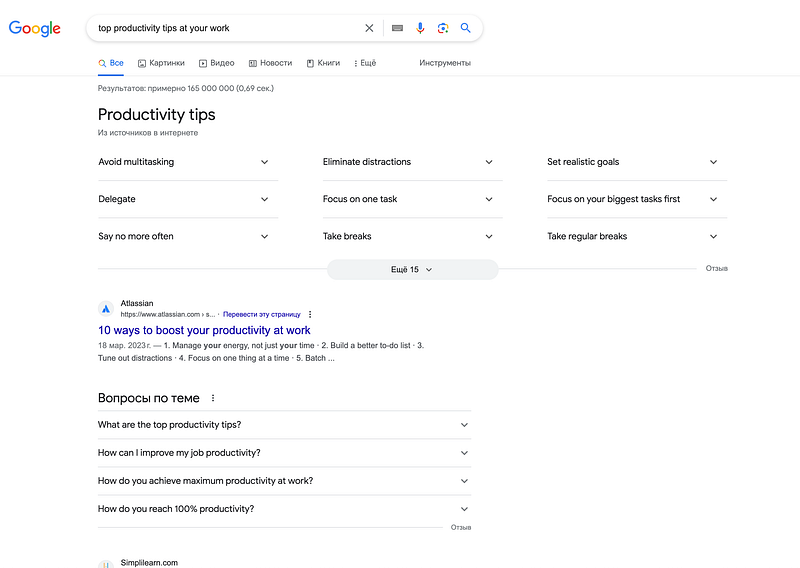
Now we have a lot of information. What can we do with it?
First of all, take a look at the header of the Google Search tab.
Here, you see 9 top productivity tips suggested by Google and 15 tips you can see if you click the button below.
That’s a good start for your keywords and headlines. You can write an individual article focused on any tips mentioned in the list.
Then, look at the expandable list below.
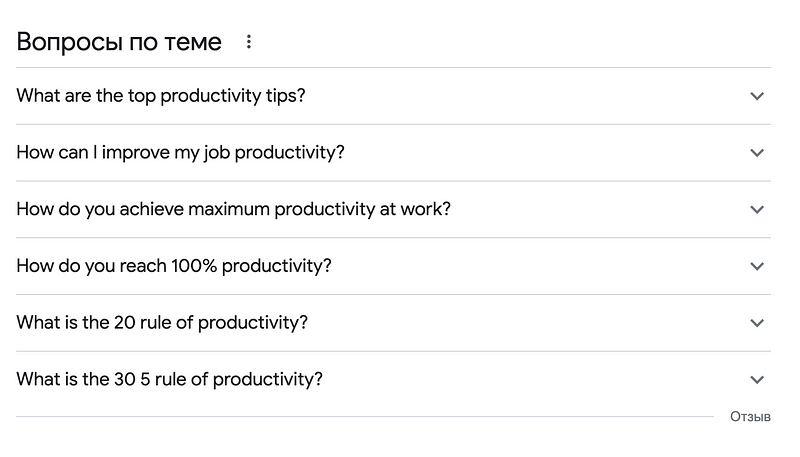
These items contain complete topics that are related to what you search. You can use them and keywords that already exist in these topics.
Click on the expand button and look at the tips and text inside of it. There is enough information and guides you can use on your topic.
After that, it’s good to look at the 5 top articles in the Google Search result list and learn about them.
It would help if you looked at the following things:
- Headline of the article
- Headlines in the body of the article
Learn all headers you may find in the article. They are the flags people are looking for, interested in, and need.
But it doesn’t mean that you should copy-paste all headers you will find. Take the best you find and improve them, or simplify as you wish.
You aim to make a unique article, but not a copy of a good one.
Content Structure
After you finish your research, you need to make an article structure.
Write your header, subtitle, and headers for each subtopic you will explore in your article.
I know all these items will take time. Research and other preparation may take more time than writing.
But all these items are essential and are parts of the process!
If you want to create a good article, you need to know what you are making, for whom you start it, and why.
And those tools we discovered above are the best for you to find the answer to the main question you need to have.
What Are Readers Looking For?
By understanding your readers’ real pains, questions, and searches, you can create a solution for them.
It might be text, video, or any other product you may make.
Just be sure you do the right things. Learn more, and look for ways to become better.


