Raspberry Pi 5: Picked one from Local Computer Store
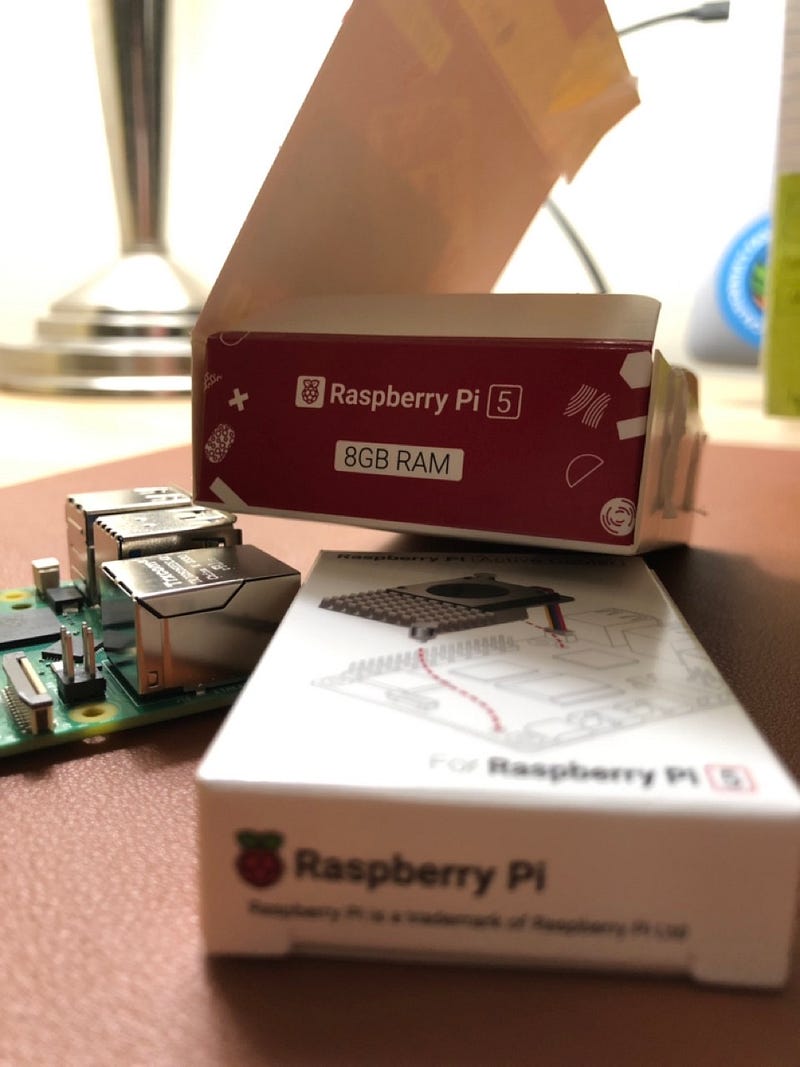
Finally, I got a Raspberry Pi 5 and a Active Cooler.
Intro
There is a local computer store around where I live. When new computer things are released, the store has some.
After the Raspberry Pi 5 announcement, I checked / followed if the store had any scheduled date to stock them.
And, finally I got one on 7th of November. To prevent one person to buy all, the store set one limit per customer. ( one per customer per day lol )
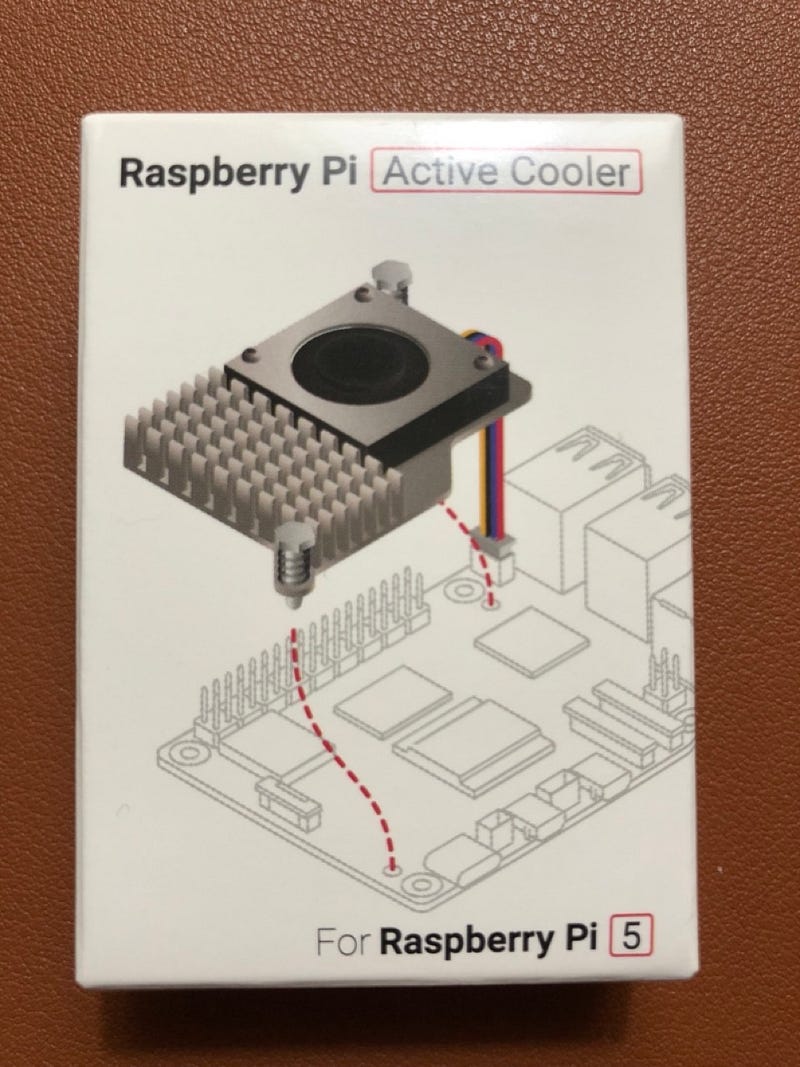
Bought with Active Cooler
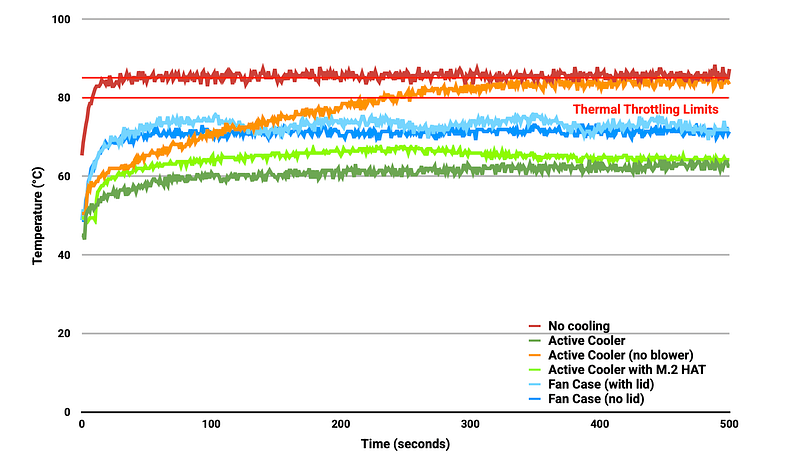
From several pre-reviewed YouTube, I knew that the Raspberry Pi 5 gets hotter than Pi 4. It needs more than Passive Cooling.
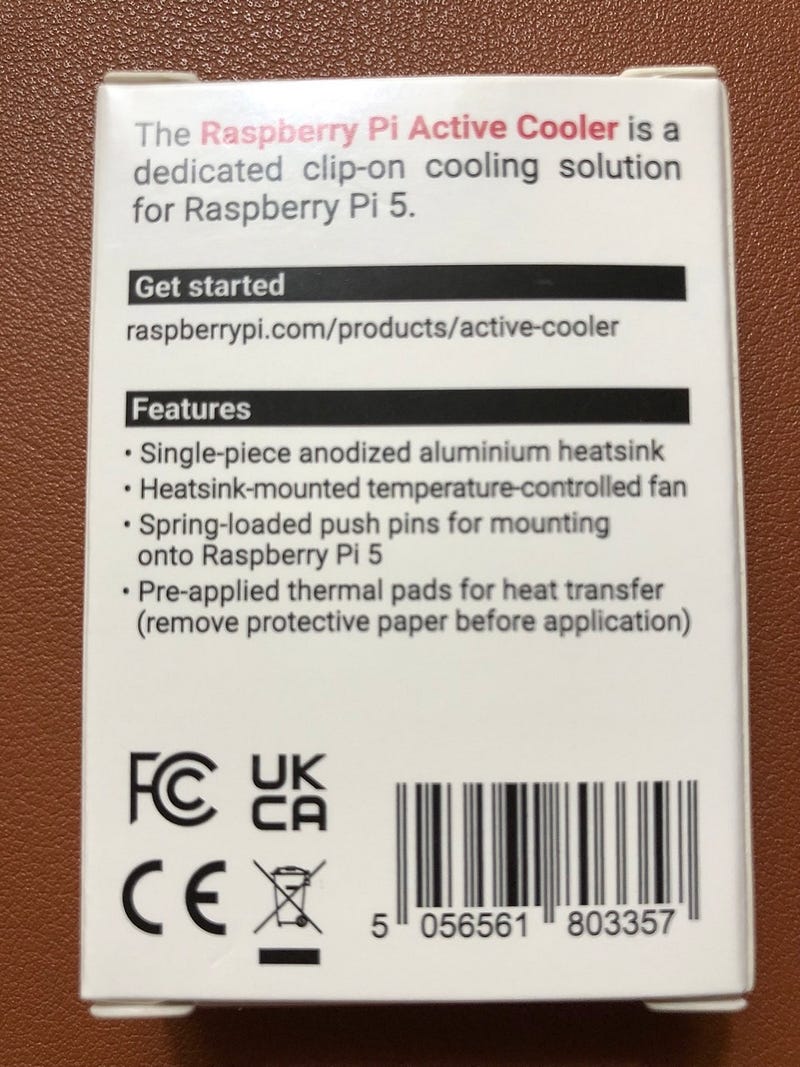
Therefore, I bought the Raspberry Pi 5 Active Cooler as well. ( Based on my current load, it seems the active cooler might not be required. )
For normal usage of your Raspberry Pi, adding cooling is entirely optional. The idle performance of a Raspberry Pi 4 and a Raspberry Pi 5 is about the same, and under typical loads Raspberry Pi 5 will run cooler than a similarly loaded Raspberry Pi 4. ref: https://www.raspberrypi.com/news/heating-and-cooling-raspberry-pi-5/
Mount Active Cooler
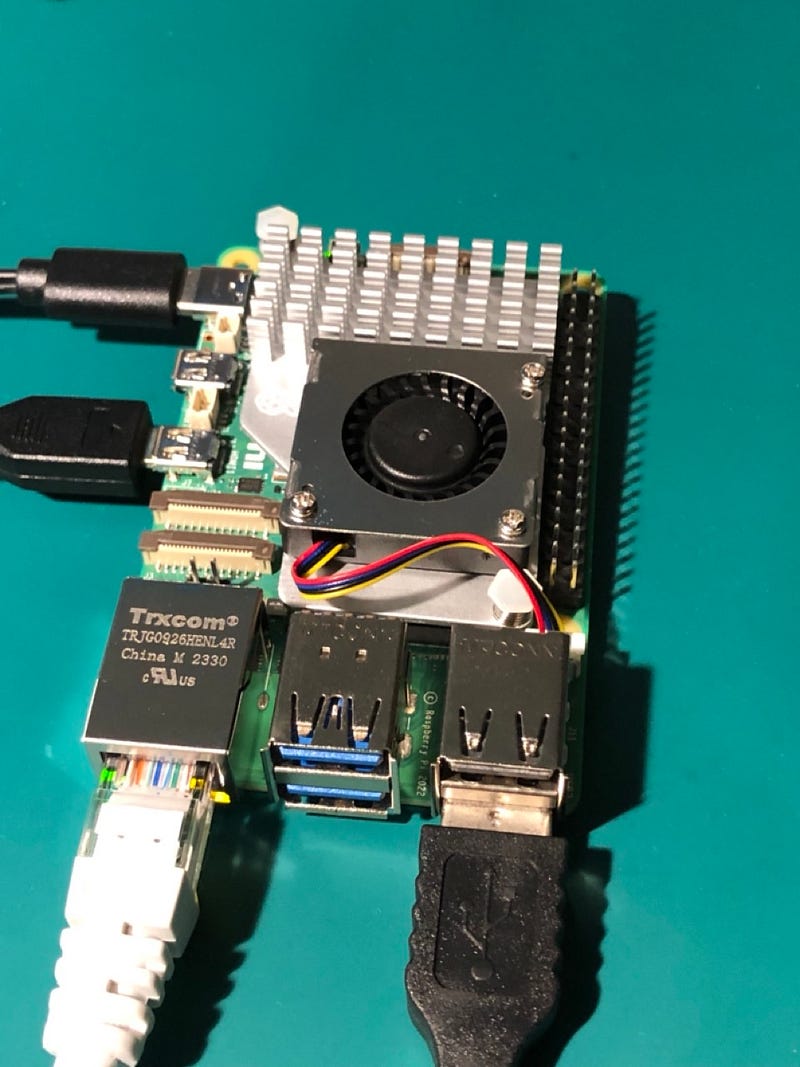
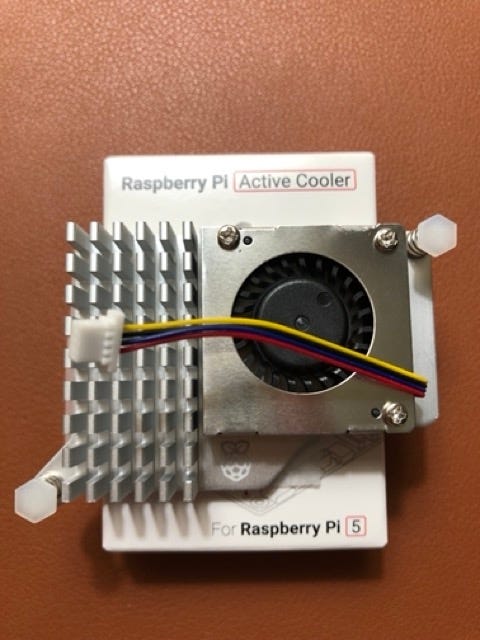
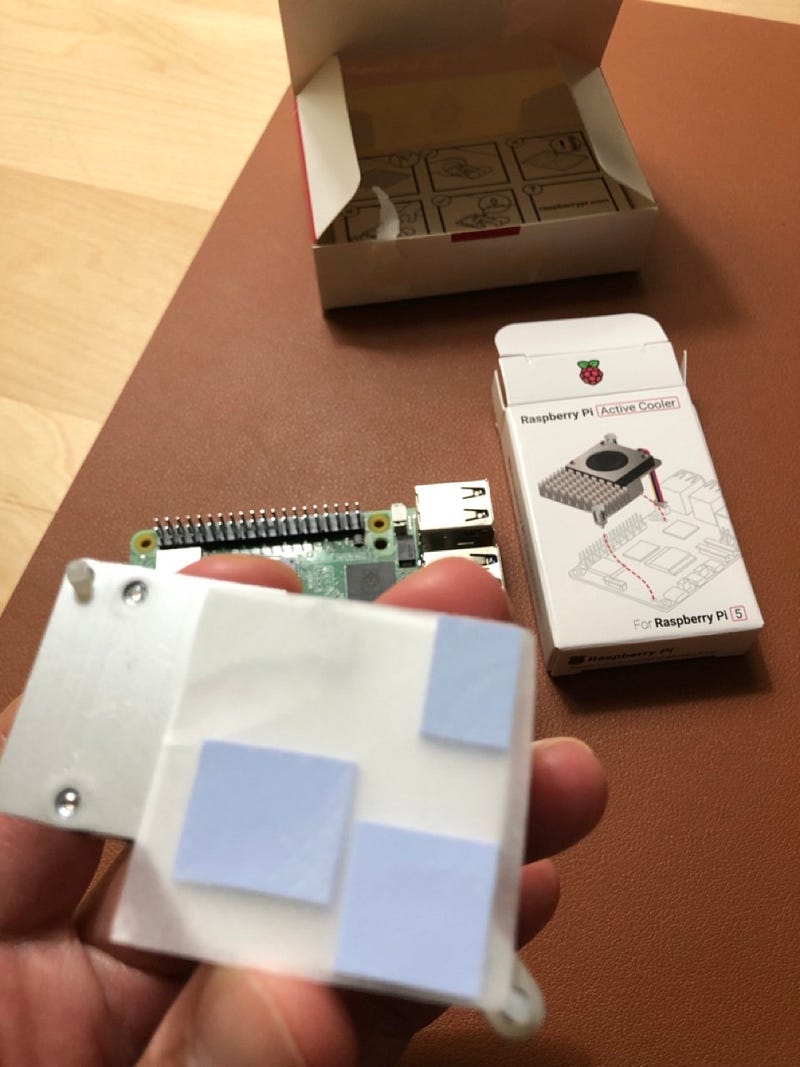
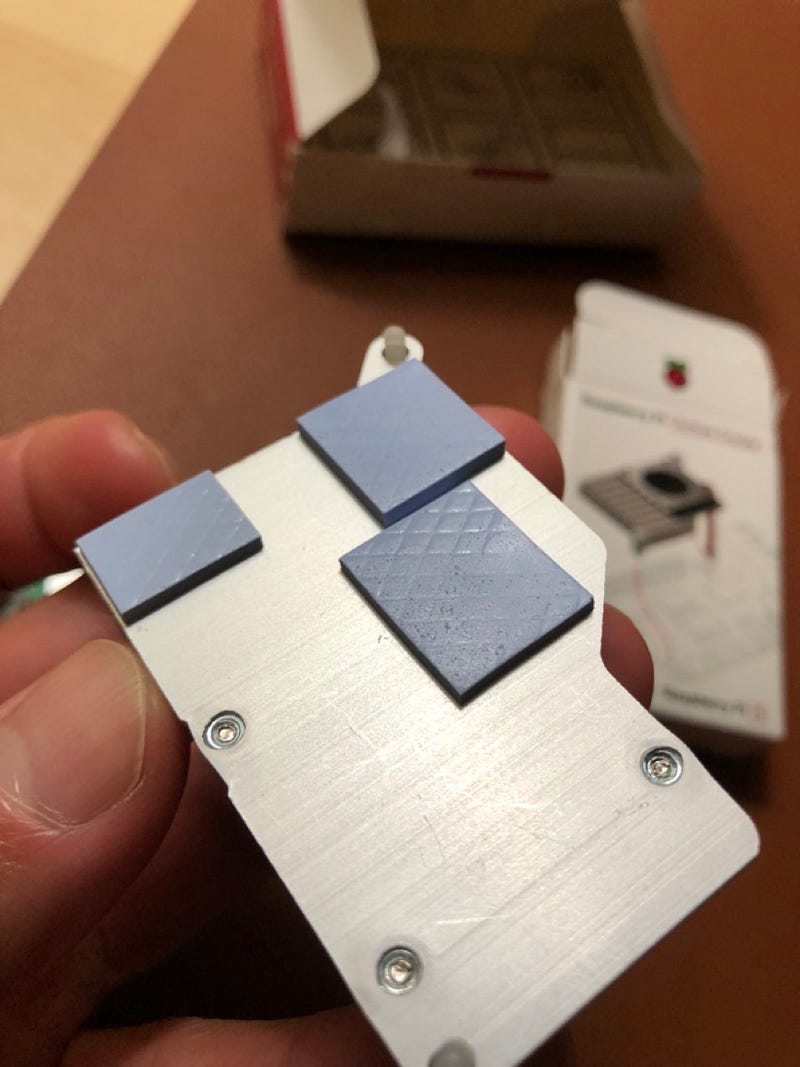
The thermal pads were already attached on the active cooler. After taking off the white paper, I mounted the active cooler on the Raspberry Pi 5.
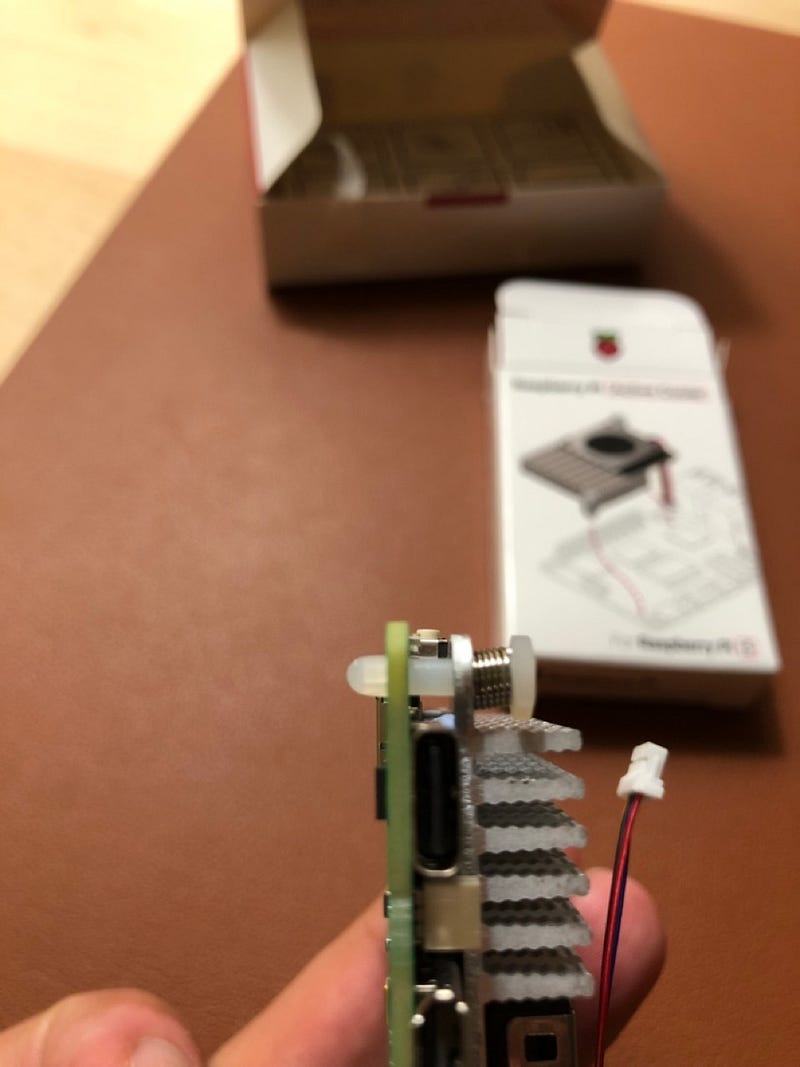
The active cooler had two plastic pins ( the image on the right ) that was able to hold the cooler and the board. As you can see on the image, the pin was little short and tight. I hope it doesn’t break since I don’t know where I can find the replacement if it is broken.
Connect Active Cooler to MFC
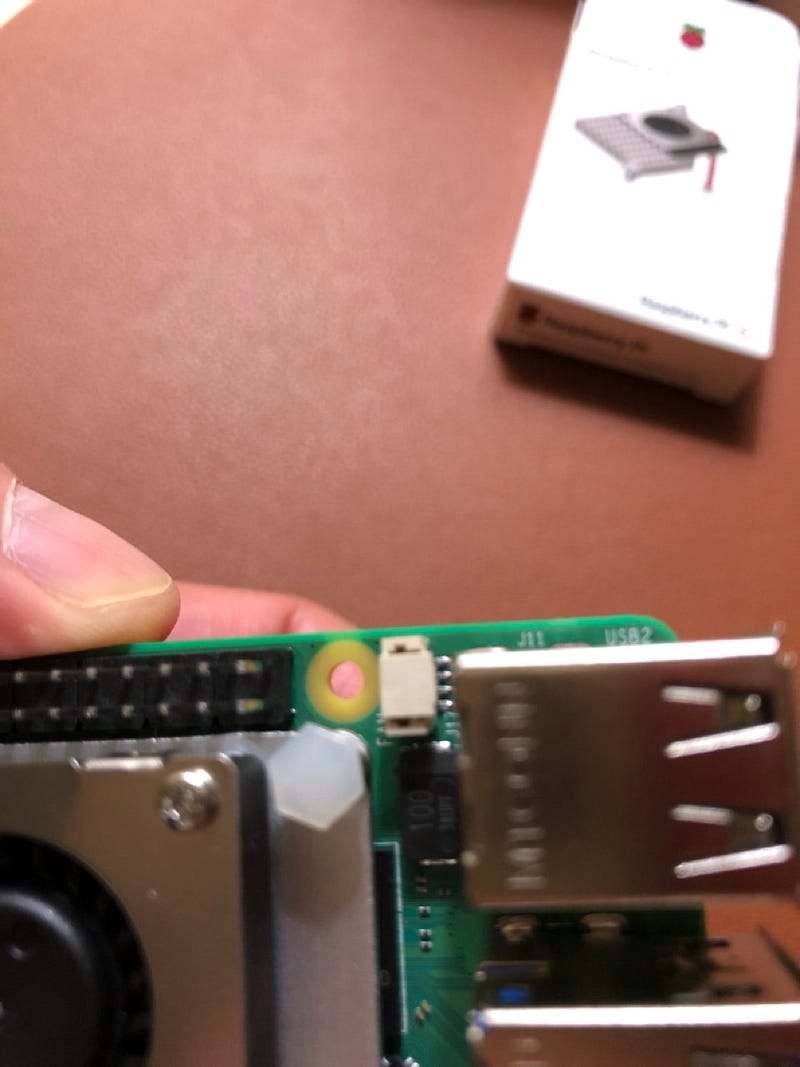
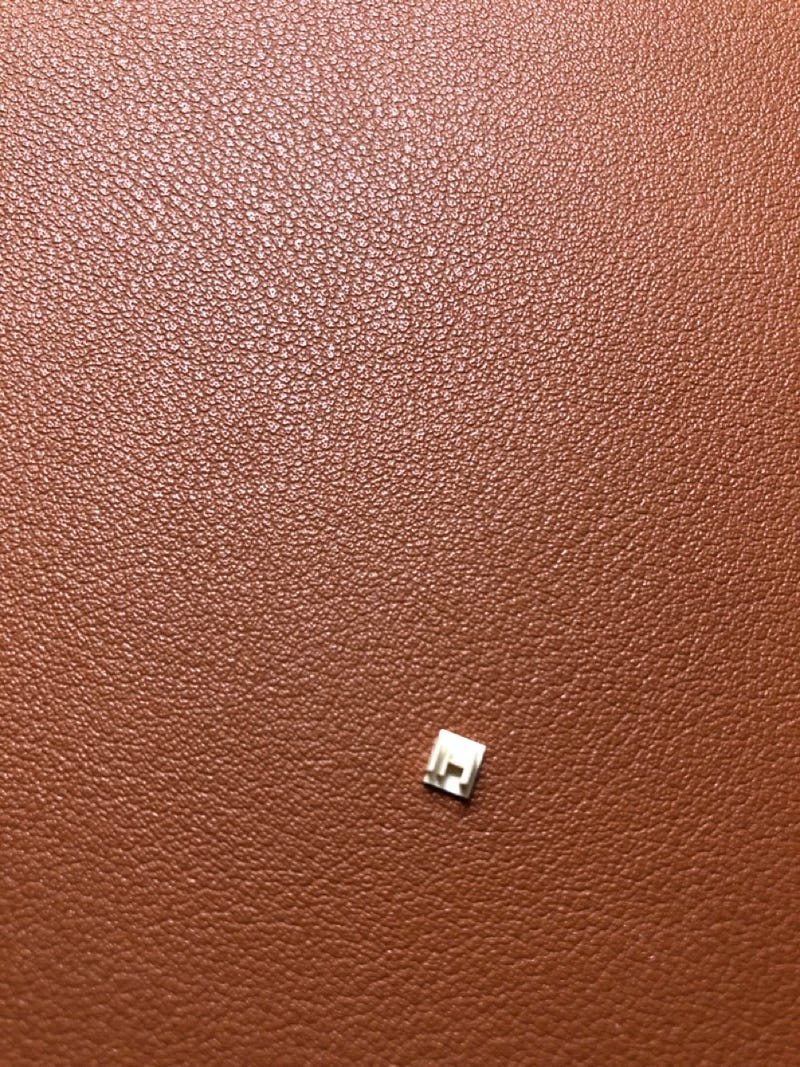
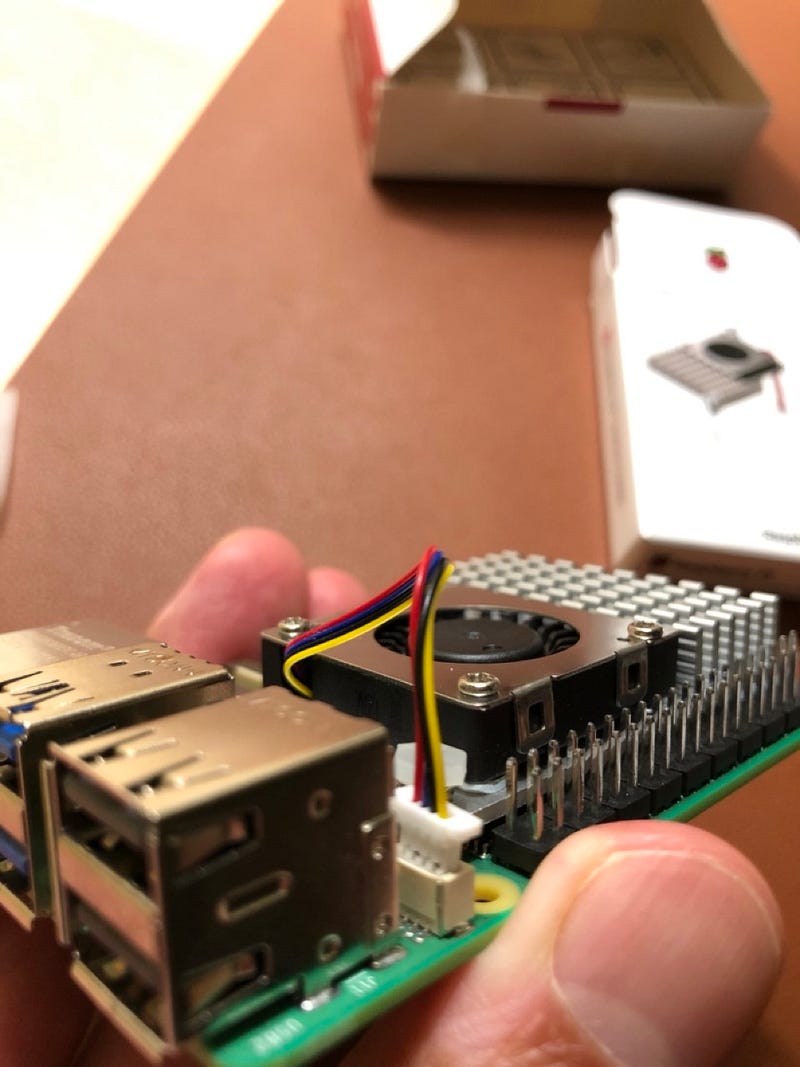
The MFC socket on Raspberry Pi 4 was covered with a plastic cap. It was very tiny, but I was able to take it off without putting any extra force.
After taking out the plastic cover, I connected the cable. The MFC socket was really small, so it was little difficult to see which direction the cable should be plugged in. ( the yellow cable should face to outside. )
Power On
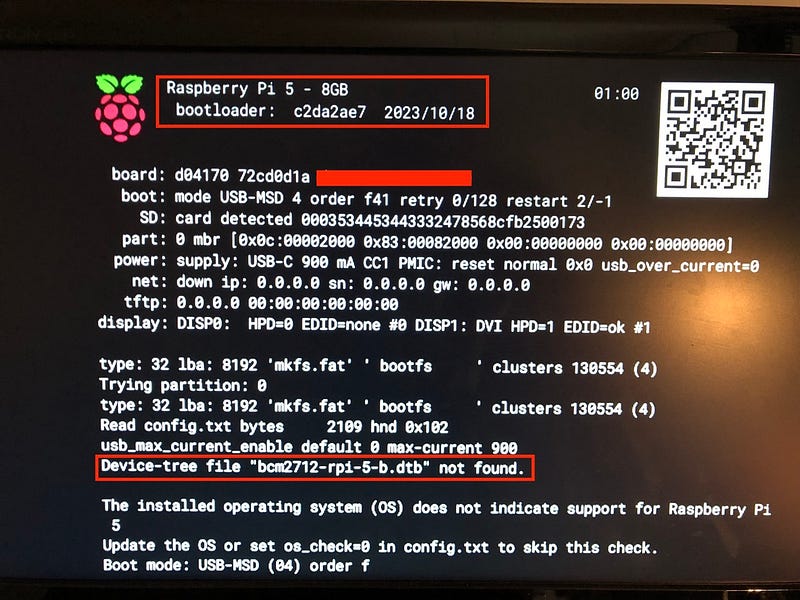
With the bootable SD Card I created with RPi OS about a month ago, I booted the Raspberry Pi 5. However, it didn’t work because the RPi OS was missing Raspberry Pi 5 related file. ( It was out-dated. )
The interesting thing to me was that the active cooler ran 100% RPM during the booting. The active cooler was very loud when it ran with full RPM. ( Actually, on idle and on normal usage, it wouldn’t run super fast. )
So, I re-created the bootable SD Card with the latest RPi OS.
Idle State
Once Raspberry Pi 5 was booted, the active cooler stopped spinning the fan. ( I wouldn’t be happy if the fan kept running with full speed + the fan noise )
Although Raspberry Pi 5 was on idle , I sensed the heat from the board. ( I didn’t sense those warm heat on Raspberry Pi 4. )
IMHO, It’s good to have the extra compute power in Raspberry Pi 5 by paying $5 more. However, if the extra compute is not necessary, then I guess Raspberry Pi 4 is not a bad option.
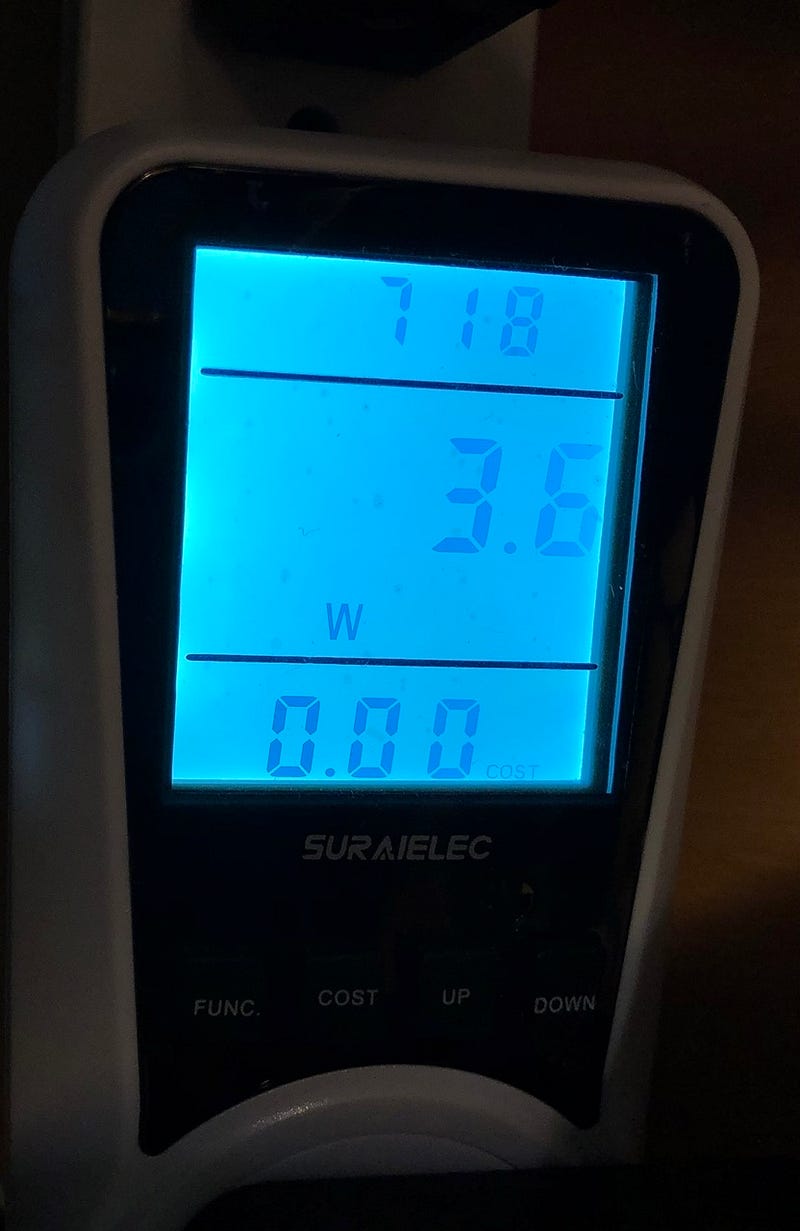
Raspberry Pi 5 is hotter than Pi 4 even on idle. It means that it consumes little more power. When Raspberry Pi 5 is on idle. It consumed around 3.6W. ( Pi 4 was 2.4W )