
My Top 7 Paid Subscriptions I'll Never Cancel as a Content Creator

As a content creator and entrepreneur, I rely on tools to help me manage my business.
I’ve tested and tried dozens of different tools over the years.
Some are winners, others are duds. Some are great but, just too expensive to make it worth it.
Through it all, there have been 7 paid subscriptions I’ve used in my business that I just can't live without.
Here are my top 7 paid subscriptions I’ll never cancel as a content creator…
1. Canva
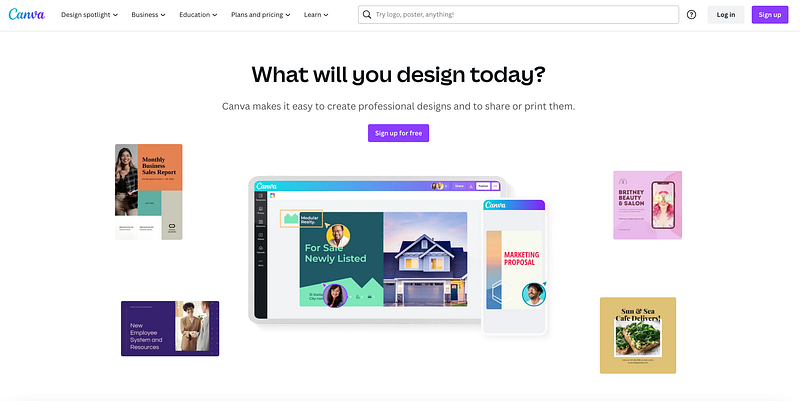
In no particular order, we start with Canva first. Canva is a graphic design tool you use to create graphics.
I started using this several years ago and pay around $13/month for the premium version.
When I tell you this is all you need for your graphic design needs, I mean it.
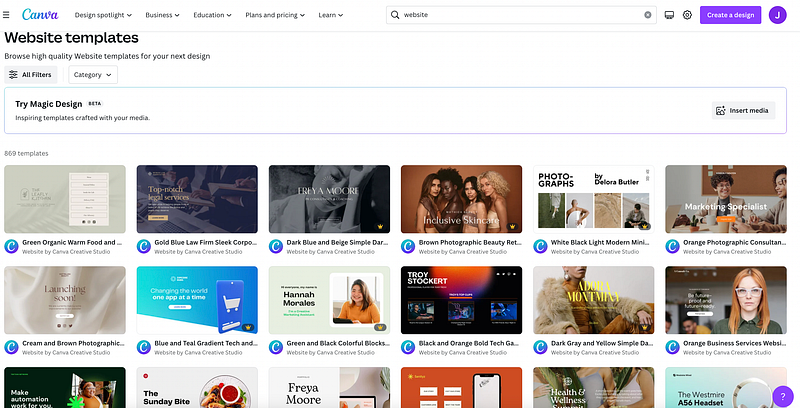
Hundreds and hundreds of templates for anything, from logos to Pinterest pins, email headers, media kits, resumes, and, on and on.
They have a template for just about anything.
I used to pay a graphic designer $30 to $50 to design various things for me.
Now, I just DIY it myself with Canva.
They even have website templates…
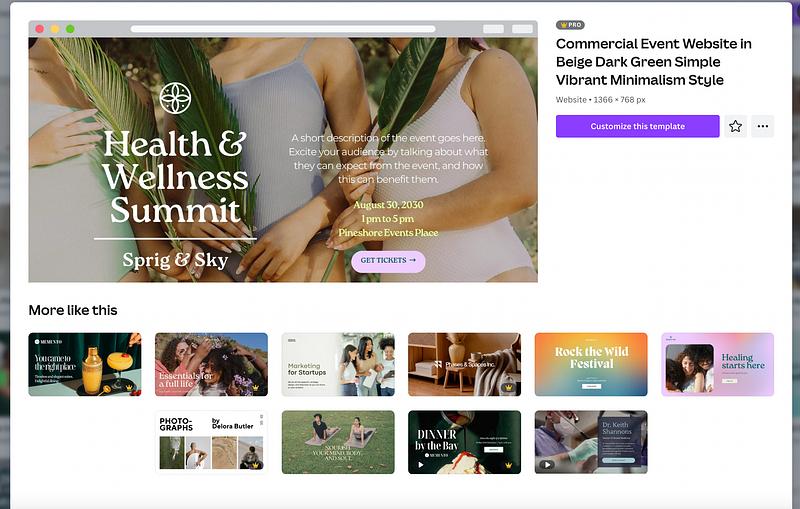
Browse their dozens of templates, pick one, swap out the text and images with your own and you’re done!
How do I use Canva?
I use Canva to create images for:
- Pinterest pins
- Blog posts
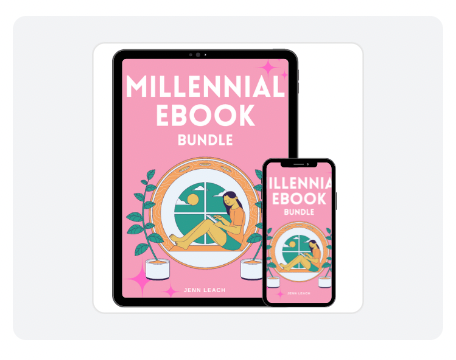
- Ebooks
I’ve used it for other things as well but, mostly these three things are what I do heavily on Canva.
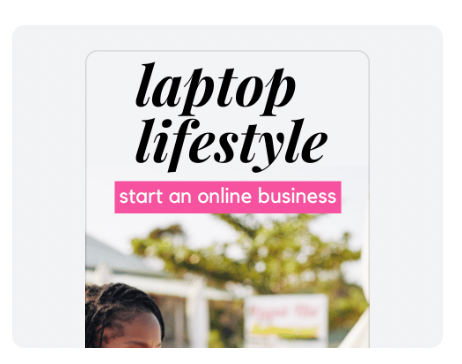
Here are some examples of the images I’ve created:
I’m not going to try to sell you on Canva. If you don’t use it, you should just sign up and see what you think.
Their free account gives you A LOT!
I was on the free plan for a long time before I finally upgraded and that’s because I needed a handful of the premium features like access to transparent images.
Head to Canva, check it out, and let me know what you think.
2. Teachable
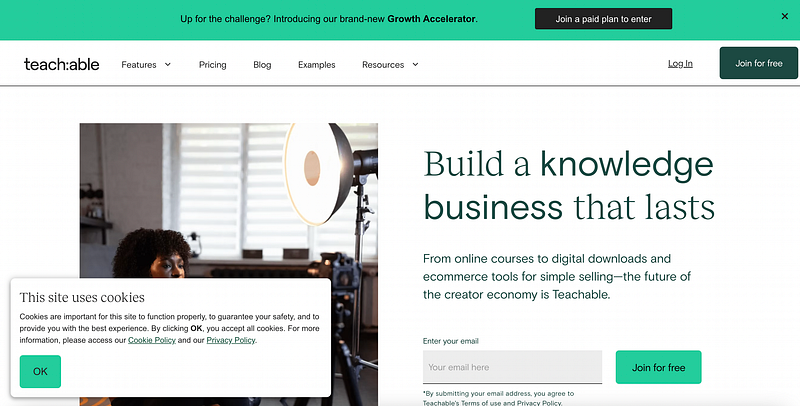
Teachable is an online course platform. Course creators can host their course there.
How do I use Teachable?
I have three core online courses I host there.
This is my Teachable school and here are my courses:
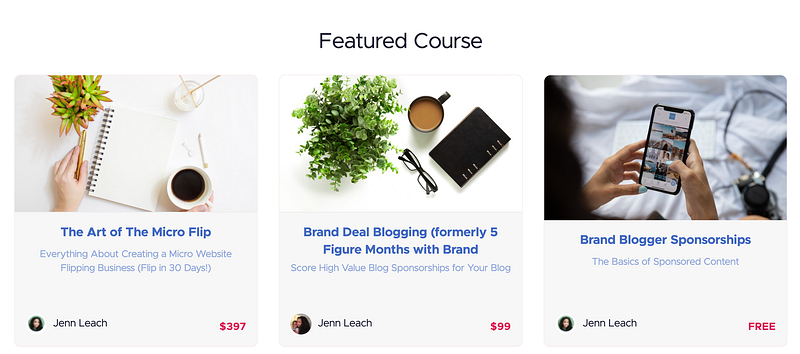
But in the past, I’ve hosted dozens of different courses.
I like Teachable because it’s easy to use, has everything I need for my course including the ability to create coupon codes, email students, manage affiliates, etc.
I pay $166/month for Teachable.
I’ve been using Teachable for years!
And, I’ve tried other platforms to see if there was something better and if I could find something just as good for a cheaper price, but, Teachable always wins.
They even have a free plan that’s good for one course and unlimited students!
Plus, other plans for creators with additional needs:
- More courses
- Discounts on fees
- Access to more features
If you teach an audience online, consider Teachable as your course platform.
3. Gumroad
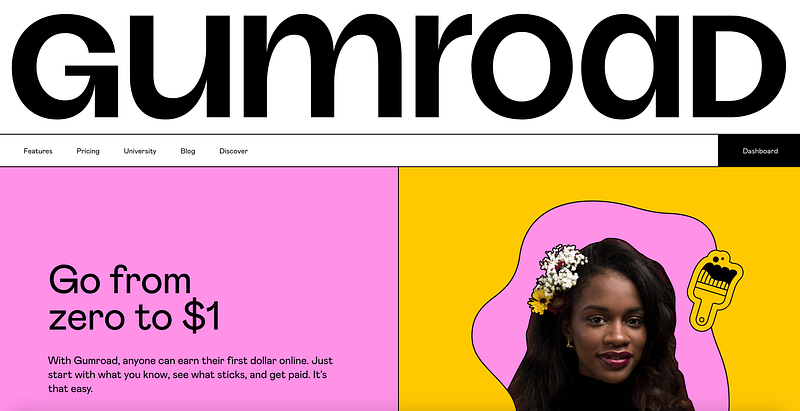
Gumroad is an online platform for selling digital products like ebooks, courses, software, etc.
How do I use Gumroad?
I use Gumroad to sell my various ebooks (and services in the past).
It’s free to join. You can create your product pages really easily and publish your products super fast.
They do take a percentage of each sale, which is to be expected.
So, you only pay Gumroad when you make a sale.
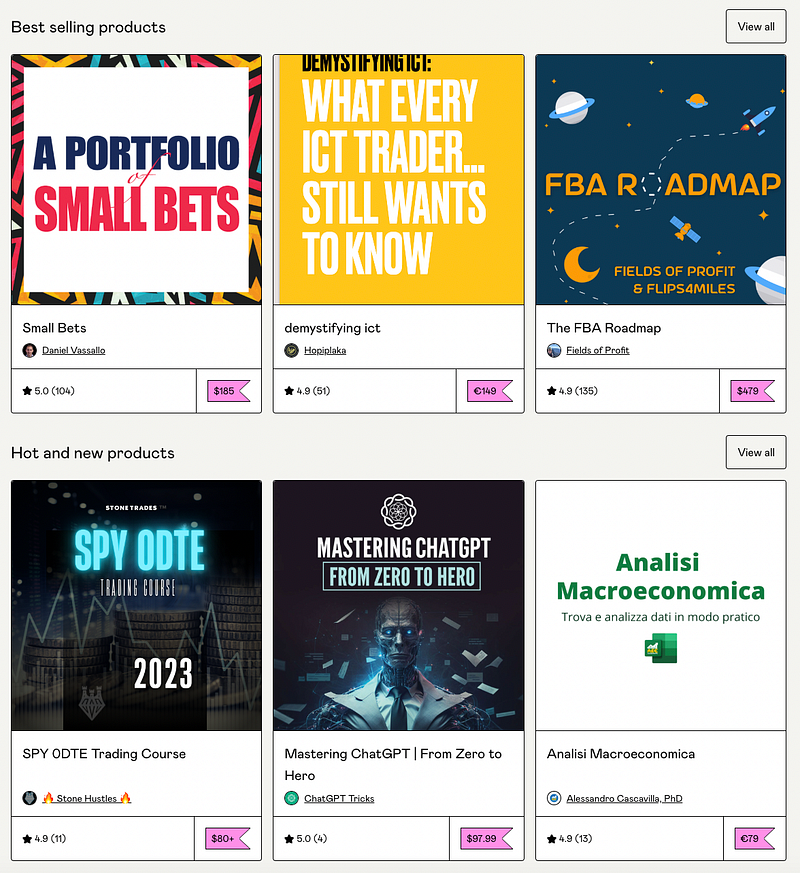
Their marketplace, called Discover has products from many of their creators (you can choose if you want your products in Discover or not).
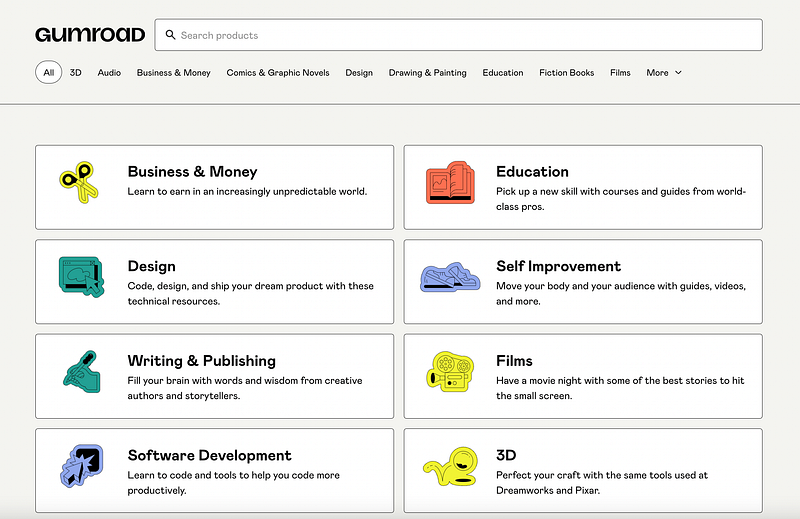
It’s another opportunity to make sales.
And, you can browse the competition and explore your own interests, purchasing from other creators.
Visit Gumroad to check it out.
4. Copy AI
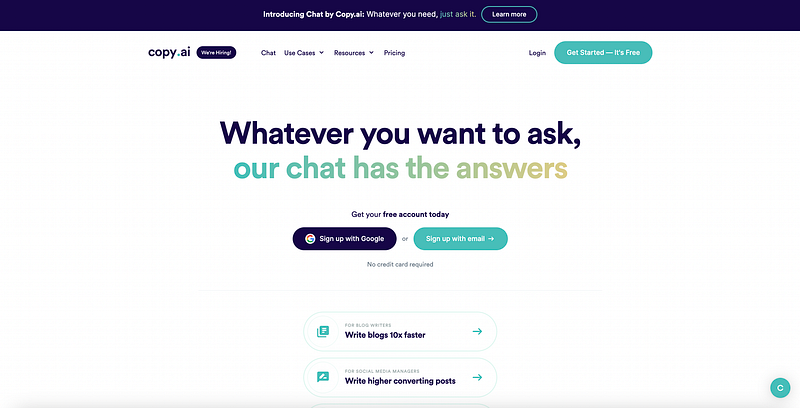
Copy AI is an AI writer. You can use it to write emails, blogs, social media, etc. I was using this and Jasper AI for a long time.
What sold me on Copy AI was the Blog Wizard Tool which takes you through a few steps to write a blog post in 1–2 minutes for you.
It’s super fast, and you can use it over and over again to write blog post drafts that you’ll edit, proofread and use for your blog, or whatever purpose you may have.
How do I use Copy AI?
I use Copy AI for blog posts. I have a one year subscription with Copy AI and I use the tool a lot!
Their team is incredibly responsive too. One time I had trouble logging in and they worked with me to get signed on.
My Copy AI subscription was around $40-something a month but, I recently partnered with them and they gifted me a one year free subscription so, I pay nothing right now.
Try out Copy AI.
5. Siteground
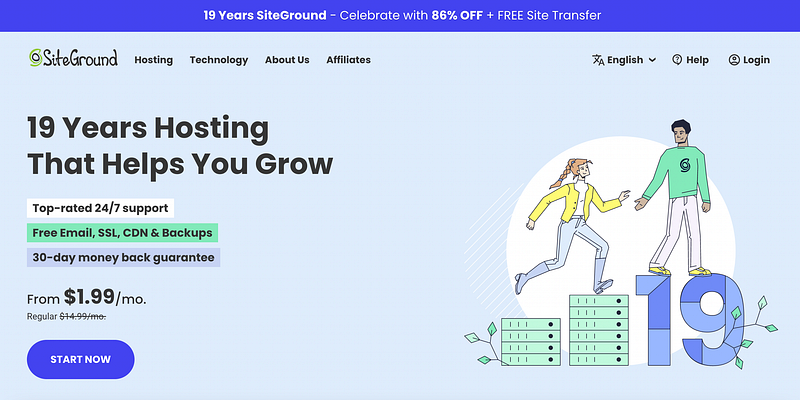
Siteground is a web host. They are my absolute favorite. I’ve tried many web hosting companies but, I’ve stuck with Siteground because of their amazing products and responsive support.
They’ve even helped me get backend stuff I needed for website flipping.
How do I use Siteground?
I use Siteground to host my multiple blogs I run.
I pay $30-something a month to host around half a dozen blogs, which includes email and other features.
If you’re not sure about your host or want to switch, consider Siteground.
Check out Siteground.
6. Systeme
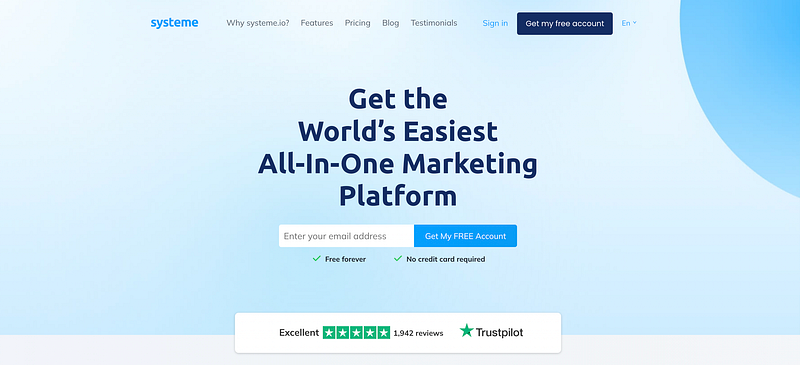
Systeme calls itself an all-in-one marketing platform. I’d have to agree. After a year of waffling, I finally bought a plan and transitioned from Convertkit.
Convertkit was fine but, expensive.
For a cheaper price, I get access to way more with Systeme.
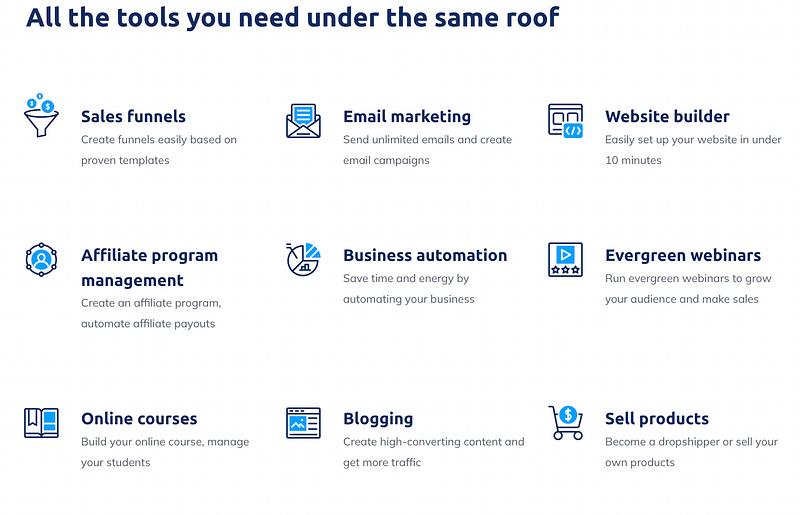
- Email marketing platform
- Sales funnels
- Webinars
- Websites
- Online courses
- Blogging
- Affiliate management
It’s wild!
How do I use Systeme?
I use Systeme for email marketing but, I want to explore all their features. I pay $27/month.
I’ve only played with the email marketing part so far and my mind is blown. I kick myself for waiting this long to transition over to them. Their unlimited plan gives you unlimited access to everything for just $99/month.
I just listened to a podcast yesterday where the host said he paid a $1,900 bill to his email marketing software carrier because he emails a lot. He could be saving $1,800 by switching over to Systeme!
I wrote about them here…
Try out Systeme to see what you think.
7. Clickfunnels
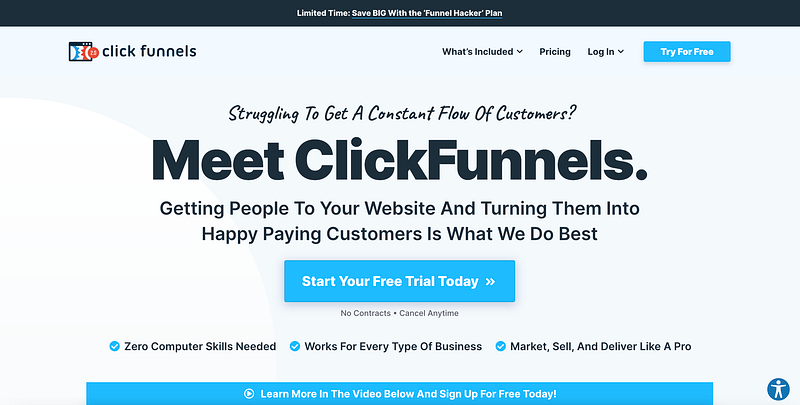
Clickfunnels is a sales funnel builder you use for your business. I have tried manually building funnels for years and rejected sales funnels altogether for a while because I couldn’t wrap my head around it.
But, long story short, sales funnels work.
And, Clickfunnels can help you do it right. They offer done-for-you sales funnels templates you can customize to fit your needs.
It’s super easy to work your way through the site and get to where you need to go, do what you need to do, etc.
How do I use Clickfunnels?
For sales funnels. I pay $99/month starting in June (I’m on a 3-month discount now).
With Clickfunnels, you can:
- Build landing pages
- Create sales funnels
- Create websites
The interface is all drag-and-drop which makes it super easy to use. You don’t need to be tech-savvy and you don’t need to know coding.
This is a newer tool to me and one of the most expensive in my arsenal but, well worth it.
Since using Clickfunnels, I’ve already earned four figures in revenue, which pays for the tool for over a year!
Try Clickfunnels in their 14-day free trial.
Onto You!
There you have it! What do you think?
Have you tried any of these tools in your business?
What are some non-negotiable tools that you use in your business?
Note: Affiliate links are in this article which means if you click a link and make a purchase, I earn a commission at no additional cost to you.
Start an online business with affiliate marketing and grab my free ebook which shows you how.