
Midjourney Ideas: Dot Art with Midjourney V6 Alpha and V5.2
The V6 Alpha is fantastic. Yet, V5.2 still has a lot to offer.
This story is part of the “Midjourney Ideas” series. The series will provide keywords, prompts, style codes, Tuners, and other creative elements to help you create unique artwork.
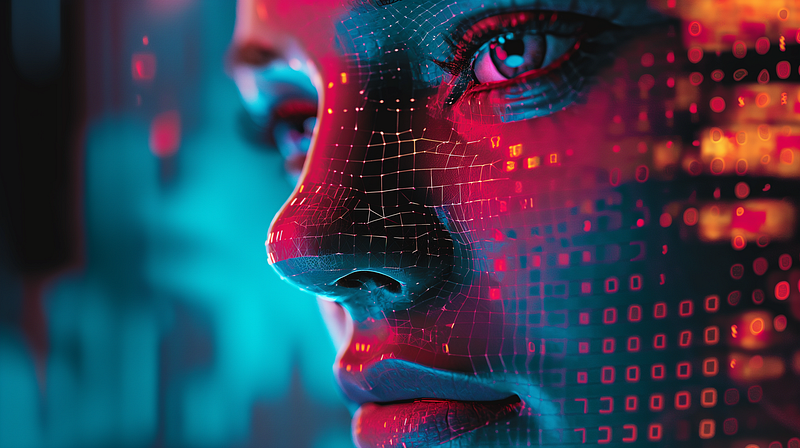
Midjourney V6 Alpha can generate text, adhere to prompts, create photorealistic images, improve image quality, etc. Many features in the Alpha phase are related to Direct Prompting, such as how to prompt in the V6 style, adjusting style through parameters (--style and --stylize), and changing aspect ratios (--ar).
Process Prompting features such as Vary (Subtle) and Vary (Strong), as well as Remix, are also supported. According to the most recent Office Hours, more powerful features such as Inpainting Vary (Region) and Outpainting (Pan, Zoom) will have to wait until January 2024.
Because of the V6 Alpha’s rapid change, writing in-depth articles for V6 Alpha is difficult as the information in the article can quickly become obsolete within a week or so.
For example, Clarinet previously stated at the launch of V6 Alpha that repeating style-related keywords (aka “cowbell method”) does not work in V6. However, as of yesterday, the repeated keywords method is now supported in V6 when combined with --stylize 75.
As a result, it’s challenging to write a long story about what works and what doesn’t in the final version of V6 until the dust is about to settle.
Having said all that, it’s still fun to experiment with Midjourney V6 Alpha and see what it offers over V5.2.
I’ll make “dot art” the theme of this story and run the same prompts through V6 Alpha and V5.2 to see what happens.
Beauty is subjective; you must decide which images appeal to you.
And ahh… about the Dot Art. It is a painting style created by dotting paint instead of brush strokes. Consider it like creating an illustration with tiny dots. That’s a pretty cool art technique.
Setting up Midjourney V6 Alpha
Right now, Midjourney V5.2 is the default version.
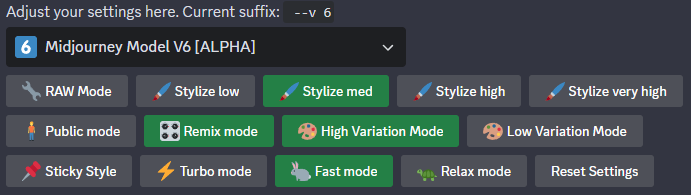
To change it to V6 Alpha, type /settings and select “Midjourney Model V6 [ALPHA]” from the drop-down menu.
You can still create artwork with V5.2 at any time by adding the --v 5.2 parameter at the end of the prompt.
Midjourney V6 Alpha and V5.2 will be used to generate images for the following “Dot Art”:
- Color dot art
- Color halftone
- Ben Day dots art
- Dot Matrix image
- Pointillism
- Color stipple
- Mini Mosaic
- Blend them altogether
(1) Color dot art
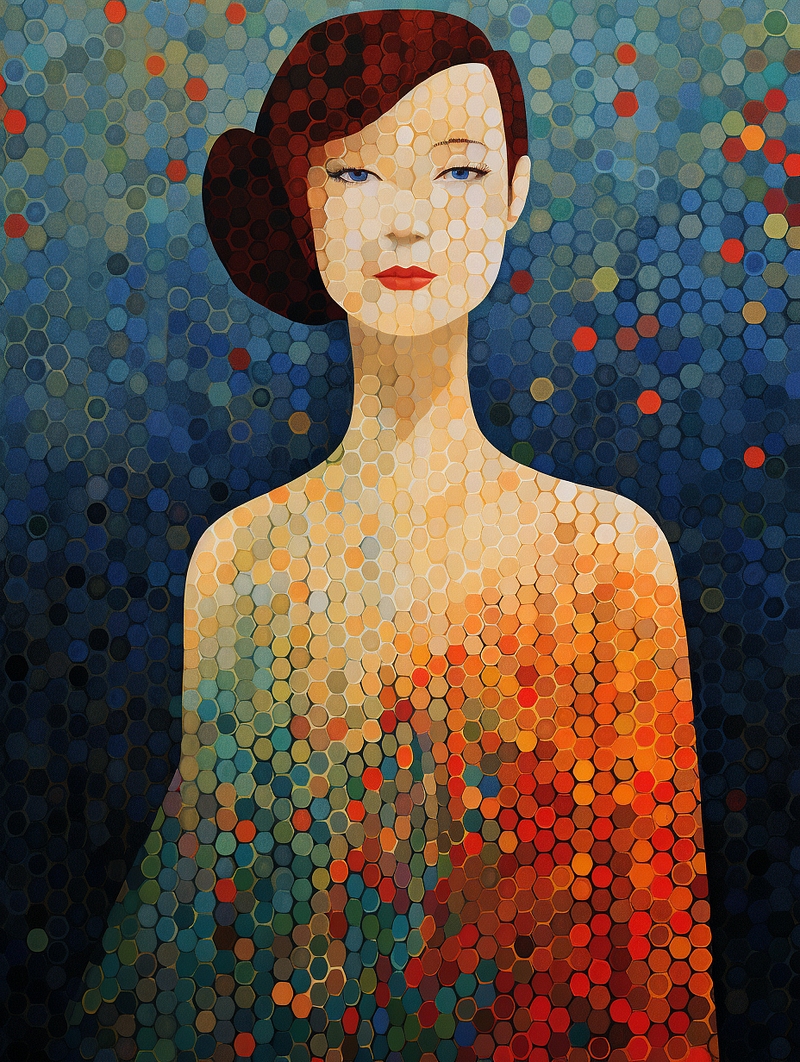
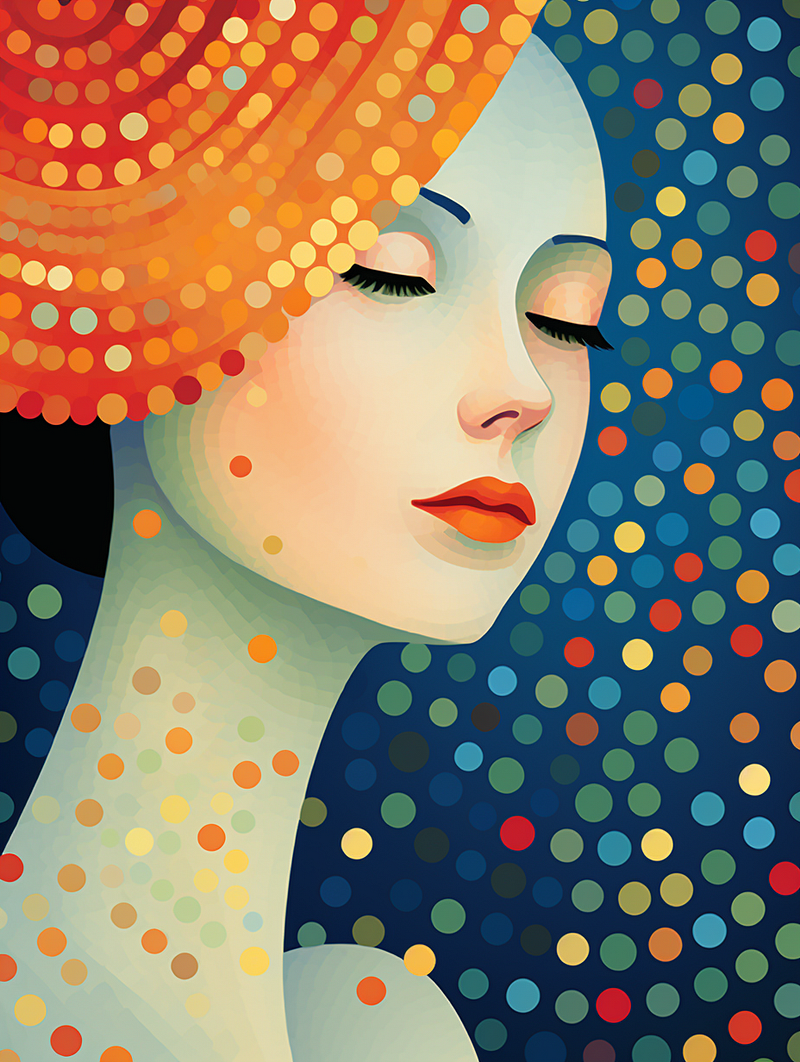
/imagine prompt: a color dot art portrait illustration of a lady in the style of Georges Seurat --ar 3:4 --v 6.0 — Upscaled (Subtle)
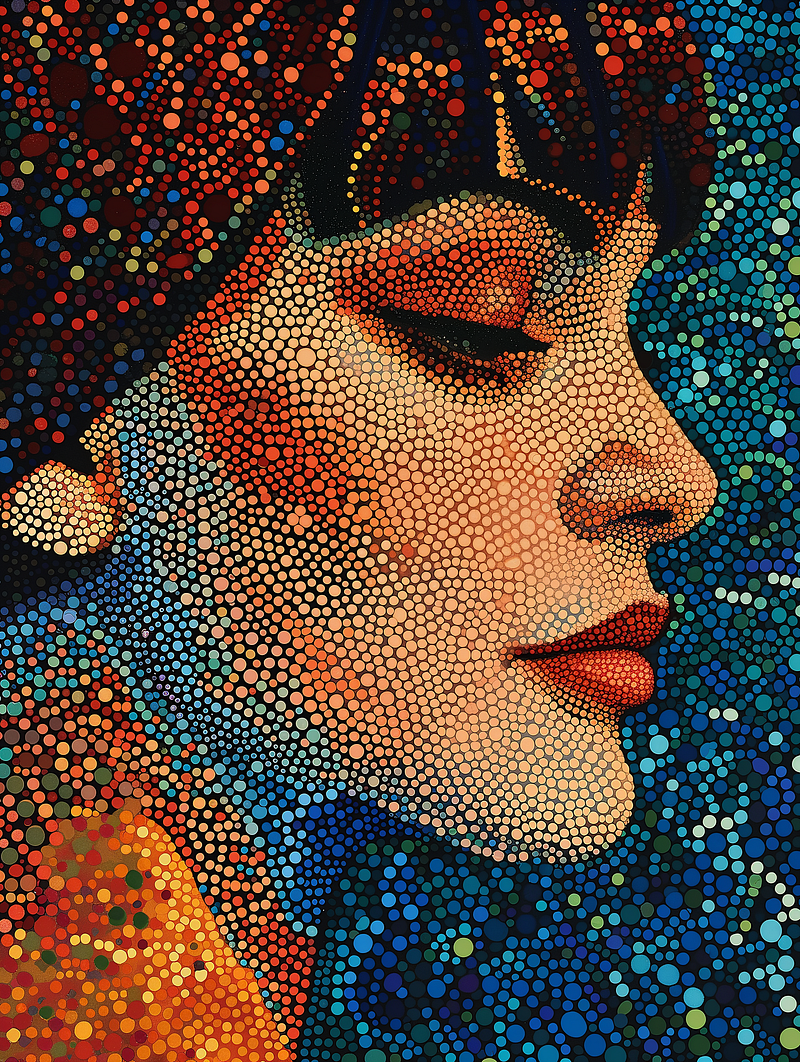
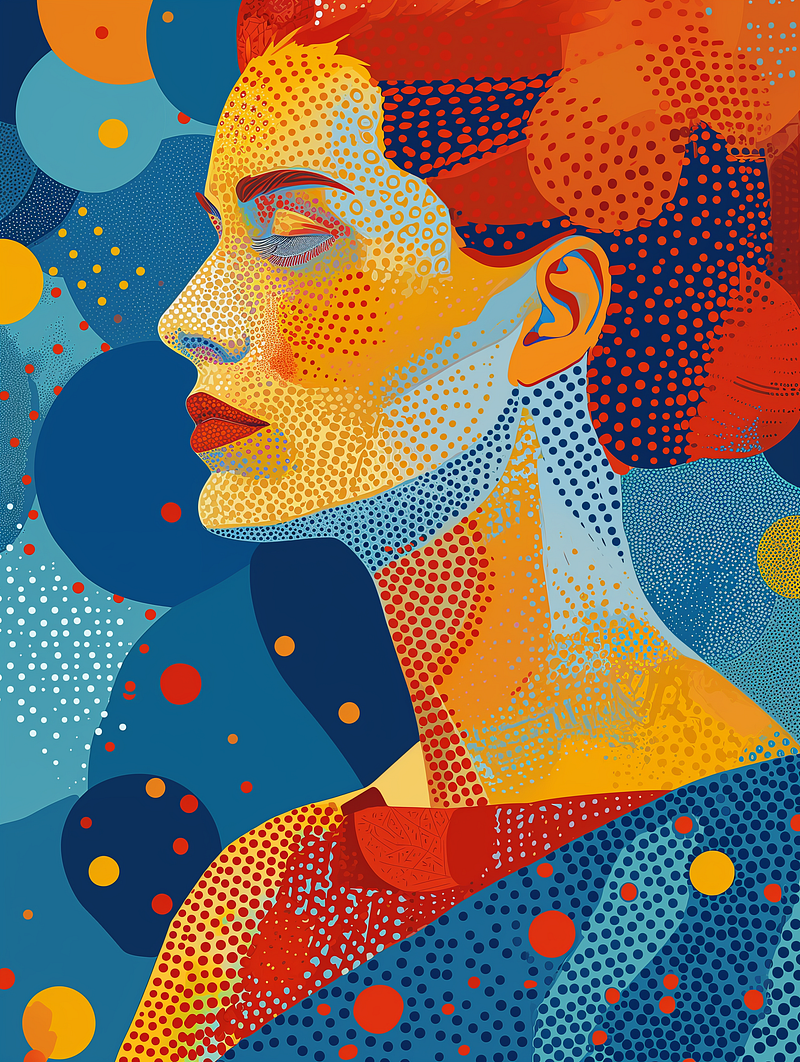
Midjourney V6 Alpha generates stunning images. V5.2, on the other hand, has something different to offer. Both are beautiful.
/imagine prompt: a color dot art portrait illustration of a lady in the style of Georges Seurat --ar 3:4 --v 5.2
(2) Color halftone
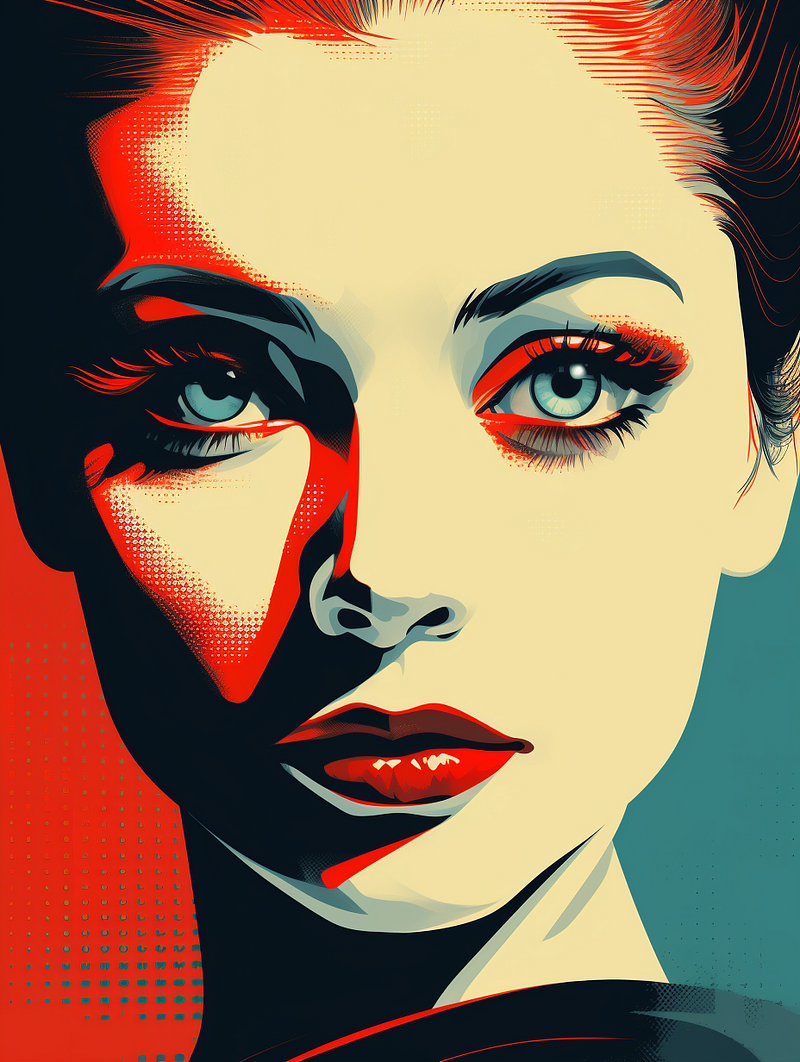
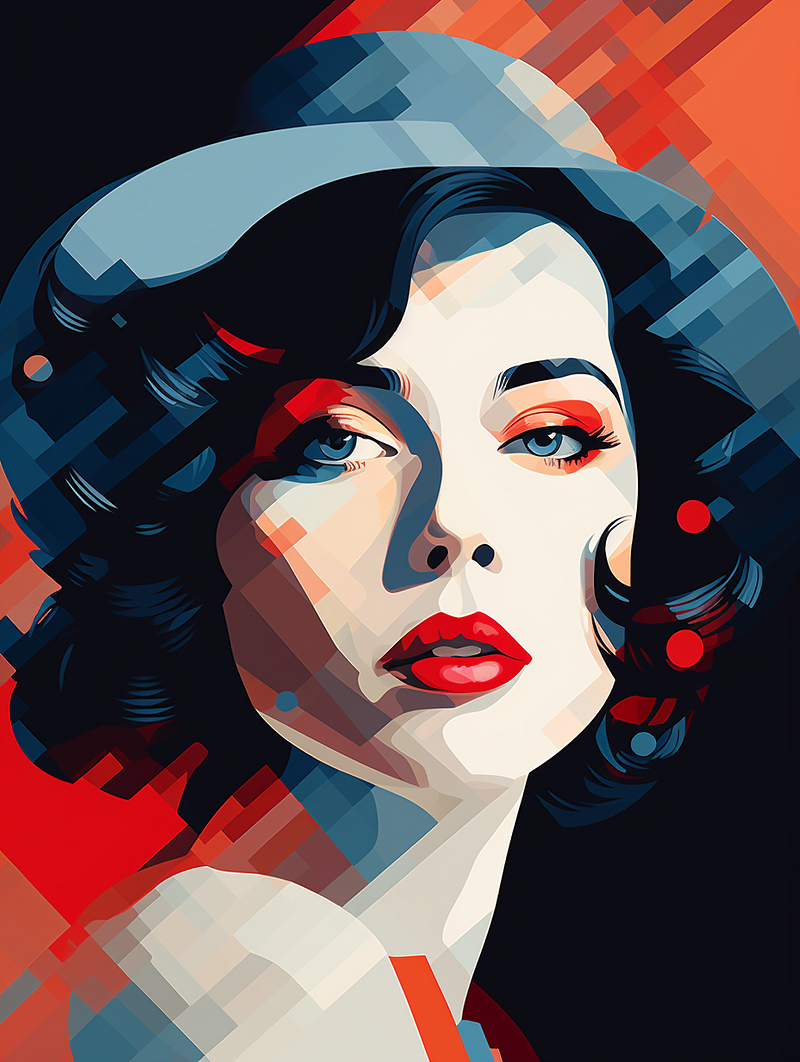
/imagine prompt: a color halftone portrait illustration of a lady --ar 3:4 --v 6.0 — Upscaled (Subtle)
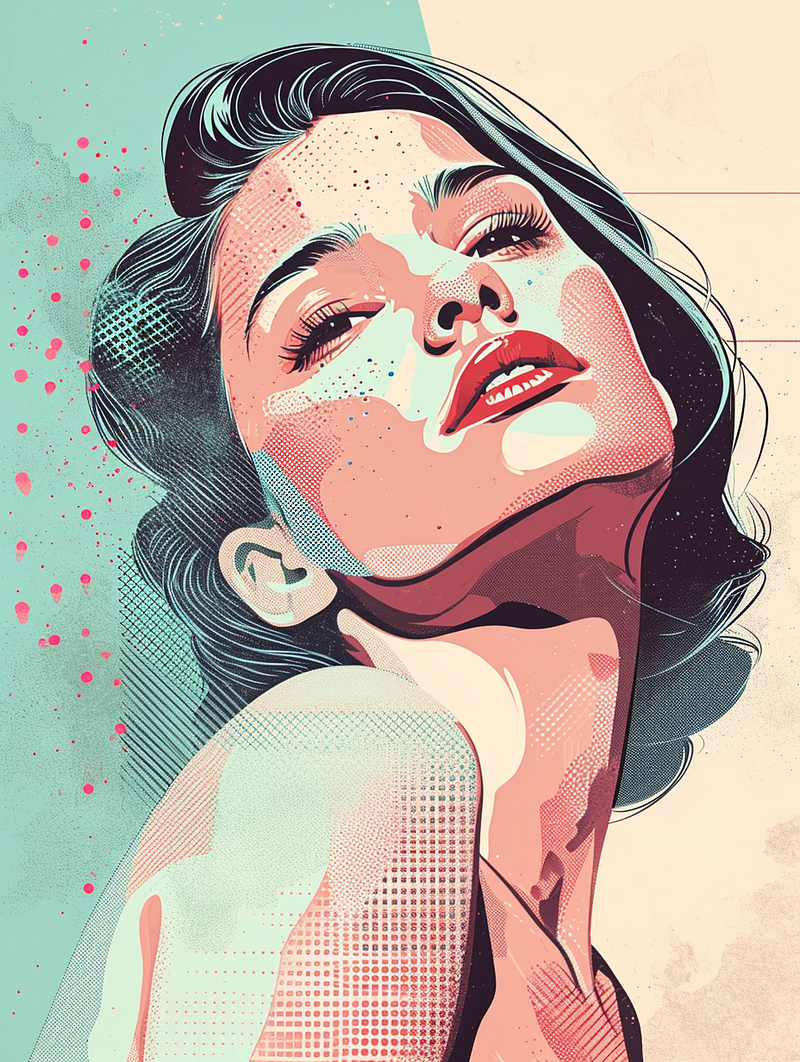
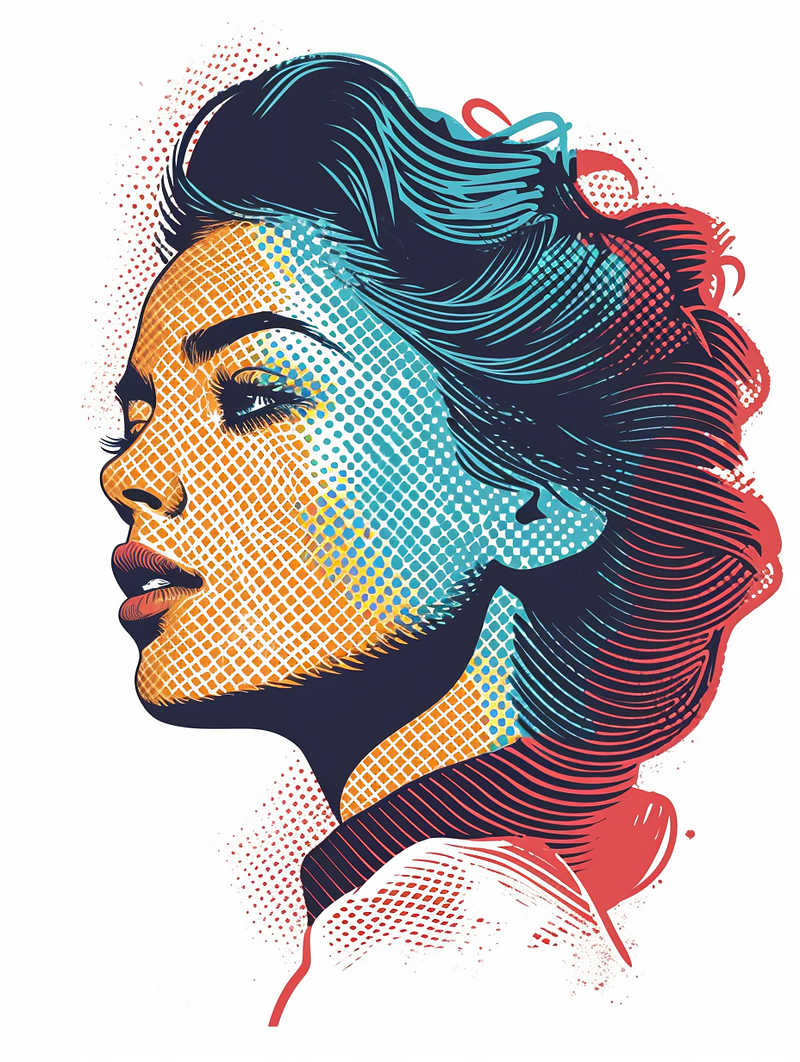
The halftone effect in V6 still does not match the style seen in vintage comic books.
Midjourney V5.2 has a less prominent halftone effect, but the results are still impressive.
/imagine prompt: a color halftone portrait illustration of a lady --ar 3:4 --v 5.2
(3) Ben Day dots art
/imagine prompt: a Ben Day dots art portrait illustration of a lady and a cat in the style of Roy Lichtenstein --ar 16:9 --v 6.0 — Upscaled (Subtle)
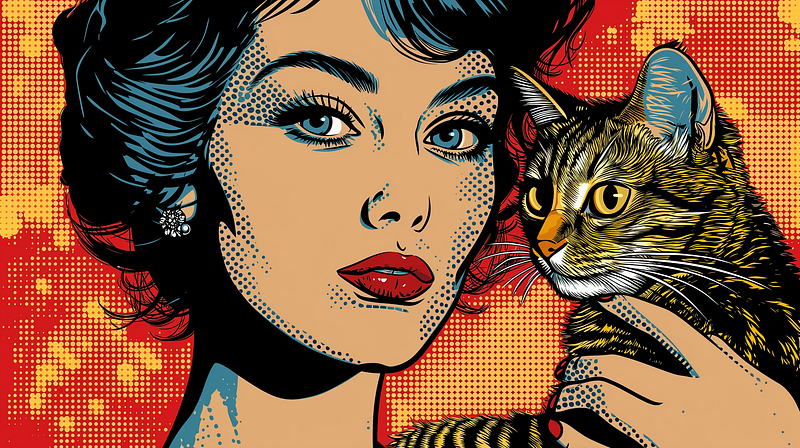
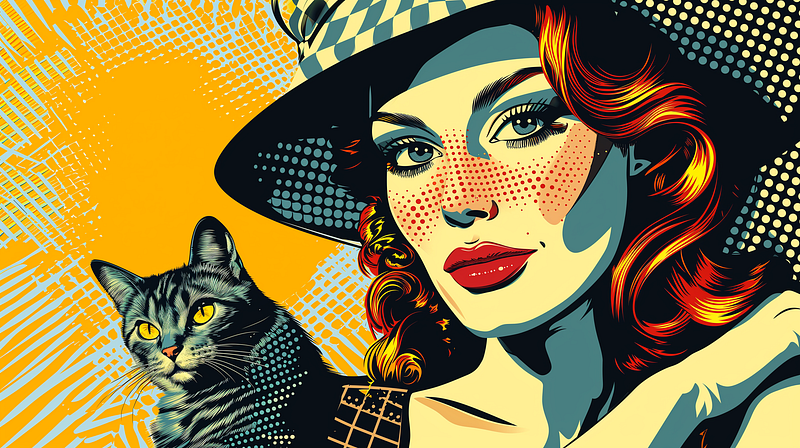
Ben Day dots bring the style closer to that of vintage comic books.
For V5.2, the effect is vastly different. V6 Alpha is the clear winner in this case.
/imagine prompt: a Ben Day dots art portrait illustration of a lady and a cat in the style of Roy Lichtenstein --ar 16:9 --v 5.2
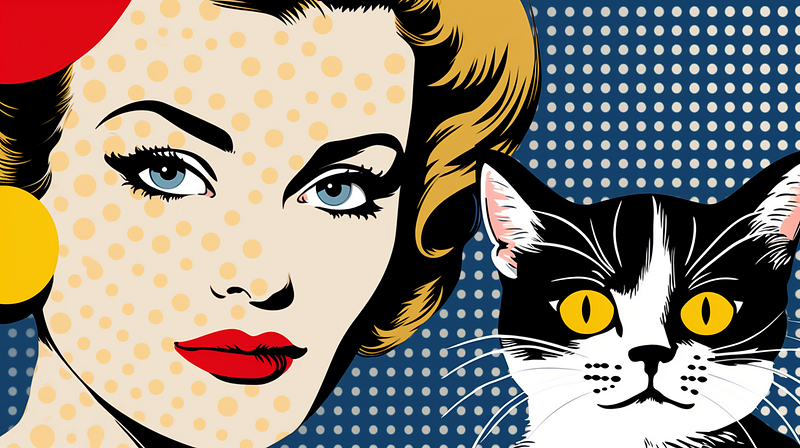
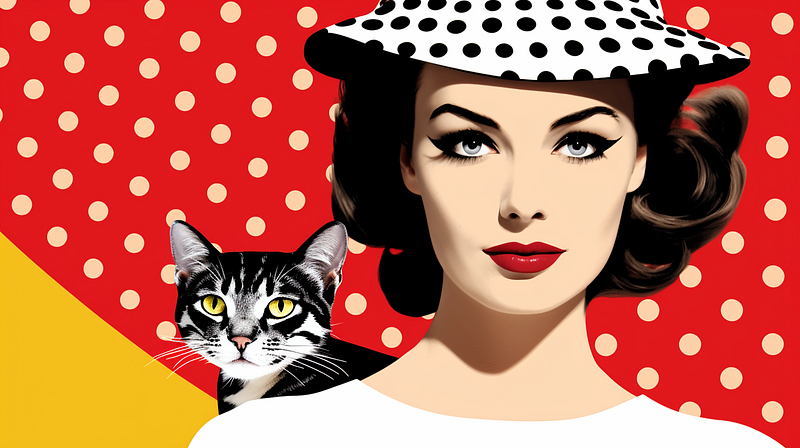
We can also switch the illustration to a photograph while keeping the dots art style.
/imagine prompt: a Ben Day dots art portrait photograph of a lady and a cat in the style of Roy Lichtenstein --ar 16:9 --v 6.0 — Upscaled (Subtle)
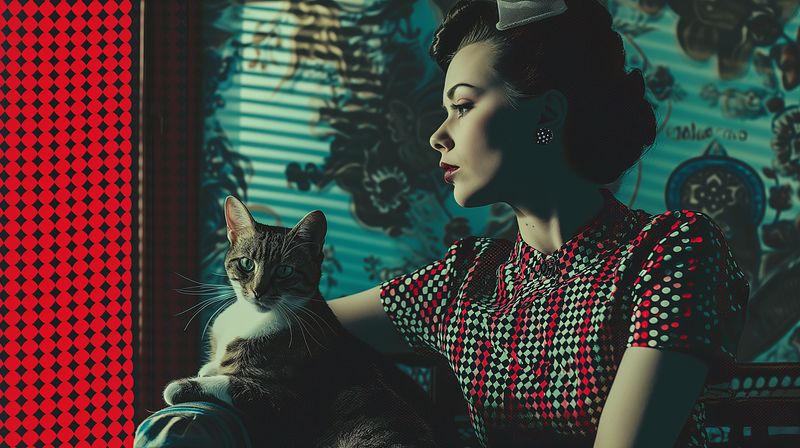
(4) Dot Matrix image
/imagine prompt: a dot matrix image of a character --ar 16:9 --v 6.0 — Upscaled (Subtle)
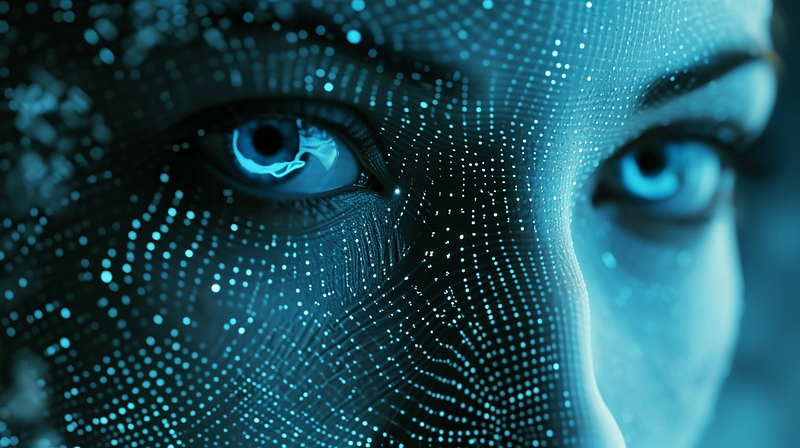
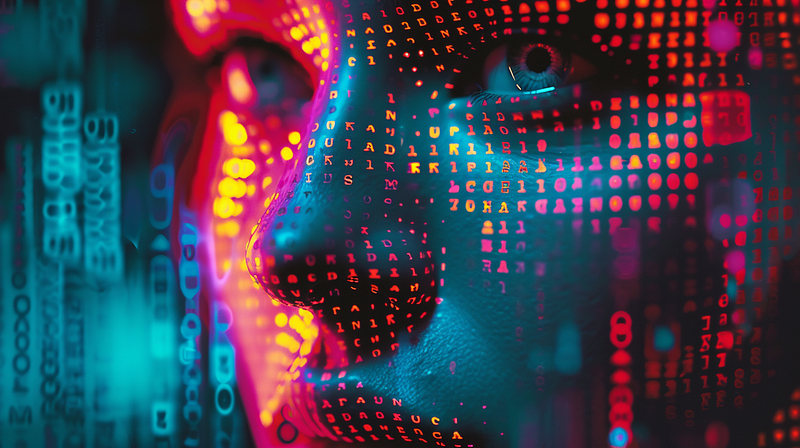
Sometimes, you may prefer toned-down images from V5.2.
/imagine prompt: a dot matrix image of a character --ar 16:9 --v 5.2
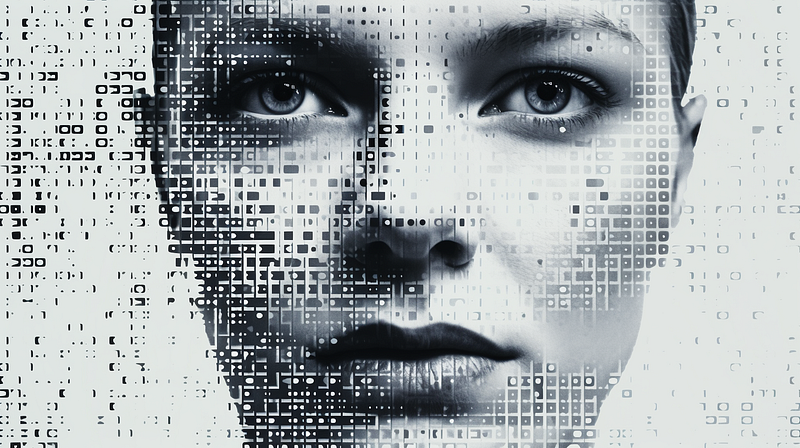
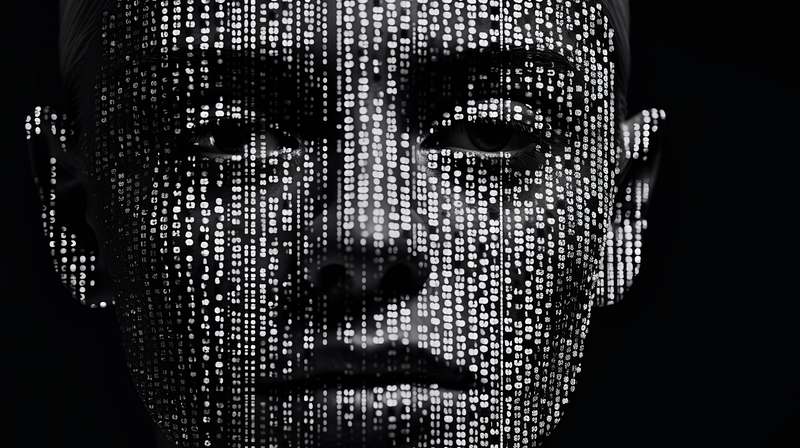
(5) Pointillism
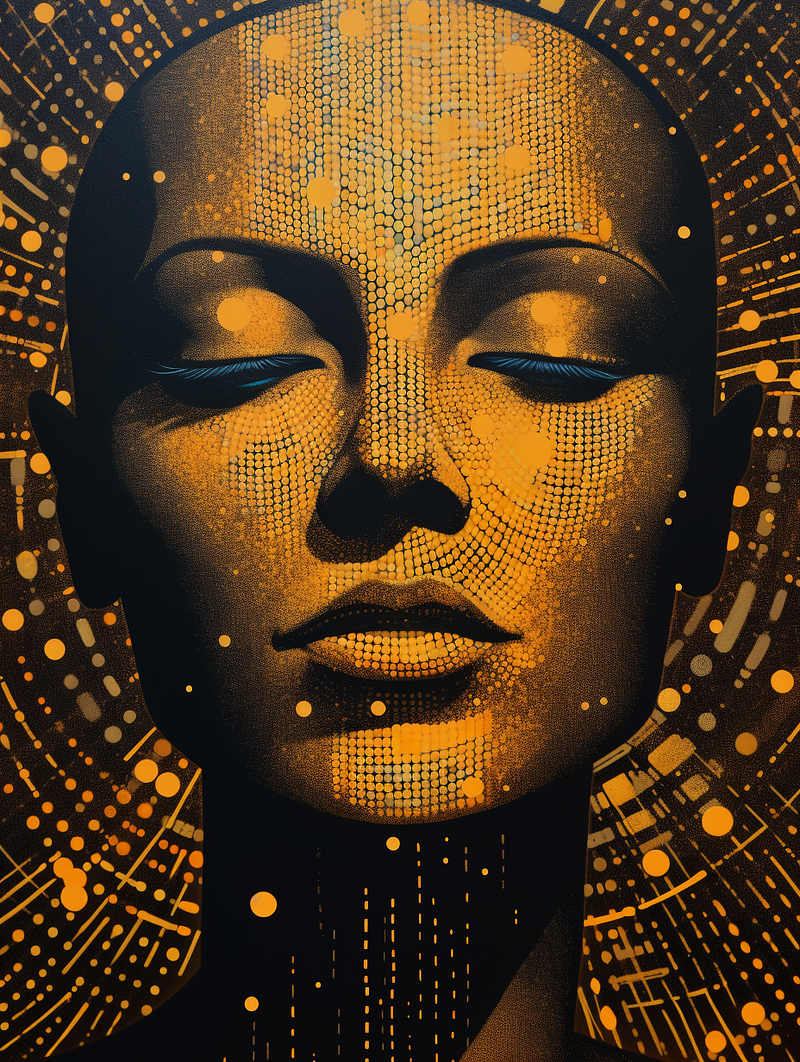
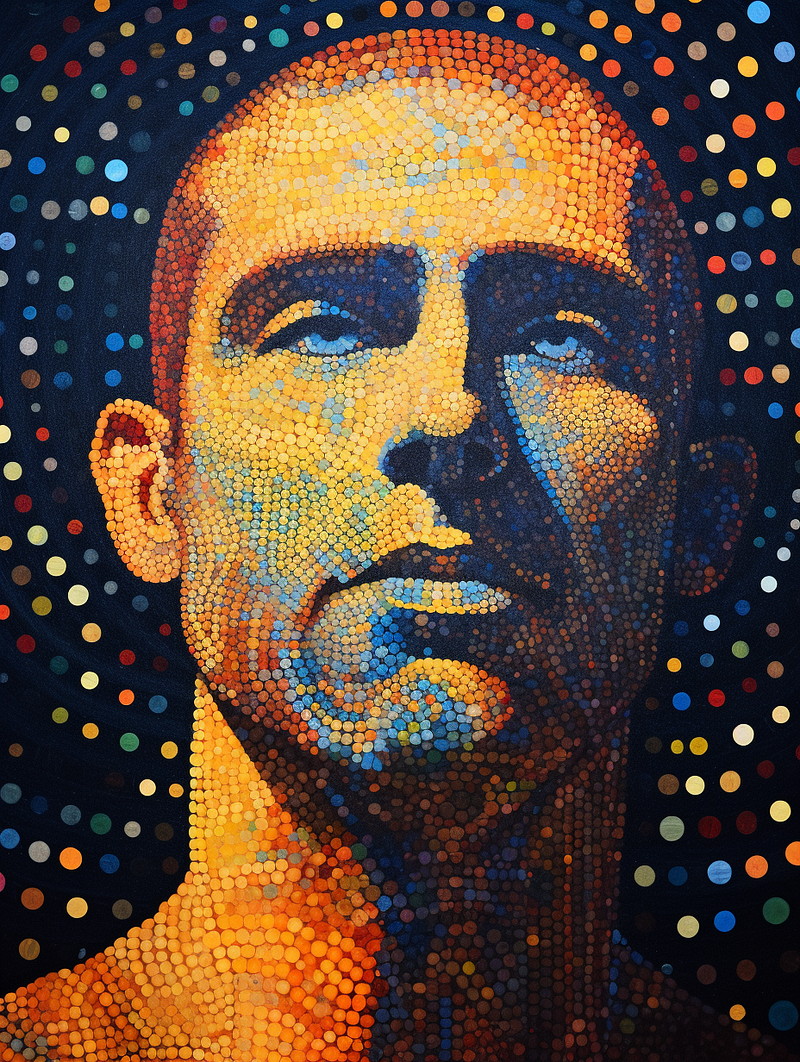
/imagine prompt: a pointillism portrait illustration of a cyborg in the style of Georges Seurat --ar 3:4 --v 6.0 — Upscaled (Subtle)
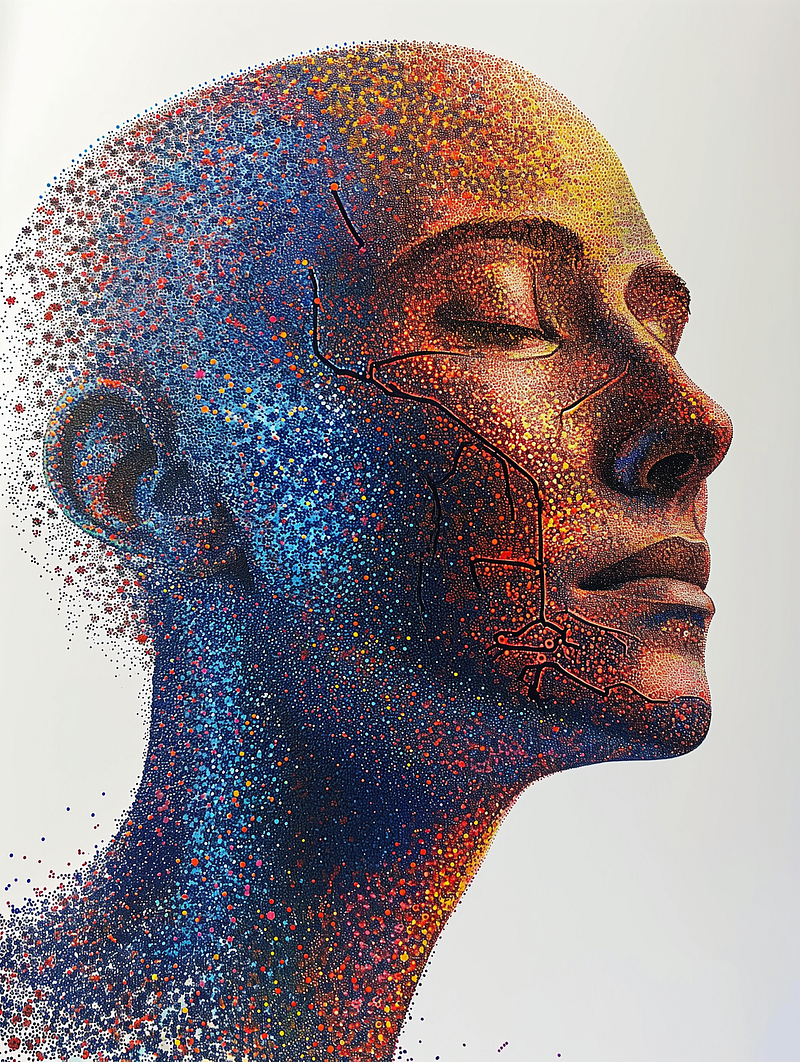
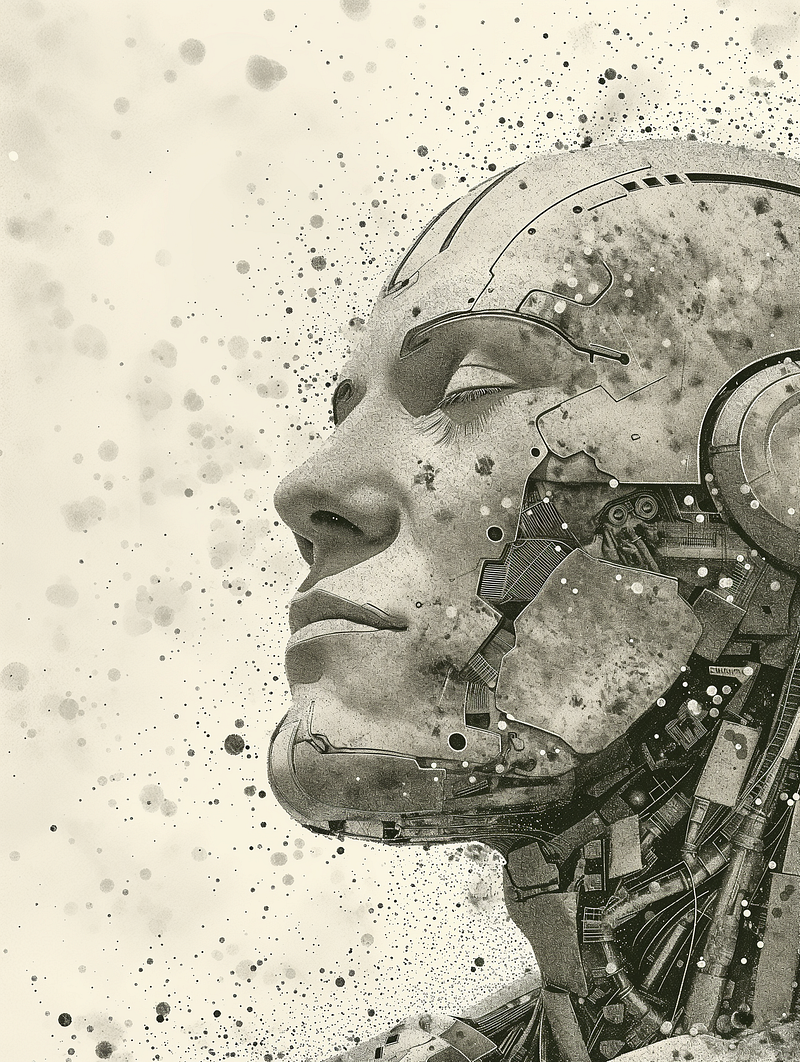
V5.2 offers a different interpretation of the pointillism style.
/imagine prompt: a pointillism portrait illustration of a cyborg in the style of Georges Seurat --ar 3:4 --v 5.2
(6) Color stipple
/imagine prompt: a color stipple portrait illustration of a young man in the style of minimalism --ar 3:4 --v 6.0 — Upscaled (Subtle)
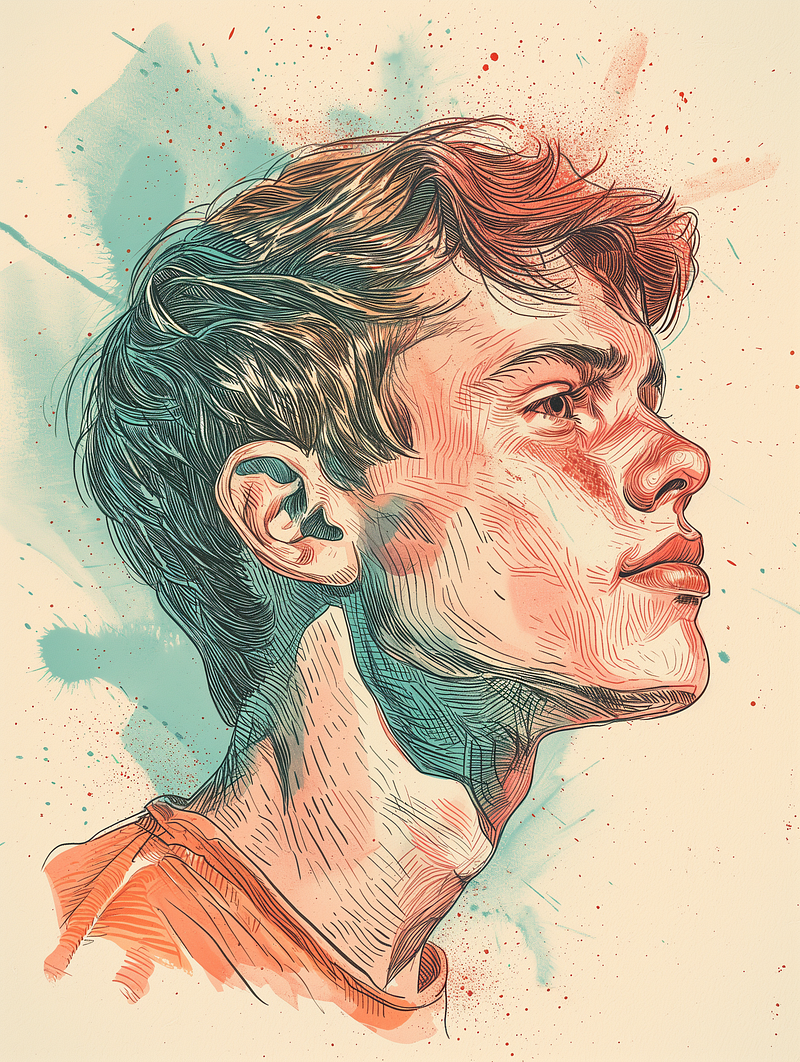
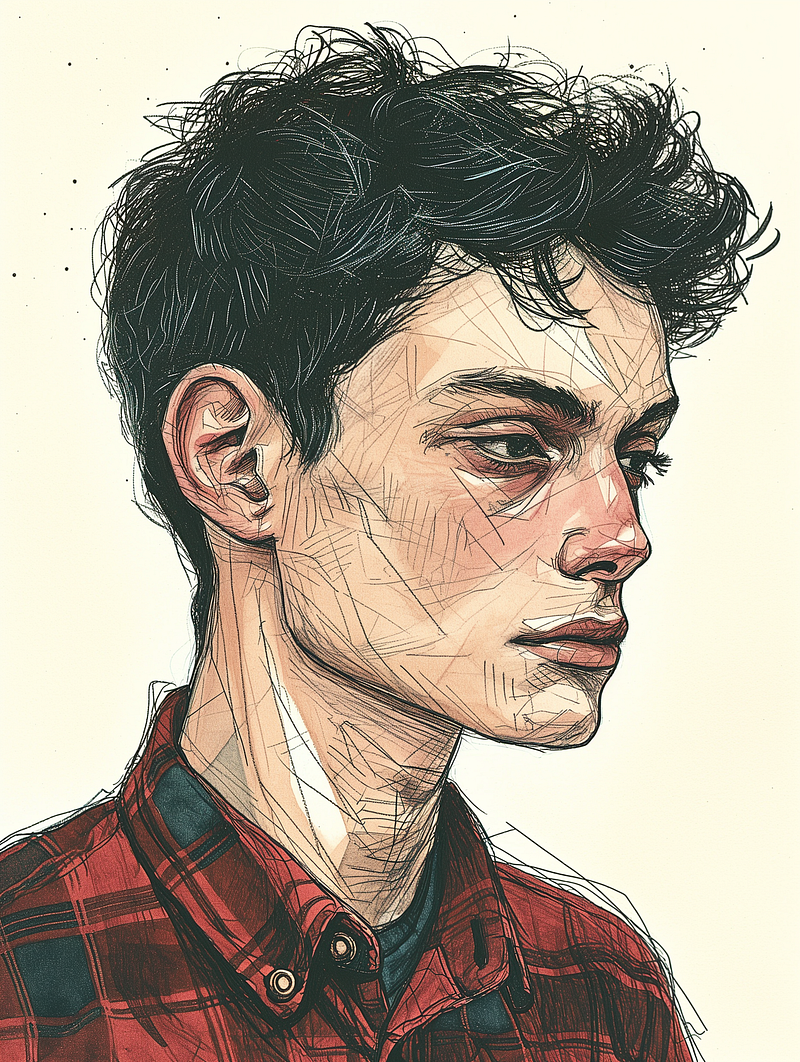
Though interesting, the color stipple in V6 differs from what I expect from stipple images.
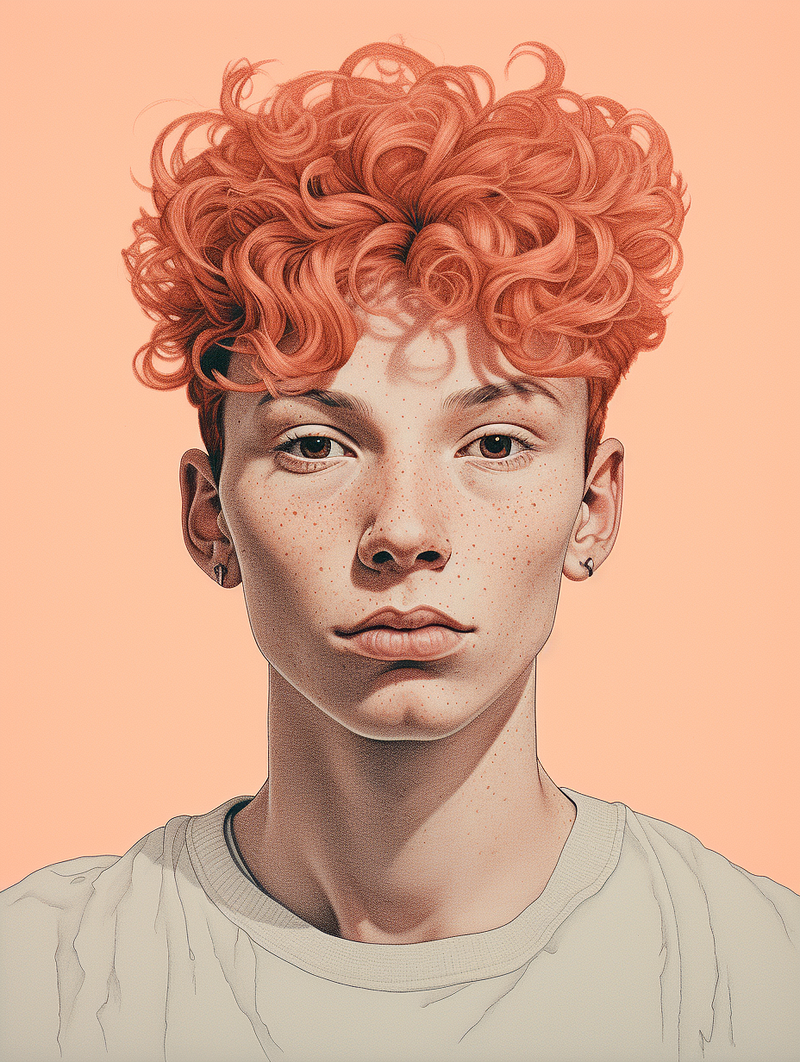
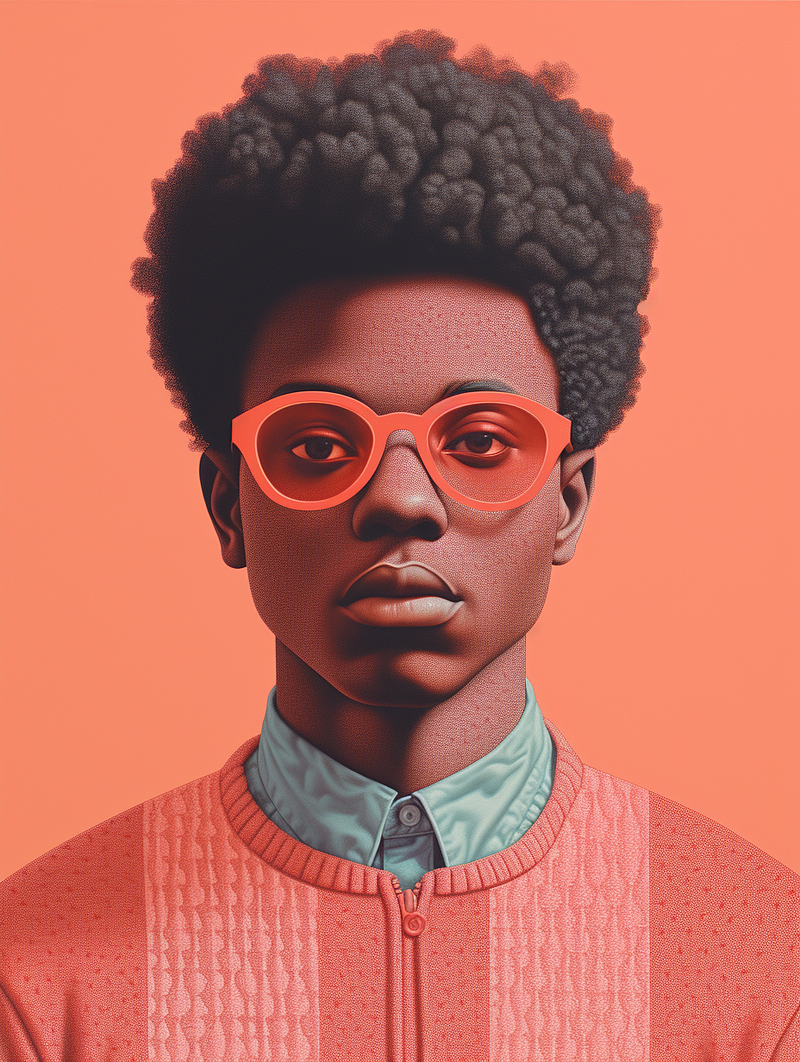
Images in V5.2 are more in line with my expectations.
/imagine prompt: a color stipple portrait illustration of a young man in the style of minimalism --ar 3:4 --v 5.2
(7) Mini Mosaic
The mosaic, strictly speaking, is not a form of “dot art.” But, in my opinion, it is somewhat related. And perhaps it can be blended with other dot arts to create a new style.
/imagine prompt: a mini mosaic portrait illustration of a handsome gentleman --ar 3:4 --v 6.0 — Upscaling (Subtle)
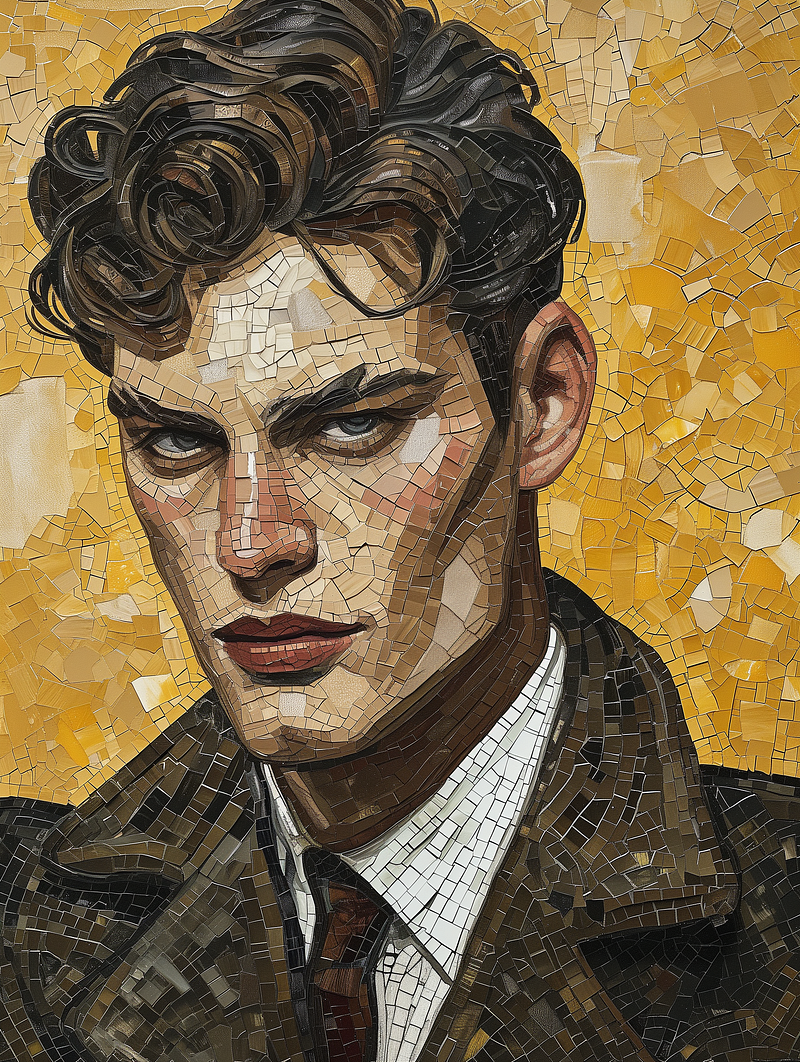
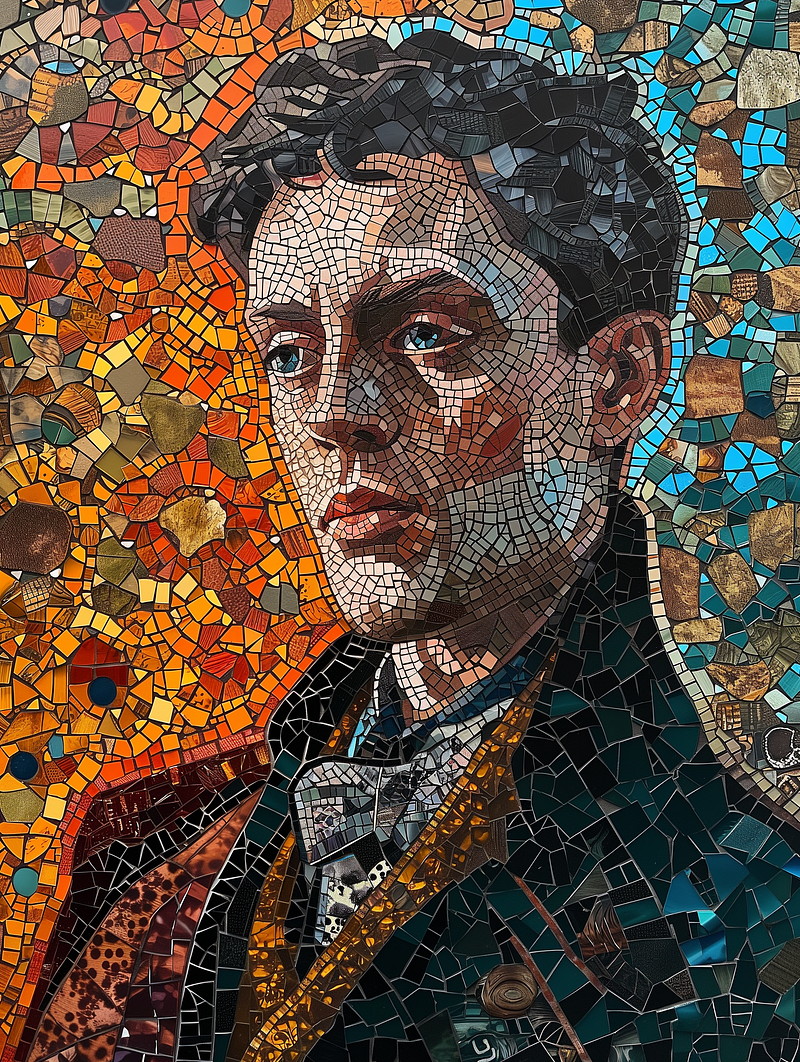
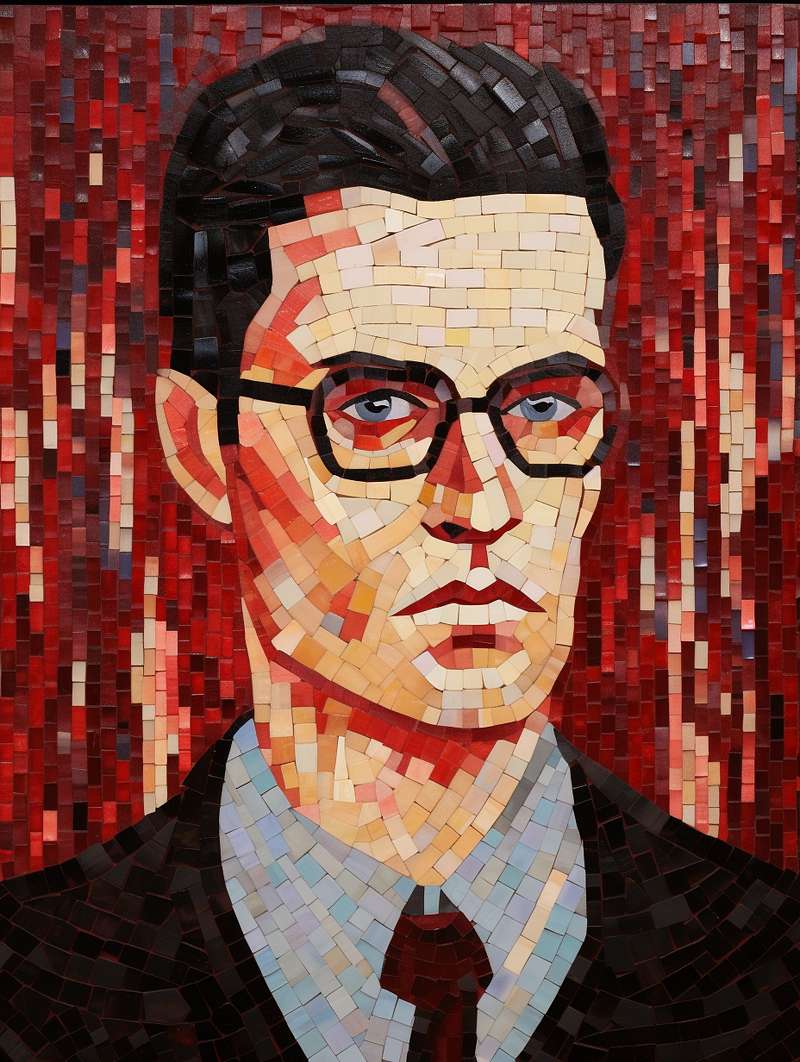
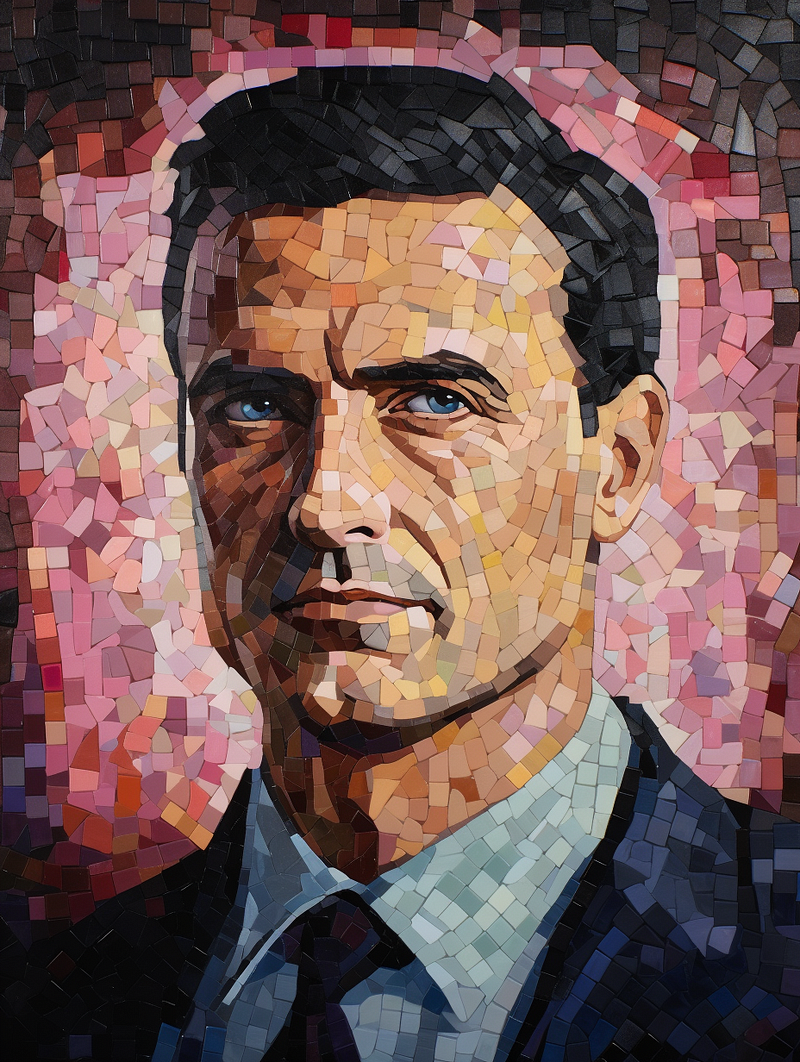
The mosaic sizes appear to be bigger in V5.2.
/imagine prompt: a mini mosaic portrait illustration of a handsome gentleman --ar 3:4 --v 5.2
(8) Blend them altogether
Let’s be daring and mix up the styles to see what V6 can come up with.
/imagine prompt: a mini mosaic portrait illustration of a handsome gentleman in the style of dot art and pointillism --ar 16:9 --v 6.0
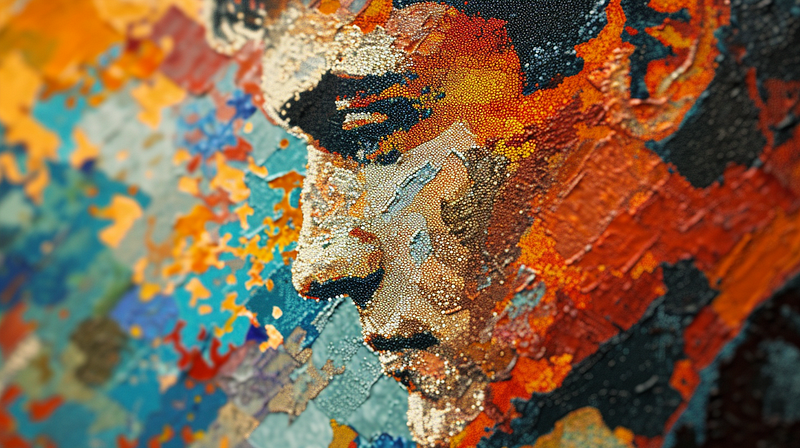
Impressively detailed image, right?
The image below has the same prompt but a different style in the grid.
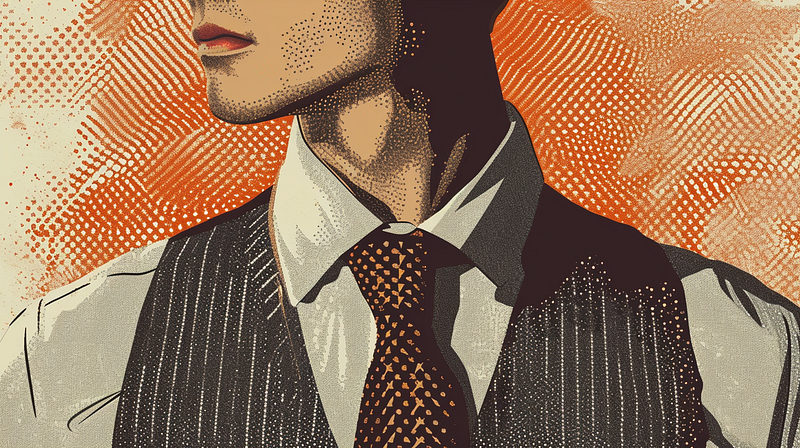
Assuming this image has the style I need for my project.
To keep this specific style without a Style Tuner code, use Vary (Strong) with /remix. Change the subject in the prompt to “a young attractive lady with a cat.” I also add an artist’s name to see what will happen…
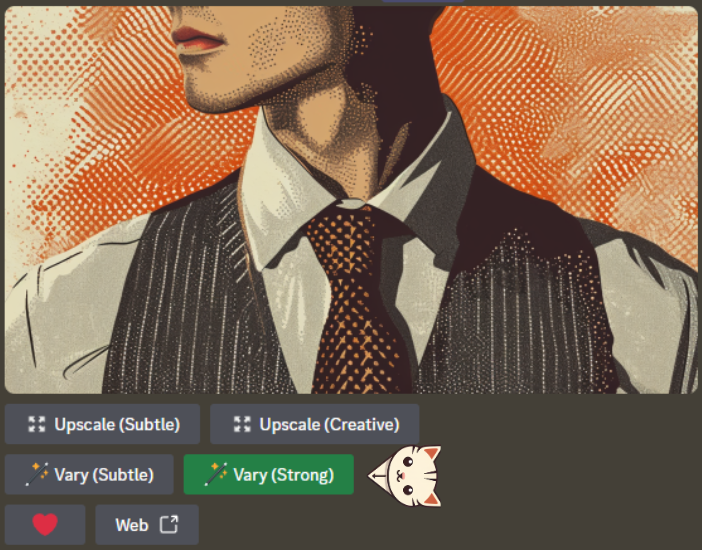
The result:
/imagine prompt: a mini mosaic portrait illustration of a young attractive lady with a cat in the style of Georges Seurat, dot art, pointillism --ar 16:9 --v 6.0 — Upscaled (Creative)
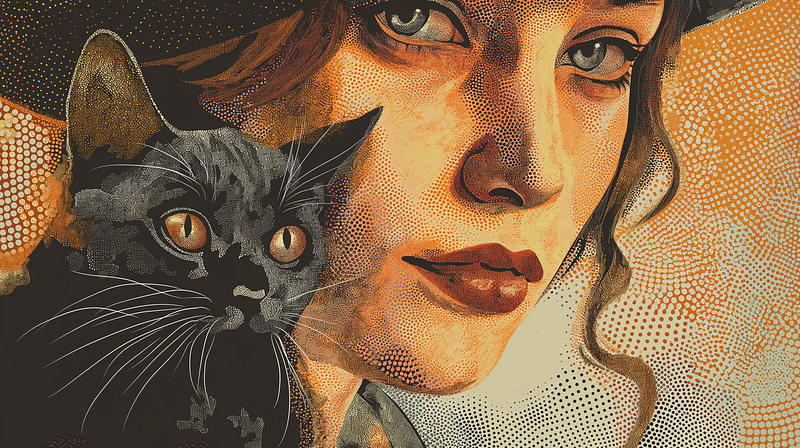
This shows Midjourney V6 Alpha’s ability to blend styles and may surprise you with a new style.
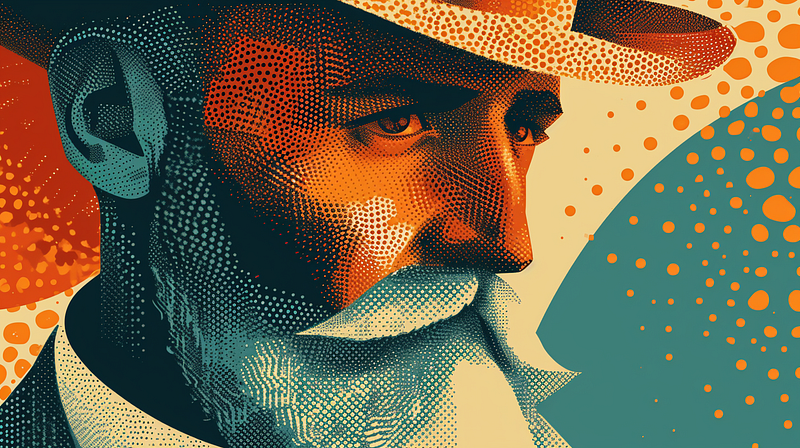
Here’s another image I like.
/imagine prompt: a mini mosaic portrait illustration of a handsome gentleman in the style of dot art, pointillism, Georges Seurat --ar 16:9 --v 6.0
Related stories
Conclusion
- Midjourney V6 Alpha and V5.2 have distinct artistic styles. Depending on the application, each has its advantages.
- Compared to V5.2, Midjourney V6 Alpha generates more detailed images and closely follows the prompt.
- Midjourney V6 Alpha can combine multiple style-related keywords to create a new artistic style.
- Color dot art, color halftone, Ben Days dots art, Dot Matrix image, Pointillism, Color stipple, Mini Mosaic, and the combination of several keywords are examples of “Dot Art” discussed in this story.
I hope you like this story!
Please give me a clap or leave a positive comment to let Medium’s algorithm know that this story is helpful and has contributed to its platform’s success.
Please share the Friend Link with your friends, family, and fans to give them free access to this story.
Your support inspires me to create higher-quality content in the future!
Never miss a story. Follow me on Medium for updates, stories, and tips about Midjourney.
Sign up here for a free email alert when I post a new story.


