
Midjourney: How to create a scene using the Scene Method
Let your imagination run wild and create amusing scenes
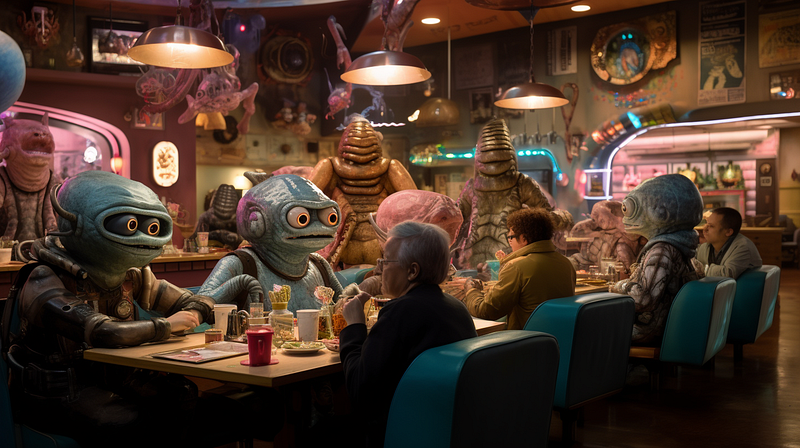
It’s simple to set up a scene in Midjourney. Simply write a prompt that includes both the character(s) and the scene, and the bot will usually generate the desired image for you reliably.
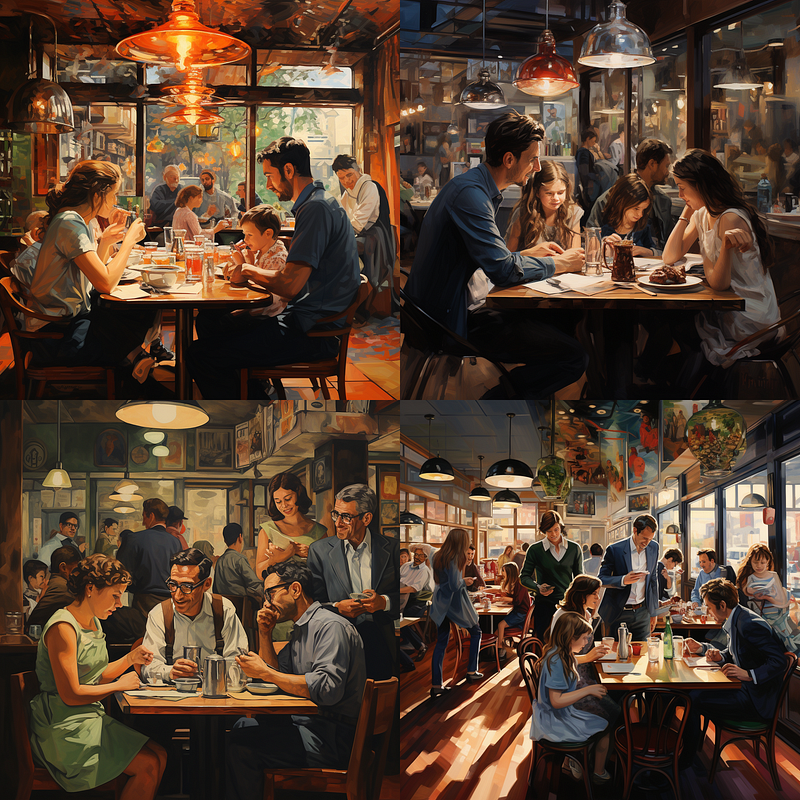
/imagine prompt: a family in a busy restaurant
Prompting the above, for example, will generate a picture of a family enjoying a meal together in a crowded restaurant.
There’s no need to include extra details in the prompt, such as the family sitting together, people moving around in the background, the restaurant’s interior decor, etc.
It’s because the generated image automatically expresses the family and restaurant archetypes. If this is the first time you hear someone talking about Midjourney archetypes, you can learn more about them here.
The “Scene Method” is a multiprompting alternative to the basic technique of creating a scene/background. It gives you more freedom in creating and adjusting the scene and your characters/subjects.
We’ll look at two use cases of the Scene Method and discuss how you can tweak and adjust the scene with multiprompting.
The Scene Method
This method is simple. Its multi-prompt structure is as follows:
/imagine prompt: scene:: character(s) or subject(s)::
The first promptlet contains information about your scene/background, such as a restaurant or a bus station. Your characters/subjects are included in the second promplet.
Case 1: Create and adjust a scene with weights
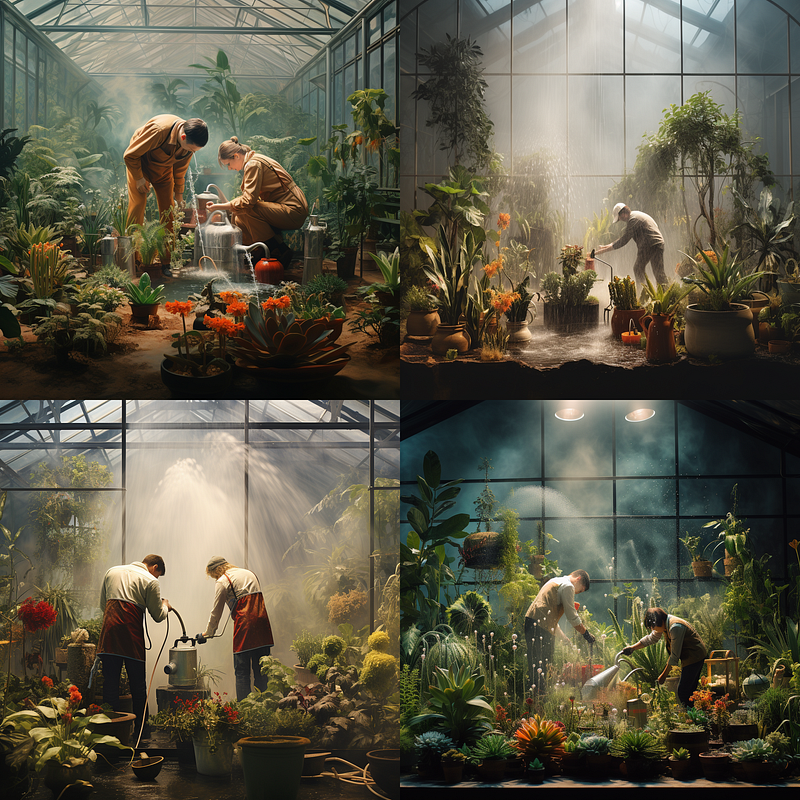
Let’s create an image of two people working inside a glasshouse, watering the plants. Here’re some possible prompts:
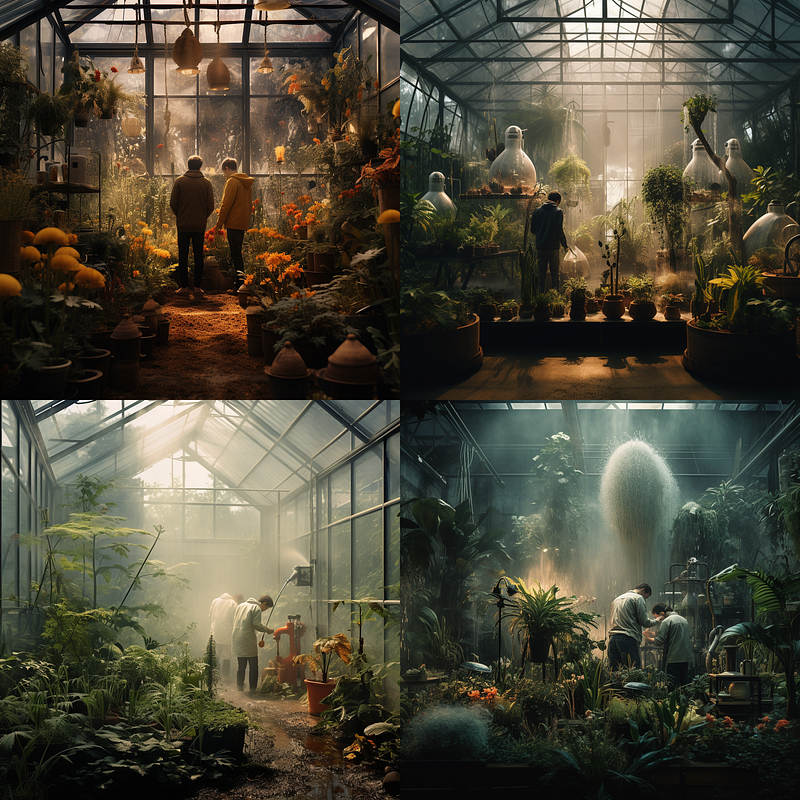
Prompt 1 — /imagine prompt: a photo of a greenhouse:: 2 gardeners watering the plants::
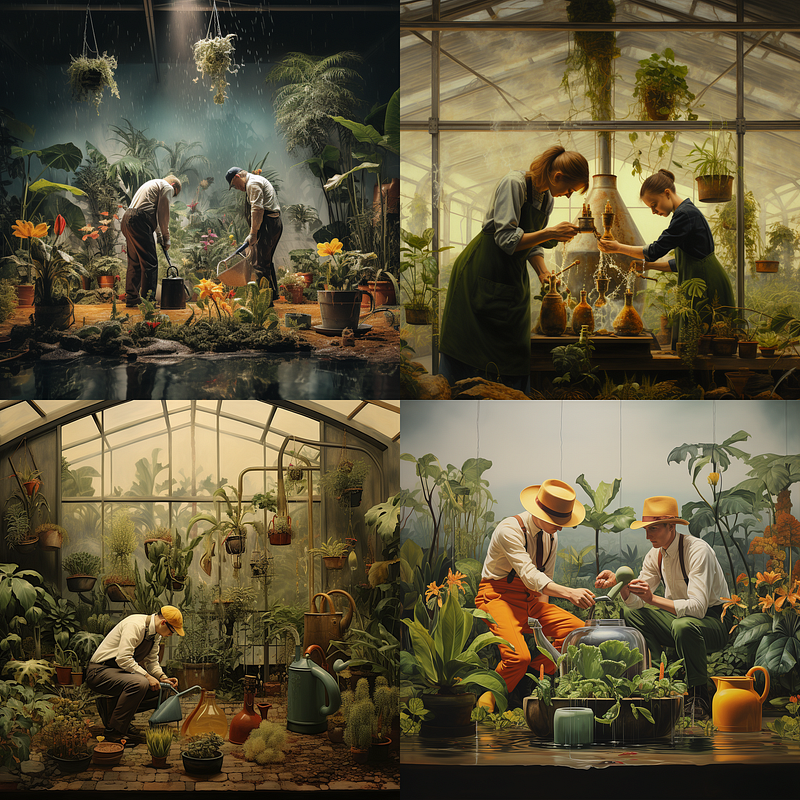
Prompt 2 — /imagine prompt: a photo of a greenhouse:: 2 gardeners watering the plants::4
Prompt 1 created a greenhouse scene, and most of the grid images feature two gardeners inside the glasshouse.
To make the image focus on the gardeners, a weight (4) is added to the second promplet in Prompt 2.
You can stop right now if you’re satisfied with the images.
If you want to experiment further, you can make the following changes:
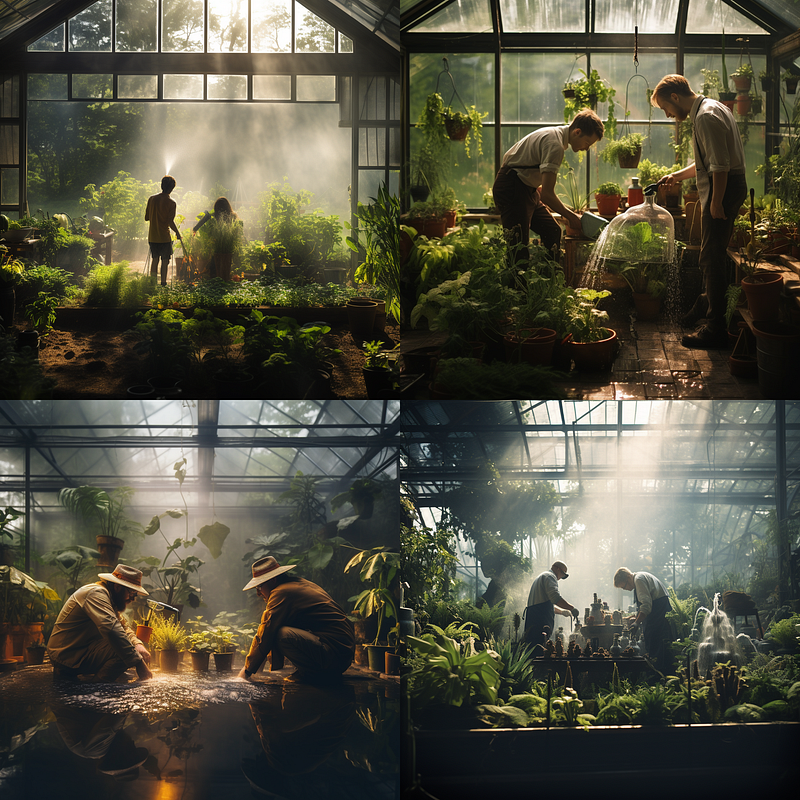
Prompt 3 — /imagine prompt: a photograph of a greenhouse, 2 gardeners watering the plants:: gardeners watering the plants, dynamic pose::
Prompt 4 — /imagine prompt: a photograph of a greenhouse, 2 gardeners watering the plants:: a photograph of gardeners watering the plants, dynamic pose in the style of greenhouse photography::
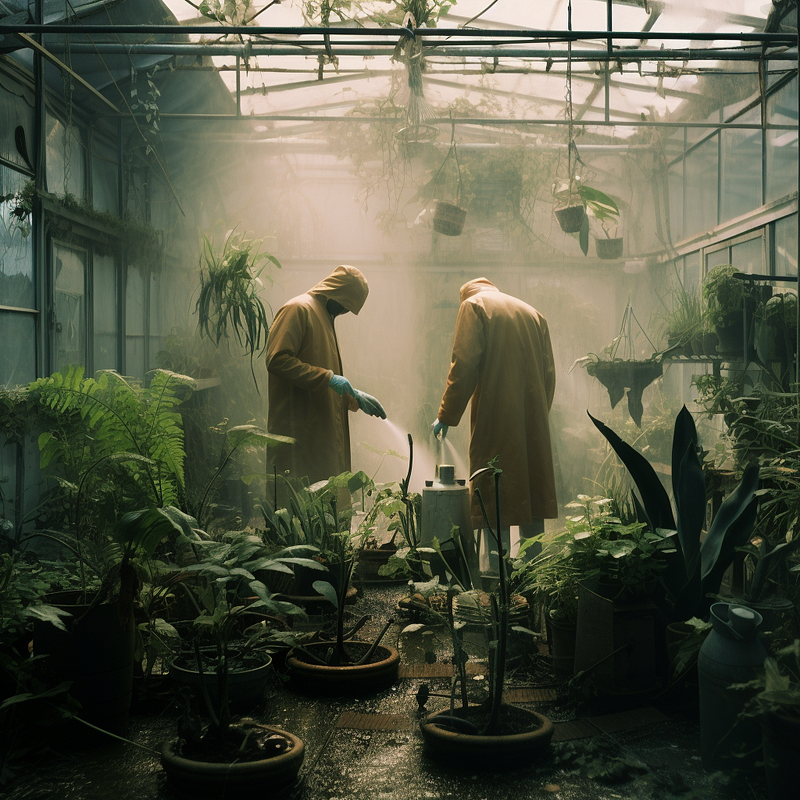
Prompt 5 — /imagine prompt: a photo of a greenhouse:: 2 gardeners watering the plants:: gardeners watering the plants, dynamic pose in the style of documentary photography:: painting, photo-realism, photo-realistic::-0.5
Prompt 3 combined the greenhouse and gardeners into a single promptlet and created a second promptlet that repeats the gardeners’ action for emphasis. To give the characters more action (rather than standing still doing nothing), the phrase “dynamic pose” was added.
Prompt 4 was similar to Prompt 3 but with the addition of the phrase “in the style of greenhouse photography.” I’m unsure if “greenhouse photography” exists, but it made the image look more realistic than a painting.
Prompt 5 took it a step further by including a negatively weighted promptlet to exclude painting, photo-realism, and photo-realistic to make the image look like a photograph. In addition, the photography style was changed to “documentary photography.” The generated image is “more serious,” similar to the documentary’s.
You can also change the mood and style of the image by referencing the photographers’ names, artists, colors, and so on.
Case 2: Create a fictional scene
What’s the point of making mundane things when you can get similar photos for free from sites like Unsplash or Pexels?
Unleash your imagination with Midjourney.
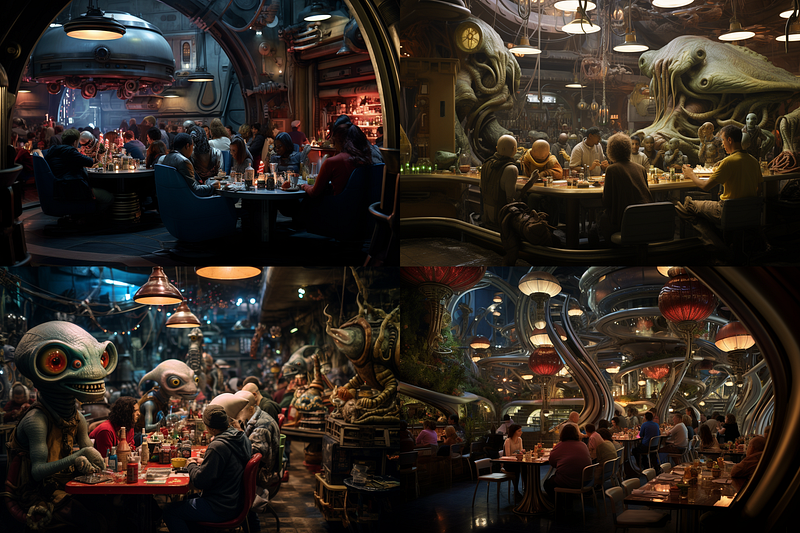
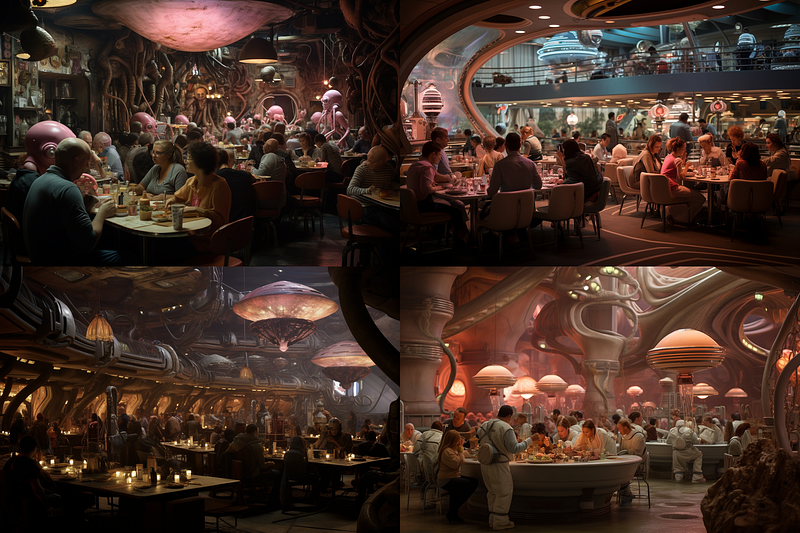
Assume we want to create an image where people dine with aliens in a busy restaurant.
Here are two possible prompts:
Prompt 6 — /imagine prompt: a photo of a busy restaurant with alien diners::3 a human family in a busy restaurant:: --ar 3:2
Prompt 6 may appear OK, but it limited the bot’s ability to create a scene based on realistic human settings where the restaurant should look like any other ordinary restaurant.
The generated image wasn’t good and was confusing.
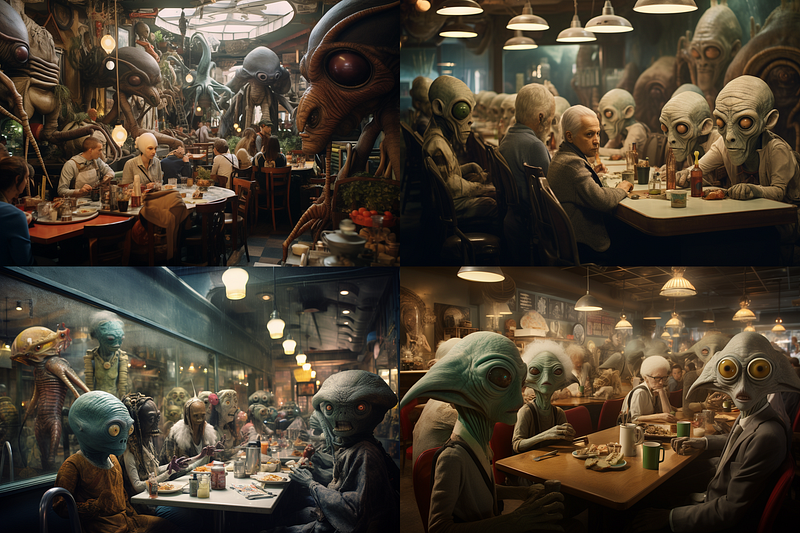
Prompt 7 — /imagine prompt: a photo of a busy fictional restaurant with alien diners::3 a human family in a busy fictional restaurant:: --ar 3:2
Add “fictional” to the prompt to unlock Midjourney’s bot’s creativity and imagination. This will significantly improve the scene by breaking the standard archetype of the restaurant.
The restaurant’s interior design, ambiance, and casual human-alien interaction all appeared more natural and realistic.
Re-roll or click on the Variations (Strong) options after the image has been upscaled to “chase down” your desired image.
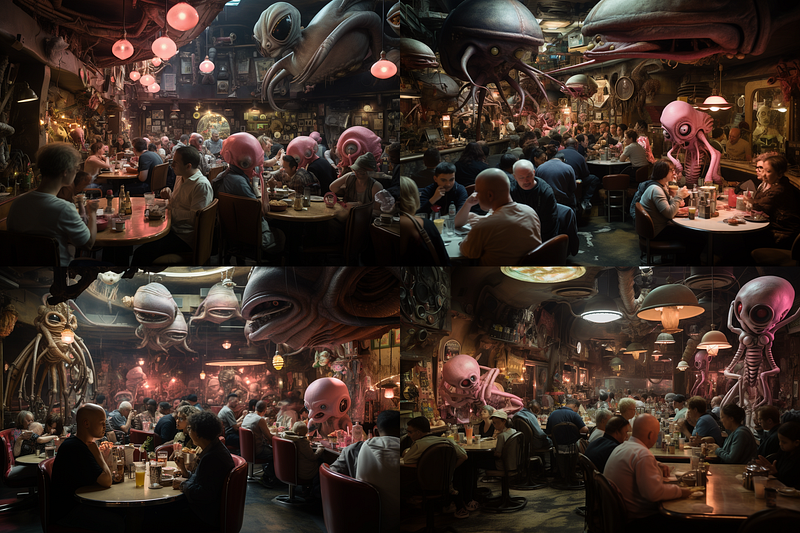
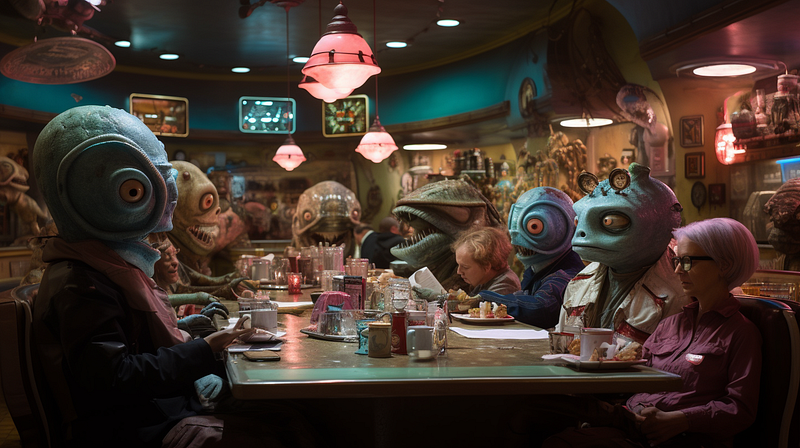
Aliens and monsters aren’t limited to science fiction.
Midjourney can also be used to create images that help you portray an awkward situation in a fun way, such as this:
Related stories
Conclusion
- The “Scene Method” is a simple multiprompting technique for creating and modifying scenes in Midjourney.
- Unlock the Midjourney bot’s creativity and imagination by breaking the standard archetype of a scene with a keyword like “fictional.”
I hope you like this story!
Please give me a clap or leave a positive comment to let Medium’s algorithm know that this story is helpful and has contributed to its platform’s success.
Your support inspires me to create similar or higher-quality content in the future!
Never miss a story. Follow me on Medium for updates, stories, and tips about Midjourney.
Sign up here for a free email alert when I post a new story.


