
Artificial Intelligence, Art & Design
Maximizing Midjourney’s /describe command for even better prompts
Reverse engineer text prompts from images—then enhance!
The latest V5 update from the Midjourney developers is the /describe command. I’m going to walk you through how to use it to extract a text prompt from any uploaded image. And then I’m going to tell you how to enhance the prompt you extracted from the image for even better results!
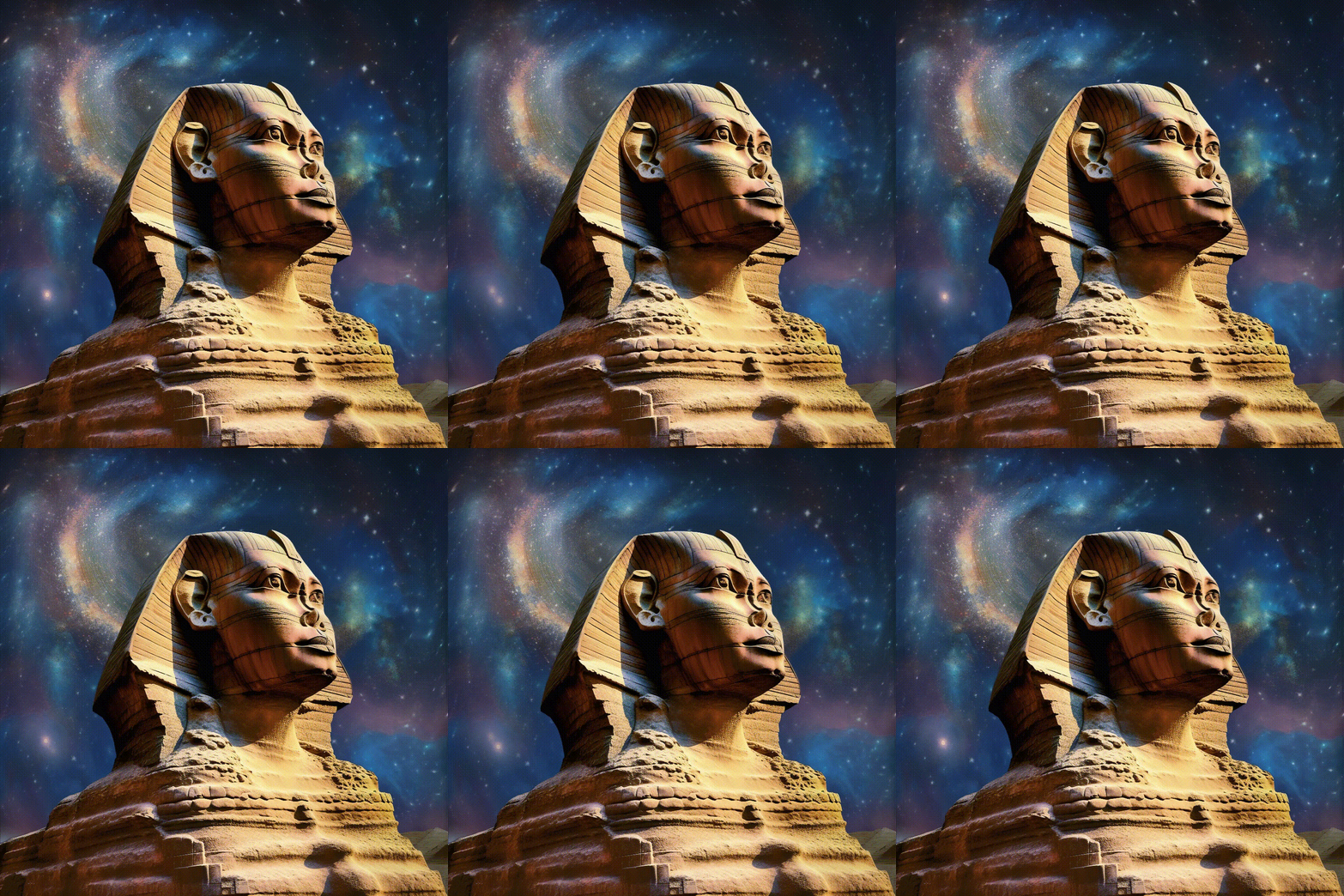
How many times do you look at an AI image and say “I wonder how they did that?” Or maybe you have an image you’d like to reference or mimic, perhaps in a style you’re unfamiliar with? You know exactly what you want, how it looks, but not how to express it? Now Midjourney can help with that.
Of course, being able to reverse engineer a text prompt for AI images isn’t new: previously I would recommend Lexica (the Stable Diffusion Search Engine) or the CLIP Interrogator on Huggingface. However, it’s nice to have one in-house at Midjourney, accessible in your Discord chat.
I’ll publish a performance comparison of these platforms soon, but my initial impression is that the Midjourney V5 /describe command rocks!
You can also discover how to animate your AI images in my article below:
How to use Midjourney V5 /describe command
If you’ve been using Midjourney for image-to-image generation, you’ll already know you can use images as input (Top Tip: You can even assign weight to images input with the parameter “--iw” followed by a number between 0.5–2, to change how much or how little you want it to influence the outcome).
What we want today starts with that same first step — uploading an image. I’ll use an image from Pexels, Great Sphinx Of Giza Under Blue Starry Sky.
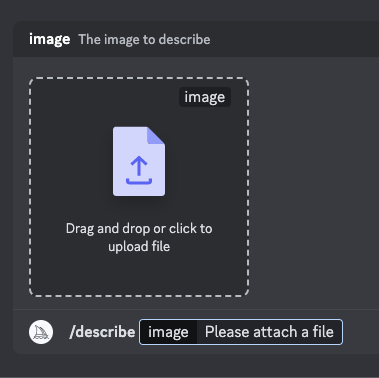
Type /describe in chat, then drag and drop or click to upload your image.
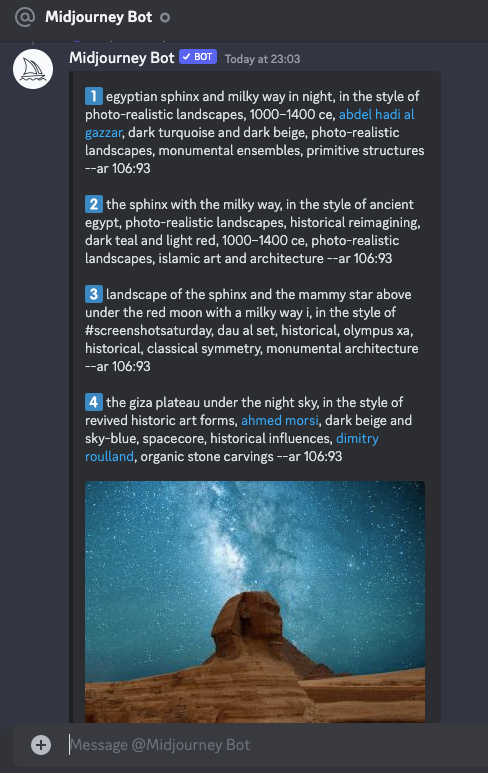
Midjourney will churn out 4 possible descriptions for you to choose from! I particularly like that it includes the aspect ratio automatically. This method is a great way to learn better prompt engineering. Look at the detail and how it describes the subject, the style, the lighting, the background, the aesthetic, etc:
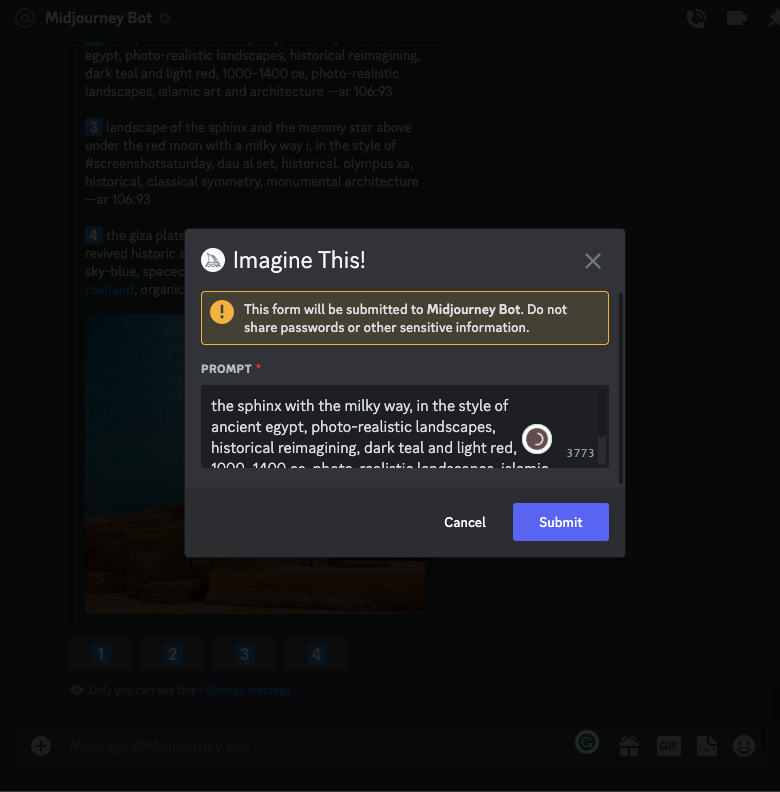
Once you’ve selected your option, clicking will open an /imagine prompt.
This is important because you can reword the prompt before processing if you have any changes (exactly like when running Variations of an image):
And then you get generated output in foursquare, as per business as usual:
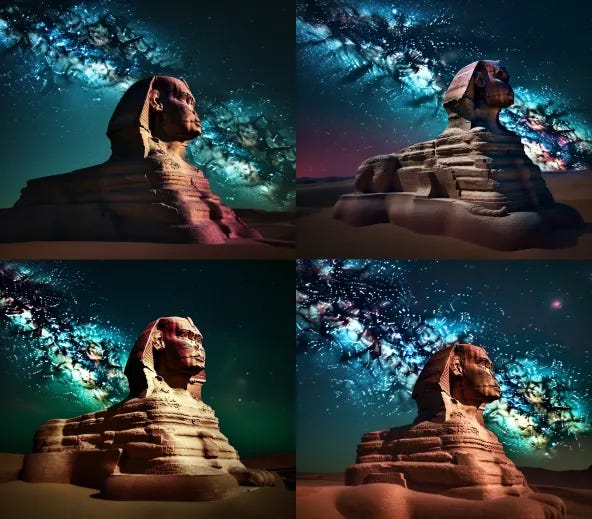
Enhancing your /describe command with ChatGPT or Jasper Chat
The great thing about having the image-to-text description is now we can manipulate and refine it to achieve even better results. This is where AI language models like ChatGPT and Jasper Chat come into play. Jasper Chat is an exceptional choice for refining your descriptions, thanks to its strong focus on NLP, multiple language models, and its roots as a copywriting tool.
To make the most of your image-to-text descriptions from Midjourney’s /describe command, you can use the “Narrativize Your Prompt” Jasper Recipe. This unique recipe, created by Jim Nightingale, a.k.a. The Jasper Whisperer, is designed to help you transform basic prompts into evocative, narrative-driven descriptions for even more visionary AI-generated images.
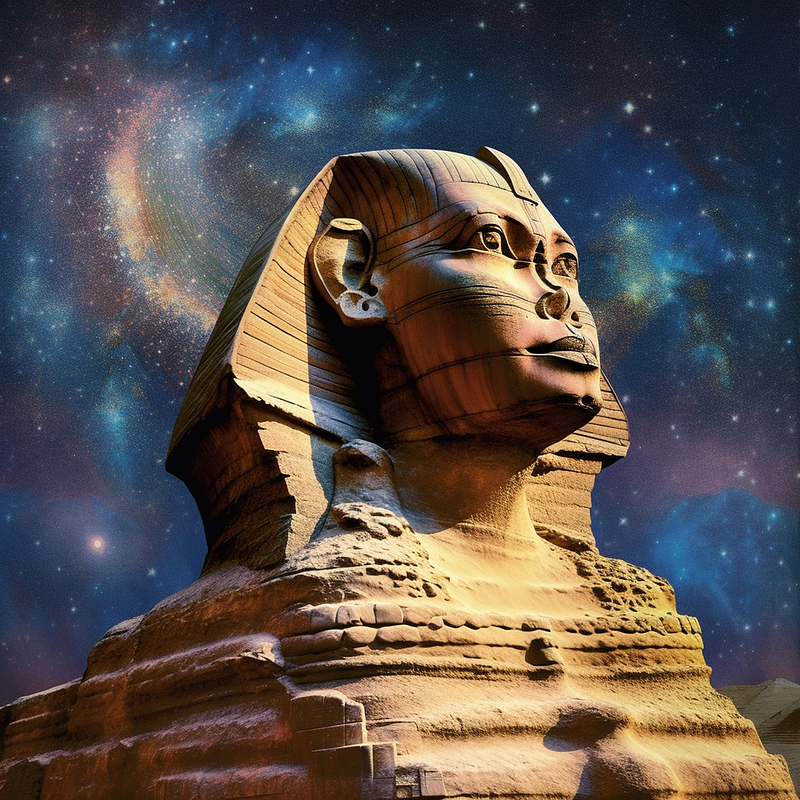
While tools like ChatGPT can help to some extent, the “Narrativize Your Prompt” Jasper Recipe is specifically optimized for Jasper AI’s advanced language model. You can check out the article below for the full prompts:
Ready to join Medium?
Gain unlimited access to the entire Medium catalog with my referral link, and you’ll also be supporting my ongoing writing at no extra cost to you:
Who is Jim the AI Whisperer?
Jim the AI Whisperer offers advanced training in using AI generators to create stunning visuals and how to write original and compelling content. If you’re interested in discovering more, feel free to contact me.
I’m also available for journalism opportunities, podcasts, and interviews.


