
Laravel LDAP authentication - Laravel login with Open LDAP
Laravel LDAP authentication with an example — part 2

The part 1 we installed new Laravel with OpenLDAP & phpLDAPadmin. Also installed the Adldap2-Laravel package for LDAP authentication.
In this part, we going to do the LDAP configuration and complete the LDAP authentication.
1. Change auth driver
Open config/auth.php configuration file and change the driver value inside the users authentication provider to ldap
'providers' => [
    'users' => [
        'driver' => 'ldap',
        'model' => App\Models\User::class,
    ],
],
2. Update LDAP configuration
Open your .env file and add host, username, password, and base dn of LDAP. Use the below values and update the .env
LDAP_HOSTS="openldap"
LDAP_USERNAME="cn=admin,dc=example,dc=org"
LDAP_PASSWORD="admin"
LDAP_BASE_DN="dc=example,dc=org"
The base DN is required for any query results to be returned.
3. Check the connection
To check the connection, try to log in with the LDAP admin user.
Email: [email protected]
Password: admin
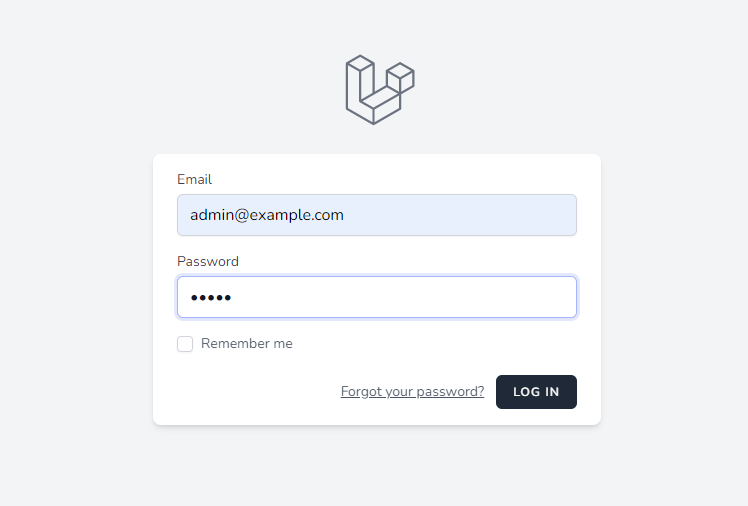
When trying to log in, getting the below error
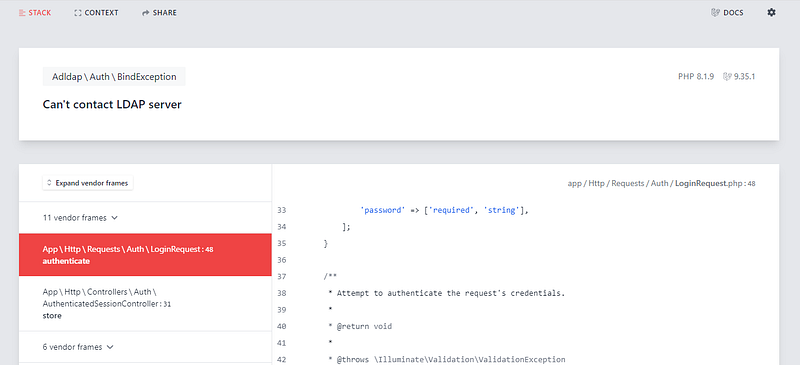
Look like the error is due to we missed adding the sail network on docker-compose.yml. Open docker-compose.yml and add the network.
    openldap:
        image: osixia/openldap:1.5.0
        ports:
            - 389:389
        volumes:
            - ldap_data:/var/lib/ldap
            - ldap_config:/etc/ldap/slapd.d
        networks:
            - sail
    phpldapadmin:
        image: osixia/phpldapadmin:latest
        environment:
            PHPLDAPADMIN_LDAP_HOSTS: "openldap"
            PHPLDAPADMIN_HTTPS: "false"
        ports:
            - "8080:80"
        depends_on:
            - openldap
        networks:
            - sail
After the update restart the Laravel sail
./vendor/bin/sail down./vendor/bin/sail build./vendor/bin/sail up -dNow try to log in again, but again we getting errors. But this error is not related to the connection.
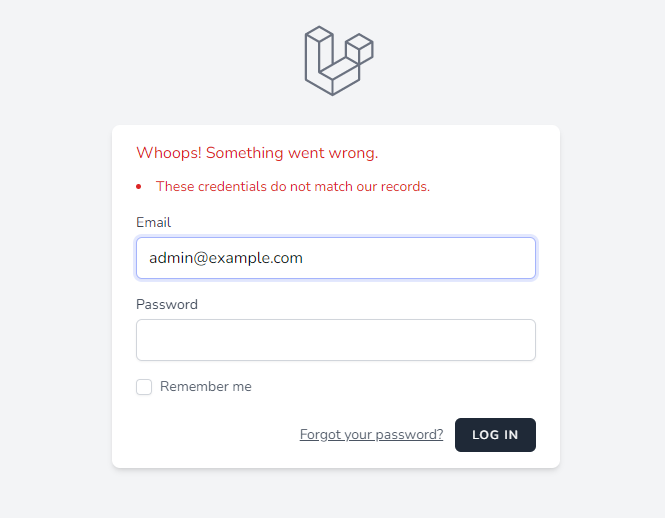
We will fix this login issue in the upcoming steps
4. ldap_auth.php configuration changes
Open the config/ldap_auth.php and do the model & identifiers update
model
'model' => App\Models\User::class,identifiers
Now update the locate_users_by to mail and bind_users_by to dn
'ldap' => [ 'locate_users_by' => 'mail', 'bind_users_by' => 'dn',],
sync_attributes
The sync attributes will be added/replaced on the user model upon login, automatically synchronizing and keeping the attributes up to date.
'sync_attributes' => [ 'email' => 'mail', 'name' => 'cn',],
after the changes try the login again. You get the below error
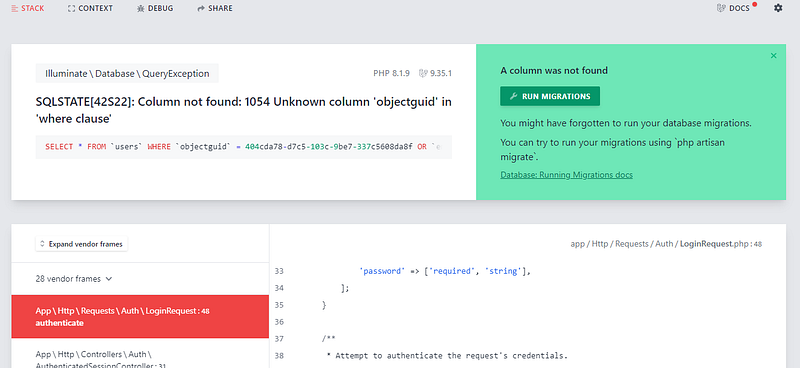
We using LDAP DatabaseUserProvider, so we need to add a GUID column in the user's table.
5. GUID Column
Create a new migration and add the nullable column to your users database table.
./vendor/bin/sail php artisan make:migration add_objectguid_column
Add the below code on the up function
Schema::table('users', function (Blueprint $table) {
    $table->string('objectguid')->nullable()->after('id');
});
after the changes run the migration
./vendor/bin/sail php artisan migrate
6. LDAP authentication
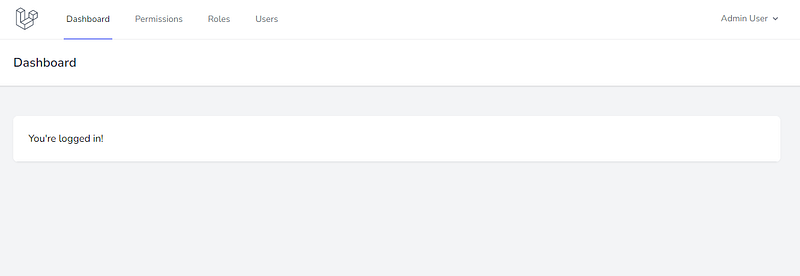
Now we have completed LDAP authentication. You are able to log in with the LDAP.
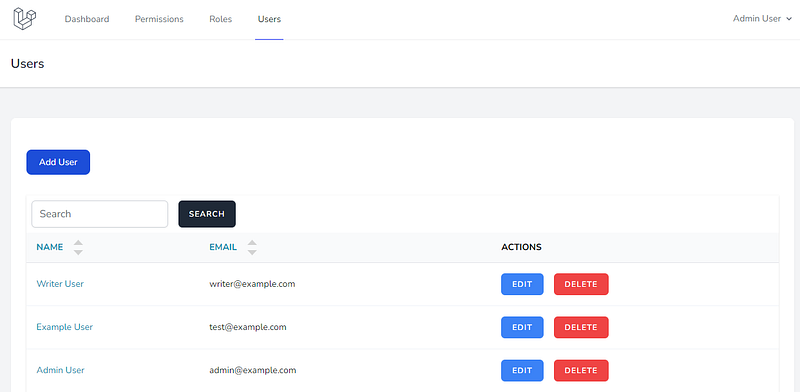
User Creation
If you log in with the [email protected] email it will create a new user after the successful
Next part we do the LDAP group sync with Laravel roles.
Next Part 3: How to Assign a role to the user based on the LDAP group
Previous Part 1: Laravel LDAP authentication — Laravel Docker install OpenLDAP and phpLDAPadmin
Thank you for reading.
Stay tuned for more!
Follow me at balajidharma.medium.com.


