
JavaScript Day 5 — Mastering JavaScript Basics: A Comprehensive Guide for Interview Preparation
100 Days of JavaScript Interview Prep: A Beginner’s Journey
Welcome to Day 5 –100 Days of JavaScript Interview Prep: A Beginner’s Journey
Join us as we document a 100-day adventure filled with learning, practice, and growth.
DAY 5 (March 27, 2024) — Most Common String Manipulation Interview Questions
Note if someone wants to try online while reading :)
Can explore below online javascript Playground — Happy Coding!
Online New JavaScript Playground with live changes
We will use online JavaScript Compiler today to run all examples of questions
Question 1 — How can I capitalize a string?
Easiest one — don’t confuse it with first letter only :)
Answer :
Before diving into the solution, it’s essential to understand why we utilize certain built-in methods.
toUpperCase()
The toUpperCase() method in JavaScript can be used to convert a string into uppercase characters. This method converts every lowercase character to uppercase and does not alter any other character.
let str="test";
let newstr= str.toUpperCase();
console.log(newstr)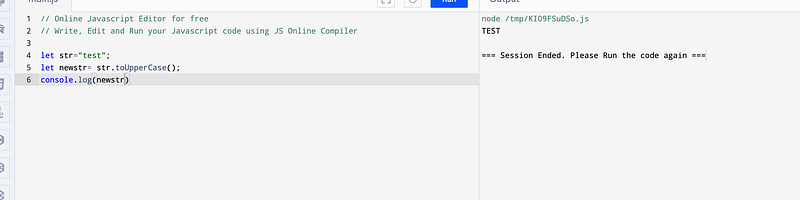
Question 2— How can I capitalize the First letter in a string or sentence?
Before diving into the solution, it’s essential to understand why we utilize certain built-in methods.
1) substring() method of String values returns the part of this string from the start index up to and excluding the end index, or to the end of the string if no end index is supplied.
const str = 'Motive';

console.log(str.substring(1, 3));
// Expected output: "ot"

console.log(str.substring(2));
// Expected output: "tive""dog".charAt(1); // gives value "0"
"dog"[1]; // gives value "0"Answer :
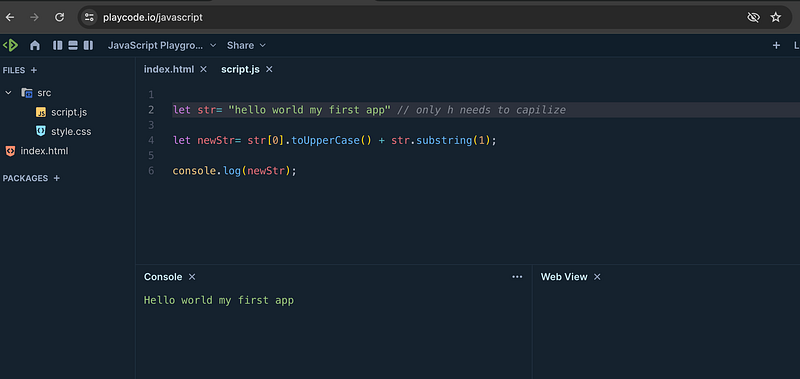
let str= "hello world" // only h needs to capilize

let newStr= str[0].toUpperCase() + str.substring(1);

console.log(newStr);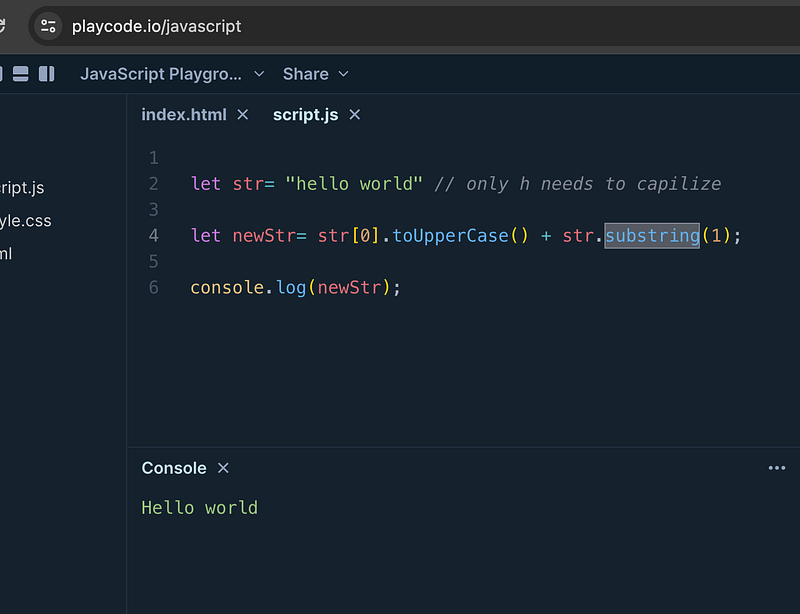
Question 3— How can I capitalize the first letter of each word from a string or sentence?
Answer:
Before diving into the solution, it’s essential to understand why we utilize certain built-in methods.
Split() — Method The split() method of String values takes a pattern and divides this string into an ordered list of substrings by searching for the pattern, puts these substrings into an array, and returns the array.
const str = 'Hello world';
str.split(' ')
console.log(str.split(' '))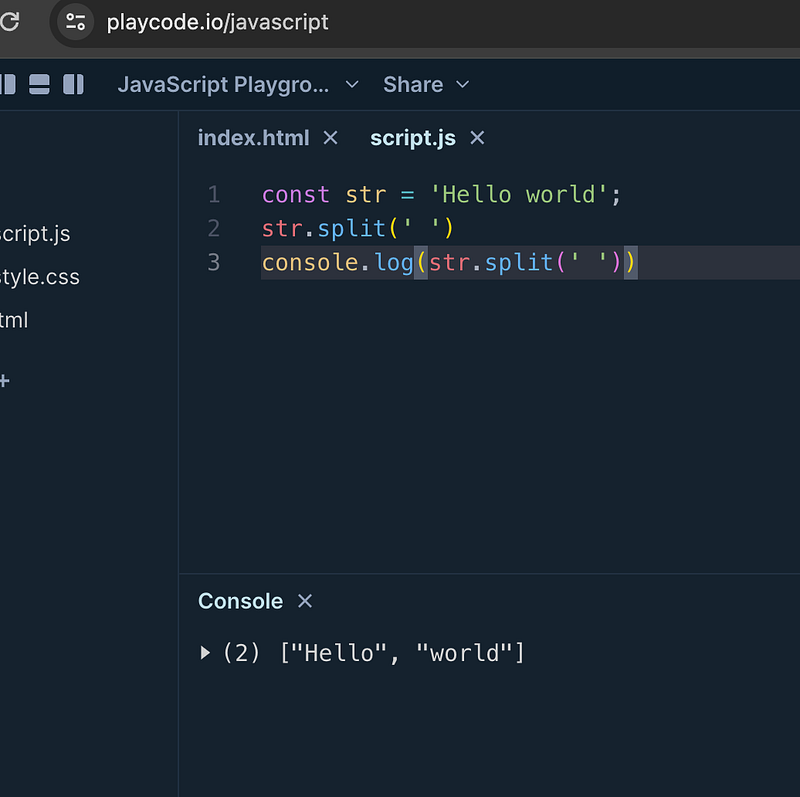
Join() Method
The join() method of Array instances creates and returns a new string by concatenating all the elements in this array, separated by commas or a specified separator string. If the array has only one item, then that item will be returned without using the separator.
const elements = ['a', 'b', 'c'];

console.log(elements.join()); // without spaces
// Expected output: "a,b,c"
console.log(elements.join(' ')); // with spaces
// Expected output: "a b c"
Final Answer
split the string into array , map the array with substring and combine the new array into string with join
const str= "hello friends welcome to day5"
//split the sentence
const words = str.split(" ");
//we can now use array map and join
//( check question 2 how we are using subString to combine rest part of string)

const newStr=
words.map((word)=>{
   return word[0].toUpperCase() + word.substring(1)
}).join(' ') // here join is used to combine array to string with empty spaces

console.log(newStr)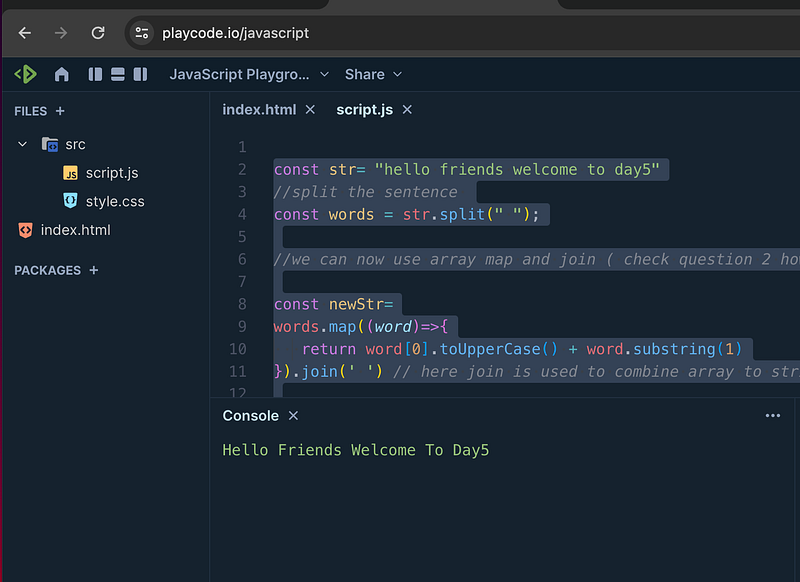
Now You all can try with For loop — same approach and share the sample code in comments
Question 4 — Write a function to reverse a string ?
Most popular Question in interviews
(“hello”) should become “olleh”
Answer :
Before diving into the solution, it’s essential to understand why we utilize another built-in methods.
Method 1
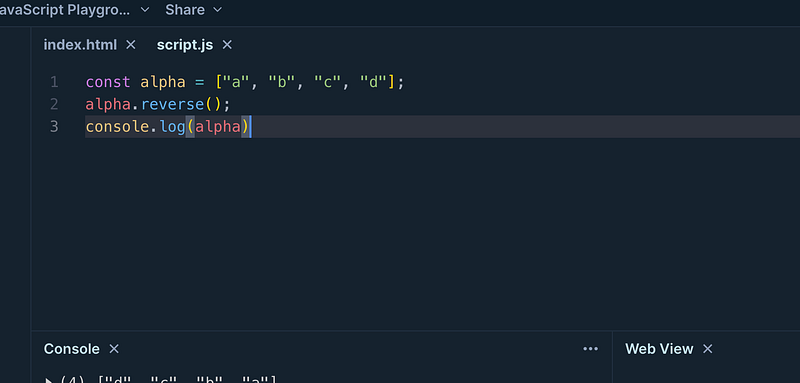
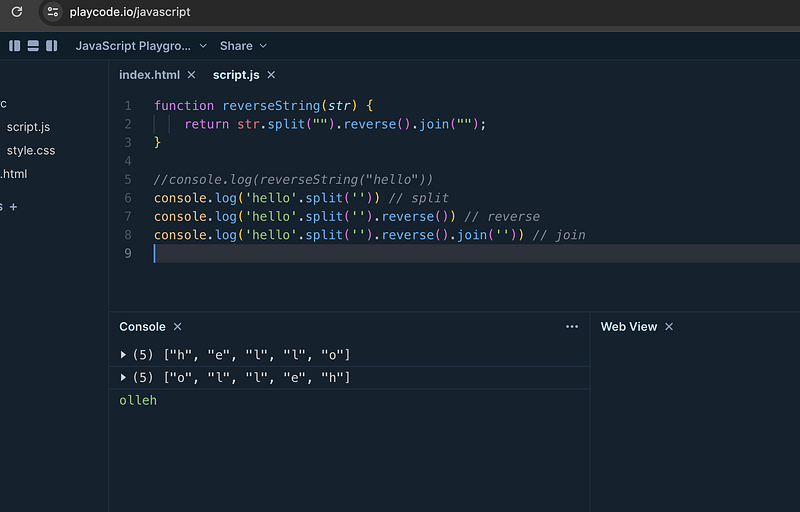
Reverse Method - reverses the order of the elements in an array. It also modifies the original array
see as below
Final Answer :
//split string to convert to array without spaces
function reverseString(str) {
    return str.split("").reverse().join("");
}

console.log(reverseString("hello"))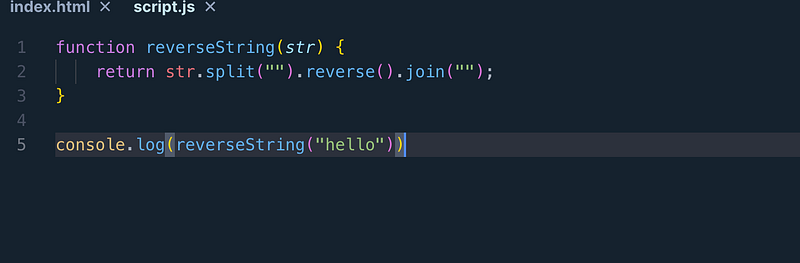
Step By Step Explanation with console.log
Method 2 — Try with for loop
Question 5 — Write a function to reverse the order of words in a given string or sentences.
hello world to world hello
Answer :
function reverseWords(str) {
    return str.split(' ').reverse().join(' ');
}
console.log(reverseWords('hello world')); // Output: 'world hello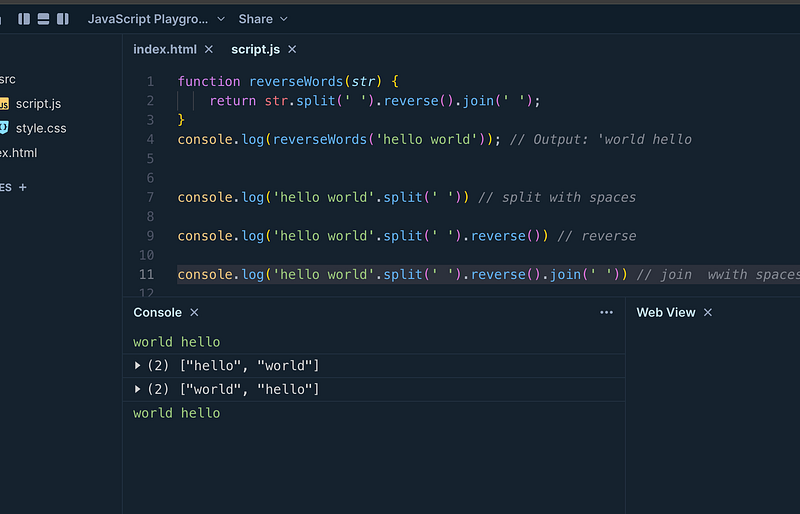
Step by Step Code implementation
function reverseWords(str) {
return str.split(' ').reverse().join(' ');
}
console.log(reverseWords('hello world')); // Output: 'world hello
console.log('hello world'.split(' ')) // split with spaces
console.log('hello world'.split(' ').reverse()) // reverse
console.log('hello world'.split(' ').reverse().join(' '))
// join wwith spaces
String manipulation is indeed a vast topic with huge possibilities.
We can continue exploring more examples over the next two days.
Happy learning :)
Kind is cool !!! Share knowledge to gain knowledge !!!! Be kind and treat people with respect !!
If you find my videos helpful, then please subscribe, Claps and follow to support
Cheers, Kirti Kaushal
Others Articles
#kindiscool #shareyourknowledge


