
I Tried KoalaWriter [Honest Review]

I bit the bullet and tried KoalaWriter. I had been hearing creators on Twitter talk about it over and over again so, I started the free trial.
The interface was simple, straightforward and easy to use. No browsing YouTube videos or finding special tips and tricks from social media to learn how to use this AI writer.
After crafting a few pieces using this AI writing assistant, I was sold. And, I bought the $25/month plan.
Here’s what sold me and why I think KoalaWriter is one of the best AI writing tools online right now!
What is KoalaWriter?
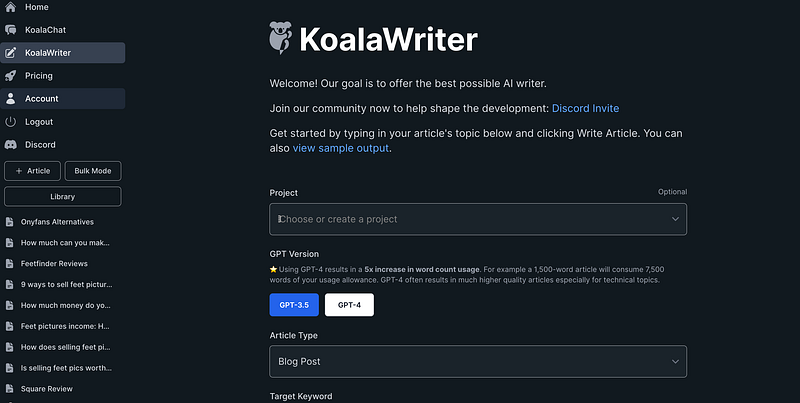
KoalaWriter is an AI writing tool. You can craft long-form content like blog posts or articles with a click of a button. It takes me 1–2 minutes to churn out a well-written piece of content that is human-like and pretty much, ready to publish!
I use KoalaWriter to help me draft my blog posts. Here’s my process:
Step 1: Pour my keyword into KoalaWriter and set it to write an SEO-optimized post
Step 2: Paste the draft into WordPress and edit
Step 3: Add my finishing touches (graphics, links, videos, etc.) and publish!
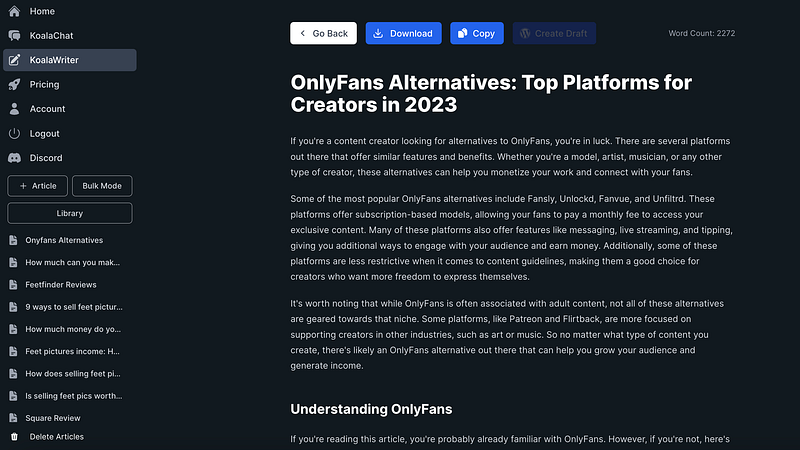
Here’s a draft I’m working on for a post I’m writing about Onlyfans alternatives…
Some key features of Koalawriter:
- It is designed to help users write high-quality content quickly and easily. It can generate drafts, summarize information, check grammar, and more.
- The AI has been trained on a huge trove of text data to make it skilled at natural language processing and generation. This allows it to understand writing prompts and user inputs.
- Koalawriter aims to produce human-quality writing while avoiding fabricated or plagiarised content. The creators fine-tuned it to generate original prose.
- It is optimized to adapt to a user’s tone and style over time, becoming more tailored to individuals’ preferences.
- The goal is for Koalawriter to be helpful for all kinds of writing from emails to blog posts. It aims to boost productivity for students, professionals, journalists and more.
How does KoalaWriter work?
It’s intuitive and super easy to use.
First, visit Koalawriter and once you’re signed up and ready to use it, you can create a project (optional). I don’t use the Create a Project button myself but, if you’d like to, for organizing your content, you definitely can.
I start with Article Type, which is always “blog post” for me.
Other options are: Amazon product review and YouTube video to blog post.
Next, enter your target keyword. Then, set your Tone of Voice and Language.
Add Country.
And, toggle on Use Real-Time Search Results, if you want to use this feature. When you do, it’ll give you some filters to choose from (optional):
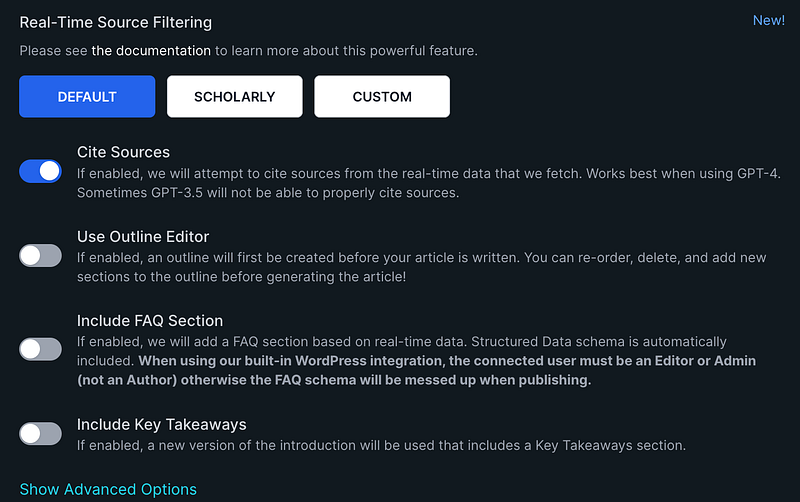
You can click Show Advanced Options if you want to do things like add a Custom Outline and other things.
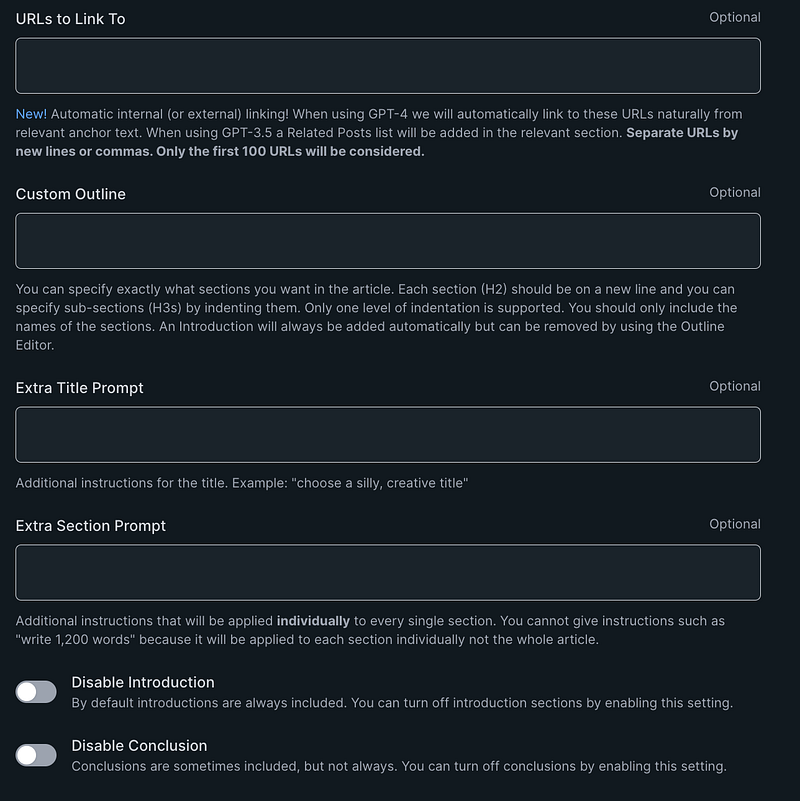
When you’re done, click Create Article and get your article written right before your eyes!
When the draft is ready, you can copy it into WordPress or whatever CMS you’re using.
How I use KoalaWriter?
I love using KoalaWriter for writing my blog posts. It’s helped me create up to 10 posts a day for my blog and content business. It’s great.
I recommend you check out KoalaWriter. Use my link to start your free trial!
What do you think about AI writers?
Have you tried KoalaWriter?
Note: Affiliate links are in this article which means if you click a link and make a purchase, I earn a commission at no additional cost to you.
I hope you enjoyed reading this. If you’d like to support me as a writer, consider signing up to become a Medium member. It’s just $5 a month and you get unlimited access to Medium.


