" allowfullscreen="" frameborder="0" height="480" width="854">
</div>
</div>
</figure></iframe></div></div></figure><figure id="17ff"><img src="https://cdn-images-1.readmedium.com/v2/resize:fit:800/1*Y-NKMfQiNQtFbta4-e9C0w.png"><figcaption>Moody handsome man in the chair. Image from MidJourney by Author.</figcaption></figure><h2 id="1709">2/ Don’t have a specific picture already in mind.</h2><p id="b105">While you get a pretty good image representation based on how good of a prompt you write, there are limits to creating exactly what you have in your head.</p><p id="6f5c">Instead, go with an artist mindset:</p><ul><li>Create prompt.</li><li>Retry prompt.</li><li>Update prompt.</li><li>Repeat.</li></ul><p id="6f56">With this method, you’ll probably come up with an image infinitely better than you originally expected.</p><figure id="f6b2"><img src="https://cdn-images-1.readmedium.com/v2/resize:fit:800/1*rEXrYRUTC5yzOySlZixZwQ.png"><figcaption>Ocean waves during sunset. Image from MidJourney by Author.</figcaption></figure><h2 id="a4f5">3/ Keep experimenting.</h2><p id="ebc9">This is an art form (the prompt writing and the final image).</p><p id="7a1e">Experiment. Retest prompts with slight changes. Be imaginative and just play around with the tool and new prompt techniques.</p><p id="4bb5">Study other images and prompts from other artists. What changes would you make to their prompt example? Try it and see what happens.</p><p id="8503">Don’t get fixed into a box — keep an open mind and look for resources from those who have come before you.</p><figure id="6a9c"><img src="https://cdn-images-1.readmedium.com/v2/resize:fit:800/1*p6jmZBjIrT-Lgl9Xo3cefw.png"><figcaption>Travel starter kit. Image from MidJourney by Author.</figcaption></figure><h2 id="76ef">4/ Find a tips and tricks sheet and add it to your Notion.</h2><p id="eac2">Whether it’s from the YouTube tutorials you watched or another resource, grab all the tips and tricks that you can and save them in one spot.</p><p id="adad">I use Notion for my notes, templates, and resources, but use whatever tool you’re most comfortable with documenting.</p><p id="0ea5">Write out the example prompts.</p><p id="45c9">Take notes about changing the prompts after the image is generated —<i> fun fact: you can zoom out, pan left and right, and all sorts of other changes after the first images are generated.</i></p><figure id="65ad"><img src="https://cdn-images-1.readmedium.com/v2/resize:fit:800/1*ixSP1-5j2bOklQjQ6hbq8g.png"><figcaption>Whimsical flowers. Image from MidJourney by Author.</figcaption></figure><h2 id="67d9">5/ Steal from other artists, then make it your own.</h2><p id="44e7">You don’t have to know everything about being an expert prompt artist to start in MidJourney.</p><p id="3ef9">Use prompts created by others as your inspiration.</p><p id="92d1">Tweak them to meet your needs.</p><p id="0f6e">Need a cute dog for a children’s book? Find a cute cat prompt in your desired style and change it from cat to dog.</p><p id="e54d">I’m not the most creative person, but I love seeing what others can do, learning from them, and applying their artistic genius to my creations.</p><p id="2417"><i>I’m not saying to steal their work. Be individualistic with your images and inspired by others. Luckily MidJourney will provide you with a unique image even if you use the exact same prompt.</i></p><figure id="46bf"><img src="https://cdn-images-1.readmedium.com/v2/resize:fit:800/1*XrOnUFaAcoCal2HLt7bwUg.png"><figcaption>Postcards of Santorini and blue ocean. Image from MidJourney by Author.</figcaption></figure><h2 id="8ce0">6/ Don’t expect perfection in MidJourney.</h2><p id="80d7">MidJourney will create an amazing image for you, but it’s not usually the end of your project journey.</p><p id="6e0b">Depending on the project you’re working on, yo
Options
u may need to:</p><ul><li>Add additional upscaling.</li><li>Create a vector file.</li><li>Create and add (or update) text. <i>MidJourney is terrible with text.</i></li><li>Combine multiple images. <i>One image as a background, additional images for characters, or photo layers.</i></li></ul><p id="b237">Tools such as Canva, Photoshop, and Vectorize will need to be added for a spectacular final product.</p><figure id="87db"><img src="https://cdn-images-1.readmedium.com/v2/resize:fit:800/1*LnYF7yQ_2OYZ6SdLNHkOvw.png"><figcaption>Happy mouse in a field. Image from MidJourney by Author.</figcaption></figure><h2 id="5b48">7/ The possibilities are endless.</h2><p id="023c">There’s no limitation to the creations in MidJourney.</p><p id="bbfa">Every prompt, every retry, and every variable create a unique image.</p><p id="8772">You’ll be shocked at the endless styles, famous artists, and creativity that will be generated.</p><p id="c52e">I would set a timer when you start creating your images, so you also don’t go down the rabbit hole.</p><figure id="9c89"><img src="https://cdn-images-1.readmedium.com/v2/resize:fit:800/1*WR3nUCM7tUCgkv2DEm_FCA.png"><figcaption>The author as a younger child, surrounded by his books. Image from MidJourney by Author.</figcaption></figure><h2 id="bb4a">Give MidJourney a Try</h2><p id="4c96">I’ve found MidJourney fascinating, but overwhelming. My mind is exploding with the possibilities.</p><p id="2564">All of the photos from this article were created in MidJourney by me (and I cannot state again how uncreative I am).</p><p id="130a">I hope you gain a few nuggets from my experience and give MidJourney a spin!</p><p id="f5f3">Please let me know how it goes in the comments.</p><h1 id="b472">Curious about what I’m doing? Check out these articles and follow along:</h1><div id="bd8a" class="link-block">
<a href="https://readmedium.com/3-reasons-im-focusing-on-digital-content-creation-and-why-you-ll-reap-the-reward-196b5364c0b2">
<div>
<div>
<h2>3 Reasons I’m Focusing on Digital Content Creation — And Why You’ll Reap the Reward</h2>
<div><h3>Follow along, benefit from the experiments, and let’s grow together.</h3></div>
<div><p>medium.com</p></div>
</div>
<div>
<div style="background-image: url(https://miro.readmedium.com/v2/resize:fit:320/0*ChAvgUPxbY8Fb9wJ)"></div>
</div>
</div>
</a>
</div><div id="9cf5" class="link-block">
<a href="https://readmedium.com/creating-experimenting-and-documenting-my-digital-product-journey-the-initial-plan-727699136b36">
<div>
<div>
<h2>Creating, Experimenting, and Documenting My Digital Product Journey — The Initial Plan</h2>
<div><h3>I keep reminding myself this is a side project…</h3></div>
<div><p>medium.com</p></div>
</div>
<div>
<div style="background-image: url(https://miro.readmedium.com/v2/resize:fit:320/0*CsVW8afskRq5lTcm)"></div>
</div>
</div>
</a>
</div><div id="108b" class="link-block">
<a href="https://readmedium.com/my-digital-project-journey-the-list-of-possible-products-630eba8c4a99">
<div>
<div>
<h2>My Digital Project Journey — The List of Possible Products</h2>
<div><h3>So many ideas — it’s tough to be patient and start with only one!</h3></div>
<div><p>medium.com</p></div>
</div>
<div>
<div style="background-image: url(https://miro.readmedium.com/v2/resize:fit:320/0*a2W2PTGfubqc8X01)"></div>
</div>
</div>
</a>
</div></article></body>
I Spent 10 Hours Learning MidJourney on Sunday — My 7 Lessons for Beginners
Rabbit hole after rabbit hole — chasing MidJourney techniques and prompts.
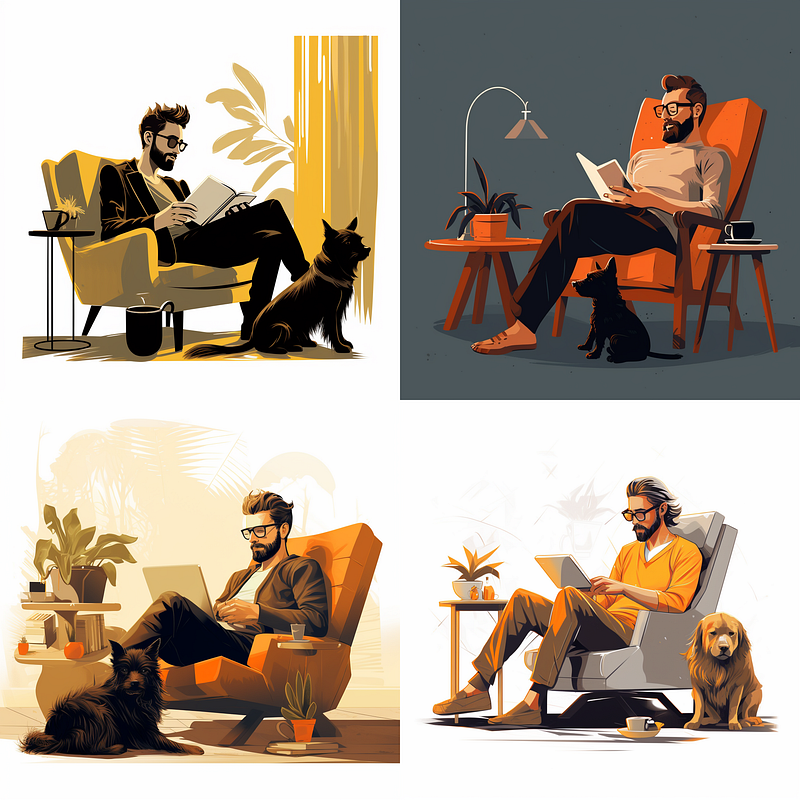
Man in a chair with a best friend. Image from MidJourney by Author.
I went down a MidJourney rabbit hole yesterday.
I spent all afternoon creating prompts, watching YouTube tutorials, and finding stylistic examples that I wanted to generate.
If you haven’t tried MidJourney yet, it’s an AI tool that turns text into images. You put in a description of what you’re looking for, then it creates several variations of the image. You can remaster the work as often as you want — until you have a final image to download.
Before yesterday, I spent about 15 minutes on MidJourney (I love new technology!) but was quickly overwhelmed and undereducated about the possibilities.
After yesterday, I’m still a complete noob, but I’ve definitely grasped the possibilities of the tool!
Below are my seven observations and lessons for MidJourney beginners:
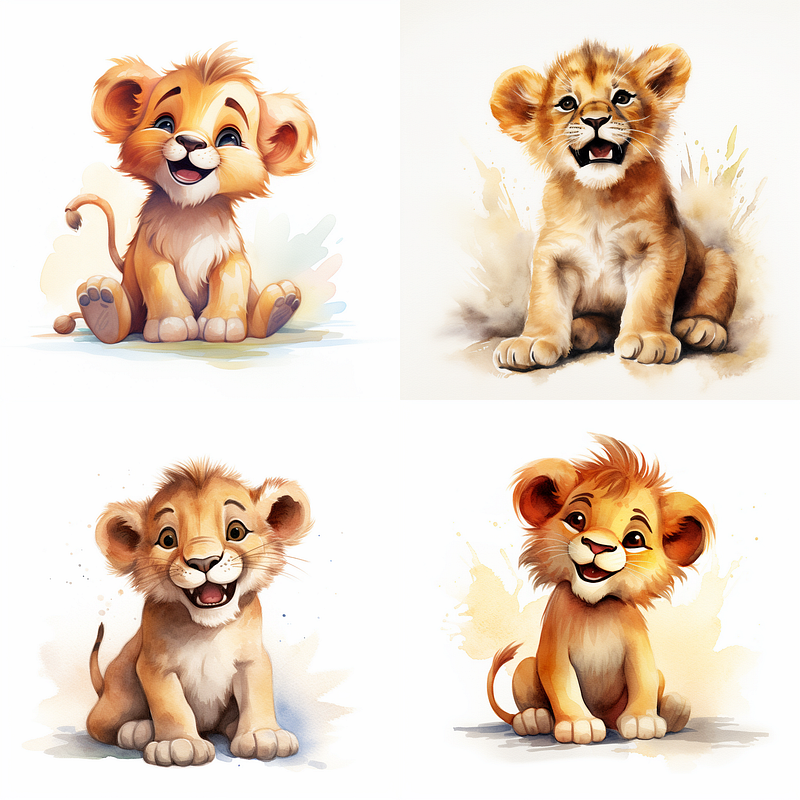
A cute and happy lion cub. Image from MidJourney by Author.
1/ Watch YouTube video instructions.
I thought I’d just jump into MidJourney a few months ago and was totally overwhelmed. My approach this time? Watch YouTube first!
There are amazing tutorials on YouTube to help get you started with MidJourney.
Signing up for Discord.
Prompt formatting.
Prompt tips.
Example prompts to get you started.
Here are a few of the videos I used for reference:
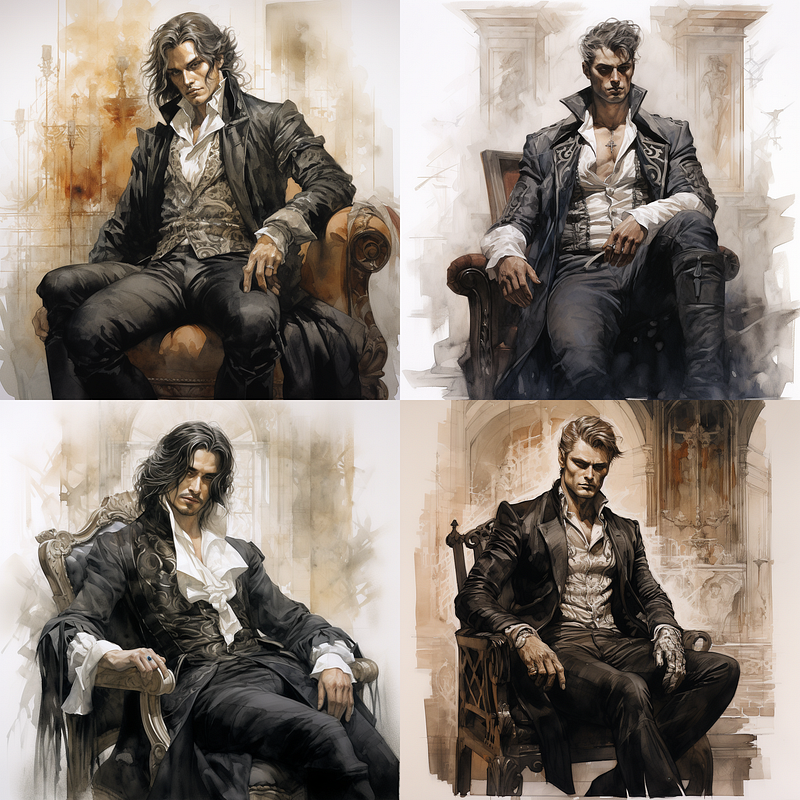
Moody handsome man in the chair. Image from MidJourney by Author.
2/ Don’t have a specific picture already in mind.
While you get a pretty good image representation based on how good of a prompt you write, there are limits to creating exactly what you have in your head.
Instead, go with an artist mindset:
Create prompt.
Retry prompt.
Update prompt.
Repeat.
With this method, you’ll probably come up with an image infinitely better than you originally expected.
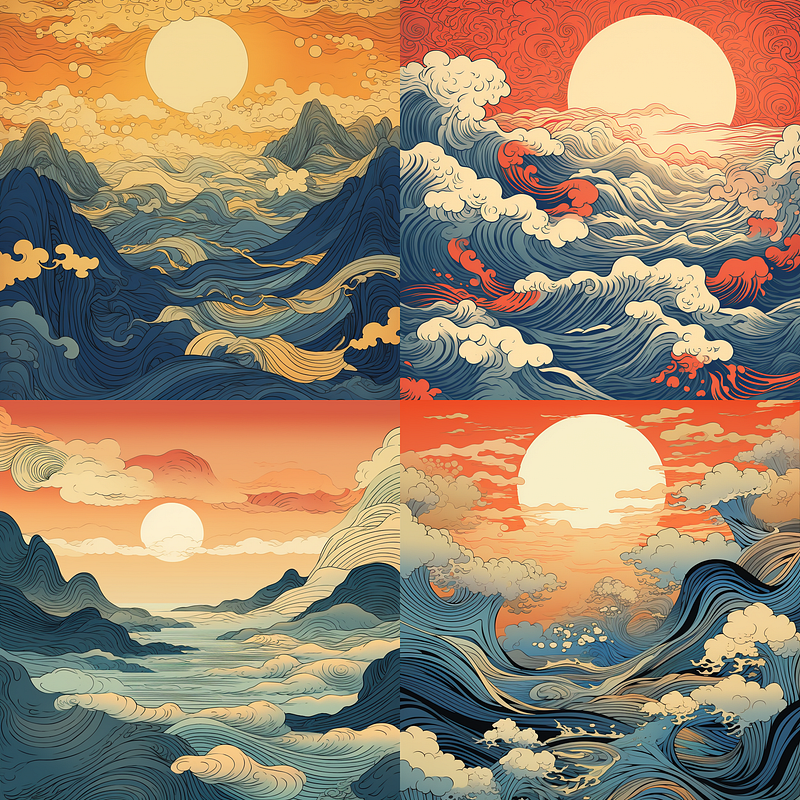
Ocean waves during sunset. Image from MidJourney by Author.
3/ Keep experimenting.
This is an art form (the prompt writing and the final image).
Experiment. Retest prompts with slight changes. Be imaginative and just play around with the tool and new prompt techniques.
Study other images and prompts from other artists. What changes would you make to their prompt example? Try it and see what happens.
Don’t get fixed into a box — keep an open mind and look for resources from those who have come before you.
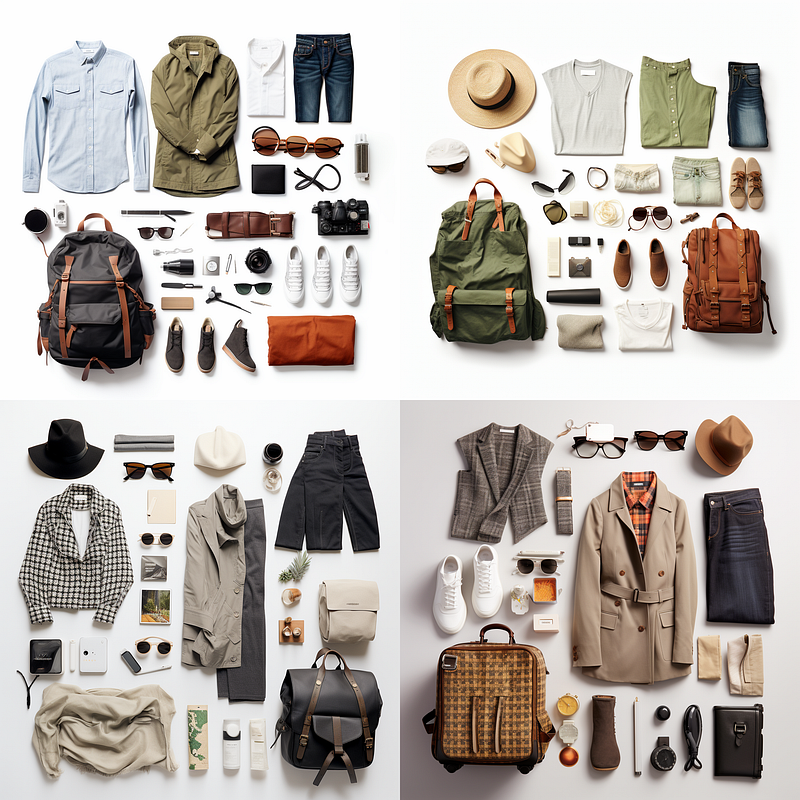
Travel starter kit. Image from MidJourney by Author.
4/ Find a tips and tricks sheet and add it to your Notion.
Whether it’s from the YouTube tutorials you watched or another resource, grab all the tips and tricks that you can and save them in one spot.
I use Notion for my notes, templates, and resources, but use whatever tool you’re most comfortable with documenting.
Write out the example prompts.
Take notes about changing the prompts after the image is generated — fun fact: you can zoom out, pan left and right, and all sorts of other changes after the first images are generated.
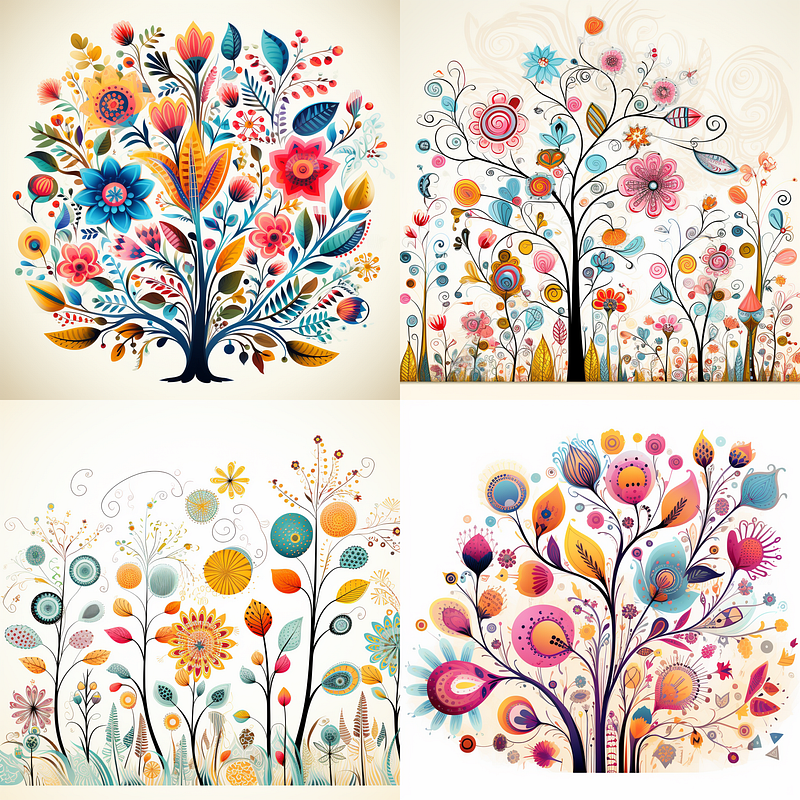
Whimsical flowers. Image from MidJourney by Author.
5/ Steal from other artists, then make it your own.
You don’t have to know everything about being an expert prompt artist to start in MidJourney.
Use prompts created by others as your inspiration.
Tweak them to meet your needs.
Need a cute dog for a children’s book? Find a cute cat prompt in your desired style and change it from cat to dog.
I’m not the most creative person, but I love seeing what others can do, learning from them, and applying their artistic genius to my creations.
I’m not saying to steal their work. Be individualistic with your images and inspired by others. Luckily MidJourney will provide you with a unique image even if you use the exact same prompt.
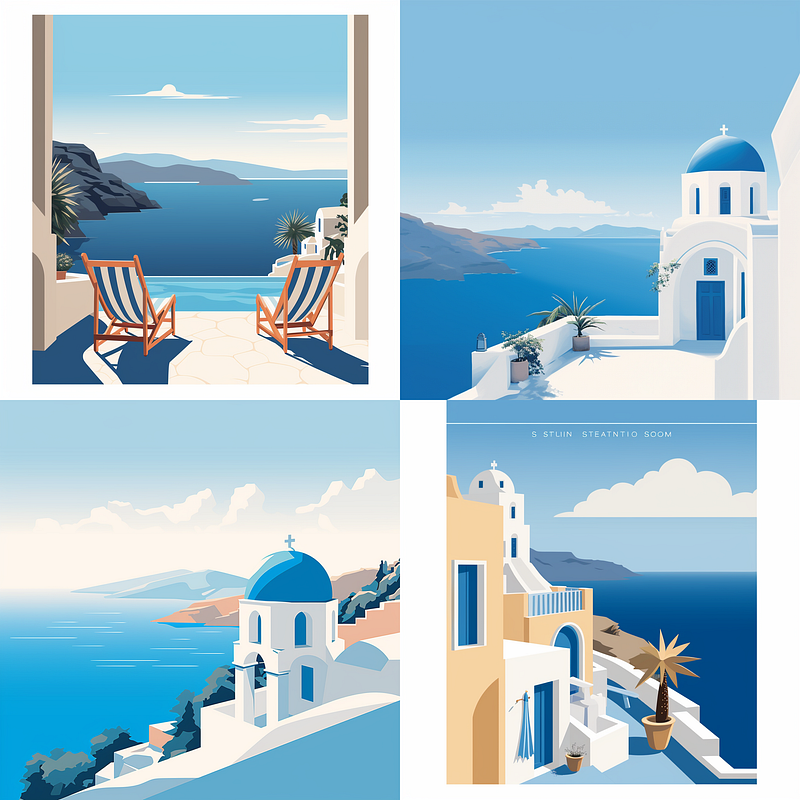
Postcards of Santorini and blue ocean. Image from MidJourney by Author.
6/ Don’t expect perfection in MidJourney.
MidJourney will create an amazing image for you, but it’s not usually the end of your project journey.
Depending on the project you’re working on, you may need to:
Add additional upscaling.
Create a vector file.
Create and add (or update) text. MidJourney is terrible with text.
Combine multiple images. One image as a background, additional images for characters, or photo layers.
Tools such as Canva, Photoshop, and Vectorize will need to be added for a spectacular final product.
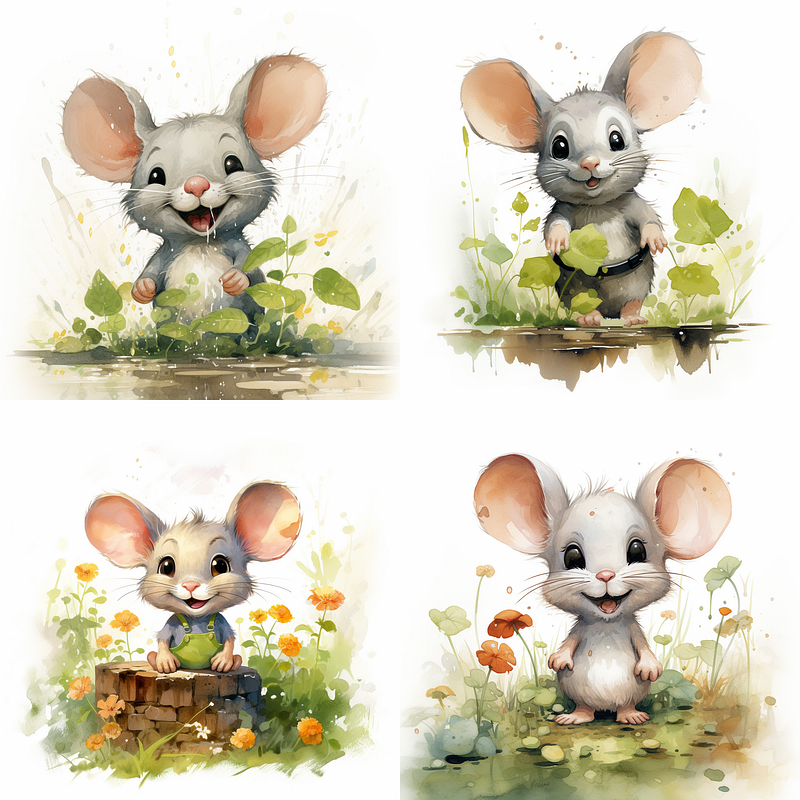
Happy mouse in a field. Image from MidJourney by Author.
7/ The possibilities are endless.
There’s no limitation to the creations in MidJourney.
Every prompt, every retry, and every variable create a unique image.
You’ll be shocked at the endless styles, famous artists, and creativity that will be generated.
I would set a timer when you start creating your images, so you also don’t go down the rabbit hole.
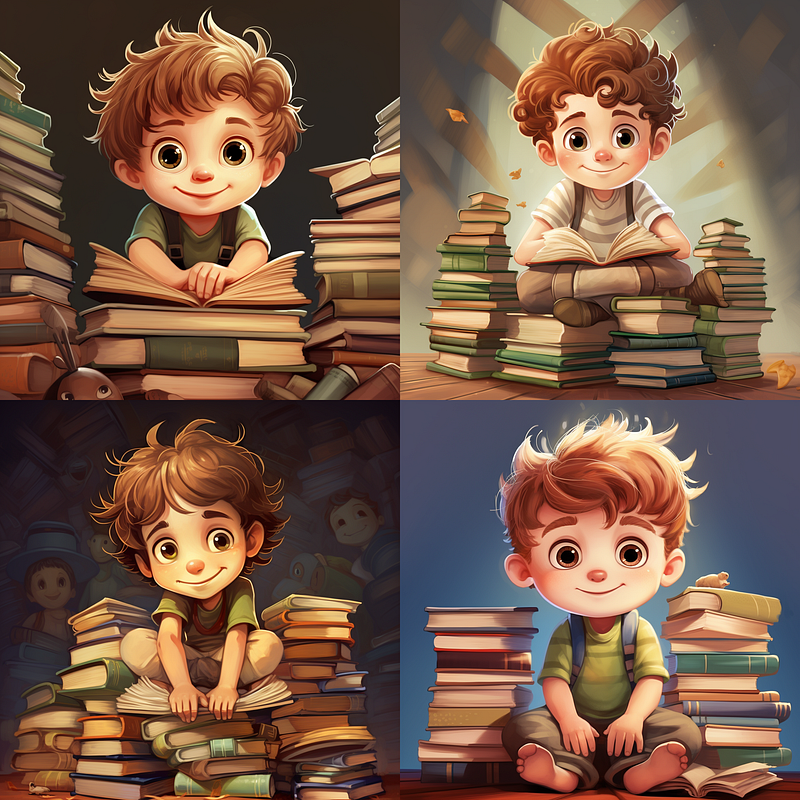
The author as a younger child, surrounded by his books. Image from MidJourney by Author.
Give MidJourney a Try
I’ve found MidJourney fascinating, but overwhelming. My mind is exploding with the possibilities.
All of the photos from this article were created in MidJourney by me (and I cannot state again how uncreative I am).
I hope you gain a few nuggets from my experience and give MidJourney a spin!
Please let me know how it goes in the comments.
Curious about what I’m doing? Check out these articles and follow along: