
A New Way of Storytelling
How to Use Virtual Reality for Creative Work
Step by Step Guide 2021
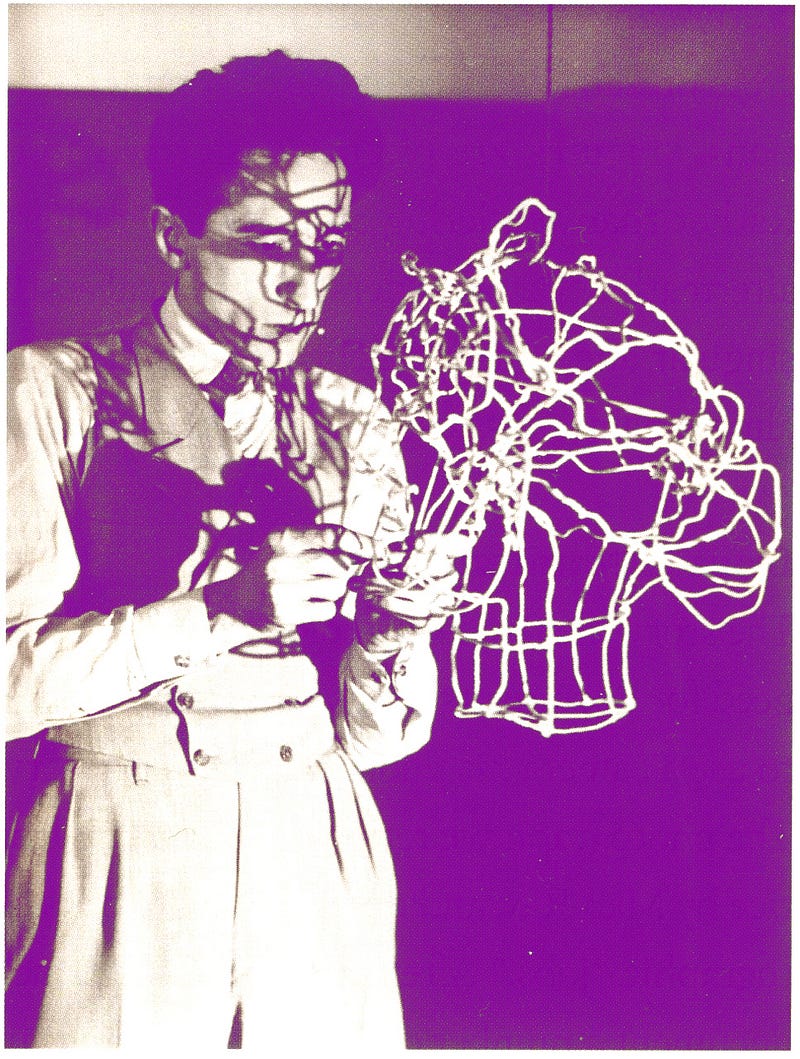
If you’re looking to improve your creative skills, you’re going to want to give virtual reality a try. Virtual reality isn’t just a computer-generated environment — it is an immersive world you can experience with all of your senses. Dive into one of the many VR experiences out there or jump right in and explore 3D worlds with your own hands, and feel as if you are truly somewhere else. It will make you feel alive.
I’m using VR daily since 2016 and it has changed my life. I have tried many “VR experience” tutorials but the one I loved was this one, “Tilt Brush”. I found it easy to use, the graphics are amazing and very impressive. I highly recommend it.
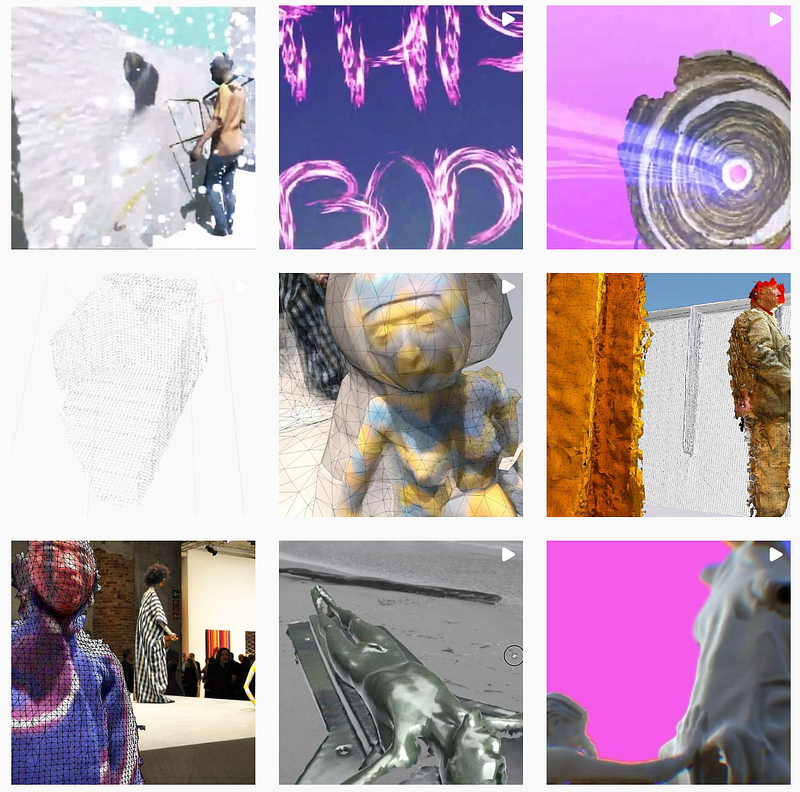
Besides painting, I love making videos. Almost all of them were shot using virtual reality. The same happens with my music videos: they’re shot using virtual reality. My Instagram page is filled with videos, images, and photos of my art in VR. This is the link to my Instagram
“Tilt Brush” is the easiest, best app for painting in virtual reality and has a lot of capabilities. I would recommend you to watch YouTube videos to learn the basics of the interface, how to draw simple shapes and how to create good-looking art. What is even better is — Since January 2021, the code behind Tilt Brush can be found on GitHub as open source. Tilt Brush is also available in app stores.
Google has called the application development project off. Nevertheless, the tool has potential and is providing many opportunities for creativity.
How can you use Virtual Reality for your work? It will feel like real life. You can move around a scene with your body, feel yourself in a photograph or even jump into an animation video. You can interact with your environment. You don’t have to be an expert. Even if you have no idea what you are doing, it will look like what you want. You will be guided by the software and there are many tutorials available for free online. Google is your best friend.
To improve your creative skills, you can use virtual reality everywhere, at any time, and alone. It is a great way to get into the mindset of a graphic designer, a filmmaker, or an animator. Don’t be afraid of failure- You can take as many shots as you want to. There is no cost for it. The only thing that matters are your skills and your imagination. Build your virtual world and take the next step towards true art.
You can feel free to copy my text here and use it as knowledge for your article. I already have a few articles from before using virtual reality in my work. But I will update this article with new techniques and tutorials that I am using in my daily work and with friends. I highly encourage you to explore all the possibilities of virtual reality for yourself. There are many free VR applications out there that you can try for yourself.
How to Use Virtual Reality for Creative Work — Step by Step Guide 1. Open your eyes 2. Prepare yourself for the new experience 3. Turn on the VR Headset 4. Get Ready to Experiment! 5. Open up each of your eyes and look around at the world you see in front of you 6. Look and listen closely, what do you hear? Feel? 7. Pull back this curtain to enter into a new world with brand new experiences at every turn 8. Try holding and moving objects, turning around, and placing them in a position that you think looks good 9. Realise this world is only a suggestion of what is possible — you can still paint differently 10. You’re going to want to use other apps in virtual reality with your friends 11. You can try out new software and techniques without breaking the bank
The finest VR apps 2021
Medium “Medium” is an app used for creating 3D objects sculpting experience that is immersive can be found with Oculus Medium. It’s a versatile tool for creating intricate designs. You can paint and stamp, as well as take pictures with the built-in camera and light system. It can be handy in your future projects. This app will take you on a journey, let your imagination run wild, and set you free. If you want to follow your dreams, then it is best to create your virtual world. This platform is unique because it allows for 3D creation and painting with the touch of your fingers.
Gravity Sketch It’s a VR app that can be used for concept development, from conception to construction. You will find this tool being used in many scenarios and industries where 3D digital design is used. “Gravity Sketch” is a full-on VR tool for creating shapes and using splines. Some comparisons have been made to Illustrator and they feel that’s fair.
Quill It is an innovative 3D painting app that allows you to draw in 3D space together with VR goggles or mobile VR. “Quill” feels more like traditional painting software, but it’s completely 3D. Artistic brush strokes live in 3D and can be fully animated. Stay in the VR space to view your work, or export it to your favorite 3D software for lighting and rendering. The application has many functions that can easily be combined to create stunning works of art. The app allows drawing from a series of different angles, but the hardware is required for it to work properly.
As a creative person, you should download it on your computer as soon as possible and have fun with it!
From illusion to immersion — a new VR experience
A New Way of Storytelling Storytelling is an art that can sometimes be hard to master. With the help of virtual reality, we can now tell a whole new story and have our audience right there with us. Virtual reality is a new way to reach people, and some people are not afraid of being in a virtual world. By creating digital worlds, we can show the audience even more about our lives, our desires, and our hopes. I strongly recommend you to create your digital world, with the help of virtual reality!
Did you enjoy this content? Let me know. If so, you might like my other articles on various topics of interest. You can check out or follow me on Twitter


