
Here’s How You Perfectly Exploit Apple’s “Hide My Email” Feature
The most underused Apple feature of all time?
By ‘Exploit’, I don’t preach to use this amazing feature in any unintended way. I’m gonna explain you how you perfectly make use of this feature to make your life easier and more private, the Apple way.
Exploit: make full use of and derive benefit from (a resource). — Definition from Oxford dictionary
The “Hide My Email” is a rather simple trove with many magical applications inside. It comes alongside the iCloud+ subscription, for which I upgraded to lately.
By this, you can basically create unlimited unique random email addresses that forward all mails to your personal email, without revealing your identity. Cool right?
For example, I’ve just created this now.
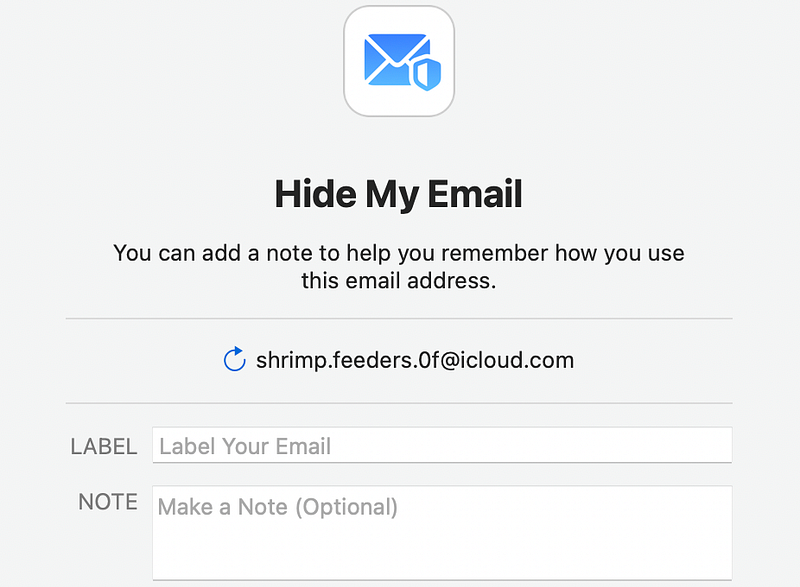
I booked the address “[email protected]” for lifetime! Haha.
Now, after you create a “Hide My Email” for yourself, if you don’t like it, you can choose to get a new one by clicking the ↩️ button.
You’ll have to add a label to the address. For example, the name of the person or website you’ve given the address to. You can also add an optional note to it.
How to use it, exactly?
#1. For personal things
It’s happened to many of us. Some stranger asks us for our email address to keep in touch. We might find it icky to reveal our personal email, but there’s no other go (except when you have a work email).
Here, the “Hide My Email” can be a lifesaver. Now,
As soon as someone asks for your email, you can pickup your iPhone and instantly create a unique random email address, which you can gleefully share with them.
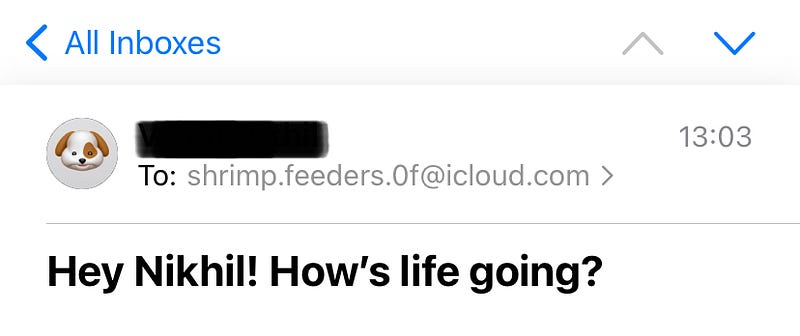
If you feel spammed, or if you no longer need contact with them, you can deactivate or even delete the address.
And remember — if you deactivate the address, you can always reactivate with a single tap. But if you delete the address, you can NOT retrieve it back. And it won’t be assigned later to anyone else, as long as the universe exists.
Why doesn’t Apple assign a deleted address to someone else?
As someone shouldn’t obviously become a victim to the spam emails of a website you unfortunately signed up for.
PSst: Also, the default mail app offers to use “Hide My Email” right while you’re sending an email to someone.
#2. For newsletters
As a tech blogger, I signed up for myriad of weekly tech newsletters for the latest tech news. However, I noticed I’m also getting emails from other websites for which I’m sure I didn't sign up for.
What does this mean? My data got sold to them, damn.
And here’s what I did then.
I didn’t unsubscribe to their emails. I only deleted the “Hide My Emails” I gave to lesser-trusted websites, and found my inbox has got a lot cleaner. Now, let the culprits sell my email to anyone else, but I won’t receive their emails anymore.
My fake email keeps futilely lingering in their SQL database.
#3. For apps
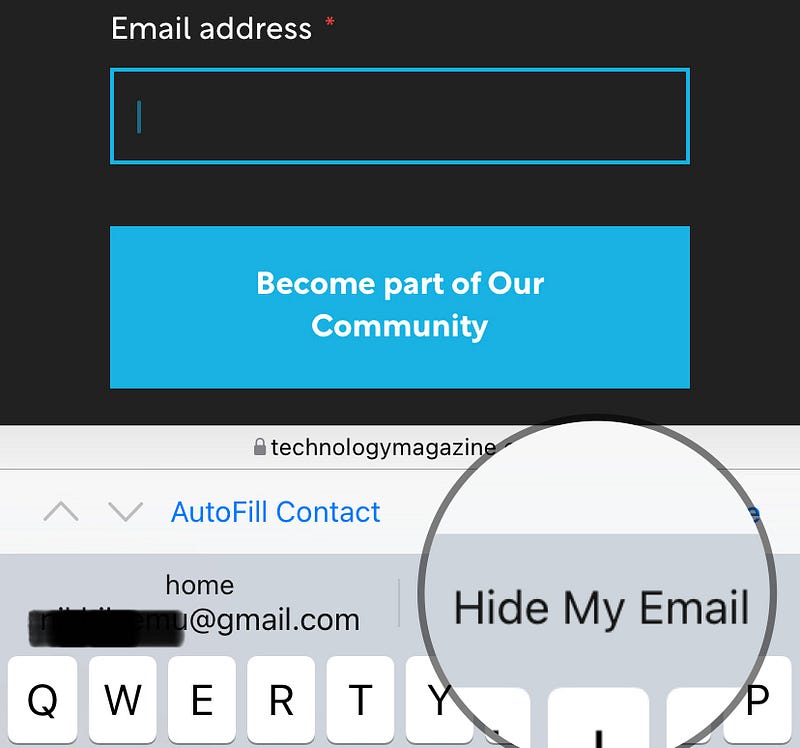
I also have a hobby of trying new apps from the AppStore. And fortunately many of them allow me to sign up with Apple.
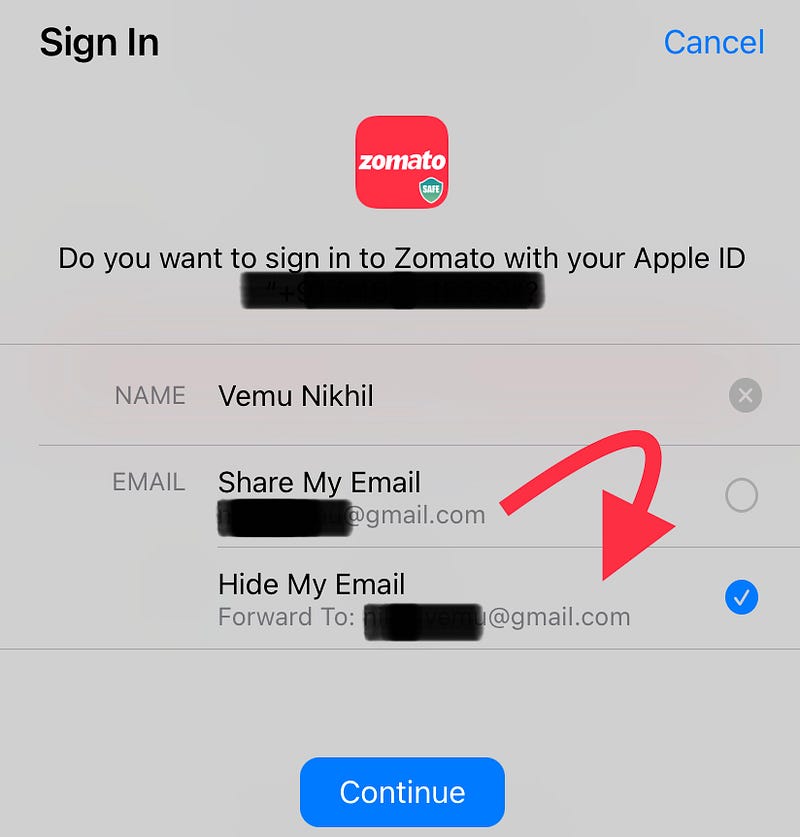
Likewise, when you click on Sign up with Apple on the app’s login screen, your iPhone shows up this screen. You could choose to “Share” or “Hide My Email”. How cool!
But beware — if you sign up with “Hide My Email”, and later delete the random address, your account can be considered as terminated, as you can not login to the app anymore.
Conclusion
So that’s how you could make the most of the “Hide My Email” feature. Not only that, with those unlimited addresses, you could create unlimited accounts in an app, if you really need.
Such a pretty useful feature Apple’s giving us for so cheap! Awesome right?
If you liked this story, you might also like:
Get notified via email whenever I publish. Join 30+ others!
Not a Medium member yet? Me too. But if you consider signing up for it, Sign up now!
(It’s an affiliate link so I receive a portion of your payment, with zero extra cost for you.)


