avatarMartynas Ki. (@strangecash)

Summary

Martynas Ki. provides a tutorial on how to update the Medium BIOS, which is the text displayed after a user's profile, emphasizing the importance of a well-crafted bio for reader engagement and offering best practices for its content.

Abstract

In a concise guide aimed at enhancing a Medium user's profile, Martynas Ki. outlines the steps to update the Medium BIOS, a text snippet that accompanies a user's profile in various places on the platform. He emphasizes the significance of this bio due to its visibility to many readers and recommends including a link to maximize engagement. The tutorial includes a three-step process to change the bio: accessing settings, editing the bio text, and saving the changes. Martynas also shares his personal recommendation for a URL shortening service called sweet.pub, which is tailored for Medium users. He encourages readers to follow his Medium list for more tips and tricks, highlighting the value of a compelling bio for attracting and retaining an audience on the Medium platform.

Opinions

  • Martynas Ki. believes that a well-crafted bio on Medium can significantly impact reader engagement.
  • He suggests that including a link in the bio is a good practice, as it increases the chances of readers exploring more content.
  • Martynas recommends using a one-sentence description of the Medium blog in the bio for clarity and impact.
  • He advocates for the use of sweet.pub, a free URL shortening service, to present a cleaner look when linking to content within the bio.
  • Martynas values the community aspect of Medium and encourages joining his Discord server for Medium writers to foster growth and collaboration.
  • He emphasizes the importance of saving his Medium tips list, indicating that it contains valuable information for users looking to improve their Medium experience.

How to update Medium BIOS?

Quick tutorial for essential Medium skill 💪

Hello there! 👋

I am Martynas Ki. (@strangecash) and today I will show you how to update your Medium BIOS! 😁

So without further ado, let’s go! 🚀

What are you talking about?

For computer geeks (like me 😅) BIOS may associate with different things but Bio on Medium is a small text that is displayed after your profile in various places. For example, mine looks like this:
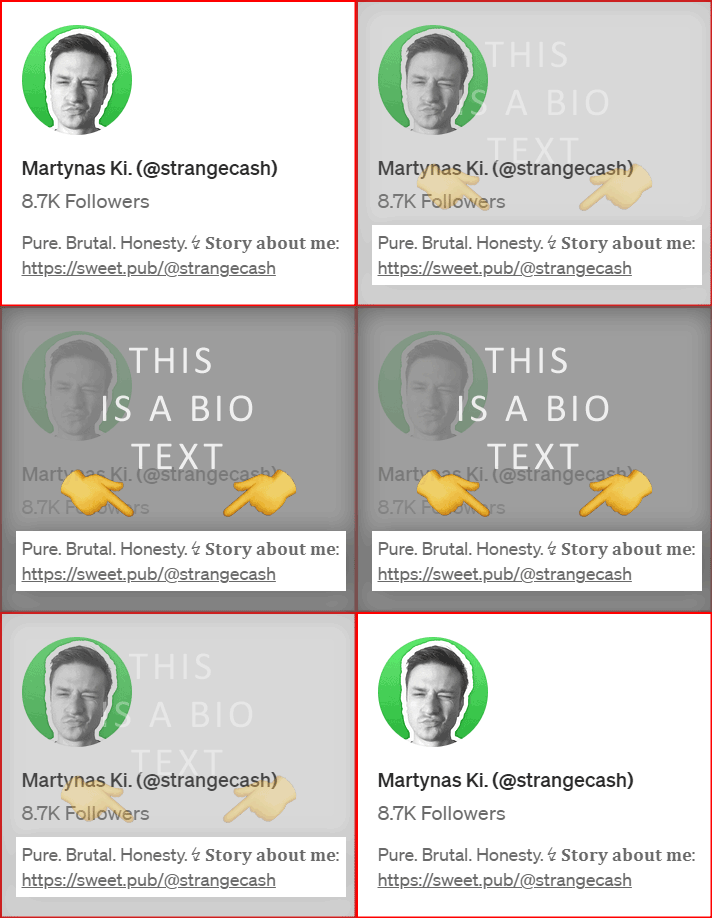
This is how Bio text looks on my Medium profile 😎

How to change it?

It’s really easy! Follow these 3 simple steps:

  1. Go to your Medium settings by clicking here;
  2. Click on “Profile information”;
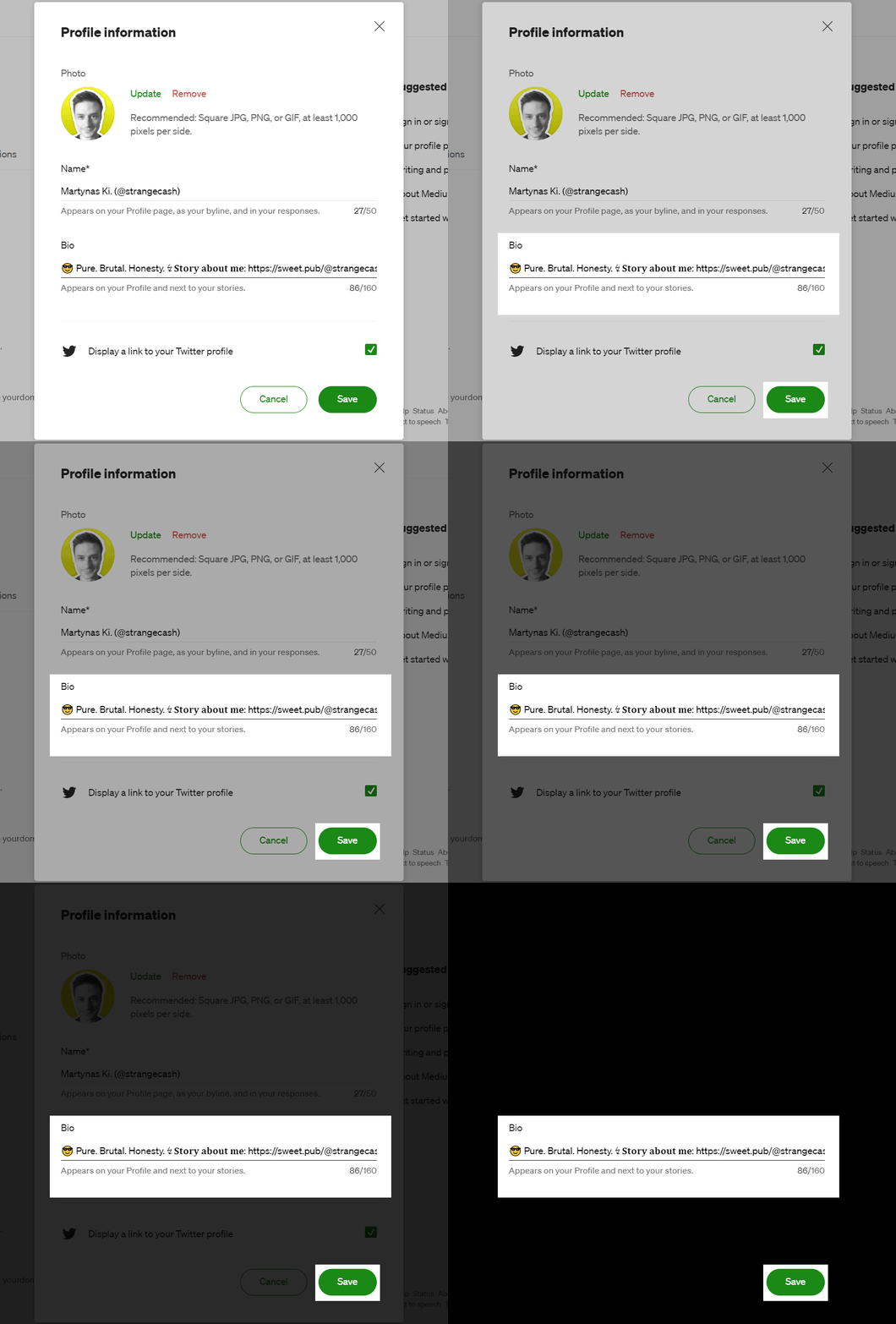
  3. Edit the Bio text and click “Save”.
The Profile information form 📋

Why is Bio text important? 🤔

Because many readers see this text, and I strongly recommend you to put some link in it. 🔗

Why? Because there is a good chance that someone will click and explore the content inside! 🧐

What are your recommendations, Martynas? 🤔

In my opinion, these are the best practices:

  • Put a short one sentence describing what is your Medium blog about.
  • Put a link that is the most important to you. It could be a link to your Ko-fi page, to your ConverKit or Behiiv newsletter, to your linktr.ee page, OR…
  • A link to your best story on Medium! I use this method myself and I think it’s the best option! If you decide to take this approach I strongly recommend using a free URL shortening service for Mediumers called sweet.pub:

That was it for now! ✅

If you would like to learn more about Medium please go to this list and click the “Save list” icon. It would mean the world to me! 🙏
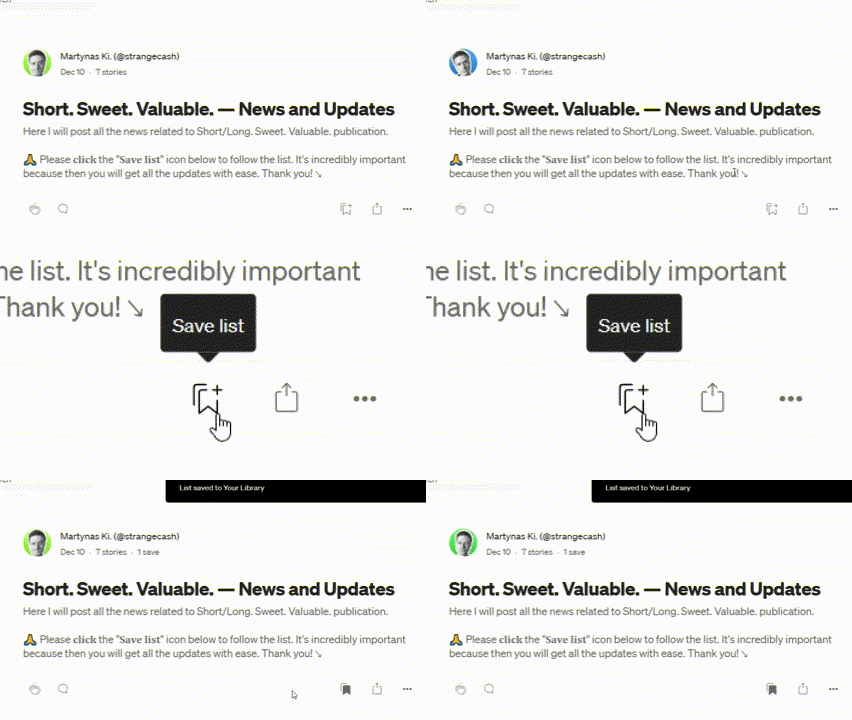
The “Save list” icon is a bit hidden, but overall it’s only one click! 👆🏻

Thank you! 🙏

And see you in my next stories! 😎

Martynas Ki. (@strangecash) ↯ Pure. Brutal. Honesty.

Medium
Medium Tips
Medium 101
Writing On Medium
Creators
Recommended from ReadMedium