
How to Place a Character in Different Scenes in Midjourney V4
Jack goes to the beach
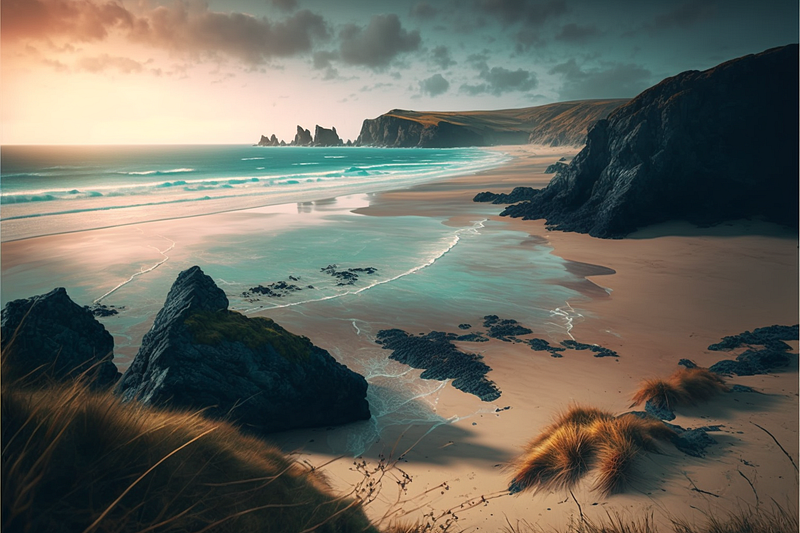
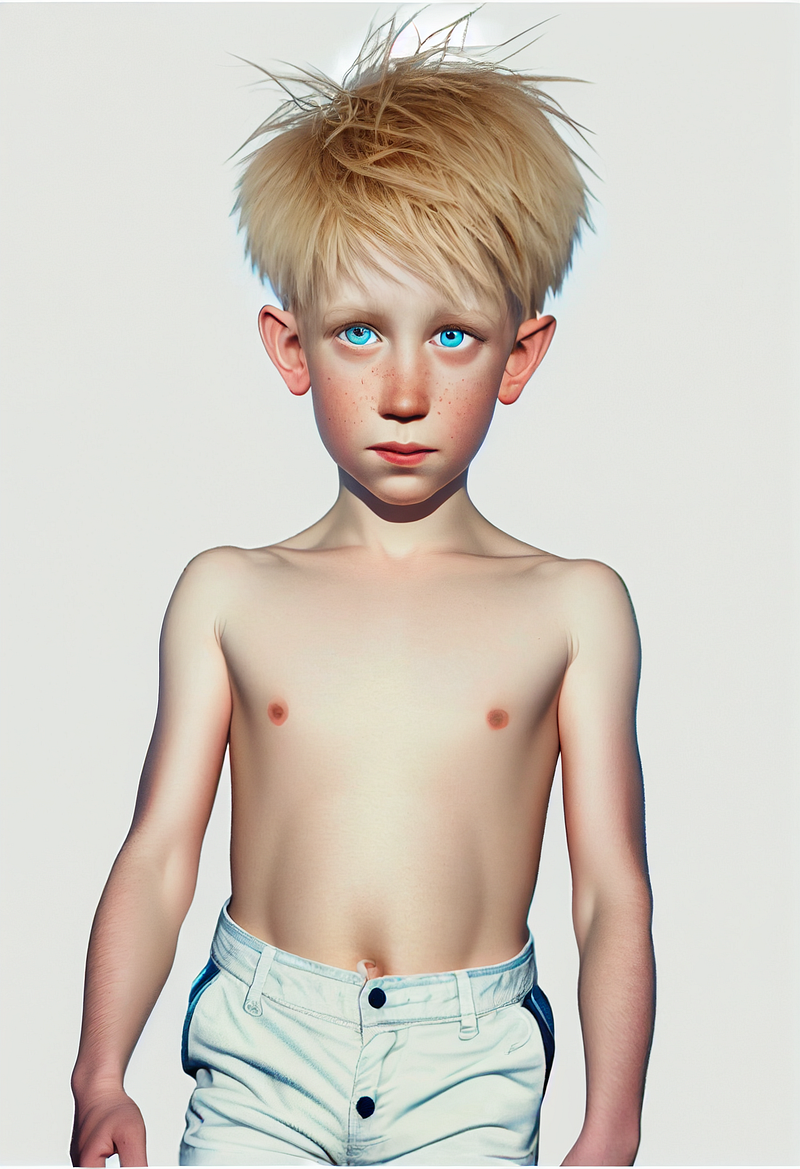
Welcome to a little experiment placing a character in different scenes. I have previously outlined how to create a consistent story character in Midjourney. In that article, I took different versions of the character and used them as an image prompt, placing them in a scene. Something like.
Imageofaboy.jpg a boy walking in the woods
Edit: 29/03/2023 I have updated this article in light of V5. See link at the end
In this article, I will show how to use the character image and different images of a particular setting. So that the character is consistent, but the setting is also consistent. The focus of this article is creating consistent settings; for that purpose, I am only going to use one image of the boy. The one you see above. I am not making any references to style. Another article will come along with that focus. I am aiming for something other than a photographic realistic product, just a vague painterly realism.
Creating Jack
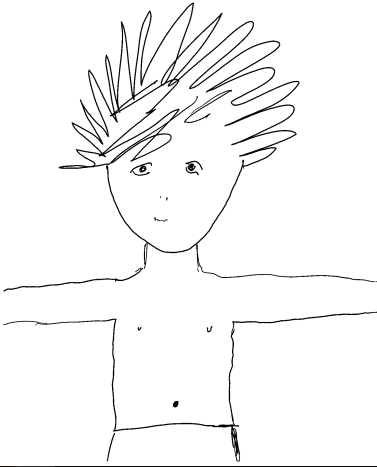
The first try was too quasi-realistic, so I inserted a hand drawing. I then remixed Image 1, removing the image of the hand drawing.
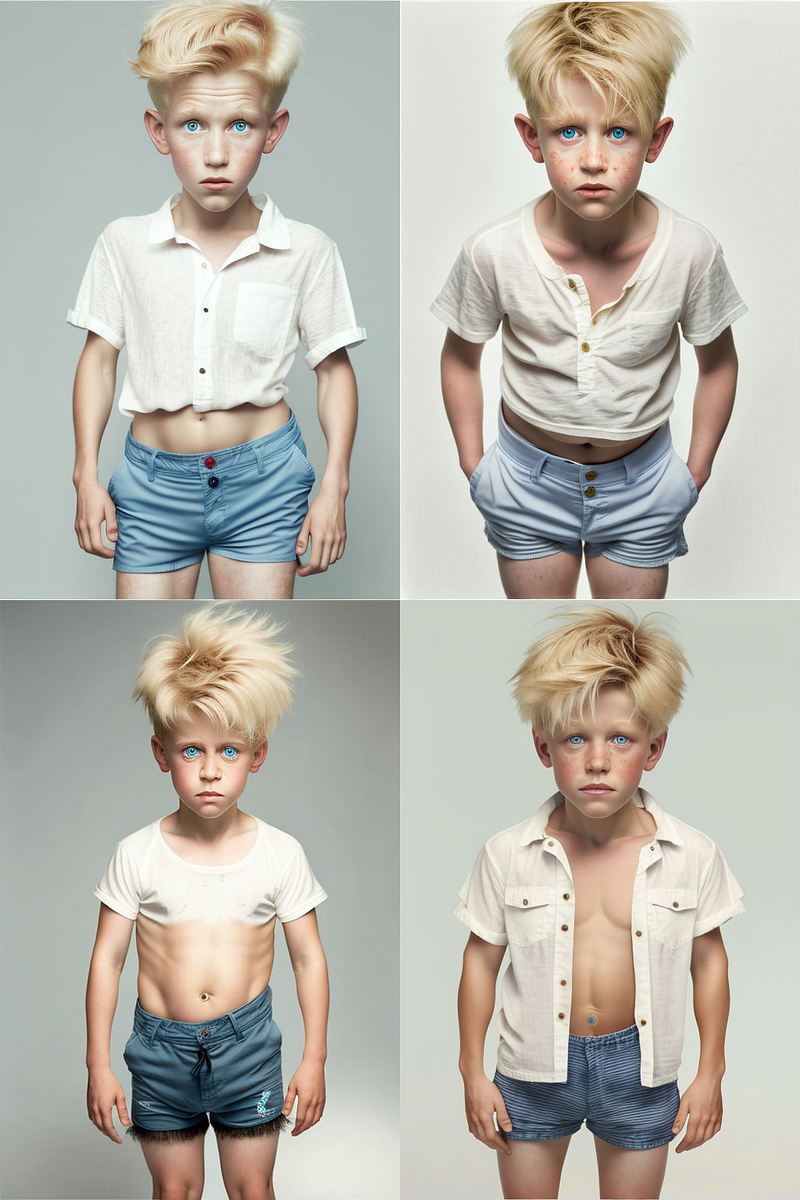
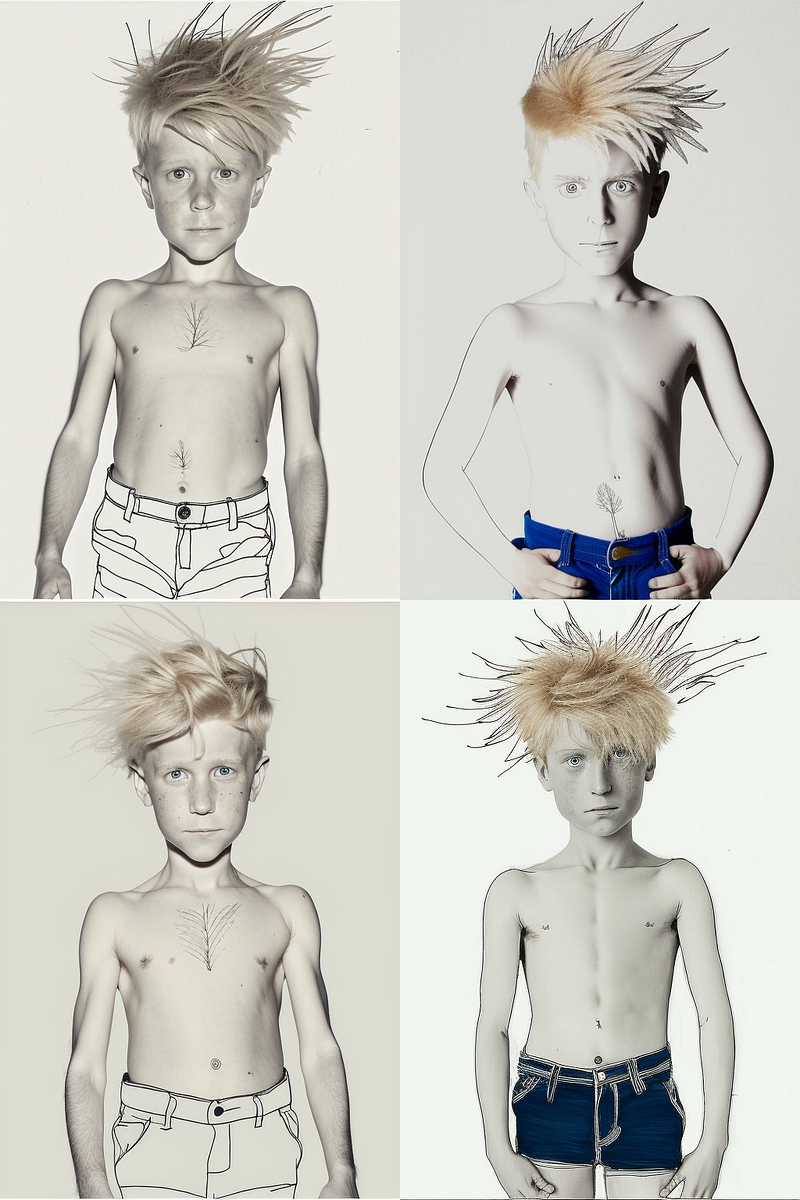
Grid 1. Prompt: A boy in shorts with blonde sticking up hair and blue eyes/white background / 8k / — q 2 — no Background — ar 2:3 — v 4
Update Jan 23 I don’t use 8k or — q 2 they no longer work
Grid 2. prompt:
So the second grid was exactly the same prompt but just adding in the hand drawing. I then remixed image 1, removing the reference to the jpg. That produced the title image of Jack.
I added in [white background] and [— no background] at each stage as I did not want to take the image into Photoshop to remove the background. If there is a background in the prompt image, that causes huge problems.
Creating different scenes
I prompted for various scenes on a beach in Cornwall in which to insert Jack.
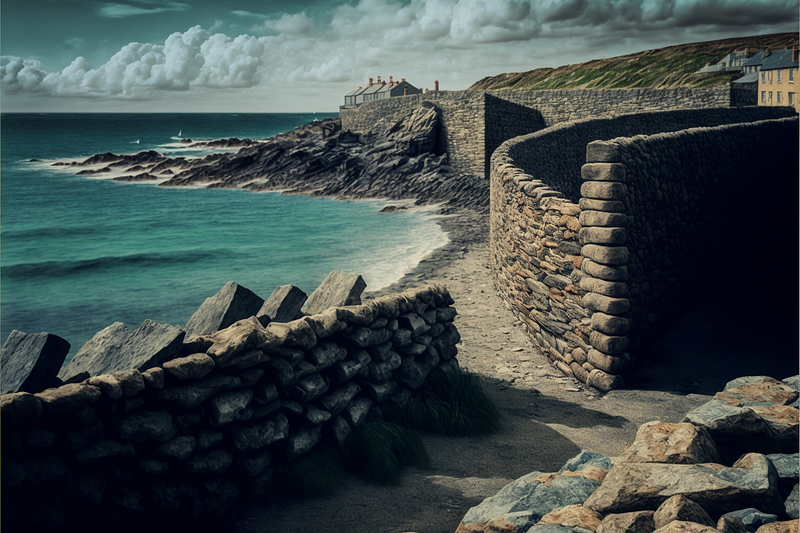
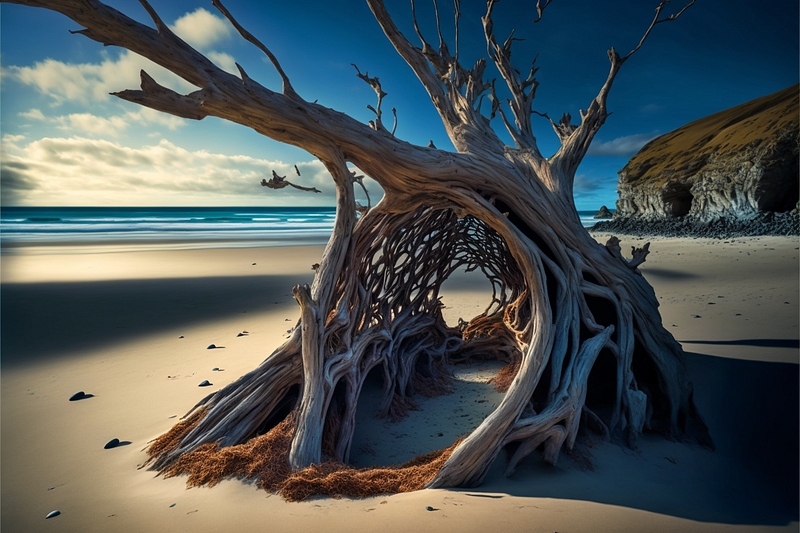
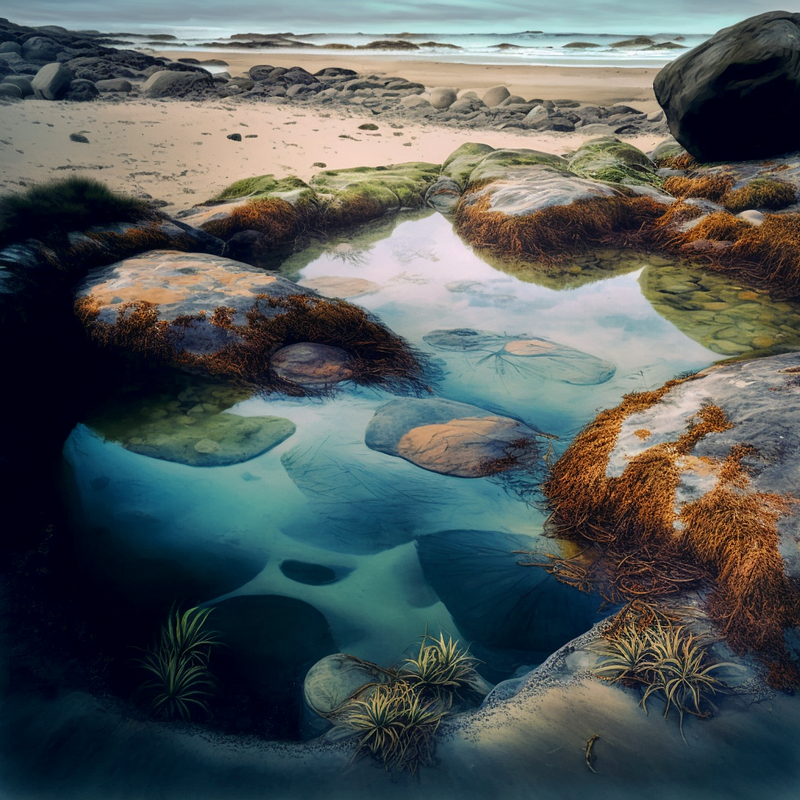
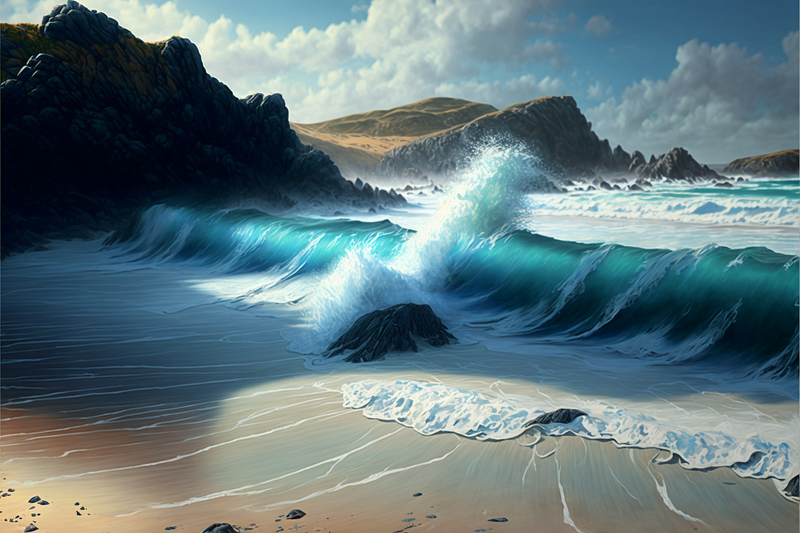
Prompting now is something like this:
You can use the same two images and see what varieties of action you can produce. Running in the waves. Sitting on a rock etc. MJ does not produce the boy and the setting exactly as they are but makes good attempts at merging the two together.
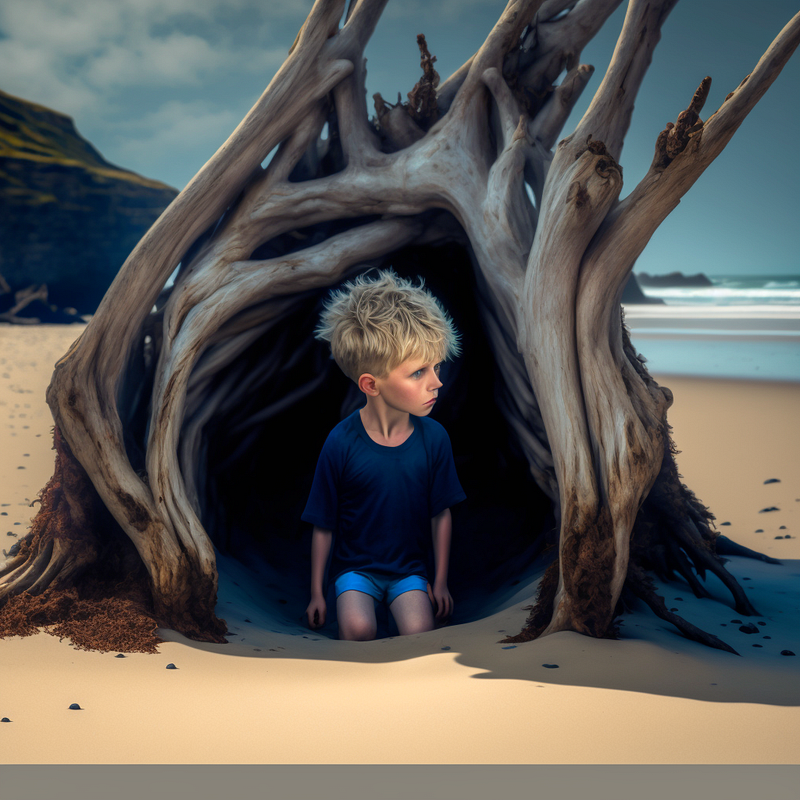
Consistency is created by using sets of scenes with very similar prompts. The 4 images below are rough drafts. Once I had got the idea working to my liking, I would start prompting in a more specific way.
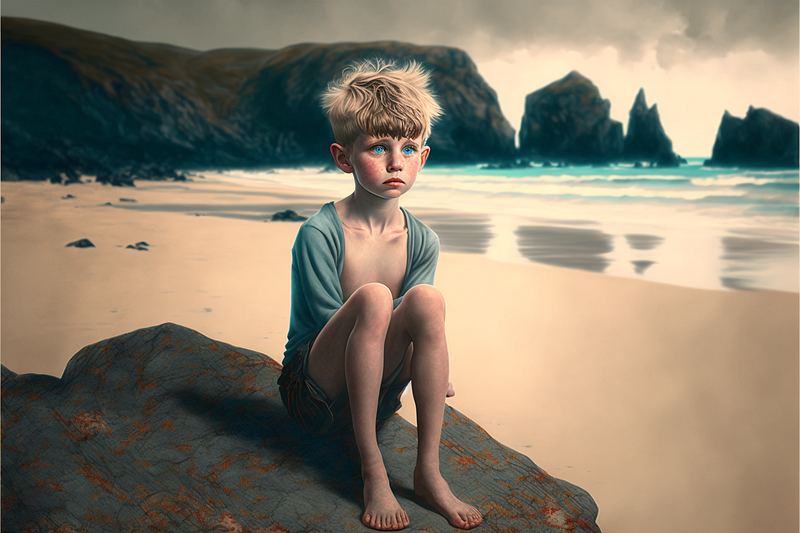
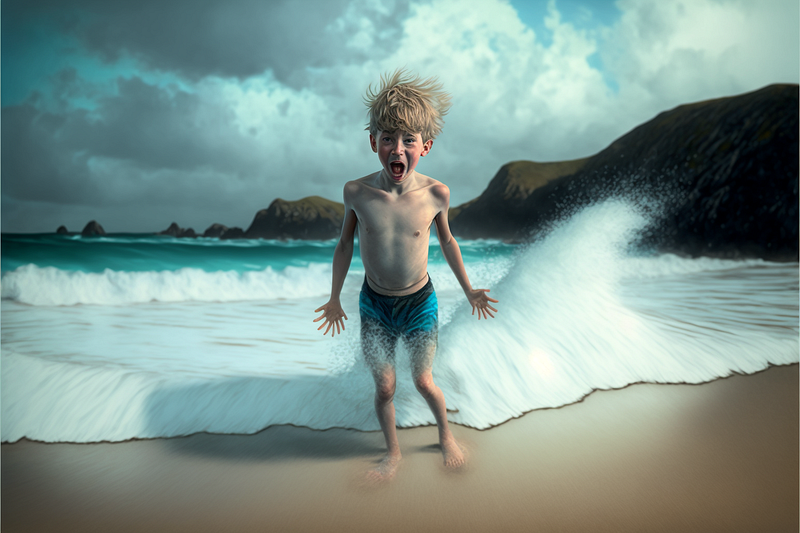
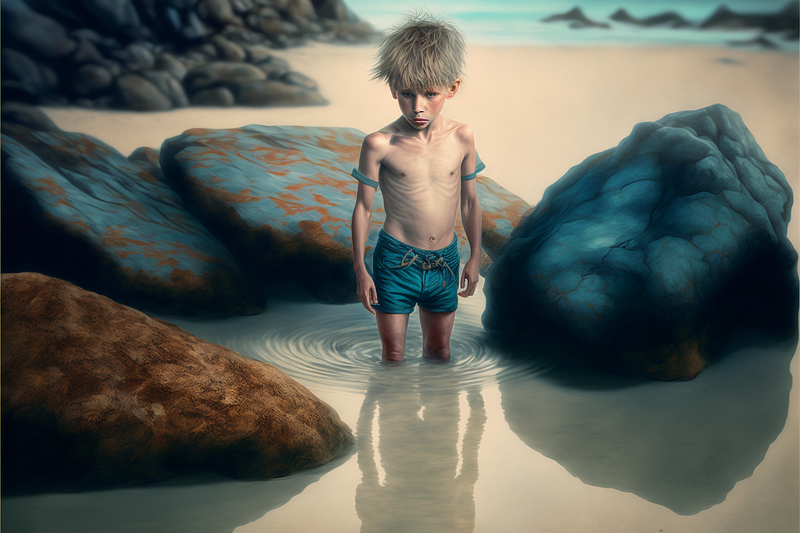
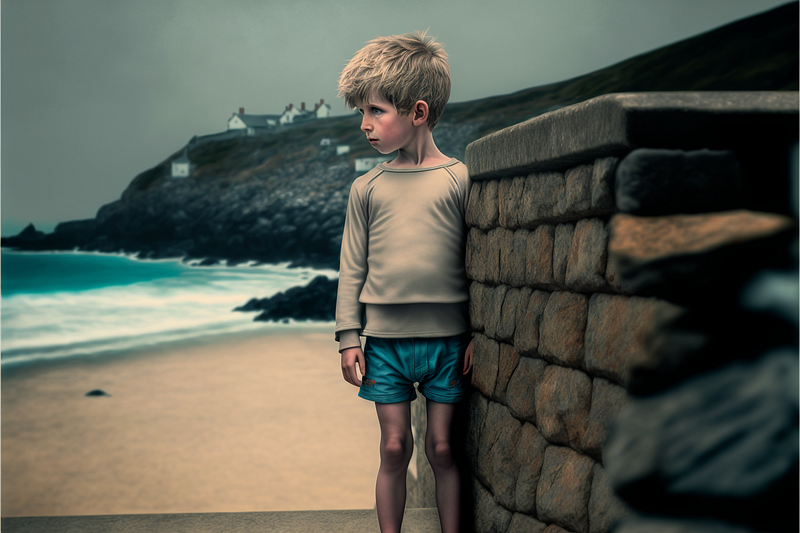
At this stage, with the basic idea in place, I would create a storyboard and the specifics of his wardrobe. I have prompted blue shorts throughout. I added a blue T-shirt and a brown jacket in the picture below.
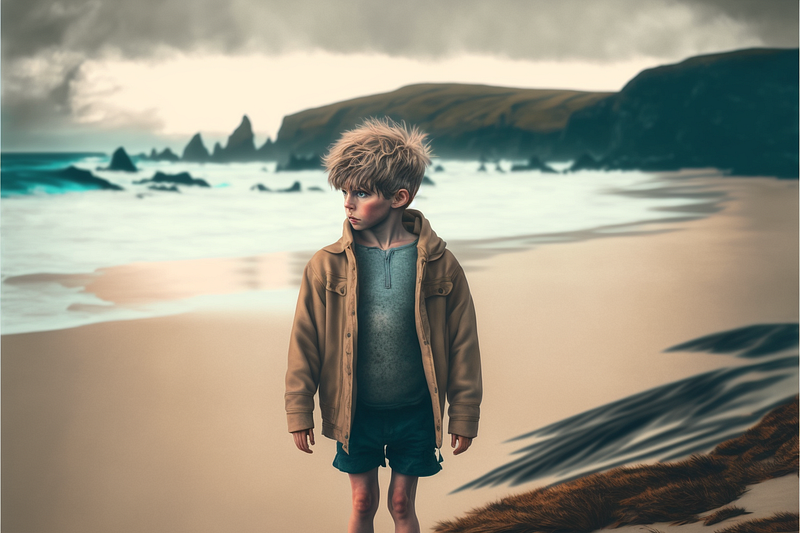
Now you have a consistent character and a consistent setting, you will want to have your character doing specific things.
Please write a comment. I like getting into conversations on this platform. Highlighting useful passages is also handy feedback on what is working and not working.
Add as many claps as you can and follow me or subscribe to my email list, to get to know about updates as they happen.
Here is an update for V5 on all this.


