avatarAiden (Illumination Gaming)

Free AI web copilot to create summaries, insights and extended knowledge, download it at here

3063

Abstract

y phone but found the controls to be very awkward since I’m very used to using a controller or keyboard and mouse.</p><p id="78d8">Even after connecting a controller to my phone, it was still awkward to play on and talk to my friends on Discord simultaneously. This is why I felt I needed to find a way to play on my PC.</p><h1 id="c316">My Experience with BlueStacks</h1><p id="5b8f">After downloading and setting up BlueStacks for the first time, there was only one issue I came across. I needed to enable Virtualisation (VT) on my PC via my BIOS to run certain games.</p><p id="4bb9">The method of accessing your BIOS is different for every computer, but after a bit of research and effort, I finally managed to access my BIOS and enable the setting.</p><p id="cc41">After this was out of the way, I could finally play SideSwipe on my PC.</p><p id="2323">I immediately noticed how much better the performance was and really appreciated the higher resolution while playing on a larger display.</p><p id="011d">The BlueStacks software allowed me to customize my graphics and even map my controller setting how I wanted.</p><p id="94f4">My favorite part, though, was my ability to clip my gameplay. The one annoying part of Rocket League SideSwipe is unlike the main Rocket League game, you’re unable to save the replays of your games.</p><p id="2b25">But since I was playing on my PC, I could record or clip whatever I wanted.</p><h1 id="c6ef">Summary and Takeaways</h1><p id="87e2">Bluestacks is an Android emulator for Windows and Mac that allows users to run Android apps on their computer, simulating an Android device.</p><p id="2344">It enables access to Google Play Store, notifications, and sensors. It also has a feature called “Layercake” that optimizes the performance of apps and allows them to run smoothly on a computer. It’s popular among gamers and developers for testing apps on a computer before release.</p><p id="f7b3">I talked about my experience using Bluestacks for a mobile game called Rocket League SideSwipe and how it improved my gameplay experience with better performance, higher resolution, and the ability to clip gameplay.</p><p id="c6e6">If you enjoy my posts and would like to stay updated on the latest gaming-related news, technology advancements, design trends, and social media insights, I invite you to follow my profile.</p><p id="0b21">I will continue to share my thoughts and insights on a wide range of topics in the world of entertainment and technology.</p><p id="7866">With that being said, thank you for reading my post, and have a good one.</p><div id="d64a" class="link-block"> <a href="https://readmedium.com/fiction-writing-contest-improbable-paradise-offering-1000-prize-by-vocal-to-the-winner-95d4823efc7"> <div> <div> <h2>Fiction Writing Contest: “Improbable Paradise,” Offering $1000 Prize by Vocal to the Winner</h2> <div><h3>A new writing contest from Vocal Media. Hurry Up! You have only nine days left to write a story and enter this co

Options

ntest.</h3></div> <div><p>medium.com</p></div> </div> <div> <div style="background-image: url(https://miro.readmedium.com/v2/resize:fit:320/1*lI6_2nD7O-_S-s_0XX2F4A.jpeg)"></div> </div> </div> </a> </div><h1 id="7958">About Me</h1><p id="7737">I write articles in my field covering gaming, film-making, social media, and design. I am also a YouTuber. Thank you for <a href="https://medium.com/subscribe/@IlluminationYouTubeCoordinator">subscribing to my account</a> to get notifications when I post on Medium.</p><p id="a56d">I also created <a href="https://illumination-gaming.com/">a new website</a> to share my content for free and promote stories of writers contributing to my publications on Medium. Let’s connect on <a href="https://twitter.com/AidenTYMC">Twitter</a> and <a href="https://www.linkedin.com/in/aiden-mc-001725231/">LinkedIn</a>.</p><p id="bf91">I own two publications on Medium. One for <a href="https://readmedium.com/a-warm-invitation-to-join-illumination-gaming-publication-on-medium-bfb7e34b38d8">video gamers</a> and another for <a href="https://readmedium.com/invitation-to-write-for-illumination-videos-and-podcasts-publication-147acb7cf144">YouTubers and Podcasters</a>. I also support <a href="https://readmedium.com/master-copy-onboarding-new-writers-d20e5ad97a86">Illumination Integrated Publications</a> as a volunteer editor and participate in collaborative activities in <a href="https://readmedium.com/an-introduction-to-illumination-slack-workspace-33e10b9e890c">the Slack Workspace</a>. Writer applications for my publications can be sent <a href="https://digitalmehmet.com/contact">via this weblink.</a> Please add your Medium ID.</p><p id="abbe">If you are new to Medium, you may join <a href="https://medium.com/@IlluminationYouTubeCoordinator/membership">via my referral link.</a> You may also consider being a <a href="https://vocal.media/vocal-plus?via=inspiration">Vocal+ member</a> to monetize your content. I write for both platforms and repurpose my content to reach a larger audience. Here is more information <a href="https://readmedium.com/i-finally-joined-vocal-and-reaped-immediate-benefits-c8cad8045179">about Vocal Media.</a></p><div id="0dc1" class="link-block"> <a href="https://medium.com/@IlluminationYouTubeCoordinator/membership"> <div> <div> <h2>Join Medium with my referral link — Aiden (Illumination Gaming)</h2> <div><h3>Read every story from Aiden (Illumination Gaming) (and thousands of other writers on Medium). Your membership fee…</h3></div> <div><p>medium.com</p></div> </div> <div> <div style="background-image: url(https://miro.readmedium.com/v2/resize:fit:320/0*5Wkuv1j-uUtwq4Jl)"></div> </div> </div> </a> </div><p id="cf4c"><i>This post includes my Medium and Vocal Media referral links.</i></p></article></body>

Gaming

Here’s an Explanation of BlueStacks and Why I Use It.

I introduce another useful emulation software.
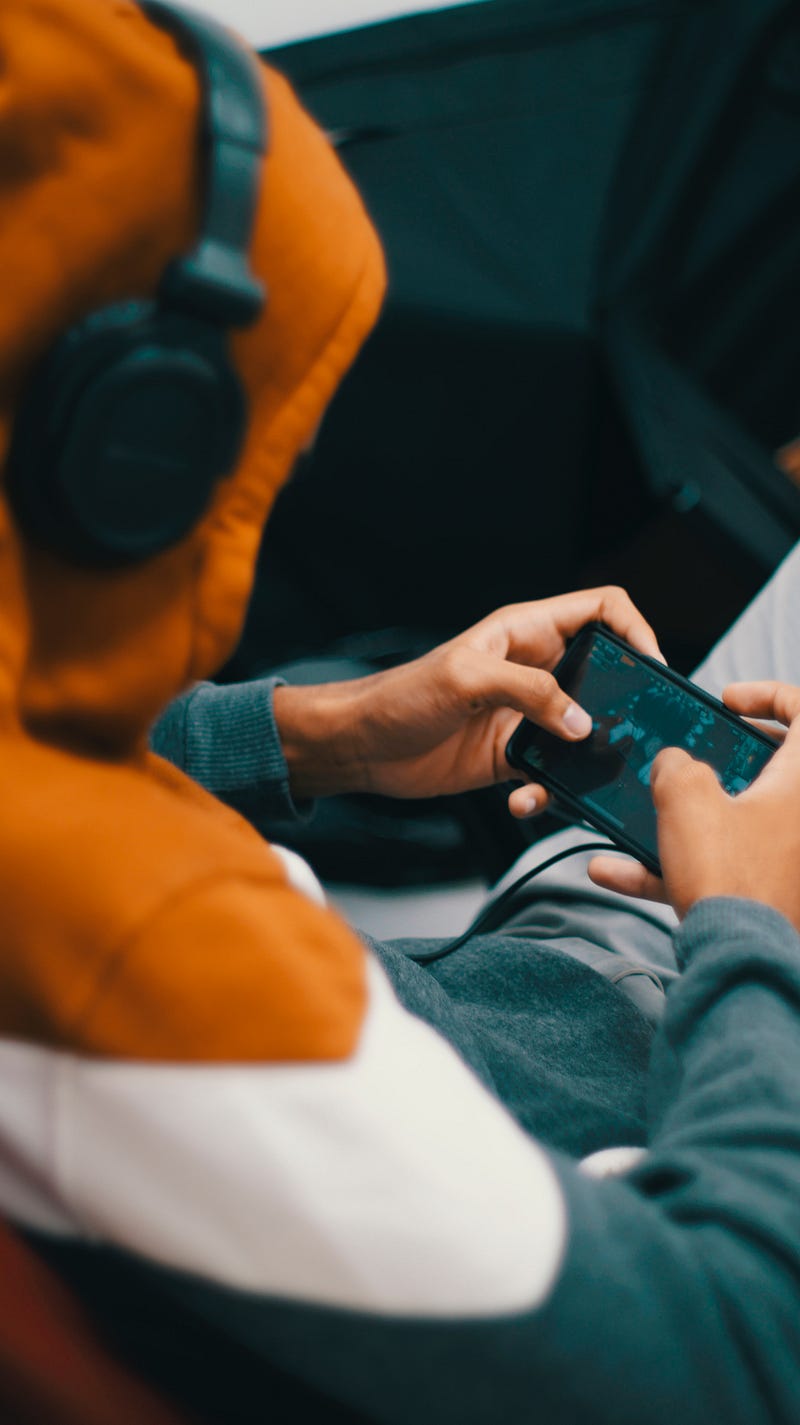
Photo by Josue Ladoo Pelegrin on Unsplash

In a recent post titled I Downloaded a Nintendo Wii Emulator, and I Love It, I spoke about my experience with a Nintendo Wii emulator.

After using this software, I wanted to find a way to play mobile games on my PC. That is when I found out about BlueStacks.

What is BlueStacks?

Bluestacks is an Android emulator for Windows and Mac. It allows users to run Android applications on their computer, effectively simulating an Android device.

This means that users can download and use apps from the Google Play Store on their computer, as well as use apps that are not available on the Play Store.

The software creates a virtual environment on the user’s computer that mimics the features and functionality of an Android device.

This offering includes access to the Google Play Store, the ability to receive notifications, and the ability to use sensors such as the camera and microphone.

Bluestacks also has a feature called “Layercake” that allows apps to run on x86-based computers. This feature helps optimize the performance of the apps and allows them to run smoother on the computer.

Bluestacks is popular among those who want to play mobile games on their computer, as it allows for a larger screen and better controls. It is also helpful for developers who want to test their apps on a computer before releasing them to the market.

However, it should be noted that not all apps may run perfectly on Bluestacks, as the software simulates an Android environment and may not have all the same capabilities as a physical device. Additionally, some games may require a touch screen to play correctly, which may not be possible on a computer.

Overall, Bluestacks is a valuable tool for those who want to run Android apps on their computer, whether for gaming or testing purposes. It allows users to access a wide range of apps and games and provides a convenient way to use them on a larger screen.

Why I wanted to use an Android emulator

The main reason I wanted to use an Android emulator was for a game called Rocket League SideSwipe. This is a 2D mobile version of the popular game by Psyonix.

I tried playing it on my phone but found the controls to be very awkward since I’m very used to using a controller or keyboard and mouse.

Even after connecting a controller to my phone, it was still awkward to play on and talk to my friends on Discord simultaneously. This is why I felt I needed to find a way to play on my PC.

My Experience with BlueStacks

After downloading and setting up BlueStacks for the first time, there was only one issue I came across. I needed to enable Virtualisation (VT) on my PC via my BIOS to run certain games.

The method of accessing your BIOS is different for every computer, but after a bit of research and effort, I finally managed to access my BIOS and enable the setting.

After this was out of the way, I could finally play SideSwipe on my PC.

I immediately noticed how much better the performance was and really appreciated the higher resolution while playing on a larger display.

The BlueStacks software allowed me to customize my graphics and even map my controller setting how I wanted.

My favorite part, though, was my ability to clip my gameplay. The one annoying part of Rocket League SideSwipe is unlike the main Rocket League game, you’re unable to save the replays of your games.

But since I was playing on my PC, I could record or clip whatever I wanted.

Summary and Takeaways

Bluestacks is an Android emulator for Windows and Mac that allows users to run Android apps on their computer, simulating an Android device.

It enables access to Google Play Store, notifications, and sensors. It also has a feature called “Layercake” that optimizes the performance of apps and allows them to run smoothly on a computer. It’s popular among gamers and developers for testing apps on a computer before release.

I talked about my experience using Bluestacks for a mobile game called Rocket League SideSwipe and how it improved my gameplay experience with better performance, higher resolution, and the ability to clip gameplay.

If you enjoy my posts and would like to stay updated on the latest gaming-related news, technology advancements, design trends, and social media insights, I invite you to follow my profile.

I will continue to share my thoughts and insights on a wide range of topics in the world of entertainment and technology.

With that being said, thank you for reading my post, and have a good one.

About Me

I write articles in my field covering gaming, film-making, social media, and design. I am also a YouTuber. Thank you for subscribing to my account to get notifications when I post on Medium.

I also created a new website to share my content for free and promote stories of writers contributing to my publications on Medium. Let’s connect on Twitter and LinkedIn.

I own two publications on Medium. One for video gamers and another for YouTubers and Podcasters. I also support Illumination Integrated Publications as a volunteer editor and participate in collaborative activities in the Slack Workspace. Writer applications for my publications can be sent via this weblink. Please add your Medium ID.

If you are new to Medium, you may join via my referral link. You may also consider being a Vocal+ member to monetize your content. I write for both platforms and repurpose my content to reach a larger audience. Here is more information about Vocal Media.

This post includes my Medium and Vocal Media referral links.

Gaming
Games
Videogames
Technology
Social Media
Recommended from ReadMedium