Flutter — Widgetbook (Storybook)
Widgetbook (Storybook) — Part 1
Component driven design is a great way to safe guard your brand/s and make it easy to quickly develop new screens and UI experiences from existing components, or to build new ones.
It was made popular by Storybook.js for good reasons:
- Prevents the same components from been rebuilt in different parts of the UI.
- Provides a toolbox of components, a bit like Lego.
- Components can be built and modified in isolation so they are not affected by flakey date, business logic or unfinished UI’s
- Makes it easy to focus on difficult use cases
- Allows for collaboration with the design team and other stakeholders
Flutter is less mature than React and there is no clear alternative to storybook.
After a little research I selected Widgetbook because it is been actively developed and used.
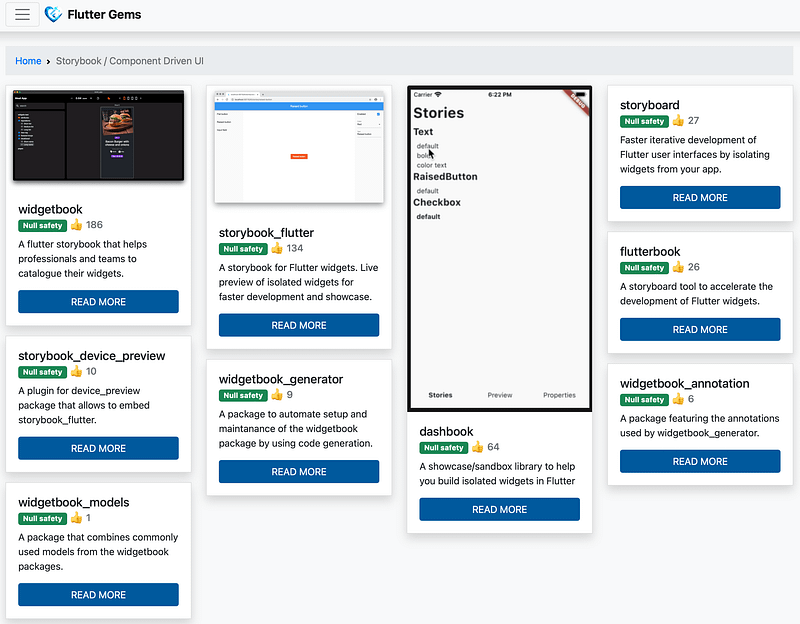
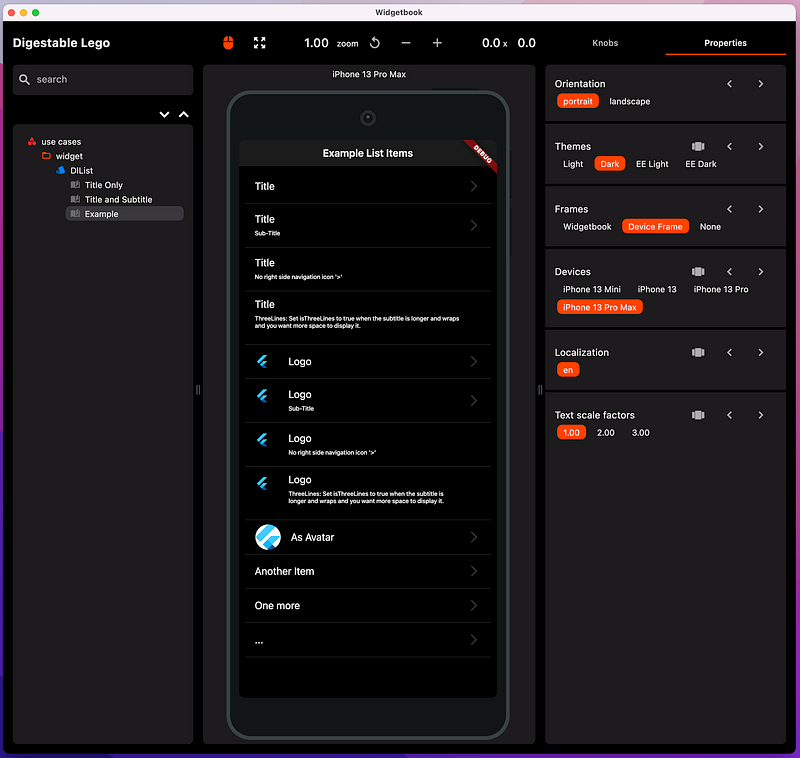
And followed their instructions set it up in the new components project DigestableLego.
Ta Da
Xp
Widgetbook Approach
I decide to use the widget book generator rather than the manual approach to avoid having to setup:
- Categories
- Folders
- Widgets
- Use cases
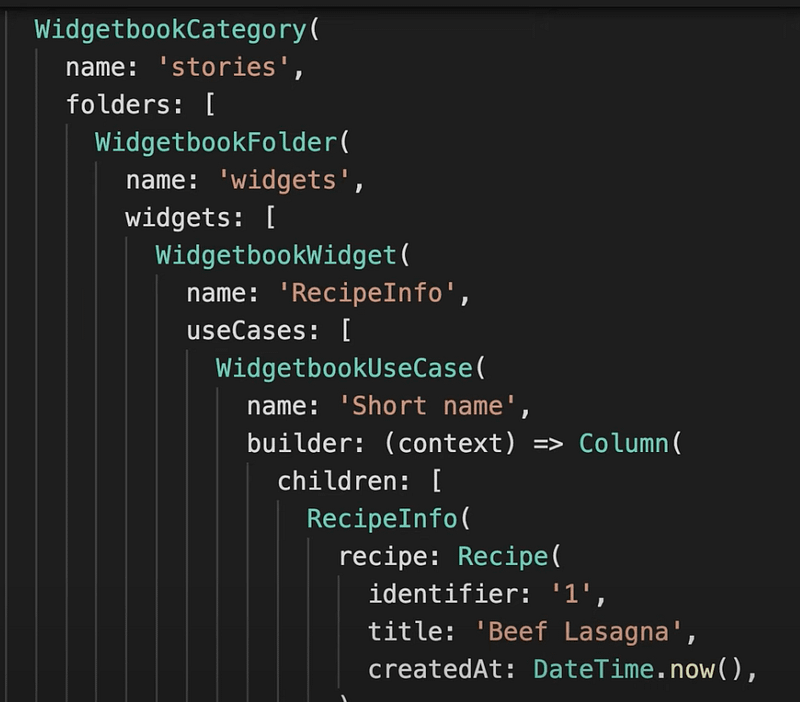
When you use the generator you just need to write the use cases and annotate them.
@WidgetbookUseCase(name: 'List', type: DlList)There is a little more upfront, you need to add config for the Widgetbook application and for themes using two other annotations:
- @WidgetbookApp
- @WidgetbookTheme
Widgetbook Setup
I added Widgetbook to the /example project because it needs the macOS applications files to run and it meant that the examples created by the package code be reused by the scenarios.
I started by adding the package references for the generator recommend by the Widgetbook.
Then the App widget and annotated it with @WidgetbookApp.
// Flutter imports:
import 'package:flutter/cupertino.dart';

// Package imports:
import 'package:widgetbook_annotation/widgetbook_annotation.dart';

@WidgetbookApp.cupertino(
  name: 'Digestable Lego',
  devices: [
    Apple.iPhone13Mini, Apple.iPhone13, Apple.iPhone13Pro, Apple.iPhone13ProMax
  ],
  textScaleFactors: [
    1,
    2,
    3,
  ],
  foldersExpanded: true,
  widgetsExpanded: true,
)
class CupertionApplication extends StatelessWidget {
  const CupertionApplication({Key? key}) : super(key: key);

  @override
  Widget build(BuildContext context) {
    return Container();
  }
}
And the first use case:
// Flutter imports:
import 'package:flutter/cupertino.dart';

// Package imports:
import 'package:digestable_lego/widget/dl_list.dart';
import 'package:widgetbook_annotation/widgetbook_annotation.dart';

// Project imports:
import 'package:example/dl_list.dart';

@WidgetbookUseCase(name: 'List', type: DlList)
Widget listItemRecipe(BuildContext context) {
  return const CupertinoPageScaffold(
    navigationBar: CupertinoNavigationBar(
      middle: Text(
        "Example List Items",
      ),
    ),
    child: DlListExample(),
  );
}
Next I ran the builder:
flutter pub run build_runner build

// Optionally to automatically rerun when files change
flutter pub run build_runner watch
That generated the .widgetbook.dart file.
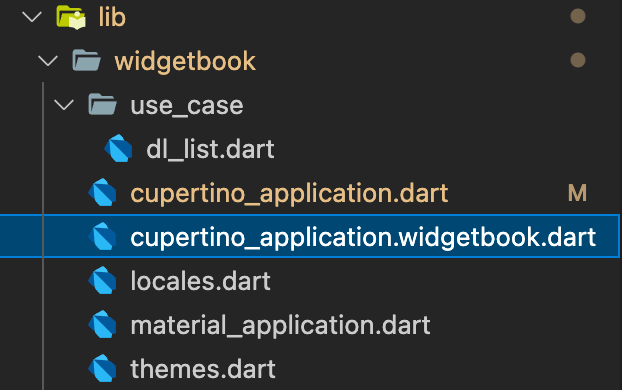
Then just run it:
flutter run -t lib/widgetbook/cupertino_application.widgetbook.dart -d macosTo make this step easier I added it as a new launch agent.

Widgetbook Themes
To support themes in widget book I had moved them to the DigestableLego package, they could potentially become their own package if the code and assets grows.
Upgrade a Git package
Whenever we make changes to DigestableLego and want to use those changes in DigestableMe, we need to update the package from the git repository.
To do this run
flutter pub upgrade digestable_lego
BackBurner
MaterialApp support for Widgetbook
The Widgetbook application runs widgets in a CupertinoApp, you get to choose as part of the application config.
@WidgetbookApp.cupertinoI would like a version of Widgetbook for Android devices, Ideally widget book would allow a dynamic switch of application types.
There does not seem an easy way to make @WidgetbookTheme work with both Material and Cupertino Apps in the same application so even if I have two @WidgetbookApp configurations each picks up all the @WidgetbookTheme themes and then one configuration complains that the ThemeData is the wrong type.
Excluding unused import warnings on generated files
Unable to ignore unused import warnings for the widget book generated file cupertino_application.widgetbook.dart
I was able to exclude other linting rules in the analysis_options.yaml file.
ignore:
      - lib/widgebook/cupertino_application.widgetbook.dart
Sound & Vision