

Flutter — Widgetbook (Storybook) — Part 2
Widgetbook (Storybook) — Part 1
Just a follow-up to part 1 to talk about Knobs.
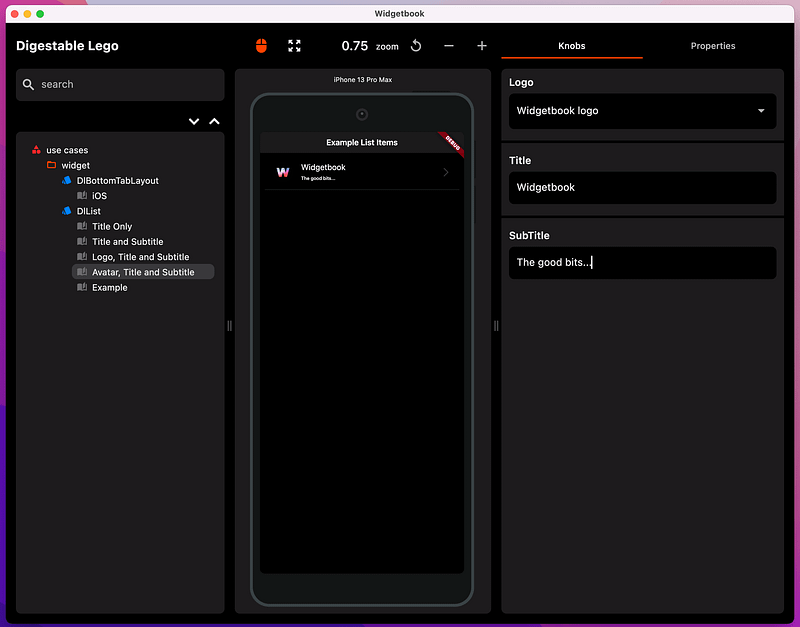
Knobs allow the users of WidgetBook to supply their own values and see the changes the values make to the widgets displayed.
For the list widget I added knobs to allow changes to list item title, subtitle and selected image.
Ta Da
BackBurner
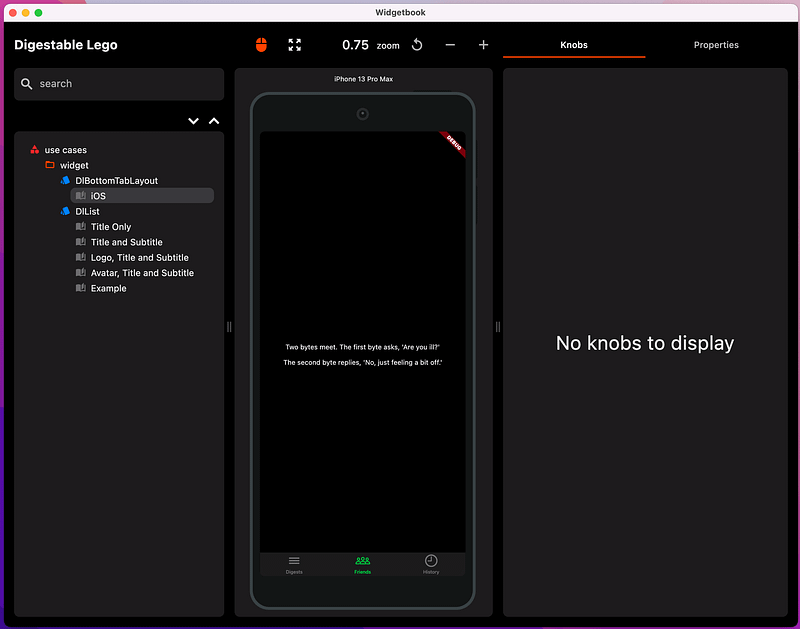
I only moved one more widget iPhone tabbed layout widget to DigestableLego.
You can already see the difference, DigestableMe is getting simpler to use again. I will those remaining over the course of the next few blogs, it just takes time to do it right.
Xp
Knobs
.knobs is an extension on the build context:
@WidgetbookUseCase(name: 'Avatar, Title and Subtitle', type: DlList)
Widget dlListAvatarTitleAndSubtitle(BuildContext context) {
  return buildItem(DlListItem(
    leading: DlAvatar(
      imageOptionsKnob(context),
      radius: 22,
    ),
    title: Text(context.knobs.text(label: 'Title', initialValue: "Title")),
    subtitle:
        Text(context.knobs.text(label: 'SubTitle', initialValue: "SubTitle")),
  ));
}
You can specify multiple images for the user to choose from:
Image imageOptionsKnob(BuildContext context) {
  return context.knobs.options(
    label: 'Logo',
    options: [
      Option<Image>(
        label: 'Flutter logo',
        value: Image.asset("images/flutter.png"),
      ),
      Option(
        label: 'Widgetbook logo',
        value: Image.asset("images/widgetbook_logo.jpeg"),
      )
    ],
  );
}
See the Widgetbook documentation for details.
Simplifying DigestableMe startup
Removing code, simplifying and finding clarity, always feels good, it’s something worth fighting for.
There is a tendency for complexity to creep in organically.
As part of the process of separating and moving widgets, I got the chance to clean up and strip away some complexity from application providers.
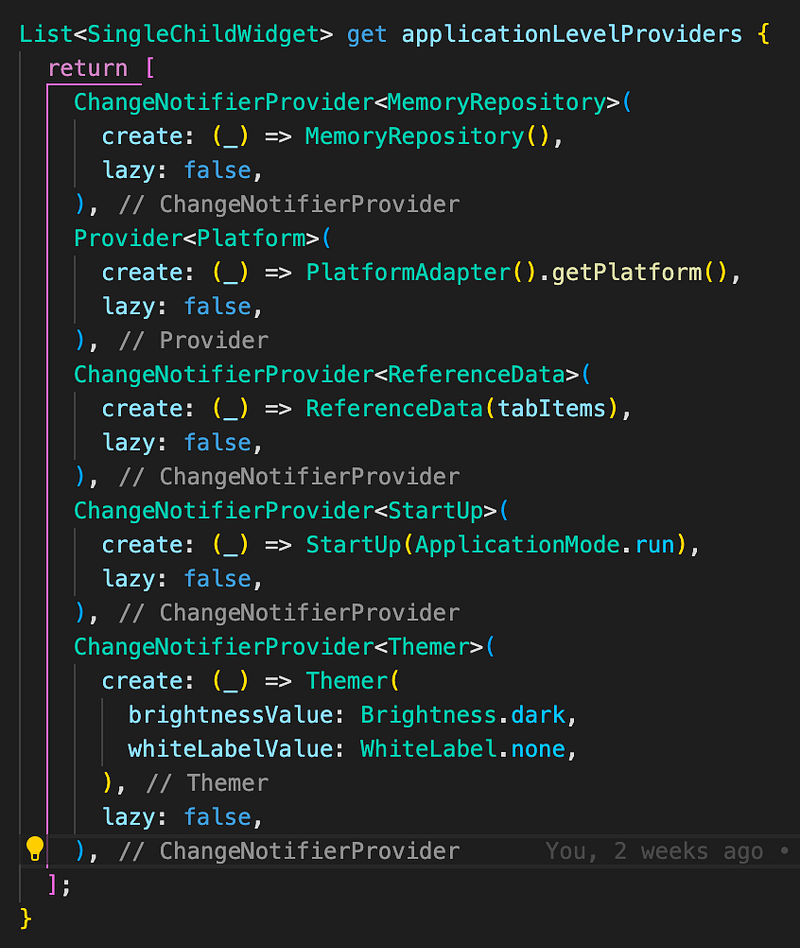
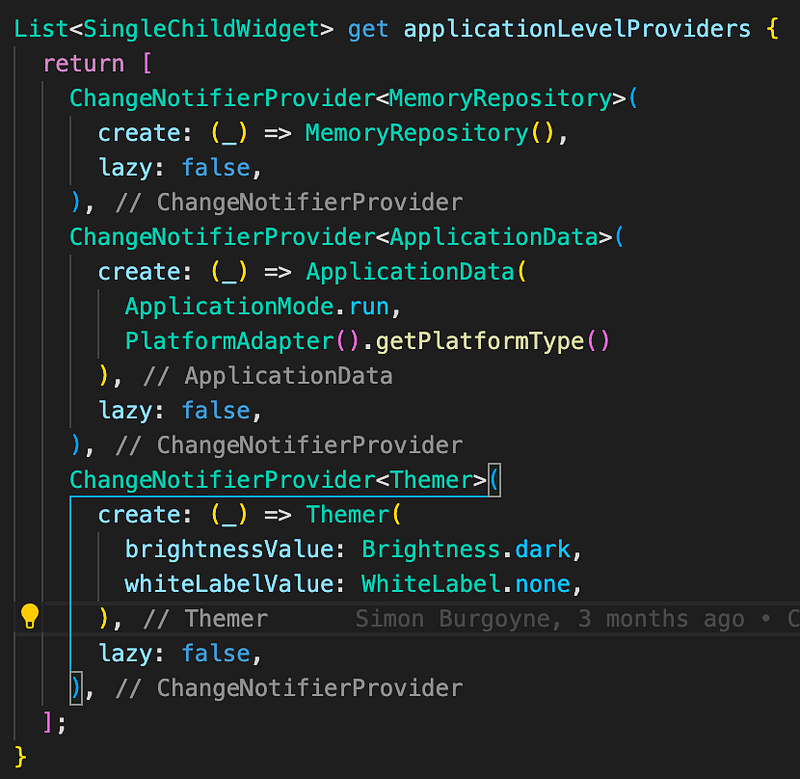
This puts us in a good position to start work on the application flow on startup.
Excluding unused import warnings on generated files
Turned out that the syntax to exclude a file from the analyser analysis_options.yaml was a comma separated list of files:

So back to no warnings now we have excluded the file generated by WidgetBook.

It is important to target no warnings or errors b4 checkin, once you let it slip then its harder to spot issue you introduce.
Shared Stuff
Some of the widgets I moved into DigestableLego used provider state e.g.
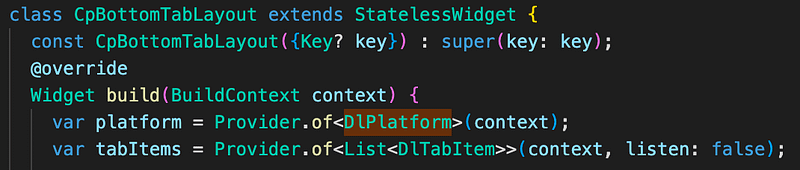
Too avoid the issue of creating shared classes required by both DigestableMe and DigestableLego I removed the provider state and added the necessary information to the widget constructors.
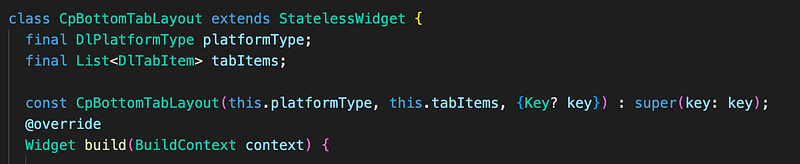
It then meant that I need additional mapping code in DigestableMe to map its types to those in DigestableLego:
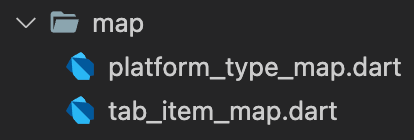
Which are just simple extension methods on the types in DigestableMe.
extension TabItemMap on List<TabItem> {
  List<DlTabItem> toDlTabItems() {
    return map((item) => DlTabItem(
          label: item.label,
          icon: item.icon,
          content: item.content,
          globalKey: item.globalKey,
        )).toList();
  }
}
Now we have a new rule in the Done Done Done checklist.
No provider state in widgets, pass in the required info on the widget constructor
As part of this I removed provider: from pubspec.yaml in DigestableLego.
Removing the shared state simplifies the widget development and widget tests.
There will be more to come on this but we just need to avoid coupling things together, we don’t want to create monoliths.
The whole point of microservices is that they are independent. You can create a service that has countries (for example so that you can display a list of available countries), but I would avoid binding that service to your other ones. Copy the country information into those other services. This allows these services to evolve independently. For example, if a person has nationalities that are at a finer grain model than buildings country (because subtleties like that really happen in the real world).
Services can call other services, coarser business services should caller finer-grained ones, but do not make a network, make sure that you strongly define your hierarchy, and make high-level services call low-level ones. I don’t think “Building” or “Person” services are those coarse-grained services, you probably want a layer above them that is integrating those with preferences. Building and Person probably should be on their own, but Microservices design is not an exact science, and a lot depends on your situation. If User Preferences is deeply integrated into the behavior of Person, it might make sense to make Person your coarse-grained service. Just make sure that it’s an explicit decision, and you don’t do something horrible like make them co-dependent on each other.
Finally, do not create a “Shared Stuff” assembly. It will become your Monolith in very short order, and will bind everything together into an unruly mess. You will end up with all the disadvantages of a monolith, combined with all the overhead of microservices. Rob Conklin
Sound & Vision
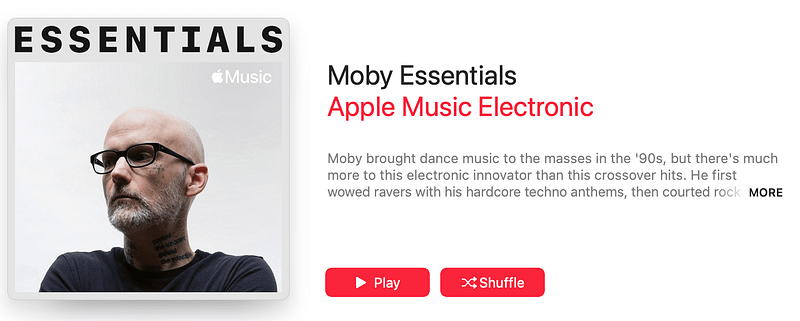
Power is not shared, power is taken
Links
- Knobs
- Handling shared reference data
- Microservice architecture — manage referencedata and other common stuff


