
Everything You Need to Know About PWAs — Push Notifications
Adding push notifications to your app to increase user engagement
This is a series about Progressive Web Apps. If you haven’t yet, please see part one before reading on.
What Are Push Notifications?
A notification is a message that pops up on the user’s device. Notifications can be triggered locally by an open application or they can be “pushed” in real-time from the server to the user, even when the app is not running.
The main idea behind push notifications is to engage users and keep everyone up to date with the latest content or features. For instance, you might get daily notifications from the Medium mobile app, those are push notifications!
Understanding Push Notifications on the Web
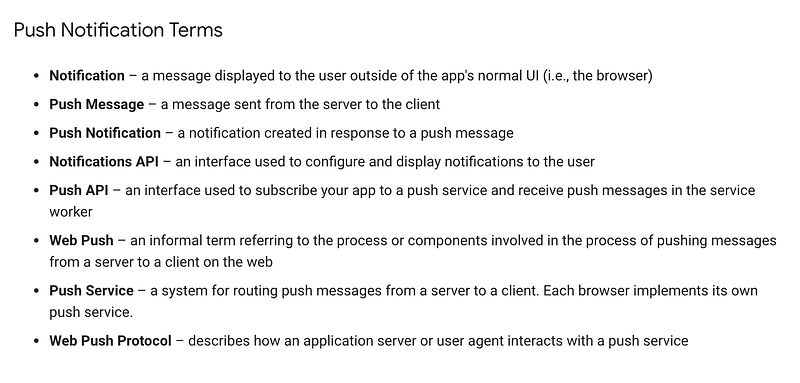
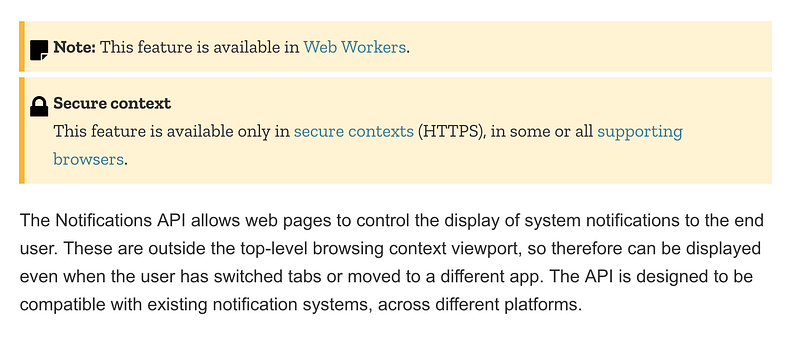
Most modern browsers let us push real-time notifications to our users. We do this via the Notifications API.
Check for Permission
Once you’ve registered the service worker, you’ll have global access to the Notification API. First, we need to ask the user permission to show notifications:
The requestPermission promise returns one of three values: granted, denied, or default.
Note:Safari Version 12.0.3 still uses callback to get the permission.
Unregister, then register the new service worker. A notification prompt will pop up. Grant the service worker the access it needs.
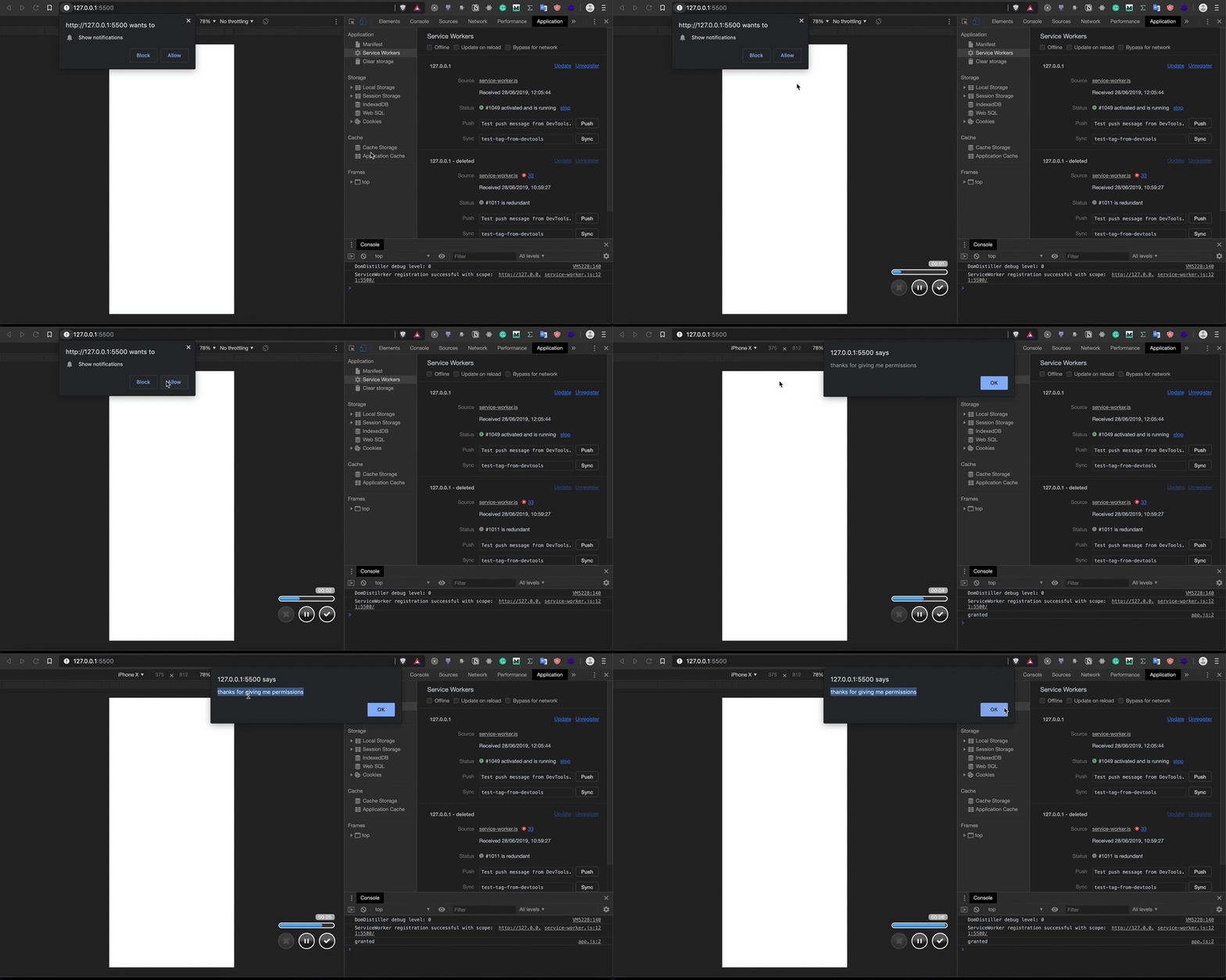
Upon pressing allow, the browser will save the choice under your settings. At any given time we can revoke the notifications through the settings. Be sure not to abuse the notifications, otherwise, users will revoke permissions and never grant it again.
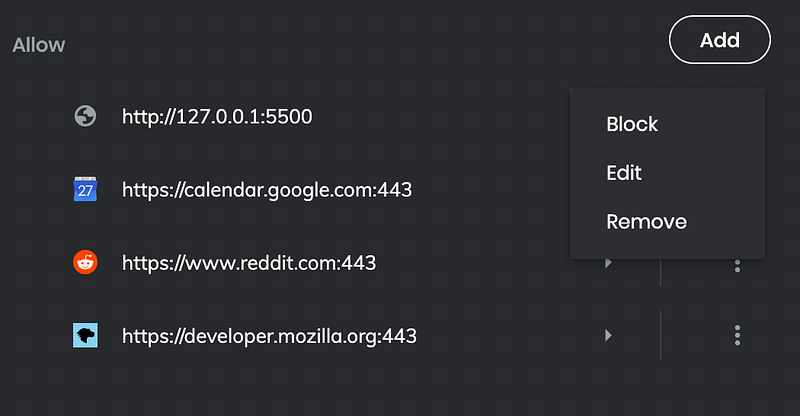
In case you’re wondering, I’m using the Brave browser. It’s pretty much the same as Chrome but it blocks ads by default and doesn’t have trackers. If you’re not using a Chromium-based browser, a quick search will tell you how to access the notifications settings.
What Can We Do With the Notifications?
Anything we want… well almost. There’s no limit on how often we can send push notifications. Let’s try it out and send one:
The .ready read-only property of the ServiceWorkerContainer interface provides a way of delaying code execution until a service worker is active.
When we register our new servicer worker, we should see a push notification appear on our screen.
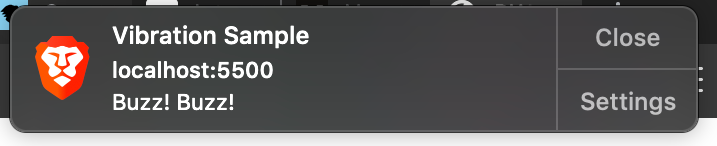
Keep the user experience in mind here. Be sure not to abuse this new superpower!
Check for Browser Support
Not all browsers support the new notification API yet, thus we have to make sure the notification API exists in the browser.
If we want the push notification to be reusable and of higher code quality, simply extract it to function:
And now if we reload the service worker:
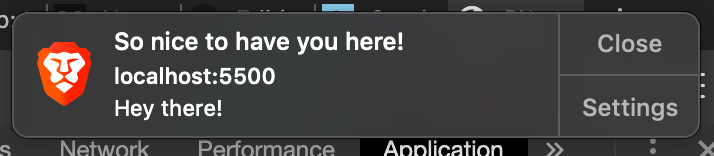
Voila! Reusable Push notifications.
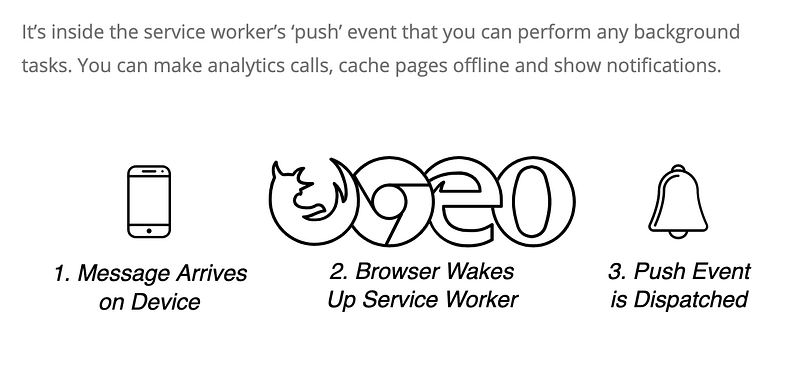
Browser Support
The Web Notifications API is a highly experimental technology and is very likely to change in the future. Despite the fragile state of the API, keeping your users up to date can be extremely useful when it comes to applications such as real-time trading, online dating (new matches), or breaking news.
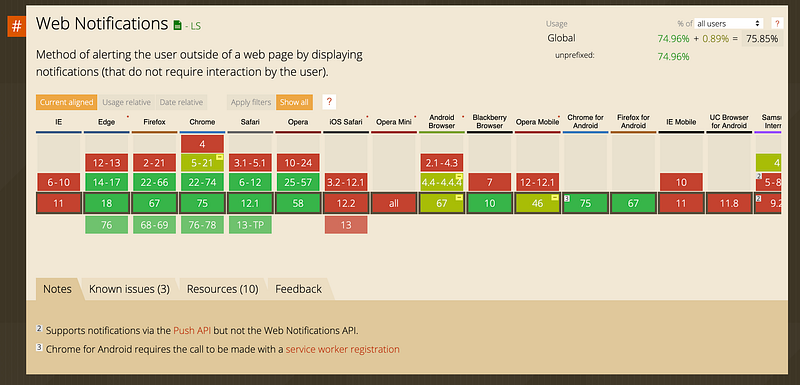
Browser support is mostly there but could be better (looking at you iOS Safari, Samsung browser, and Opera Mini). Nobody should care about IE at this time (2019).
If you want to learn Push notification in even greater depth, I found Web Push Book a very useful place.

Check out the next chapter about workbox and how it can simplify your life.
Play with the code here.
Thanks for reading! ❤