
Creating Consistent Characters with Your Desired Reference Characters/Pictures in Midjourney
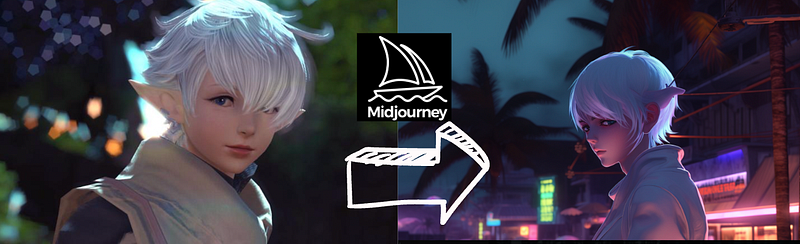
I believe that creating consistent characters in multiple settings is quite helpful. Besides that, most of the time, we want to create characters similar to those we like. Therefore, I wanted to know how to have these kinds of better control over the generations at the beginning(Four Problems Bother Me When Using MidJourney as a Beginner ). I explored Midjourney’s documentation in this post and considered combining the “seed” and “reference image” functions to suit my needs.
- Consistent: fixing the “seed” (which fixes the initial settings of the neural networks)
- Reference: upload and use the image as a reference
- Combined the above functions
- The worth noting “describe” function(new) and the anime model — “niji”
1. Consistent: fixing the “seed”
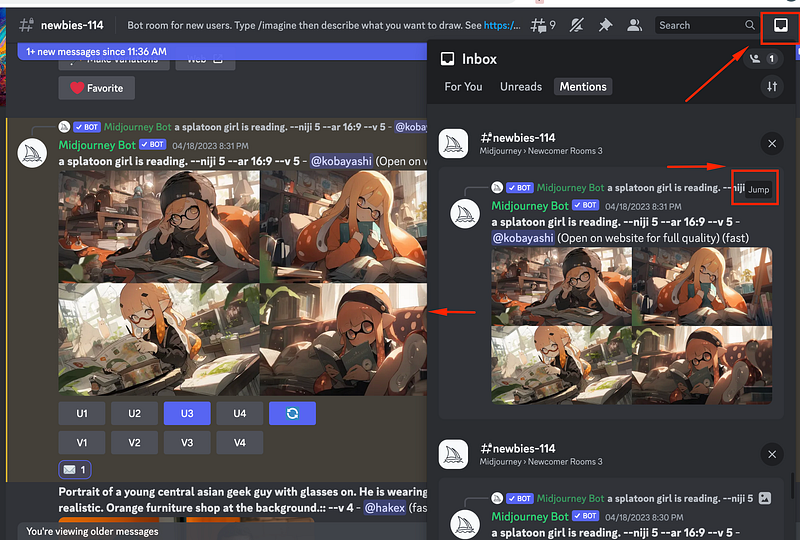
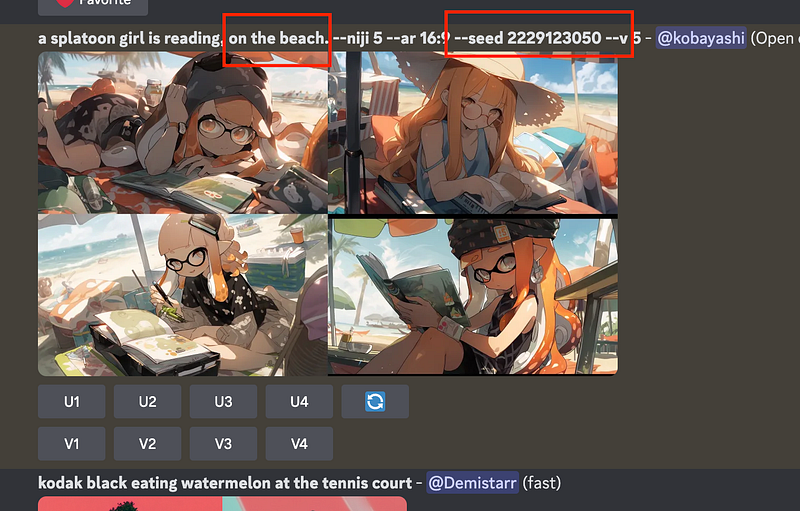
First, find a generation created two days ago; find its seed. You could click the inbox in the top right corner and jump to that generation. It’s worth noting, Midjourney knows “Splatoon”.
You can add “ — seed [number]” when you create the image; in that way, you won’t need to find it every time. Details are explained in this post.
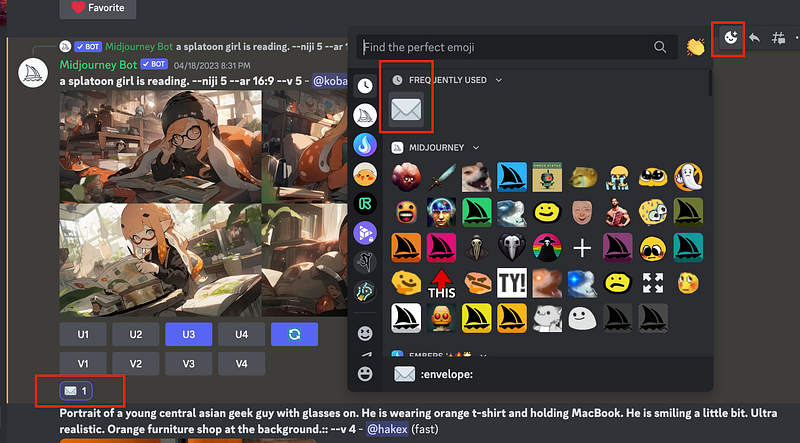
Send the “envolope” emote:
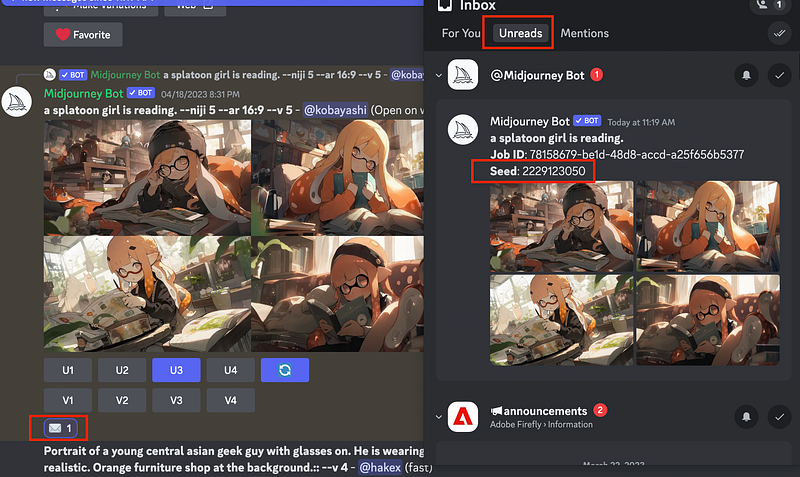
Then, the bot will send you the info, which you can find under the “Unreads”
Use the same prompt with the seed, but change the setting to the beachside. They are the same characters as above.
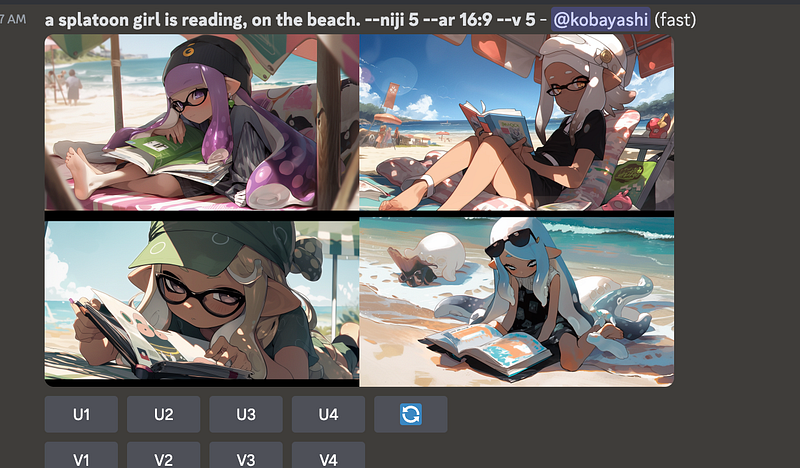
If you don’t use the seed, the generation will be less similar:
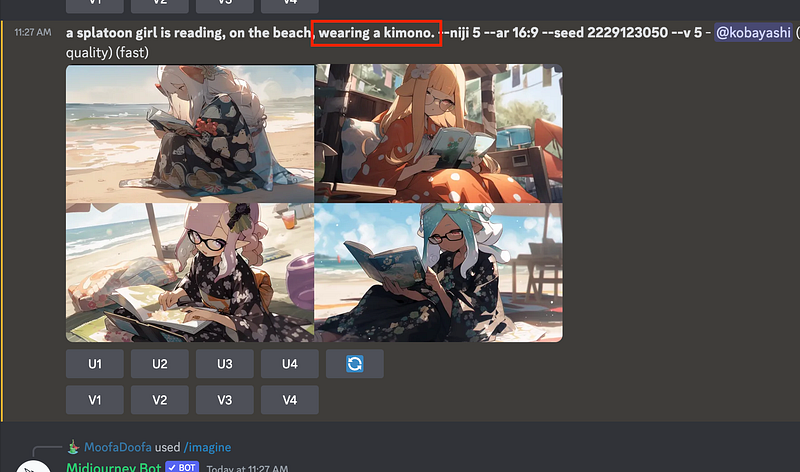
You can change their clothes to kimono.
2. Reference: upload and use the image as a reference
Upload the image:
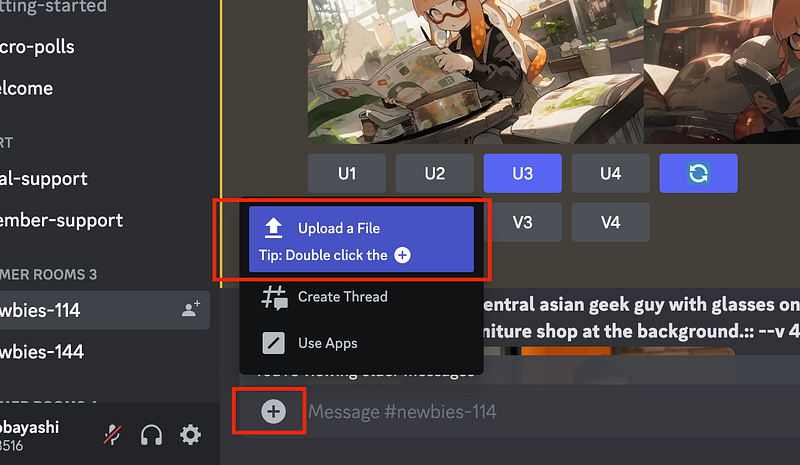
Click the image, and open it in the browser to find the URL:
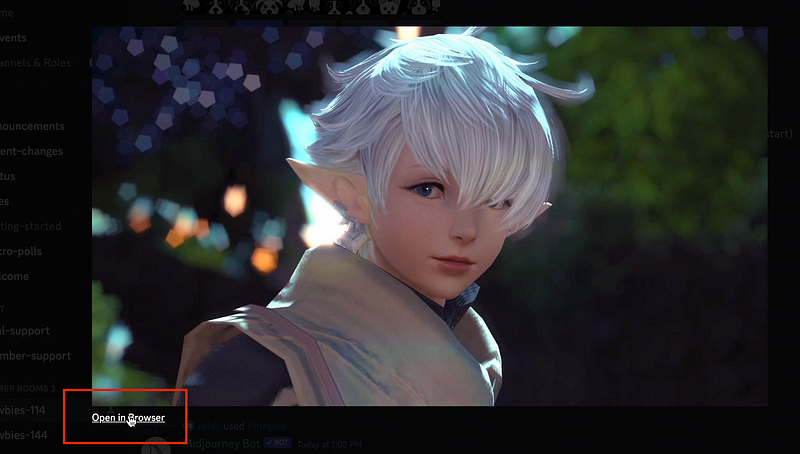
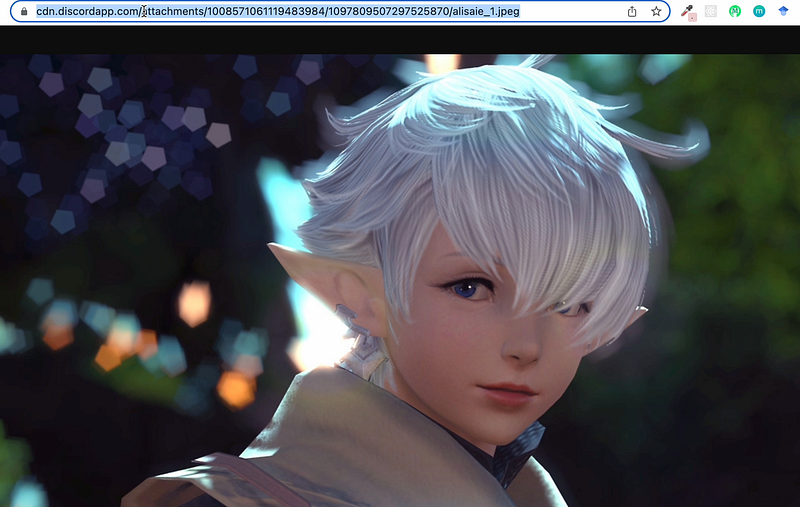
Then use the URL at the beginning of the prompt.
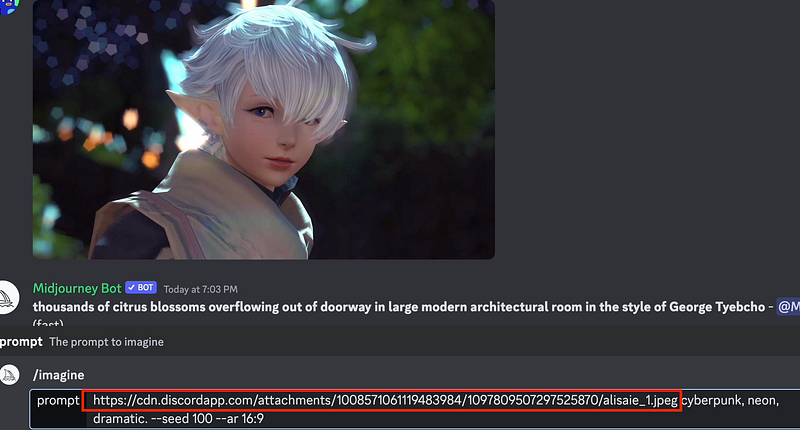
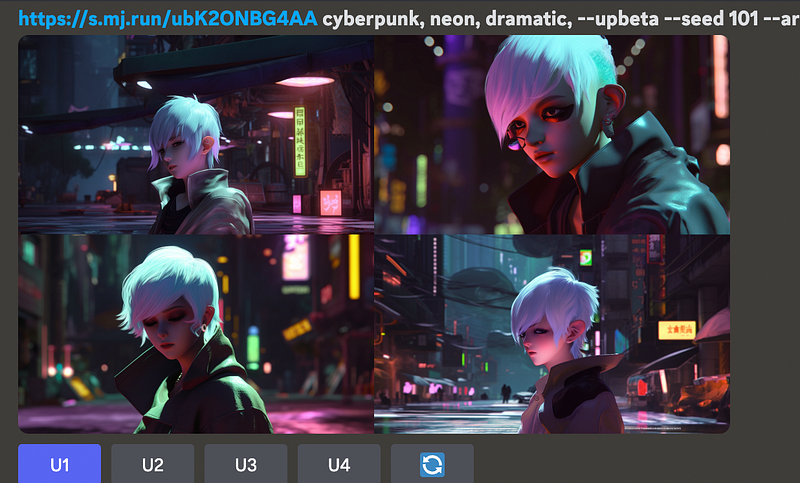
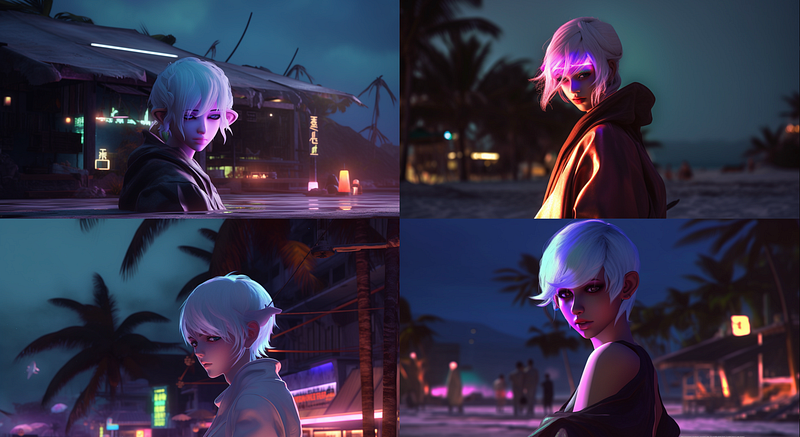
This is what I got in cyberpunk style; I like it!
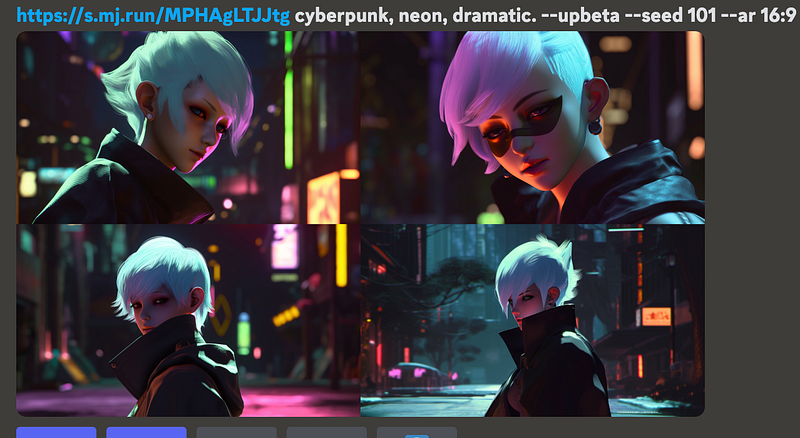
3. Combined the above functions
Well, combining reference and seed functions is easy. I used the referenced cyberpunk generation above to make variations based on the “seed 101” I assigned. Check the beachside setting again.
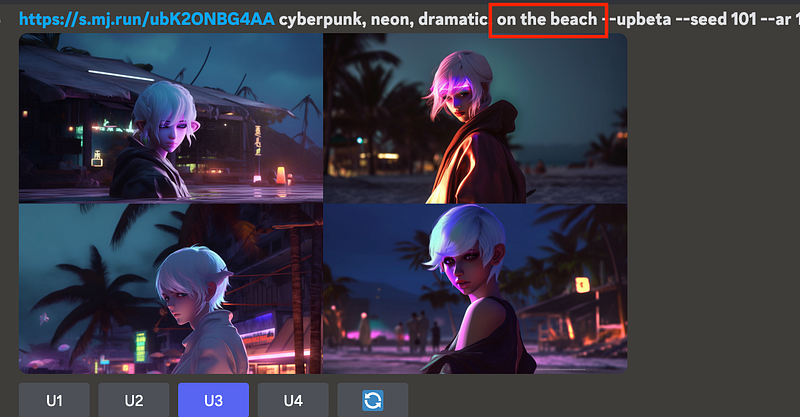
Now she is on the beach rather than in the city.
4. “describe” function and the anime model— “Niji”
(1) The “describe” function
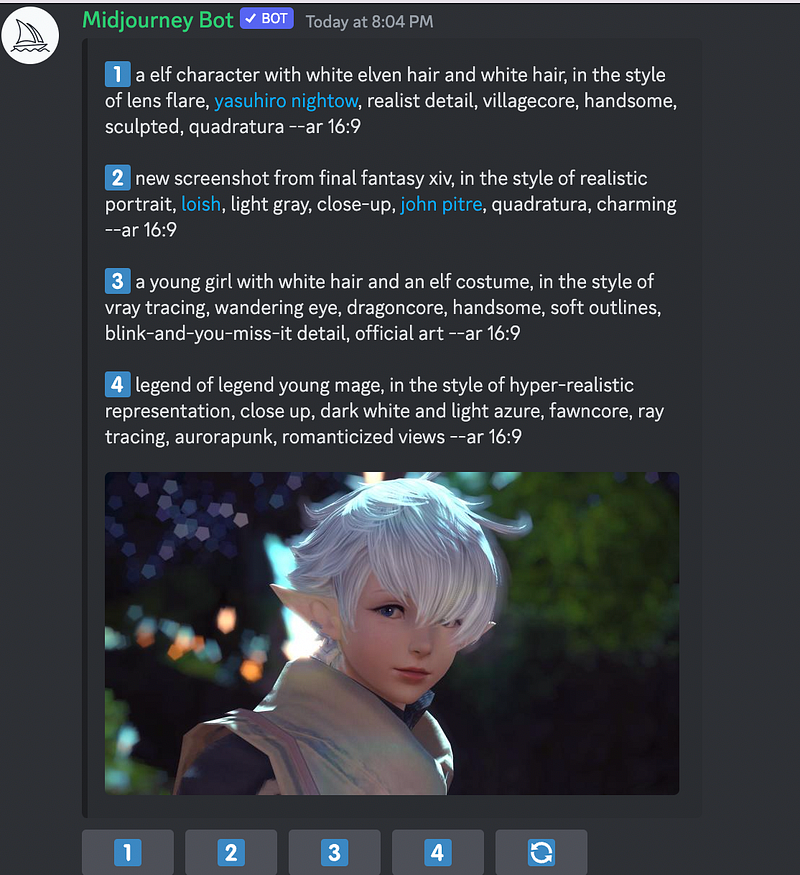
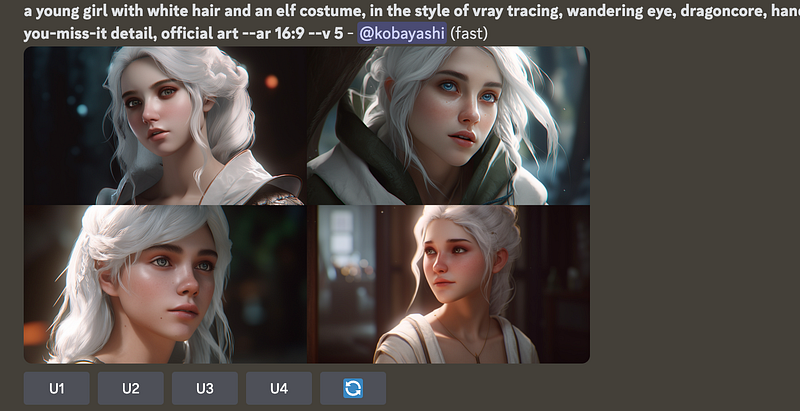
I have tried the new describe function; it can provide some keywords. But when you feed those descriptions back to Midjourney, it won’t get you images similar to the original as the “reference” function used above.
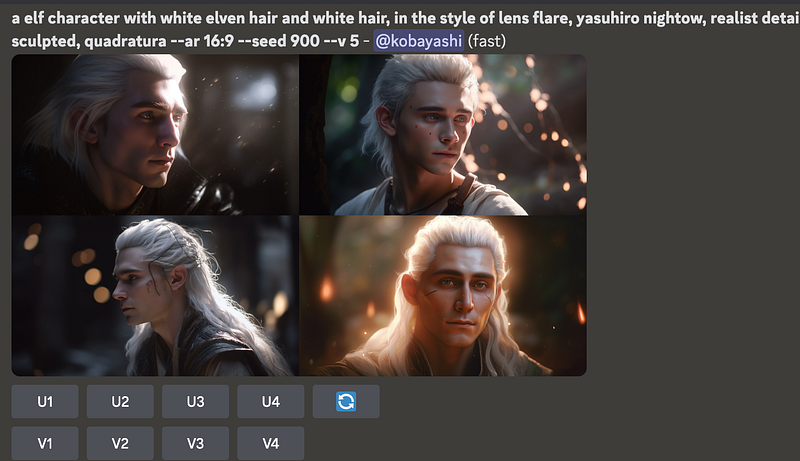
Just type “/describe” and paste the URL obtained before as in the first section above. I used the first and last descriptions to generate new images.
(2) Niji model
If you are an anime lover, you will love this specific model trained from animations. The model is a collaboration between Midjourney and Spellbrush tuned to produce anime and illustrative styles.
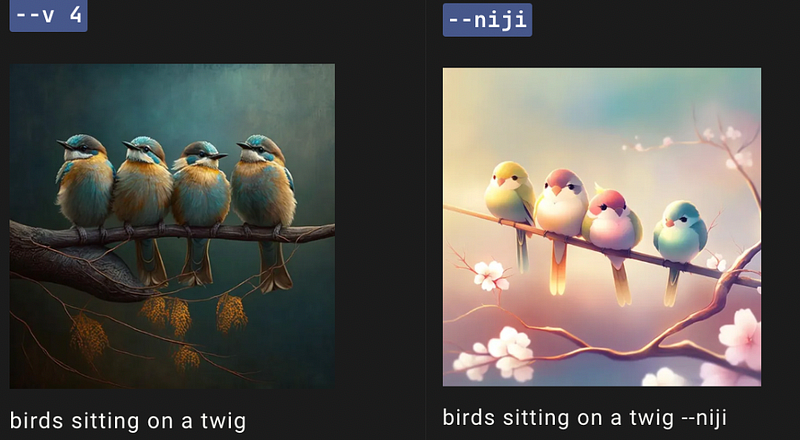
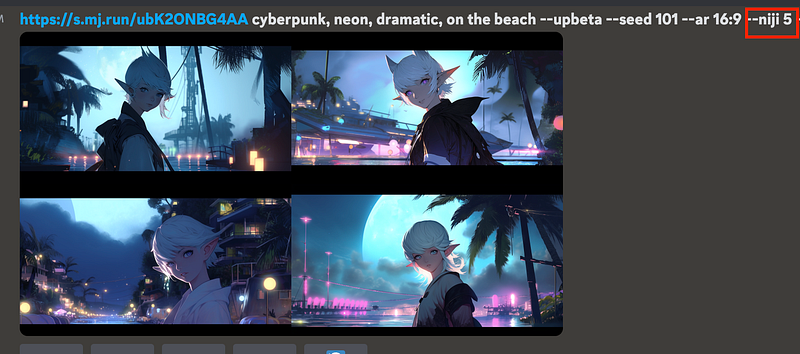
After using Niji, the cyberpunk style will change from the below Picture #1 to Picture #2
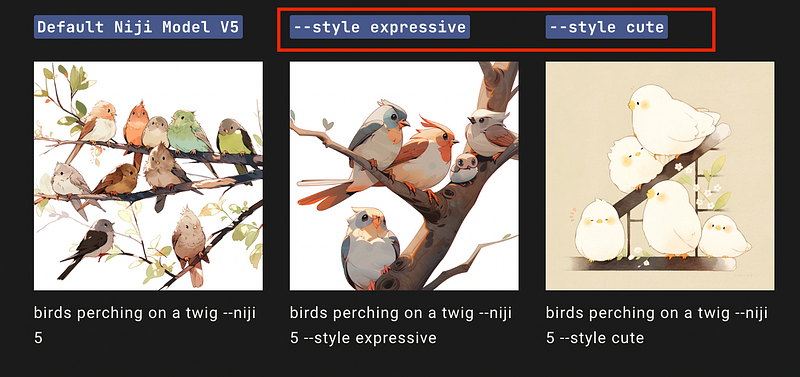
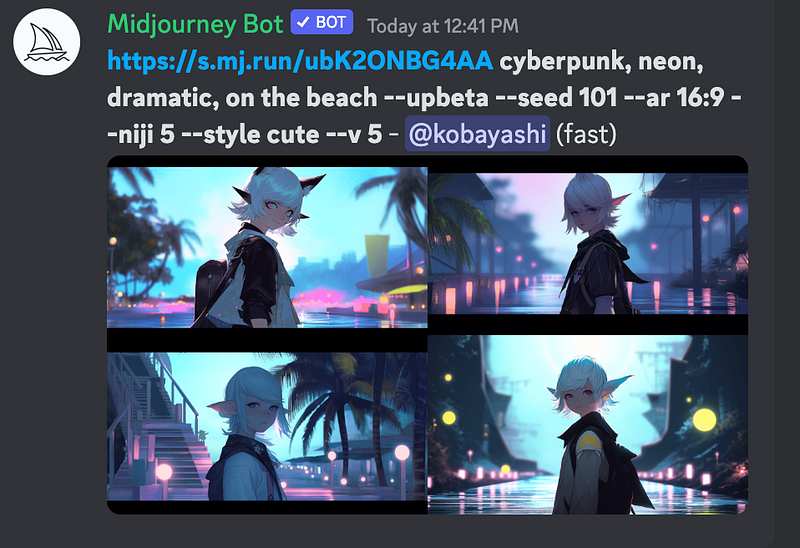
Further applying “style cute” and “style expressive” to the generation:
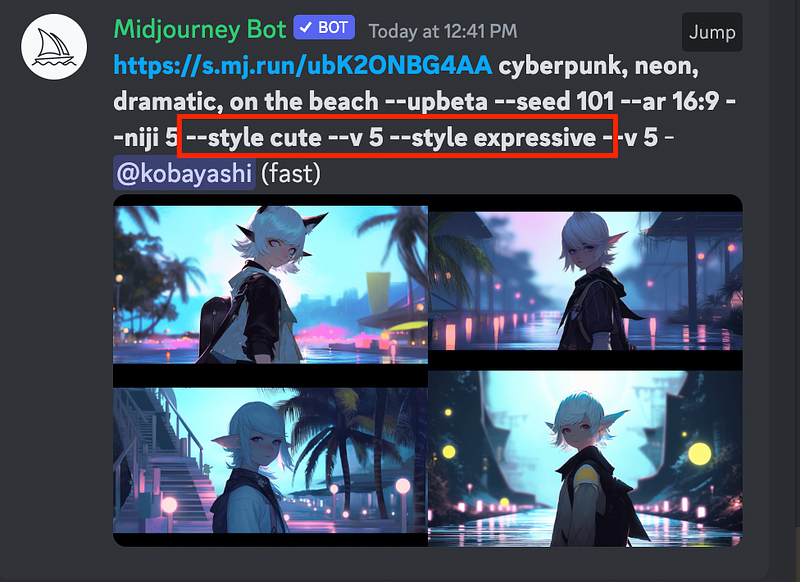
I accidentally added both “cute” and “expressive” styles; the bot ignored the latter and gave the same result.
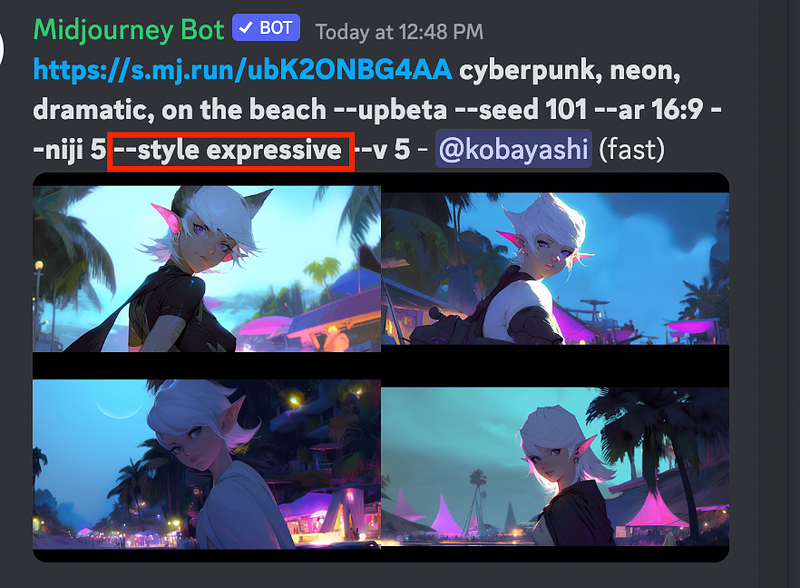
Corrected it to “expressive” style. Well, I like the cute style better.
I upscaled the 4th one of the cute generations as a younger version of her.
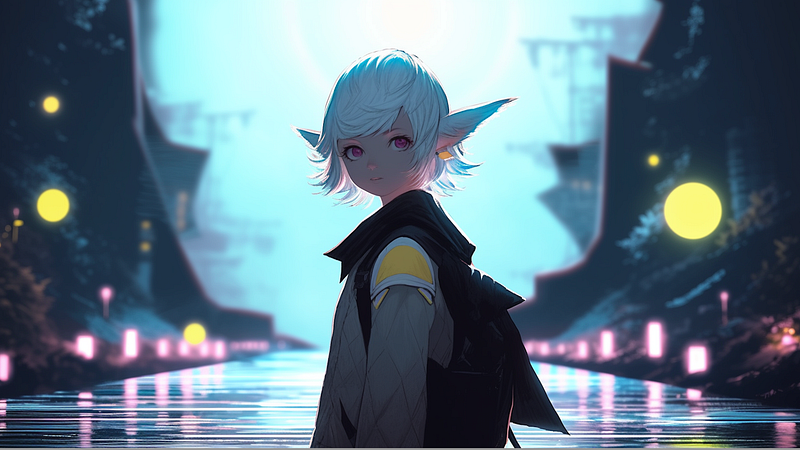
Looking forward to using Adobe Firefly, and changing her eye colour, ear, etc, through text prompts.
If you liked posts like this, you might also like a Medium membership. It’s only $5 a month, but it will give you unlimited access to articles while supporting your favourite writers. If you sign up using this link, I’ll earn a small commission. Thanks!
Here is the Table of Contents for My Medium Posts
The other related posts on exploring how to use AI tools:
- How to use DALL-E 2 to create images from text
- How to use Stable-Diffusion to create images from text
- Using DreamFusion to Generate 3D Models from Text
- The New Impressive Text-to-Music Model by Google
- Safe Ways to Use ChatGPT to Study Better (No Cheating)
- Four Problems Bother Me When Using MidJourney+ChatGPT as a Beginner
- Try Hugging Face’s Open Source Text-to-Video Model (modelscope-text-to-video-synthesis)
- Adobe Firefly is All You Need
- How to Use ChatGPT to Accelerate Literature Review
- The Ultimate Midjourney Prompt Guide 2023
- What is Prompt Engineering? Will it Last Long? Do We Need to Learn It?
- ChatGPT in Healthcare


