
Chibi Magic: How to Use DALL·E 3 and Bing Image Creator for Captivating Character Designs
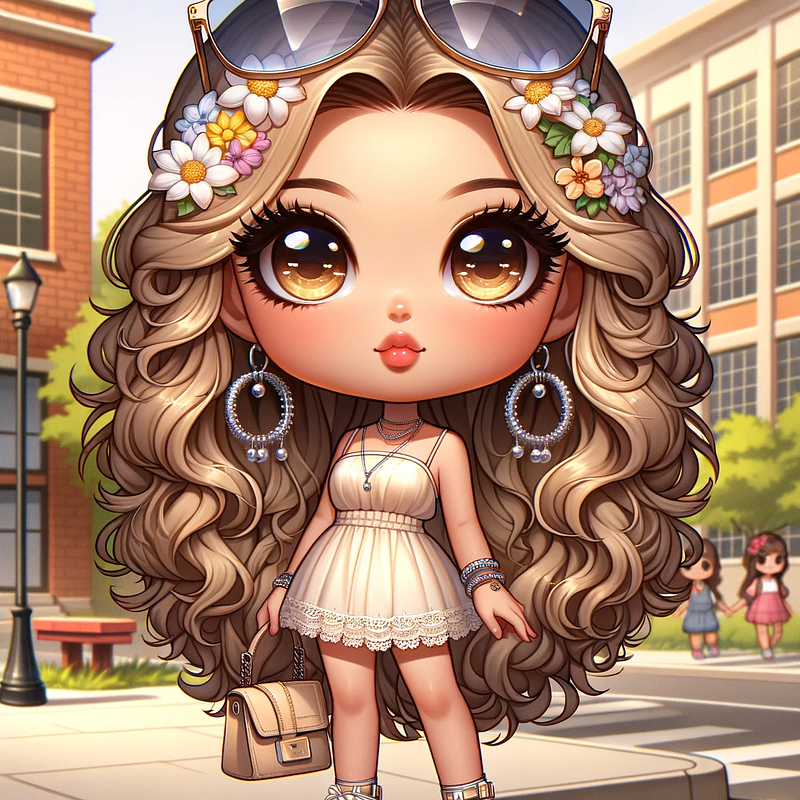
Chibi characters are so cute and adorable. Chibi characters have big eyes and small bodies, which makes them look cute. Their exaggerated proportions give them a playful style.. If you love them like I do, now you can learn how to create your own! We’re going to discuss how to create them in Bing Image Creator and DALL·E 3. 🎯First… Tap the “Follow” button above to get notifications whenever I share new AI tips and tricks. It’s the best way to stay in the know!
If you are new to creating AI images, please follow this beginner’s guide to Bing Image Creator if you are just starting:
If you already have Chat GPT Plus, want to learn how to create AI images using DALL·E 3, or planning on making money from these cute images, please follow this beginner’s guide to DALL·E 3 if you are just starting:
If you’re prepared to learn, let’s begin. You can employ the same prompts for Bing Image Creator and DALL·E 3. The sole distinction is that Bing Image Creator is for personal use exclusively, non-commercial, so you can’t profit from these images. With DALL·E 3, you have commercial usage rights, allowing you to sell them.
Read ’til the end to find out ways to make money from these cute characters.
📌 The Prompt Structure
I have outlined options for customizing a chibi character prompt. Including specific details in your prompt can produce the chibi image you want.
Create a digital airbrush artwork of a (Body DESCR) (Race DESCR) chibi character with (Eye DESCR) and (Hair DESCR). She/He is wearing (Clothing DESCR) with (Shoes DESCR). She/He is accessorized with (Decorative Accessories DESCR). Her/His pose is (Pose DESCR). (Background DESCR) background. Ensure the image is (Size of image DESCR).
- Body DESCR — ex. full-length/curvy, etc
- Race DESCR — ex. African American/brown-skin
- Eyes DESCR— ex. large expressive/almond/sad
- Hair color/accessories DESCR— goddess braids/knot hairstyle/blonde buzz cut
- Clothing DESCR-ex. hoodie and ripped jeans/sundress
- Shoes DESCR— ex. stilettos/sneakers/sandals
- Decorative Accessories — ex. silver hoop earrings/gold watch
- Pose DESCR— ex. relaxed/confidence/hands in her pockets
- Background DESCR— ex. clean white background/ocean/beach
- Size of image DESCR— ex. Wide/Tall/Specific Aspect Ratio
Please note: Dall-E image default size is a Square 1024 x 1024 px
You can use all, some or none of description templates above to create your perfect prompt. Here’s an example.
Create a digital airbrush artwork of a curvy chibi character with large almond eyes and a sophisticated top knot hairstyle, highlighted with blonde strands and intricate braid details. She is dressed in a fitted, sleeveless pink hoodie and ripped jeans, paired with heeled ankle boots. Her pose is relaxed yet purposeful, reflecting a sense of style.
You can choose what’s needed to create your prompt for your images. I omitted a few descriptive templates above, such as Race, Decorative Accessories, Background DESCR (descriptions).
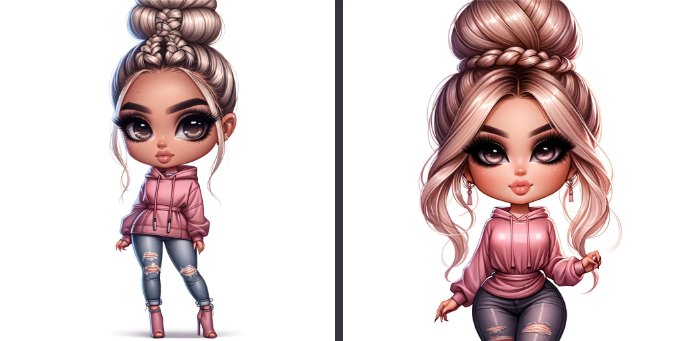
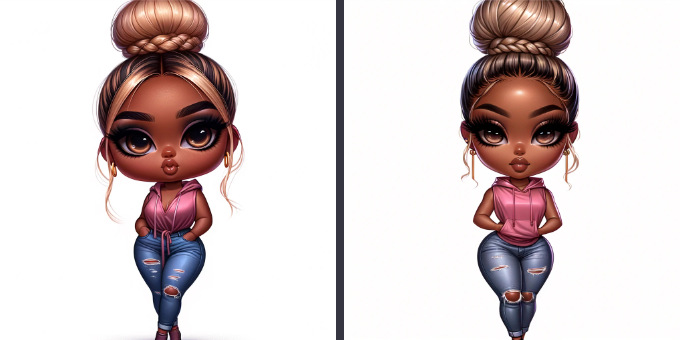
Specifying "African American" in your prompt will adeptly generate an African American chibi, complete with appropriately darker skin tone and associated physical features. Customizing race or ethnicity allows precise tailoring of the chibi outcome.
Create a digital airbrush artwork of an African American curvy chibi character with large almond eyes and a sophisticated top knot hairstyle, highlighted with blonde strands and intricate braid details. She is dressed in a fitted, sleeveless pink hoodie and ripped jeans, paired with heeled ankle boots. Her pose is relaxed yet purposeful, reflecting a sense of style.
Here’s A Few Chibi Character Samples
Today, I’ll share a few Chibi character samples featuring various art styles, effects, and techniques to ignite your creative spark. Stay tuned for some additional tips at the end.
Starstruck Styles: Chibi in the City
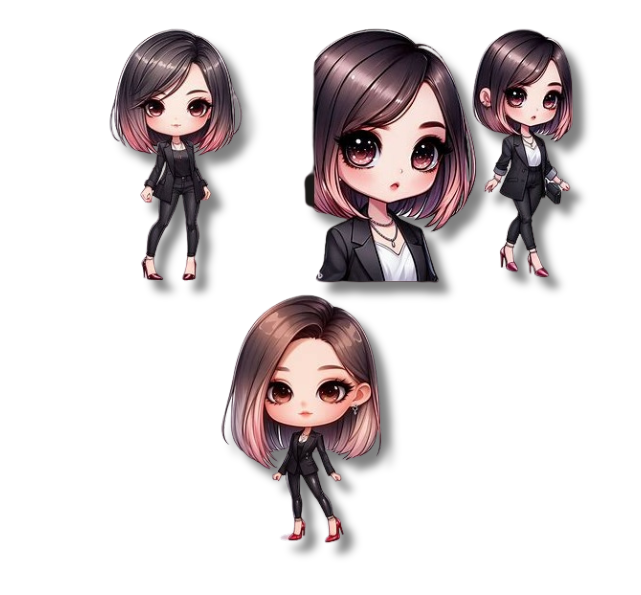
Create a digital airbrush artwork of a chibi character with large almond eyes. Her hair is a sleek, shoulder-length bob, tinted with pastel pink highlights. She is wearing a tailored black blazer and skinny jeans, complemented by glossy red stiletto heels. She is accessorized with a delicate silver necklace and a matching bracelet. She exudes confidence in her fashionable pose.
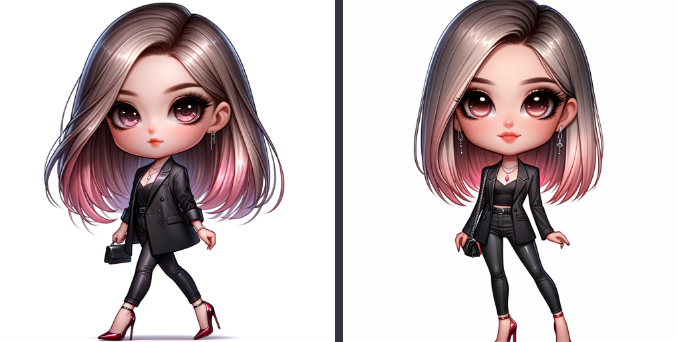
I used the same prompt above, but used Bing Image Creator instead and here are the results below.
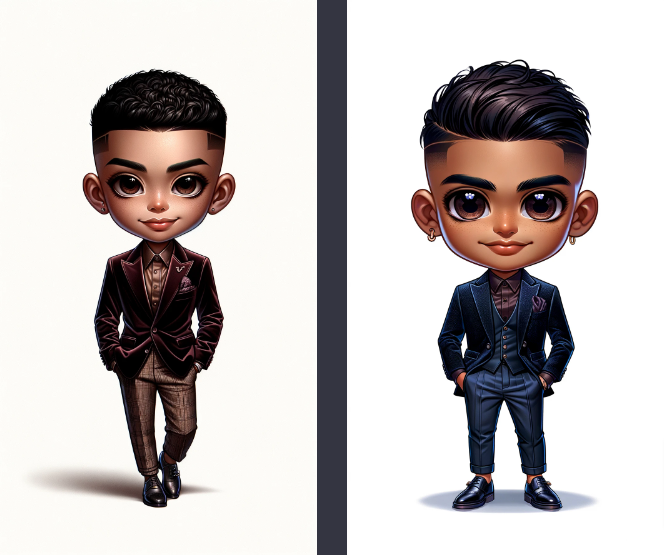
Let’s create a male suave chibi character…
Create a digital airbrush artwork of a full-length chibi character with large almonds eyes and a slick smile. He has a temple fade. He is wearing a slim-fit, velvet blazer over a silk shirt, with tailored trousers and monk strap shoes. A lapel pin and a silk pocket square accessorize their look, giving off a vibe of suave sophistication.
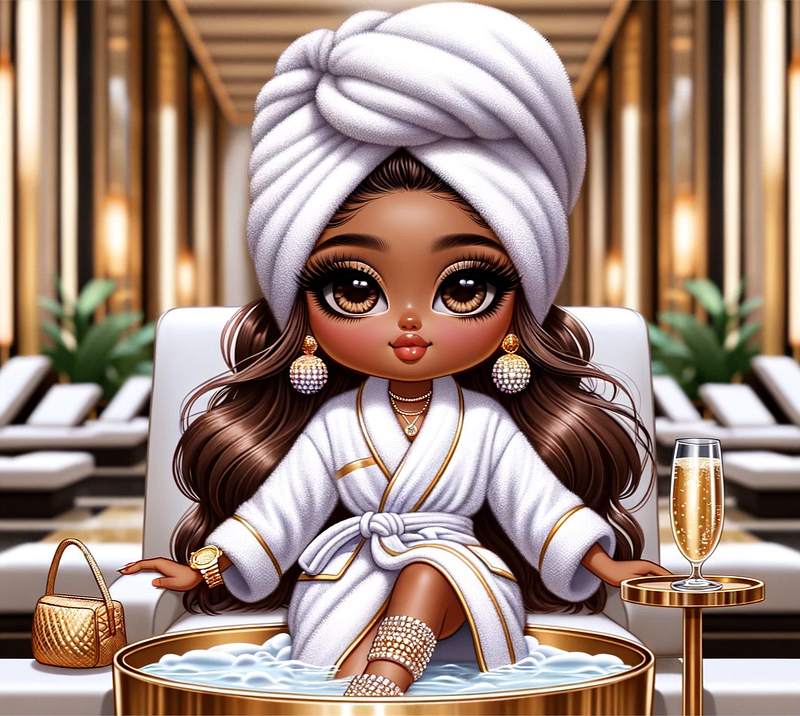
Now, let’s create a spa day with a Chibi character!
Create a digital airbrush artwork of a full-length brown skin chibi character with large almond eyes with long brown wavy hair underneath a stylish terry-cloth head-wrap. She is wearing a white and gold terry cloth spa robe. She is accessorized with a gold watch and diamond earrings. She is relaxed as she sits in a spa chair as her feet soak inside a gold foot basin. She hold a glass full of champagne while inside a huge luxury massage spa during the day.
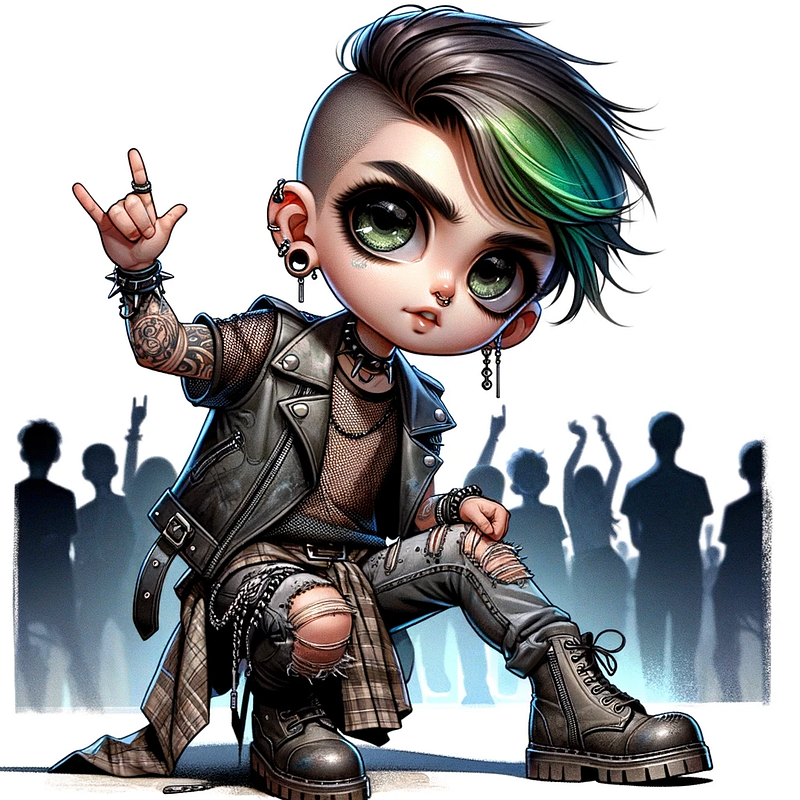
Let’s Rock It Out!
The Chibi that Exudes confidence…😍
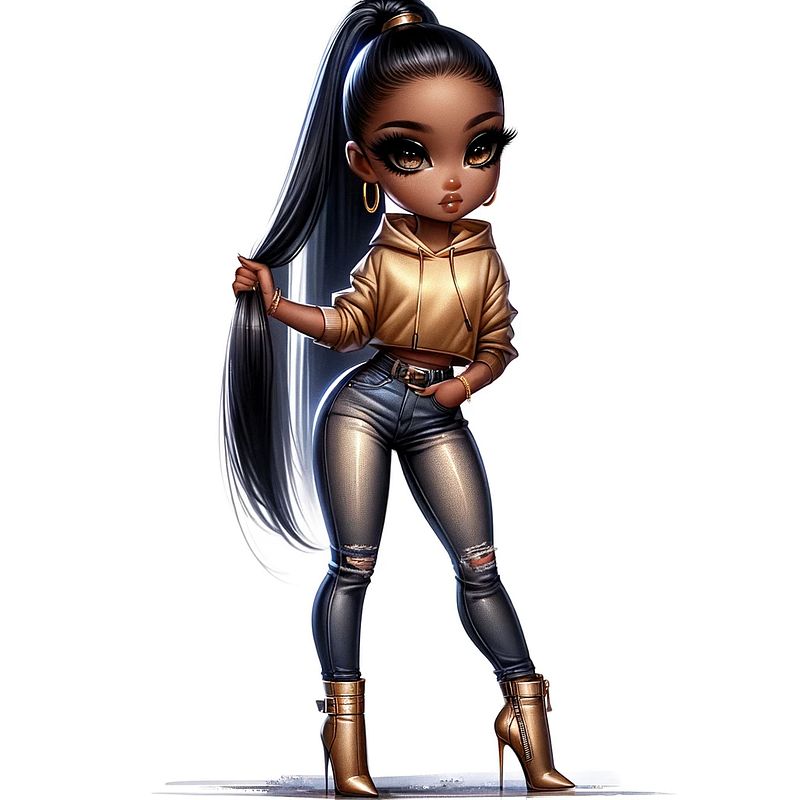
Create a digital airbrush artwork to illustrate an African American chibi character with large almond eyes and a sleek, straight ponytail. Her outfit consists of a form-fitting gold hoodie and fitted jeans with stylish rips. She’s wearing stiletto ankle boots that fuse urban style with military fashion. The character stands confidently, hand brushing her hair back, exuding charisma.
How To Make A Chibi Character Sheet
There are many reasons people create character sheets. It’s important reference point for animation and design teams. Or some just do it for fun! You can create one for stickers, decals, stamps, coloring books and more.
I will share the prompts to use to create your own character sheet and how you can monetize it.
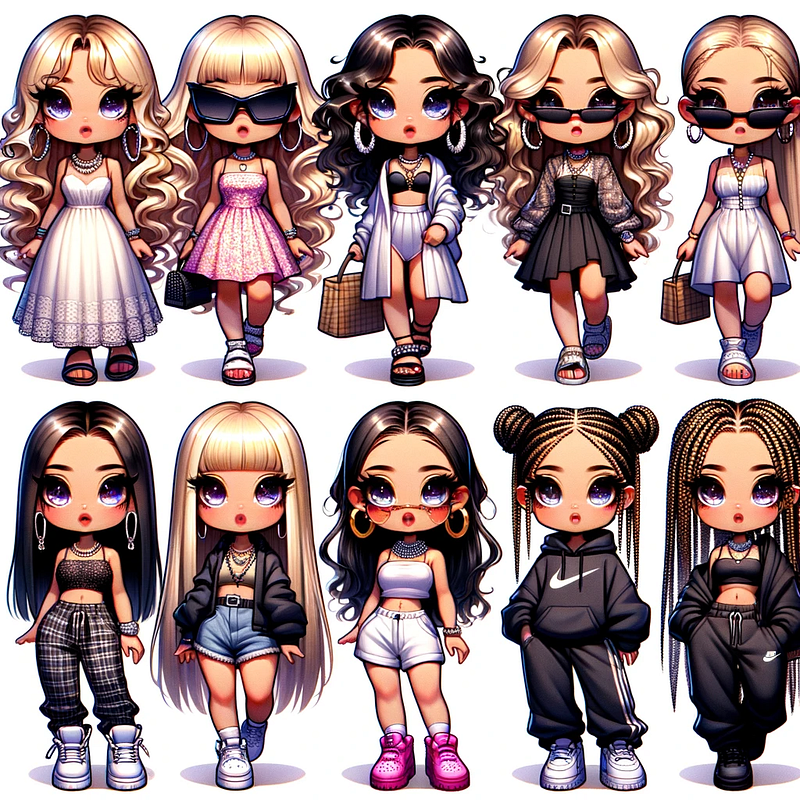
To create a character sheet, you can add the following to the beginning of the prompt.
A character sheet, in style of a children’s book character, character design, multiple poses, expressions, and angles, clipart, isolated on white background…
You can also add more descriptions to your prompt above so that each Chibi character are different from the other.
Here are a few examples below:
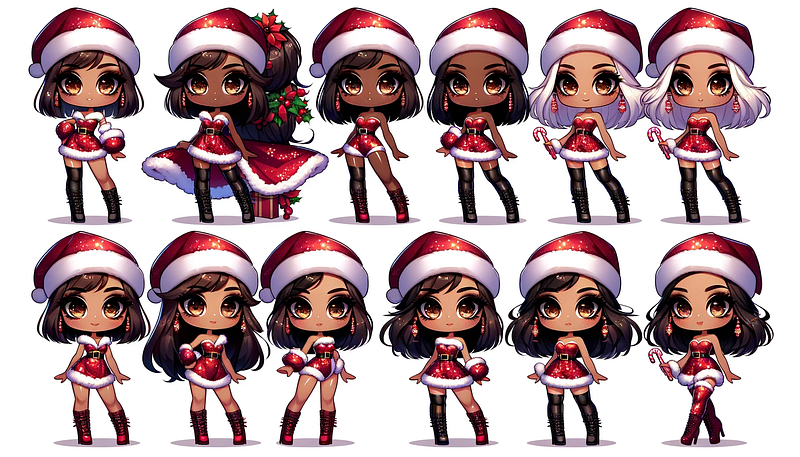
A character sheet, in style of a children’s book character, character design, multiple poses, expressions, ethnicity, and angles as clipart, isolated on white background of full-length chibi characters with large almond eyes. They are wearing different hairstyles underneath Santa hats and Santa sequin dresses with Thigh-High Stiletto Boots. The poses are holding candy canes, confident and fashionable. White background.
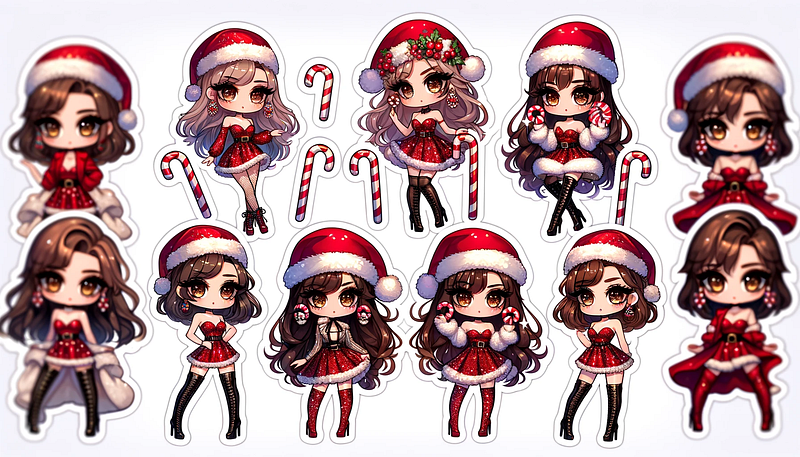
You can also create a sticker pack by adding the the following in the beginning of the prompt:
a sticker pack, with white border, knolling layout, harmonious colors…
Let’s create the same prompt above as a sticker pack.
Create a sticker pack, with white border, knolling layout. Featuring full-length chibi characters with large almond eyes. They are wearing different hairstyles underneath Santa hats and Santa sequin dresses with Thigh-High Stiletto Boots. The poses are holding candy canes, confident and fashionable. White background.
How to Make Edits and Upscale Images
Sometimes, you may love an image, but there’s a blemish you may want to edit or crop an image, and so forth.
Additionally, certain marketplaces may require your image to be upscaled.In such cases, it’s important to ensure that your image maintains its quality and clarity even after being upscaled. This may involve using specific software or techniques to enhance the resolution and details of the image while avoiding distortion or blurriness.
Image Editing
1. Photopea is a powerful online image editor that allows users to edit and manipulate images with ease. With a user-friendly interface and a wide range of editing tools, Photopea is an excellent alternative to expensive desktop image editors. Whether you need to resize an image, remove the background, or add text to a photo, Photopea has everything you need to create stunning images. So why spend a fortune on image editing software when you can get the same functionality for free with Photopea?
2. Canva is an online graphic design platform that allows users to create beautiful designs for a variety of purposes. It also allows you to edit images by uploading photos and adding text and other elements. You can crop photos, adjust colors, and apply filters to enhance the overall look of your designs. Plus, its user-friendly interface makes the design process simple and enjoyable.
Image Upscale
AI image generation tools sometimes create images that are not as clear as we would like them to be. However, we can improve the quality and resolution of these images by using upscaling techniques. This is important if we want to use the images for various purposes, such as printing or online display.
1. BigJPG is an amazing web app uses AI to enlarge images by up to 800% while keeping them incredibly sharp. Perfect for enhancing AI art for printing or digital use.
2. Adobe Photoshop is an amazing standalone software that uses AI to enhance images for large prints or zooming in. Adobe Photoshop also offers a wide range of tools for photo editing, retouching, and creating digital artwork.
💰 Extra: Make Money with AI Arts
With these Chibi images, you can create artworks that is sure to sell! If you are looking for ways in generating passive income, here are a few ideas below.
💸Print on demand products with AI art is definitely a good idea. A few are Printful and Printify to begin.
💸Digital prints can be sold through online stores, such as Etsy or Shopify.
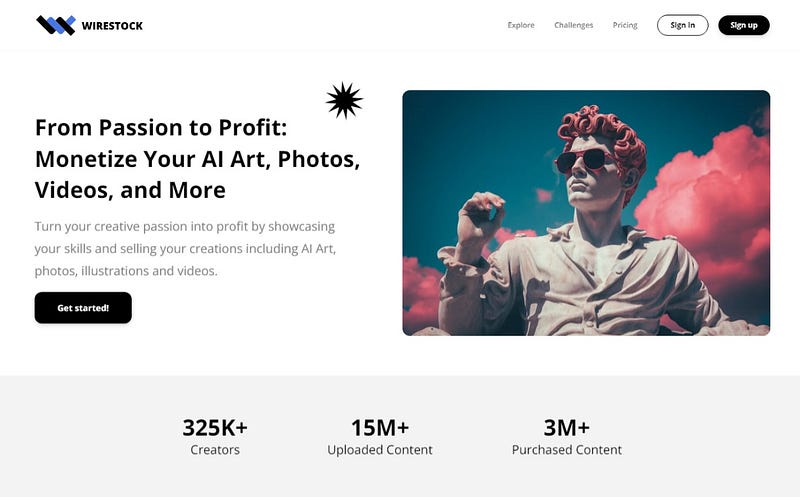
💸 If you are looking for ways to generate passive income, consider selling your stunning visuals on Wirestock.
Wirestock is a single gateway to the most extensive marketplaces available, including Adobe Stock and more.
Please follow me for Dall-e 3, Midjourney, and more — I share advanced techniques, free prompts, and step-by-step ideas to make money with AI art across different platforms. 📧 Stay tuned for future notifications for new post to help your Ai journey
Affiliate Disclaimer: Please note that certain links above are affiliate links, and I will receive a commission if you subscribe through them. Feel free to ask if you have any questions about the items mentioned.