
ChatGPT Like A Pro: 10 Effective Structuring Techniques for Creatives
Organize your ideas and streamline your creative process

As a creative, utilizing a structured approach when interacting with ChatGPT can greatly enhance productivity and organization. Employing various output structures can make it easier to extract, share, and overview results while also allowing you to manipulate responses based on your prompts. In this article, we will explore:
- JSON
- Tables
- LaTeX
- HTML
- YAML
- XML
- CSV
- ASCII tree diagrams
- Text with indentation
- Markdown (ordered & unordered lists)
This is an overview of possible output structures for ChatGPT. Follow me for an upcoming deep dive into how to manipulate these structures inside your ChatGPT workflows.
JSON
Despite its name, JavaScript Object Notation (JSON) is not just a multitool for programmers. You can use JSON to organize your ideas in a structured, human-readable format that can be easily manipulated and updated by humans and machines.
Examples: Story structure & branching narratives
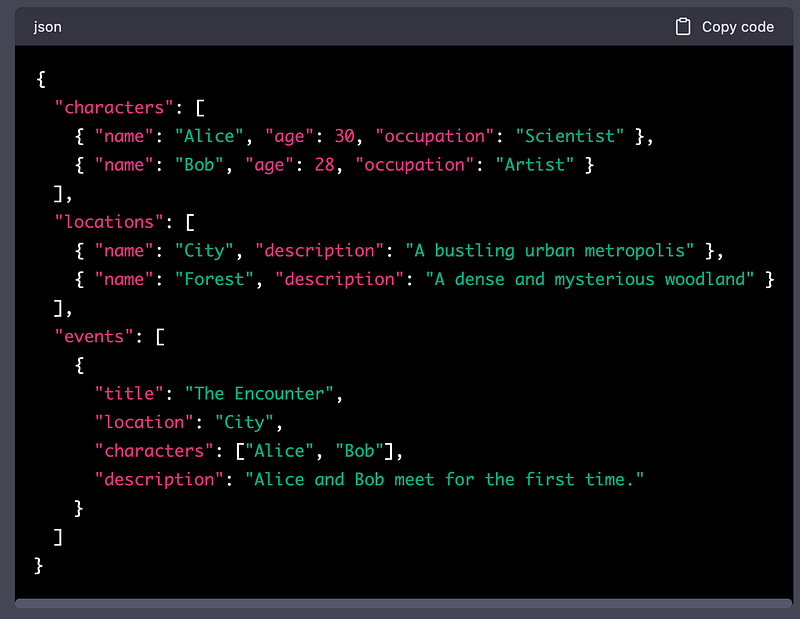
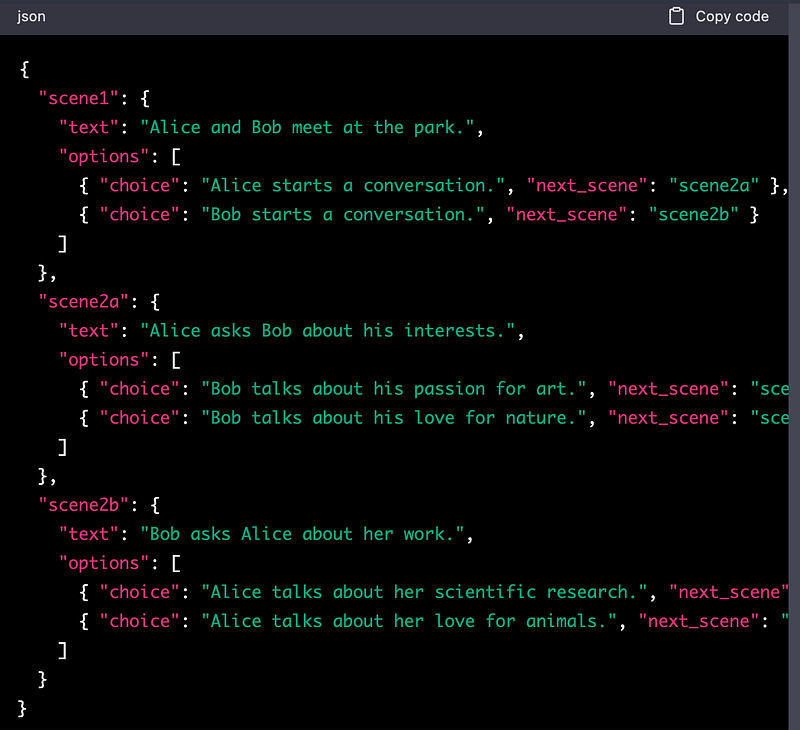
JSON is also a widely supported format that makes it easy to transfer your content between different tools, platforms, or applications. This can help streamline your creative workflow and make it easier to collaborate with others.
Tables
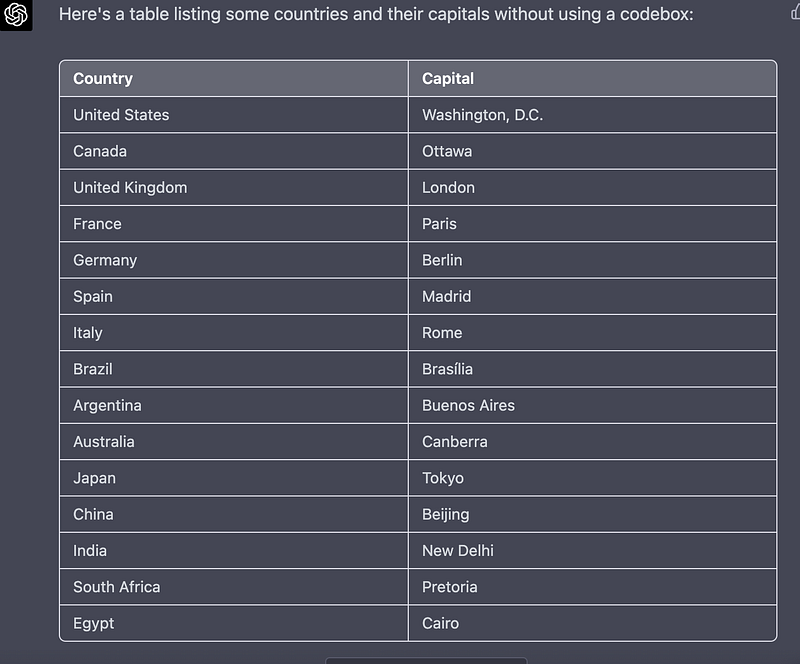
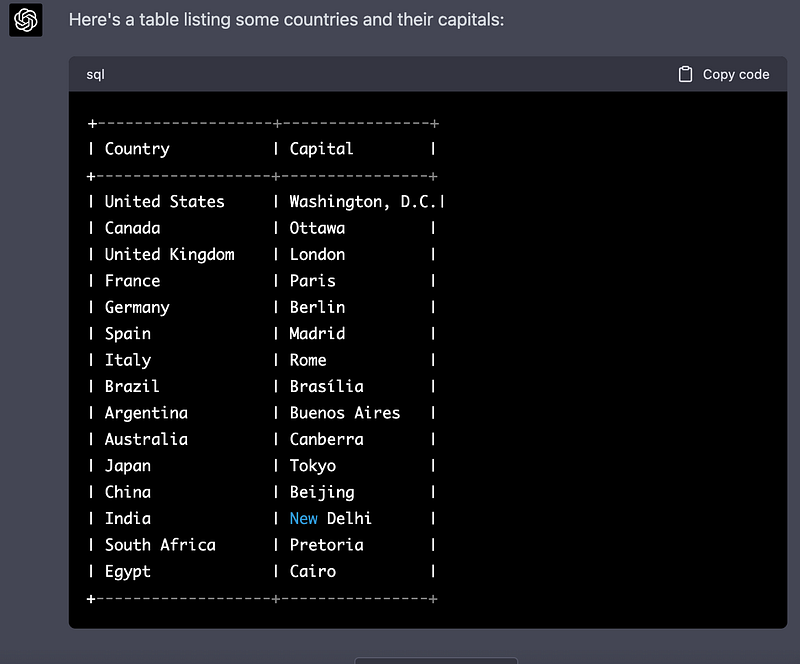
The good old tables. Not much to explain here, I think. As you know, they make everything look clear and easy to understand.
Examples: Tables with and without code box
LaTex
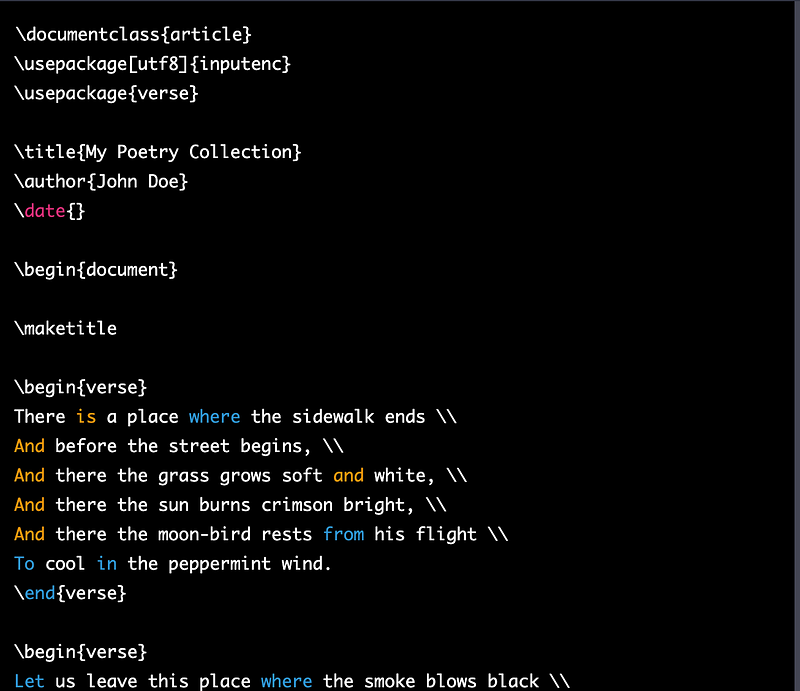
LaTeX is a document preparation system and markup language often used for creating high-quality, professional-looking documents. It is great for formatting stories or poems, but also for presentations, resumes, etc.
To render your LaTex output into PDFs use a tool like TexViewer: https://texviewer.herokuapp.com/
Examples: LaTex output in ChatGPT and resulting PDF

HTML
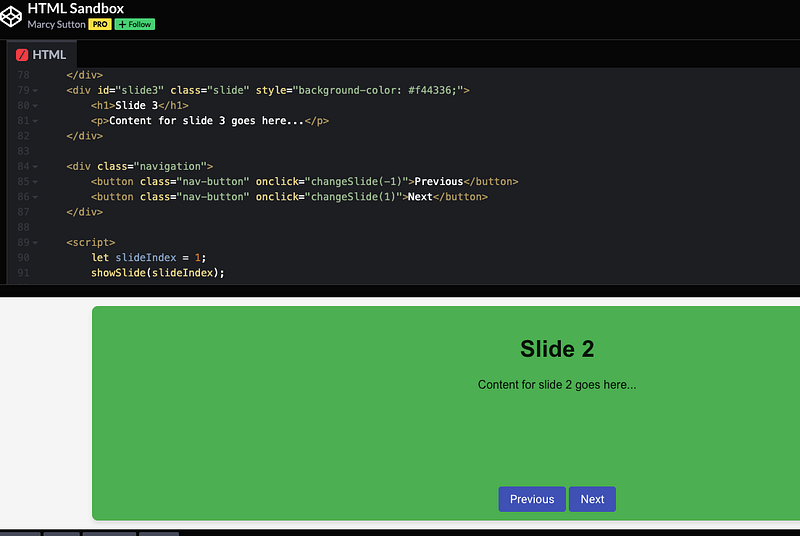
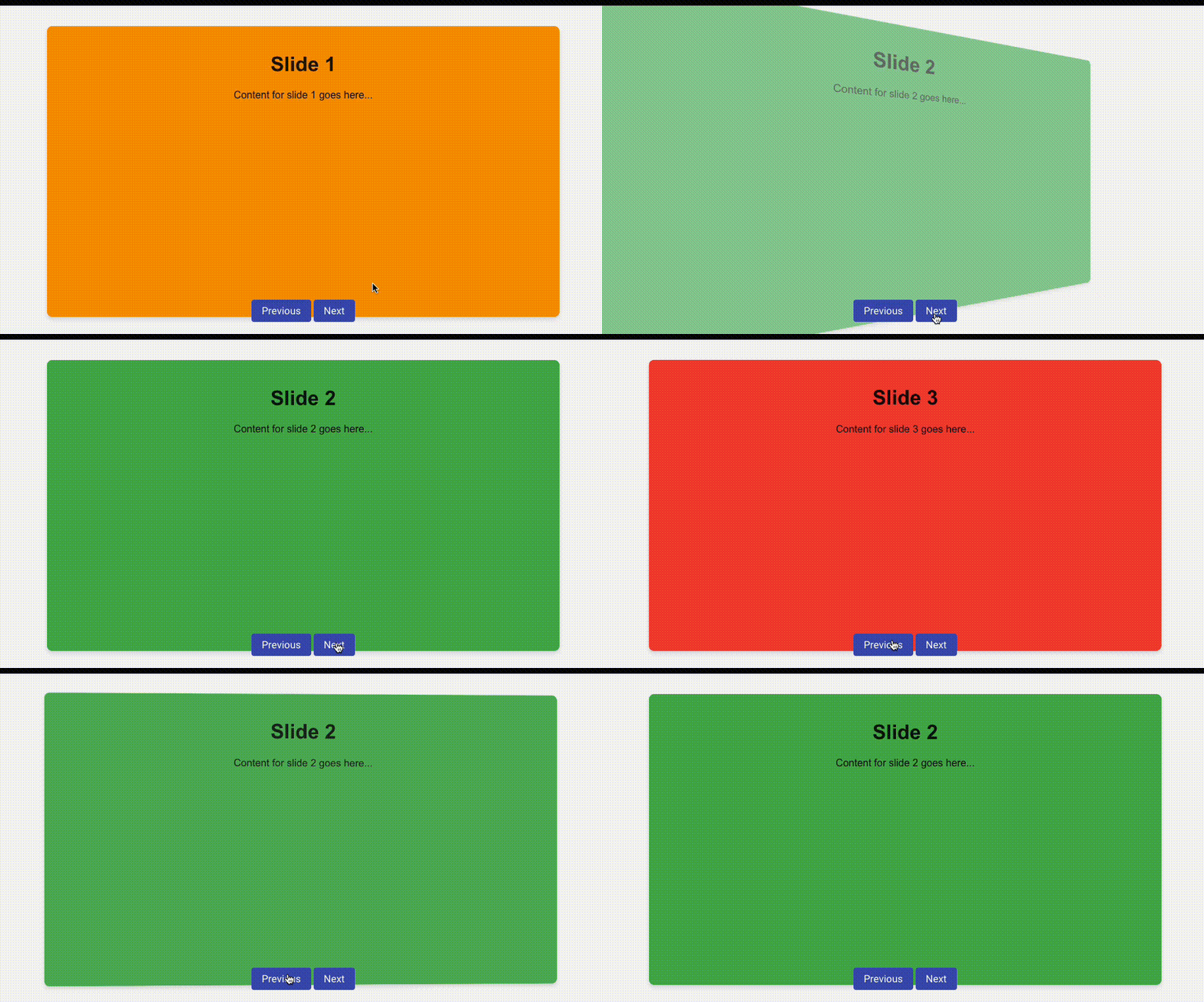
Probably no need to tell you why this is super useful. ChatGPT creates websites, portfolios, or presentation templates the way you want them to look. If you let it use CSS and JS, you can even animate things quickly.
Examples: Code generated by ChatGPT & copied into HTML Sandbox for editing and animation in browser
YAML
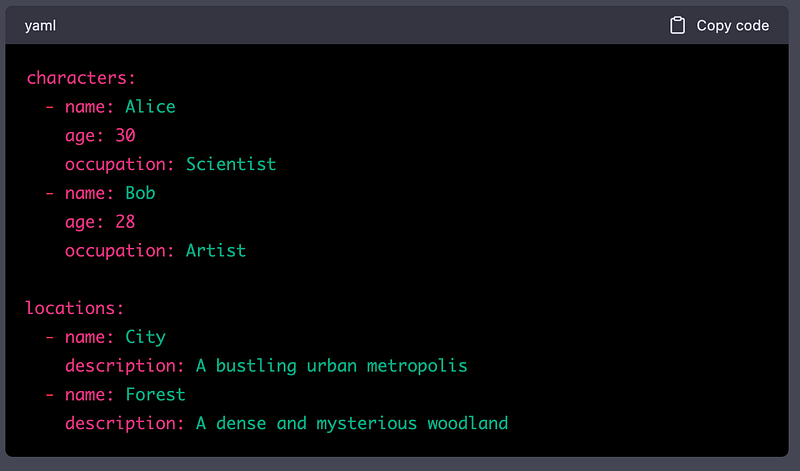
YAML (short for “YAML Ain’t Markup Language”) is a human-readable data serialization format that is often used for configuration files.
Example:
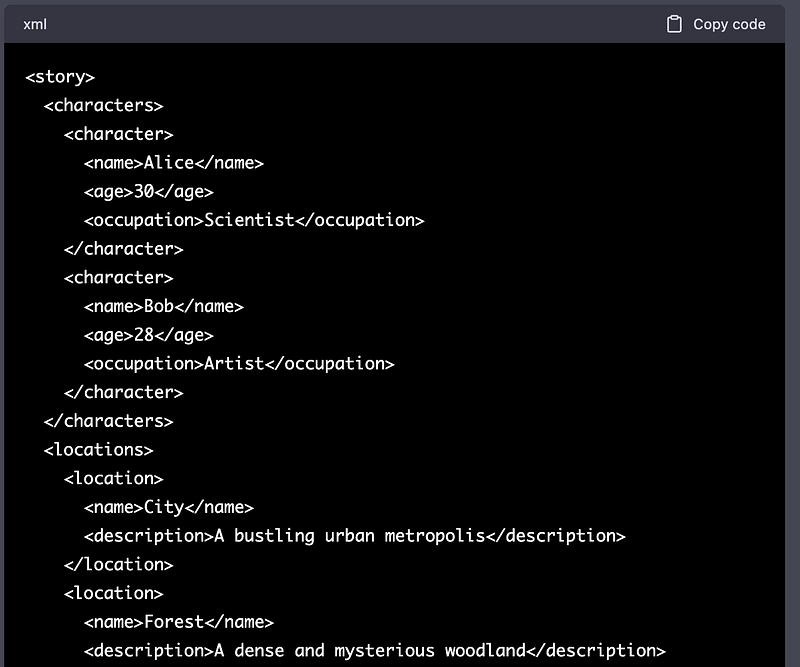
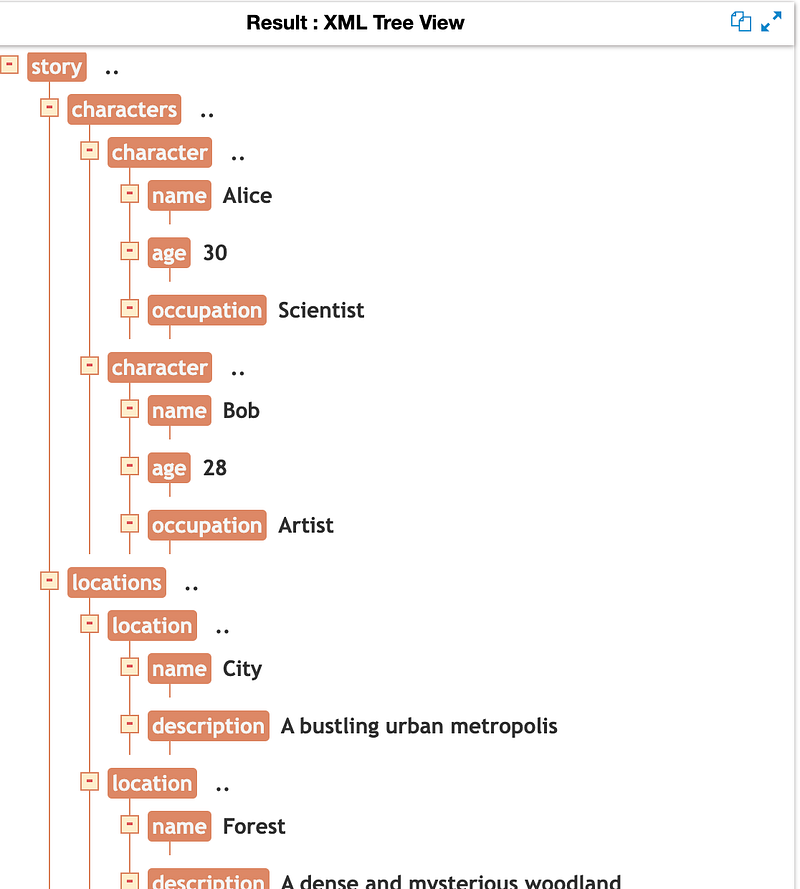
XML
This one’s an early Internet format but it’s still in use and quite useful depending on your work pipeline.
Examples: ChatGPT XML output and XML Tree Viewer
CSV
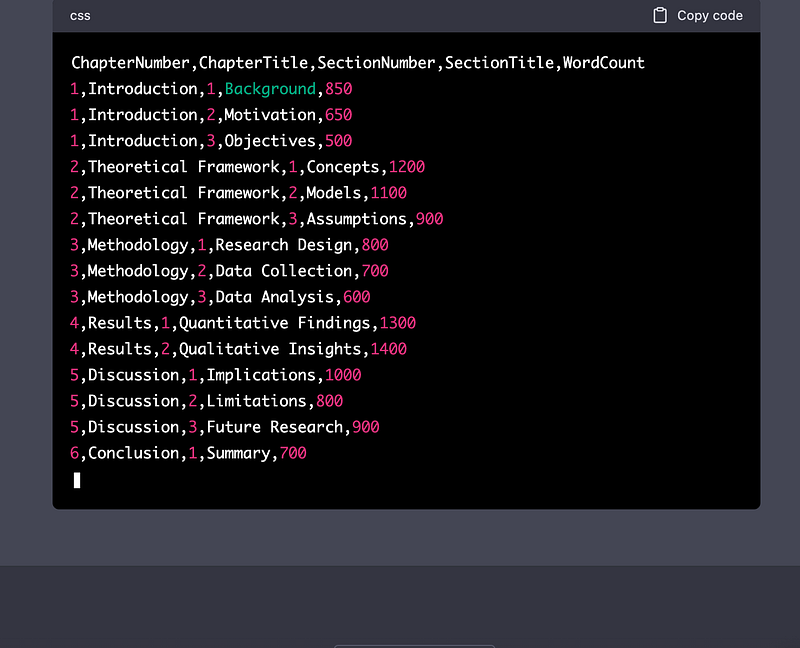
With tools like https://cloudconvert.com/csv-converter you can convert CSV files into other formats and vice versa. This is super useful both for data extraction as well as for feeding ChatGPT structured data to work with (machines love that stuff and they return the favor with quality output, subscribe to follow me on a deep dive into this topic).
Example:
ASCII Tree Diagram
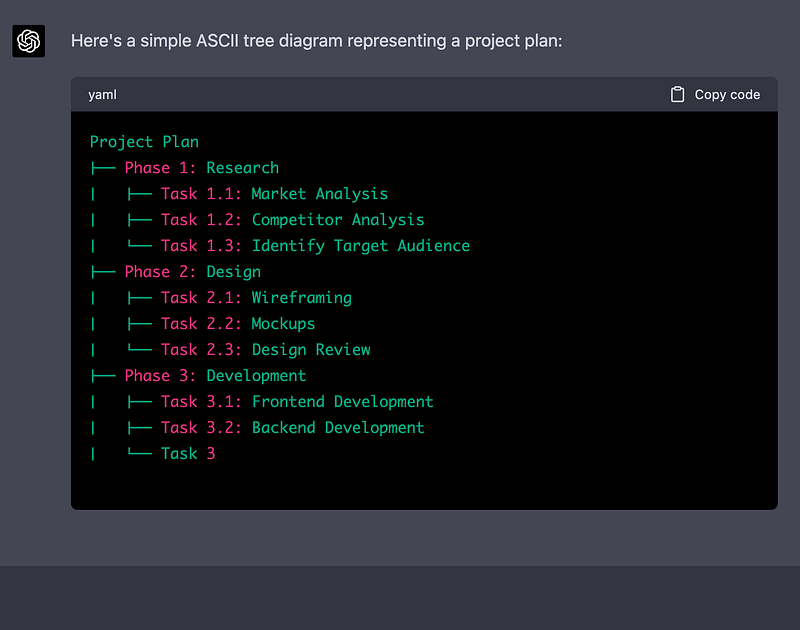
I found this immensely useful when having to outline projects via email or text chat. ChatGPT can be used as a “file converter”, e.g. to translate structured data into ASCII tree diagrams.
Example:
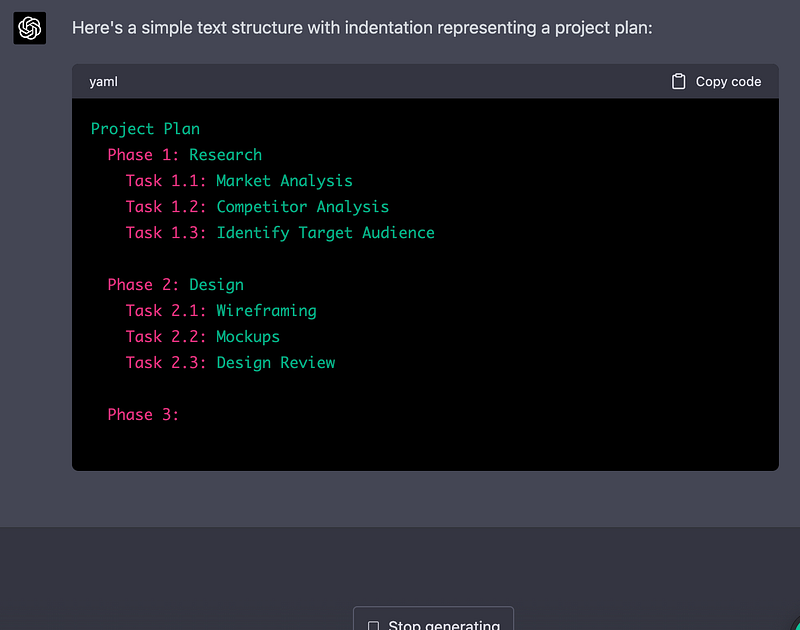
Text with indentation
Just another version of a structured text format that can be useful in text-only communication channels.
Example:
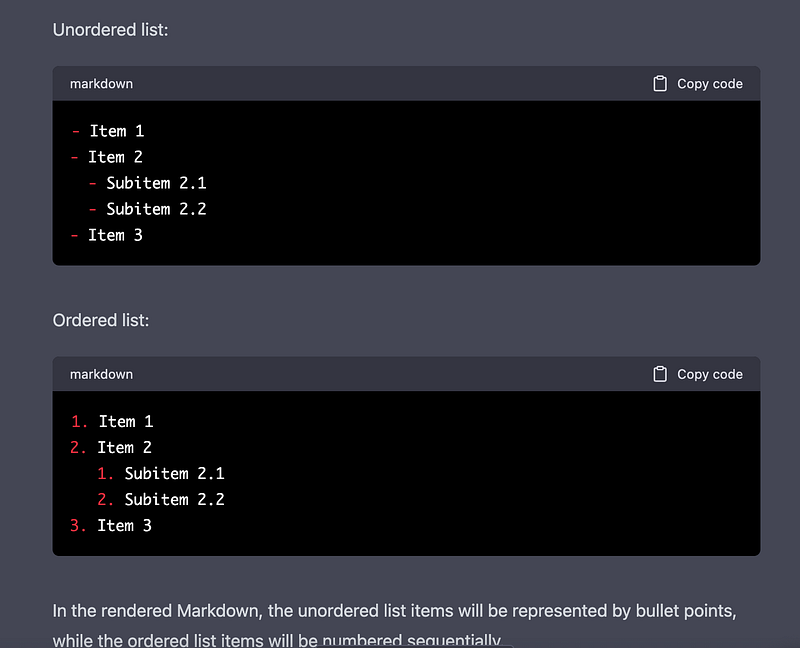
Markdown — unordered & ordered lists
Finally, another classic structure: Markdown. It offers unordered and ordered lists that can be combined with other Markdown tags.
Example:
🚨 For more information about AI & Creativity, follow me on Twitter or Medium (use my referral link to get full access to all my articles and those of thousands of other writers).
➡️ If you like my content, why not leave a “clap” at the end of this article, so more people can see it?
Stay up to date with the latest news and updates in the creative AI space — follow the Generative AI publication.


