lt_in">Console</span> Window:</pre></div><div id="26d0"><pre>3</pre></div><p id="e303">How about the <b>words</b>:</p><div id="6729"><pre>JS <span class="hljs-built_in">Window</span>:</pre></div><div id="82b0"><pre><span class="hljs-string">"Hello World"</span></pre></div><p id="5f40">Again, without the command <code>console.log()</code>, they will not be printed to the Console.</p><div id="4e5a"><pre><span class="hljs-built_in">Console</span> Window:</pre></div><div id="2611"><pre><span class="hljs-string">[blank]</span></pre></div><p id="25cb">If we add it:</p><div id="cf54"><pre>JS <span class="hljs-built_in">Window</span>:</pre></div><div id="aad5"><pre><span class="hljs-built_in">console</span>.<span class="hljs-built_in">log</span>(<span class="hljs-string">"Hello World"</span>)</pre></div><p id="a432">There they are:</p><div id="dcbd"><pre><span class="hljs-built_in">Console</span> Window:</pre></div><div id="90b9"><pre><span class="hljs-string">"Hello World"</span></pre></div><p id="27b3" type="7">Hope you realize by now that texts need to be inside quotes!</p><p id="8e6a">More will be said about this in Unit 4! For now, <b>please just commit this to memory.</b></p><h2 id="aa03">Codepen</h2><p id="7d31">The finished <a href="https://codepen.io/thonly/pen/qBRXwPj?editors=1111">Codepen</a> for this lesson:</p>
<figure id="e921">
<div>
<div>
<img class="ratio" src="http://placehold.it/16x9">
<iframe class="" src="https://cdn.embedly.com/widgets/media.html?src=https%3A%2F%2Fcodepen.io%2Fthonly%2Fembed%2Fpreview%2FqBRXwPj%3Fdefault-tabs%3Djs%252Cresult%26height%3D600%26host%3Dhttps%253A%252F%252Fcodepen.io%26slug-hash%3DqBRXwPj&display_name=CodePen&url=https%3A%2F%2Fcodepen.io%2Fthonly%2Fpen%2FqBRXwPj%3Feditors%3D1111&key=a19fcc184b9711e1b4764040d3dc5c07&type=text%2Fhtml&schema=codepen" allowfullscreen="" frameborder="0" height="600" width="800">
</div>
</div>
</figure></iframe></div></div></figure><h1 id="b734">Summary</h1><p id="0e1a">Let’s summarize what we have learned using MDN.</p><figure id="994b"><img src="https://cdn-images-1.readmedium.com/v2/resize:fit:800/1*J8a_jpQjLHTrHtzC9HVong.png"><figcaption><a href="https://developer.mozilla.org/en-US/docs/Web/API/Console/log">https://developer.mozilla.org/en-US/docs/Web/API/Console/log</a></figcaption></figure><p id="5c2a">JavaScript gives us the command <code>console.log()</code> for us to <b>print anything</b> we want to see in the <b>Console window</b>.</p><div id="dfb7"><pre><span class="hljs-built_in">console</span>.<span class="hljs-built_in">log</span>() => <span class="hljs-built_in">Console</span> Window</pre></div><p id="a9dd">This is very useful for coders because we can print things that <i>only we can see</i>.</p><div id="cb89"><pre><span class="hljs-attribute">Coders</span> <span class="hljs-operator">=</span>> console.log() <span class="hljs-operator">=</span>> Console Window</pre></div><p id="0133">In this lesson, we were able to use it to print:</p><ol><li>a <b>number</b></li><li>a <b>phrase</b></li><li>and the <code><b>p</b></code><b> element </b>that JavaScript selected using the code:</li></ol><div id="31fd"><pre><span class="hljs-built_in">document</span>.<span class="hljs-built_in">querySelector</span>()</pre></div><h1 id="f5a8">Concept Quiz</h1><p id="c1ed">Take my <a href="https://frontend.siliconwat.com/#learn-chapter2"><b>Programming Concept Quiz</b></a> to check your understanding! For every correct choice, you will earn <b>SW Coins</b> which you can redeem for <b><i>coupons</i></b> towards the purchase of any of my <a href="https://siliconwat.com">Udemy courses</a>!</p><figure id="8f1b"><img src="https://cdn-images-1.readmedium.com/v2/resize:fit:800/1*DZKmxjEb7TsQKF1keFsafQ.png"><figcaption><a href="https://quiz.siliconwat.com/?lang=en#frontend-chapter2">https://quiz.siliconwat.com/?lang=en#frontend-chapter2</a></figcaption></figure><p id="d361"><b><i>Sample</i></b> Quiz Questions for <b>Lesson 2</b>:</p><h2 id="b65f">Question 1:</h2><p id="d20e">The <b>Console</b> window is intended only for the <b>developers</b>.</p><ol><li>True</li><li>False</li></ol><h2 id="dbf0">Question 2:</h2><p id="75b2">What<b> JavaScript command</b> do we use to print anything to the Console window?</p><ol><li>console</li><li>console.log()</li></ol><h2 id="6d0e">Question 3:</h2><p id="95ce">In JavaScript code, <b>plain text</b> needs to be inside <b>quotes</b>.</p><ol><li>True</li><li>False</li></ol><h2 id="1397">Question 4:</h2><p id="3d1d">How would we log <code>something</code> to the Console?</p><ol><li>console(<code>something</code>)</li><li>console.log(<code>something</code>)</li></ol><figure id="60e4"><img src="https://cdn-images-1.readmedium.com/v2/resize:fit:800/1*RdF7xgC5QpHFpKdXxcFJDw.png"><figcaption><a href="https://quiz.siliconwat.com/?lang=en#frontend-chapt
Options
er2">https://quiz.siliconwat.com/?lang=en#frontend-chapter2</a></figcaption></figure><p id="4125">→ <a href="https://frontend.siliconwat.com/#learn-chapter2">Programming Concept Quiz for Chapter 2</a></p><h1 id="ee0a">Coding Exercises</h1><p id="28d1">Check out my <a href="https://frontend.siliconwat.com/#practice-chapter2"><b>Interactive Coding Exercises</b></a> to put to practice what you have learned! There, you will also find <b><i>interactive hints</i></b> to help you understand<i> each line of code. </i>Likewise, for every correct solution, you will earn <b>SW Coins</b> which you can redeem for <b><i>coupons</i></b> towards the purchase of any of my <a href="https://siliconwat.com">Udemy courses</a>!</p><p id="b26c">→ <a href="https://frontend.siliconwat.com/#practice-chapter2">Interactive Coding Exercises for Chapter 2</a></p><h1 id="da70">Syntax Flashcards</h1><p id="ebac">Review what you have learned by playing my <a href="https://frontend.siliconwat.com/#review-chapter2"><b>Syntax Flashcard Game</b></a>! These flashcards are designed to help you <b><i>commit to memory</i></b> all the <b><i>new</i></b> <b>code</b> <b>syntaxes</b> you learned in this lesson.</p><figure id="49ed"><img src="https://cdn-images-1.readmedium.com/v2/resize:fit:800/1*SYvnT2svPfBipvCt8IwnOQ.png"><figcaption><a href="https://flashcard.siliconwat.com/?lang=en#frontend-chapter2">https://flashcard.siliconwat.com/?lang=en#frontend-chapter2</a></figcaption></figure><p id="6405">Likewise, for every correct answer, you will earn <b>SW Coins</b> which you can redeem for <b><i>coupons</i></b> towards the purchase of any of my <a href="https://siliconwat.com">Udemy courses</a>!</p><figure id="3152"><img src="https://cdn-images-1.readmedium.com/v2/resize:fit:800/1*rvUaM4rUem2QFsOgulwUjQ.png"><figcaption><a href="https://flashcard.siliconwat.com/?lang=en#frontend-chapter2">https://flashcard.siliconwat.com/?lang=en#frontend-chapter2</a></figcaption></figure><p id="eb06">→ <a href="https://frontend.siliconwat.com/#review-chapter2">Syntax Flashcard Game for Chapter 2</a></p><h1 id="29f4">Next Steps</h1><p id="0b1a">Congrats on completing <b>Unit 1:</b> <b>Lesson 2 of 5</b>! 🎉</p><div id="9f05"><pre><span class="hljs-attribute">Unit</span> <span class="hljs-number">1</span>: <span class="hljs-number">40</span>% Completed
<span class="hljs-attribute">Unit</span> <span class="hljs-number">2</span>: <span class="hljs-number">0</span>% Completed
<span class="hljs-attribute">Unit</span> <span class="hljs-number">3</span>: <span class="hljs-number">0</span>% Completed
<span class="hljs-attribute">Unit</span> <span class="hljs-number">4</span>: <span class="hljs-number">0</span>% Completed
<span class="hljs-attribute">Unit</span> <span class="hljs-number">5</span>: <span class="hljs-number">0</span>% Completed
<span class="hljs-attribute">Bonus</span> Unit <span class="hljs-number">6</span>: <span class="hljs-number">0</span>% Completed
<span class="hljs-attribute">Bonus</span> Unit <span class="hljs-number">7</span>: <span class="hljs-number">0</span>% Completed</pre></div><div id="5403"><pre><span class="hljs-attribute">Overall</span> Progress: <span class="hljs-number">2</span>% Completed</pre></div><p id="fcf6">→ <a href="https://frontend.siliconwat.org">Join Remote Frontend Cohort Program</a></p><h2 id="b9c2">Next Lesson</h2><p id="6832">In the next lesson, we will learn about an elegant way to organize <b>HTML tags</b>. As a <b>tree structure</b>, the <b>HTML code </b>becomes much more <b><i>readable</i></b> and <b><i>performant</i></b>. Also, both <b>CSS code</b> and <b>JavaScript code</b> can take advantage of this tree structure as well. Check out this lesson to learn more!</p><p id="53ec"><b>→ <a href="https://readmedium.com/chapter-3-tree-structures-7a057ec077eb">Chapter 3: Tree Structures in HTML, CSS and JavaScript</a></b></p><p id="f20a"><b>← <a href="https://frontend.siliconwat.com">Table of Contents</a></b></p><div id="f916" class="link-block">
<a href="https://medium.com/@thonly/membership">
<div>
<div>
<h2>Join Medium with my referral link — Thon Ly</h2>
<div><h3>As a Medium member, a portion of your membership fee goes to writers you read, and you get full access to every story…</h3></div>
<div><p>medium.com</p></div>
</div>
<div>
<div style="background-image: url(https://miro.readmedium.com/v2/resize:fit:320/0*gOmGdkmkAHn0xYBV)"></div>
</div>
</div>
</a>
</div><blockquote id="0a07"><p>When you use my <a href="https://medium.com/@thonly/membership">referral link</a> above 👆 to become a Medium member, <b>all proceeds</b> will be donated towards the construction of the <a href="https://siliconwat.org">Silicon Wat Campus</a> for children in <b>Ukraine</b> and <b>Cambodia</b> ❤️</p></blockquote></article></body>
Chapter 2: JavaScript Console
A Complete Frontend Developer Textbook for Beginners (2023 Edition)

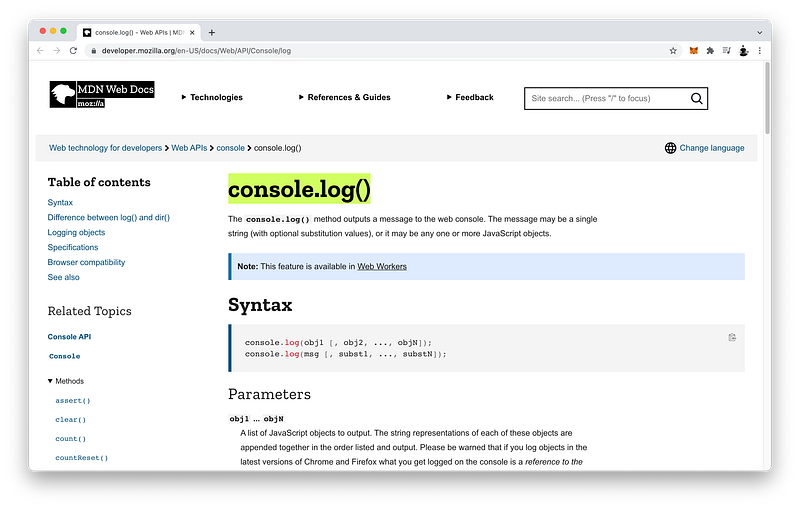
JavaScript gives us the command console.log() for us to print anything we want to see in the Console window.
console.log() => Console Window
This is very useful for coders because we can print things that only we can see.
Coders=> console.log() => Console Window
In this lesson, we were able to use it to print:
a number
a phrase
and the p element that JavaScript selected using the code:
document.querySelector()
Concept Quiz
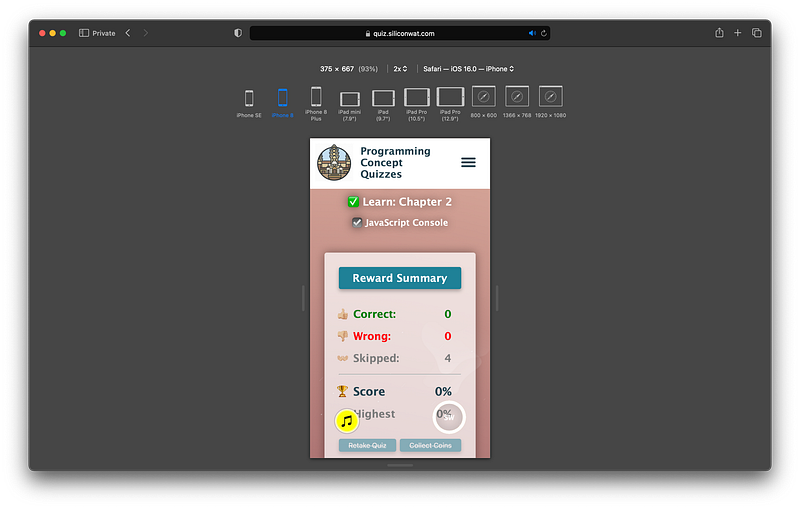
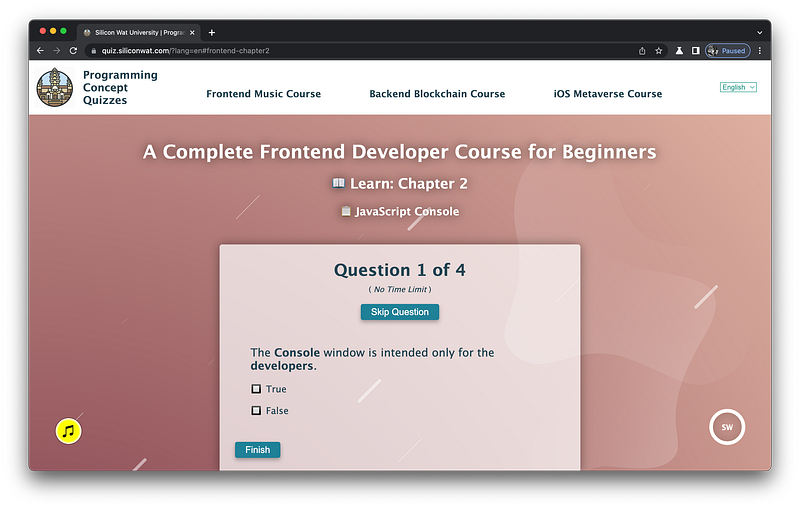
Take my Programming Concept Quiz to check your understanding! For every correct choice, you will earn SW Coins which you can redeem for coupons towards the purchase of any of my Udemy courses!
Check out my Interactive Coding Exercises to put to practice what you have learned! There, you will also find interactive hints to help you understand each line of code. Likewise, for every correct solution, you will earn SW Coins which you can redeem for coupons towards the purchase of any of my Udemy courses!
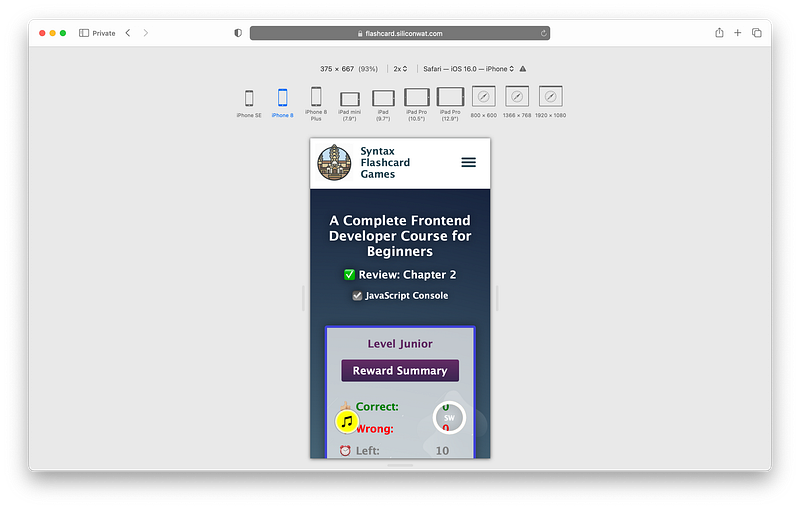
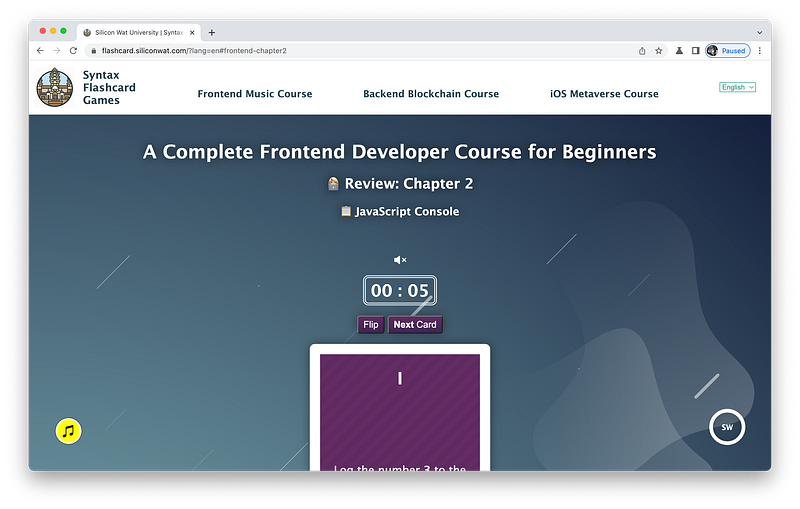
Review what you have learned by playing my Syntax Flashcard Game! These flashcards are designed to help you commit to memory all the newcodesyntaxes you learned in this lesson.
In the next lesson, we will learn about an elegant way to organize HTML tags. As a tree structure, the HTML code becomes much more readable and performant. Also, both CSS code and JavaScript code can take advantage of this tree structure as well. Check out this lesson to learn more!
When you use my referral link above 👆 to become a Medium member, all proceeds will be donated towards the construction of the Silicon Wat Campus for children in Ukraine and Cambodia ❤️