
An Easy Way To Run Stable Diffusion With GUI On Your Local Machine
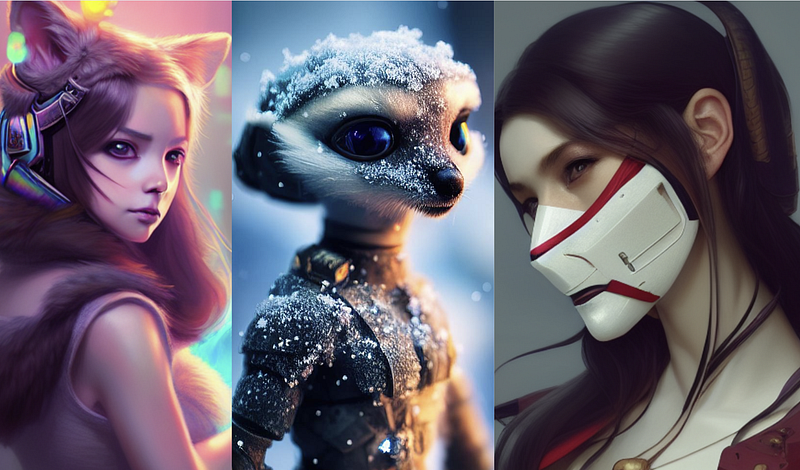
A few days ago, I published a guide on how you can run Stable Diffusion on your local PC. While some were able to set it up properly, others ran into various problems.
So I wrote this article to show you an easier way to set up and run Stable Diffusion locally on your PC.
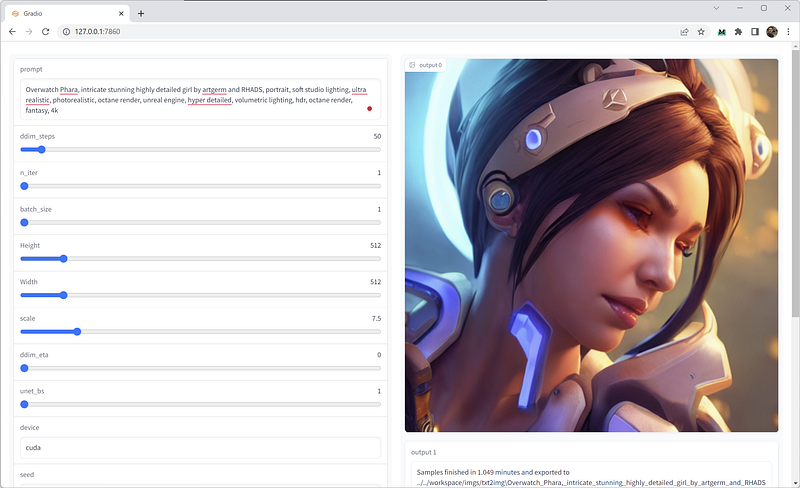
The tool comes with a Graphical User Interface (GUI) for an easier image generation process. This is what the Gradio UI looks like.
By the way, for those who are not familiar with the AI tool, here’s a short description:
Stable Diffusion is an AI model developed by Stability.AI. It takes a natural language text description and translates it to an image using a process called “diffusion”.
This repo is an optimized version of Stable Diffusion that use less VRAM than the original. Thanks to the awesome guy Viacheslav Ivannikov for the fork.
I tried it on my RTX3060 Ti with 8GB VRAM and it could generate up to 1088x1088 images. Going for higher resolution ends up in memory resource issues. It’s important to note that in the original repo, the maximum resolution I got was only 512x512 in similar hardware specs.
Step#1: Setup your environment
Mind you, the file is over 8GB so while you wait for the download to finish, grab a coffee.
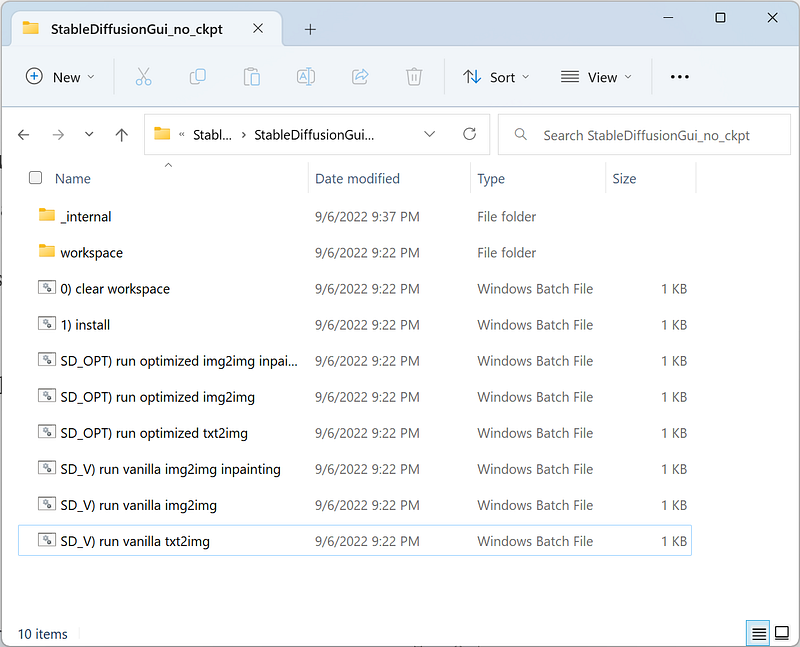
Extract the zip file to your local drive and you should see these folder contents.
Step#2: Install the dependencies
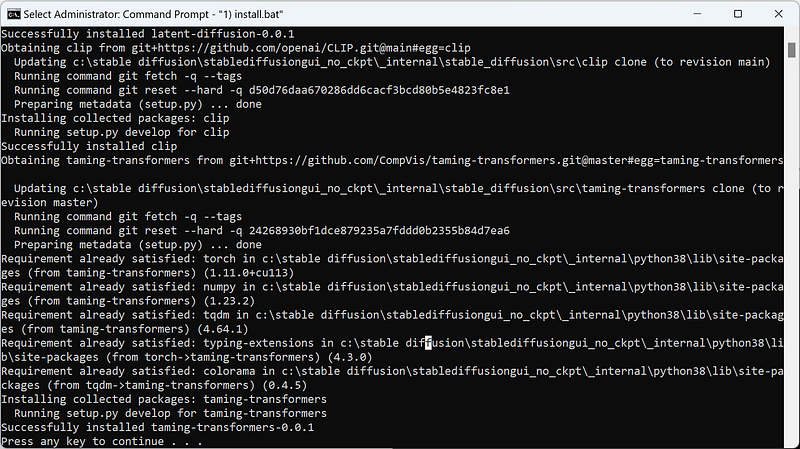
Double-click the “1) install.bat” file.
A success message should appear at the bottom of the screen to confirm the installation.
Next, run the batch file “SD_OPT) run optimized txt2img.bat”.
For a brief period, the command prompt could seem frozen. It’s simply loading the 4GB model, so don’t freak out. When it’s finished, this message should appear on the screen.
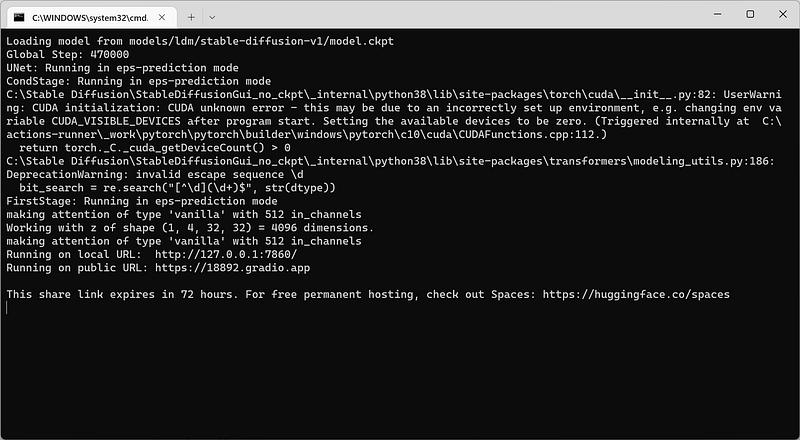
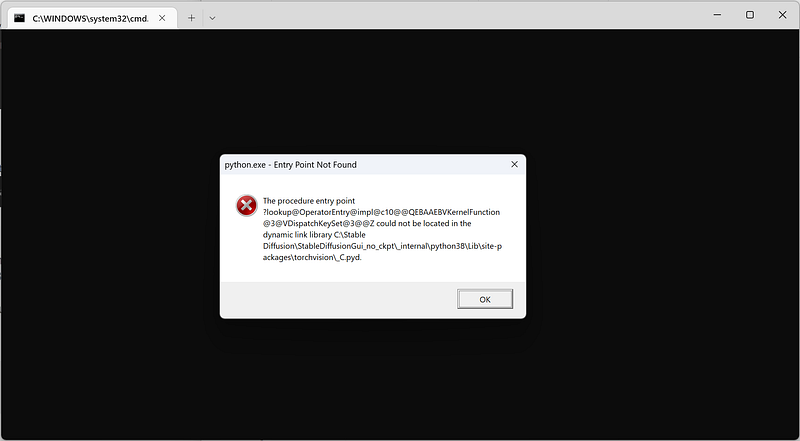
An error message might show up, just close it. It doesn’t mean anything.
Step#3. Generate Image
Visit http://127.0.0.1:7860/ in your browser to bring up the Gradio UI. If it doesn’t, try this link instead.
All that needs to be done now is to generate a sample image. Let’s try the prompt below and see the result.
photo of miniature Australian Shepherd puppy on pier in front of breathtaking mountain lake, epic scene, beautiful colors, high resolution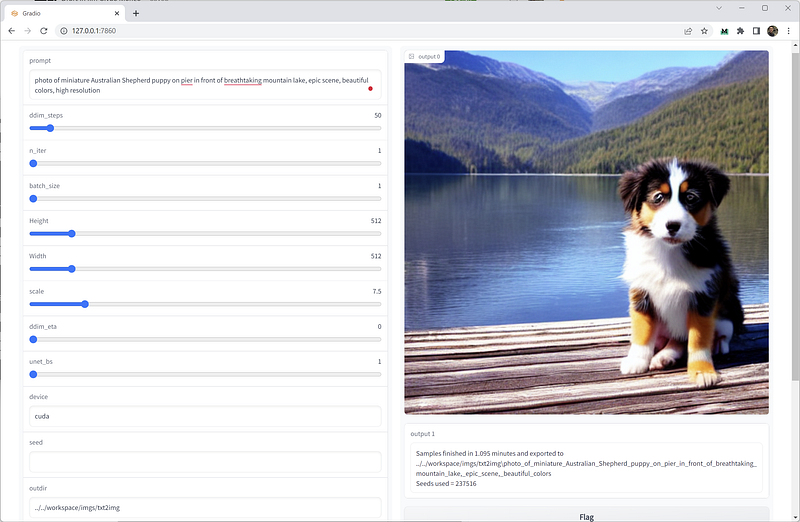
Awesome. I got a cute little puppy. Now it’s your turn to be creative and turn your ideas into images.
Final Thoughts
With the advent of new technologies comes new ways of creating art.
Stable Diffusion went open source just a couple of weeks ago, but it’s already having a profound effect on the way human artists create their work.
The technology is still in its early stages and has yet to be perfected. For now, the software still struggles to comprehend long prompts, and generate texts, hands, and limbs.
But make no mistake, Stable Diffusion is a disruptive force that could upend the entire art industry. It will be interesting to see how the art world adapts in the face of this new technology.


