
4 Top Celebrities With FBI Investigations You Didn’t Know
The dark side — shocking stars with the secret FBI records.
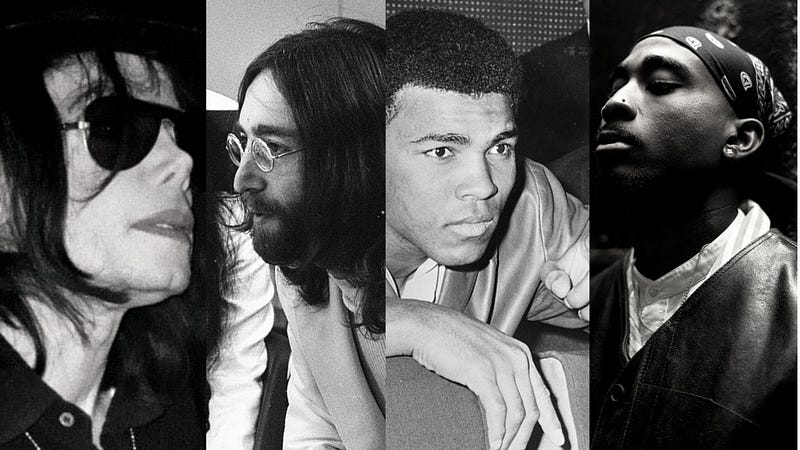
Celebrity life is often hidden behind glamor and glitz, but some have had their reputations dented by the disclosing of their FBI files.
These records include data gathered by the Federal Bureau of Investigation on people assumed to pose a threat to the nation’s interests or be involved in criminal activity.
While some famous people have been linked to serious crimes, others have only attracted attention due to their political opinions or associations with questionable groups.
The disclosure of these files can provide insight into the private lives of these well-known celebrities, and it quite often sparks debate about privacy, surveillance, and how to find the right balance between civil liberties and national security.
1. Tupac Shakur

One of the most famous and contentious rappers of all time, Tupac Shakur was renowned for his influential and compelling lyrics that addressed issues like poverty, police violence, and racism.
Tupac’s death is a tragic one — he was shot and killed in Las Vegas in1996.
The FBI made public their files on the rap artist in the years after — Tupac’s passing. These documents provided insight into how the organization had monitored the rapper while he was alive.
The file showed that Tupac had been under FBI surveillance since at least 1991, when he was only 20 years old, and the data that the FBI gathered on him was mind bogglingly.
Tupac’s travels, financial dealings, and alleged involvement in criminal activities were all documented in FBI files, as were conversations with friends and colleagues, associates, and family members.
The release of these FBI documents generated debate and raised questions about the legality and morality of the government’s surveillance of activists and celebrities.
2. Michael Jackson
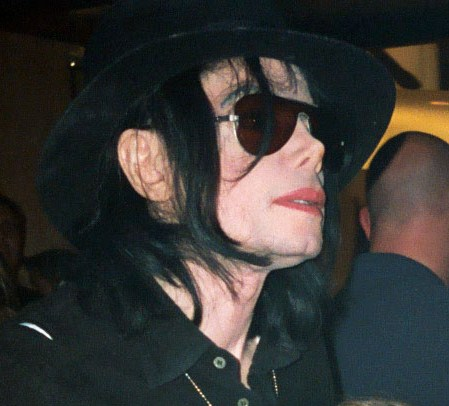

As one of the most famous musicians and dancers of all time, Michael Jackson’s FBI files certainly caused a great deal of interest and controversy.
The documents, which the FBI had gathered over a number of decades, were first made public in 2009, shortly after Jackson passed away. They released documents totalled over 600 pages.
How frequently Jackson had been the target of extortion attempts during his career was among the most important findings in the FBI files.
The records describe a number of incidents in which someone threatened to reveal negative information about Jackson unless he gave them money, including one incident in which a person claimed to have nude images of the singer.
The documents contain details about the FBI’s investigation into Jackson’s possible involvement in child molestation in the early 1990s.
The investigation began after the father of a 13-year-old kid accused Jackson of molesting his son sexually. In the end, Jackson was cleared of all accusations following a criminal trial in 2005.
3. John Lennon
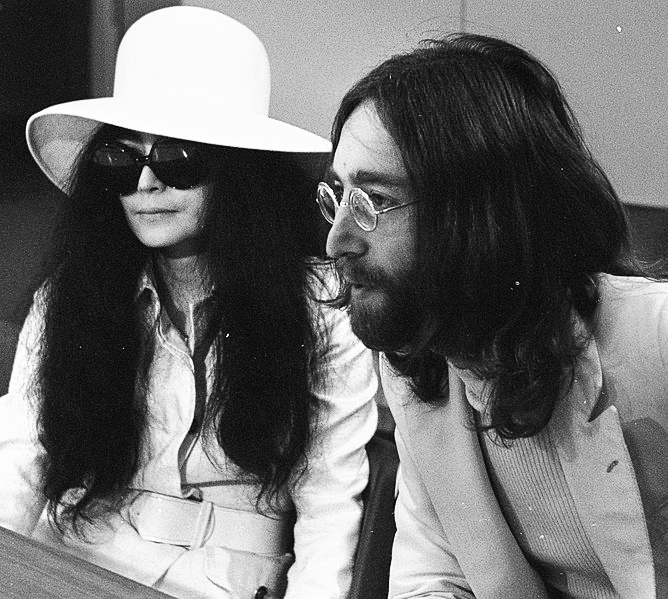

The Federal Bureau of Investigation (FBI) had been keeping an eye on John Lennon for almost a decade. Lennon was one of the most popular and influential musicians of the twentieth century.
The American government became aware of Lennon because of his activism against the Vietnam War and his connections with Marxist organizations, which led them to perceive him as a possible threat to national security.
As Lennon and his wife Yoko Ono became outspoken anti-war activists and began planning rallies and demonstrations across the nation in 1971, the FBI started looking into lennon.
The FBI viewed Lennon as a subversive and a danger to national security.
The FBI’s files on Lennon were vast and included information on his political activities, his personal life, and even his drug use.
The documents included information about Lennon’s travels, his connections to political activists and parties, and his financial status. Lennon’s correspondence with other activists, including his phone conversations, and meetings, were all under FBI surveillance.
Lennon was still being observed by the FBI after arriving in the country permanently in 1971. Because of his political engagement, the agency attempted to deport him on the grounds that he posed a threat to national security.
Lennon fought back, and with the aid of advocates and attorneys, he was successful in staying in the country.
The extent of government surveillance and the lengths they would go to in order to silence critics were made clear in 1983 when Lennon’s FBI files were made public.
Although the documents were substantially redacted, they gave insight into how the government surveilled a well-known artist and activist.
4. Muhammad Ali
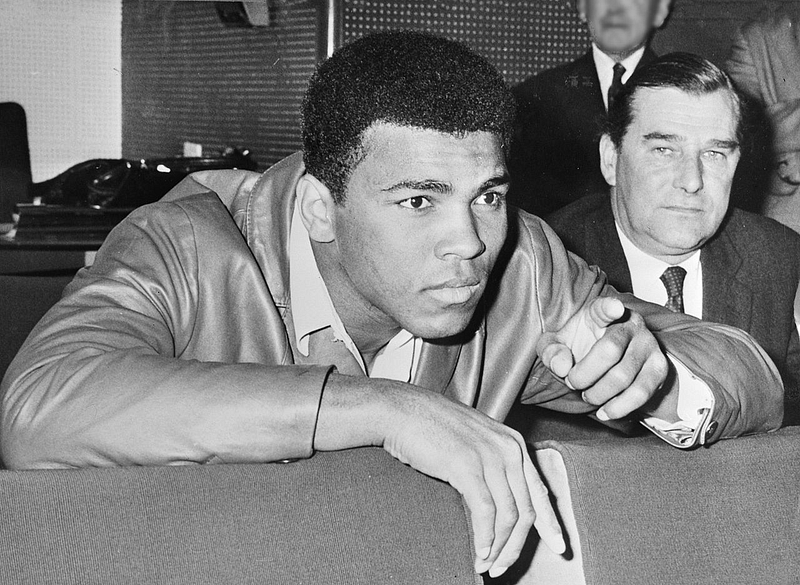

Muhammad Ali was an American professional boxer who was famous for his charisma, popularity, boxing prowess, and public persona.
Ali was a controversial figure in the 1960s and 70s, especially because of his unwavering stance on the Vietnam War and his opinion on racial and religious issues.
Ali was investigated by the Federal Bureau of Investigation because of his political activism , and as far as his FBI files are concerned they have been a popular topic for many years.
By looking at the FBI files on Ali, it is easy to see how the FBI monitored Muhammad Ali from the 1960s till the 1980s.
The files revealed that the FBI monitored every move, every interaction he had, and his meetings with two other activists Martin Luther King Jr and Malcolm X.
One of the most controversial aspects of the FBI’s surveillance of Ali was their attempts to defame him and spoil his public image.
The FBI launched a disinformation campaign against Ali, by spreading false information about his supposed links to the Black Panthers and other criminal organizations.
However, one thing which is clear as day is that Ali resisted FBI’s pressure to cooperate with them and work with them as an informant.
Final Words
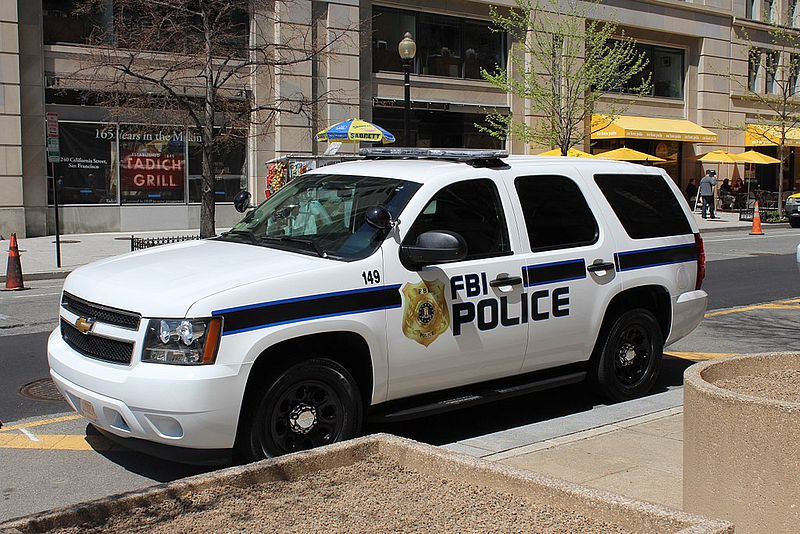

The FBI’s interest in keeping a close eye on famous people for potential threats is demonstrated by the fact that there are records on some most famous celebrities.
Investigative motives might range from illegal activities to political activism. The FBI’s interest in high-profile individuals is not surprising given their power and impact on society.
More from the author: