
16 Google Search Tips to Learn and Write
Students or anyone who likes to learn and write can use these tips.

Writing or learning is a result of my good research. In this article, I will show you the Google search tips that I have tried to use for me. I believe these will help you a lot in your life. Thus, you will be able to search effectively on Google.
There’s a reason why Google is the world’s largest search engine : Google usually understands what you want. Google will know when you type it wrong. You also don’t have to pay attention to uppercase and lowercase letters.
Advanced Google Search;
But if you know Google’s advanced features, sometimes you search more efficiently. Most of them are located in the menu bar under Settings it can be found by going to the this address. You can also use these advanced search features directly from the normal search box by using various commands.
Some of the most useful Google search methods include:
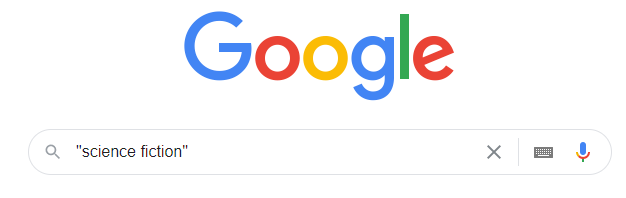
1. Search with a specific order
Search for words in a specific order, enclosing them in quotation marks . Then, only websites appear where words appear in the order you type. If you type without quotation marks, you can also get the pages through which the words go, but they don’t come one after the other as you want. Ex: Search “Science Fiction” this way.
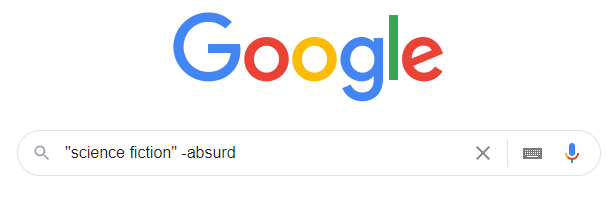
2. Excluding words
Then only websites that do not contain the words you put a minus sign in front of them will appear. Search websites with “science ficton” that don’t include the word love:
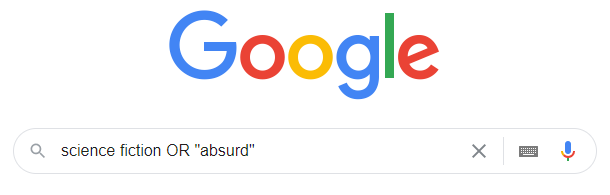
3. Search one or the other
Google finds pages that contain one or more search terms, or both. This search returns hits on websites containing Viking or Sandnes Ulf. Note that OR must be capitalized for Google to understand.
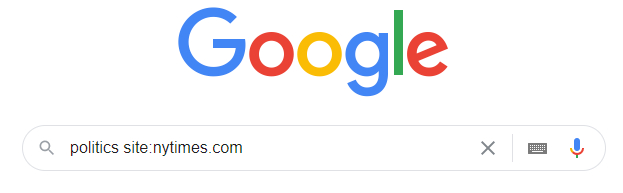
4. Search for content on a specific website
Many websites have their own search function, but Google is usually better. This search searches for articles about politics featured in New York Times.
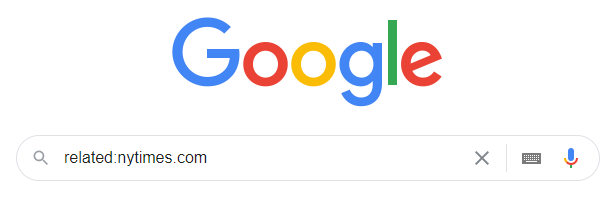
5. Finding sites similar to what you know
Let’s find websites similar to The New York Times, for example
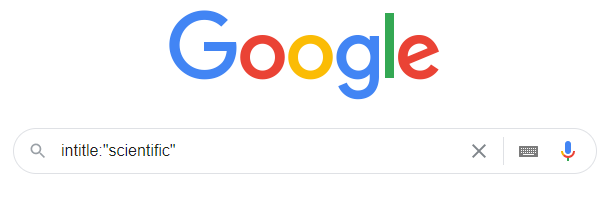
6. Search for title
You can find web pages with a specific search term in the title
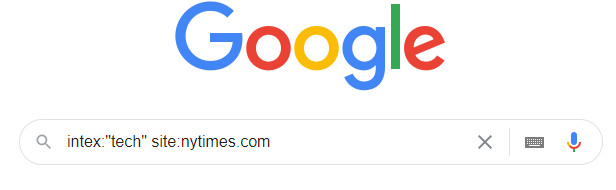
7. Find specific words within a site
You can find web pages with a specific search term in the text.
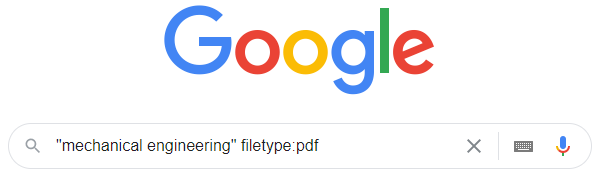
8. Finding documentation
Find documents of a specific file type, such as Powerpoint presentations, Word documents, or PDF . Google has a list of file types they Index.
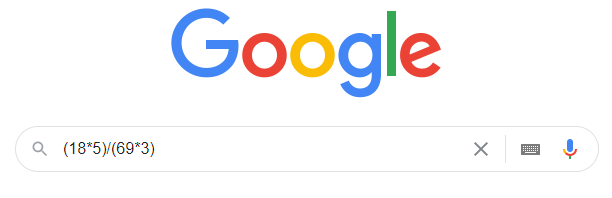
9. Calculator
Use Google as a calculator . Enter the calculation in the search field. For a complete overview of the calculations you can check Googleguide.com
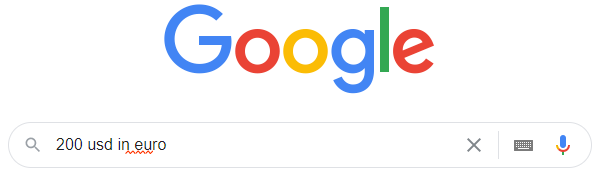
10. Converter
You can convert between different units of measurement. Googleguide.com shows you which devices.
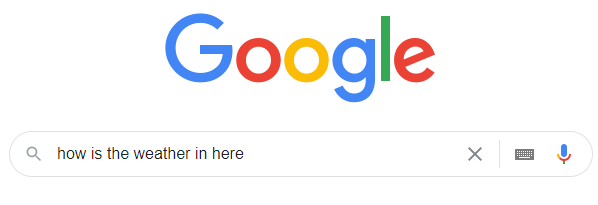
11. Weather forecast
You can find the weather forecast for a place.
12. Photos
You can use to find images of a certain size and certain usage rights images.google.com . For example, it’s useful if you need pictures for school assignments or websites.
13. Toolbar
You can narrow your search by using the properties on the toolbar . Their matches are based on relevance, date, etc. You can sort:
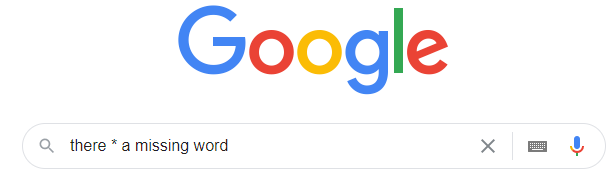
14. Missing word
You can use * if there is a missing word
15. Academic Article
You can use this site to find academic articles from around the world . Search results show how many people refer to various articles, which is an indication of how much academic weight they have.
16. Similar Photos
You can use this feature to find out more about the picture you see or to find other similar pictures. Right-click on the images. click the” search on google “ button.
Bonus: If you want to learn how to make money by writing, you can check out Kiran Yasmin.
This article was originally published on Populer Things on March 21, 2021 by Mr. Huseyin


