
10 Valuable iPhone Apps for March
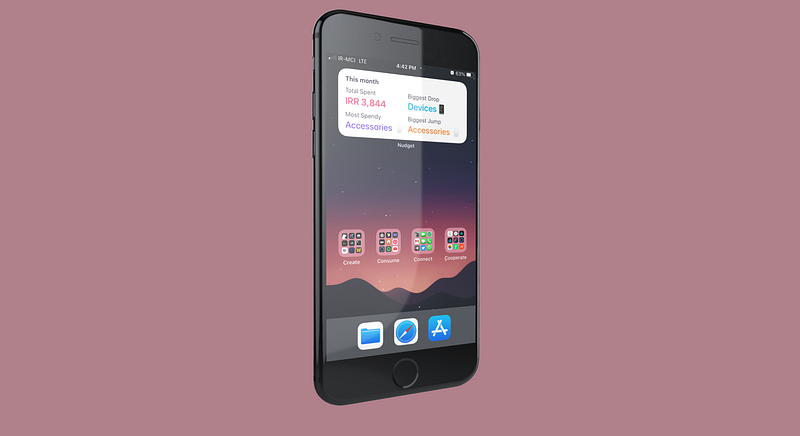
It is March, and I am starting to enjoy write these articles. The fact that you all find an app that is helpful for your lives makes me want to write more. Last time I introduced the article by talking about how the right apps make our time productive and achieve more in our day.
Today I will introduce 10 amazing applications to help you use your iPhone in an intuitive way.
This article is published in March, and I will aim to publish these articles each month.
1. TV Forecast
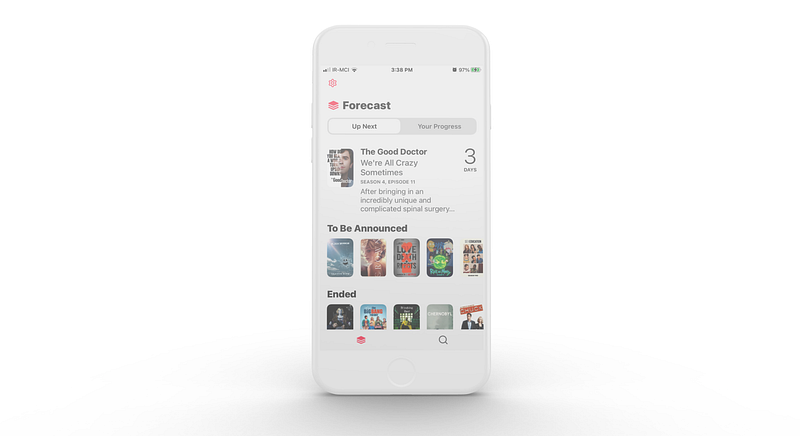
Finding an app to track the tv series you watch is easy. There are tons of free and paid options out there, but, finding an app that has a great user experience is difficult as a lot of the competitors are playing the catch-up game.
TV Forecast is different, it is a small app that runs superfast on almost all iPhones introduced since 2017. It features a simple clean UI that supports dark mode and uses Apple Sign In which is a plus option for those who care a lot about their privacy online.
It also supports connecting your account to Trakt which is an online service to track your entertainment consumption.
TV Forecast is available to download for free, and it lets you add up to five shows to track, however, if you want to track more shows you can either pay a monthly subscription of $0.99 or purchase a one-time payment for $24.99.
2. Any Distance — Share Workouts
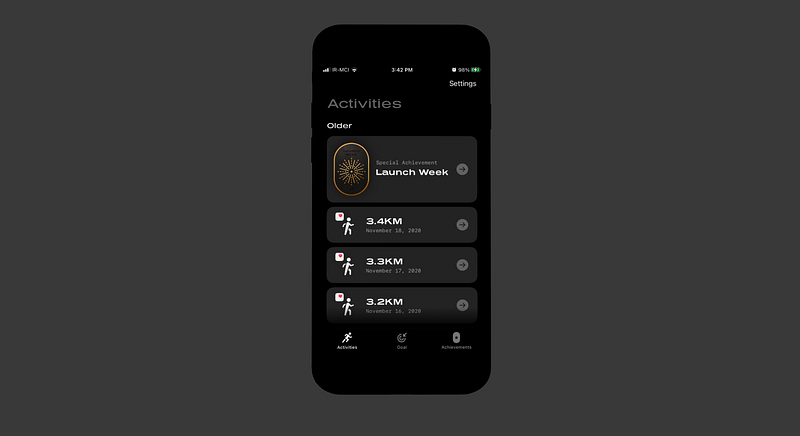
Many people like to share the distance and where they ran in visual graphical form. Apps like Strava help a lot to generate images of where they ran. The problem with apps like that is usually the expensive monthly subscriptions and privacy concerns. Another issue is the lack of customizing the map in the image you want to export.
That is where Any Distance comes into play. It is a new app developed by Luke Beard with amazing features such as:
- Support for Apple Health and Strava
- Lots of beautiful templates
- Home screen widget to keep your goal’s progress in check
- Some gamification features to inspire you
If you want to share a unique beautiful image of the place you ran and share it on social media then give Any Distance a try.
You can download Any Distance for free from the App Store.
3. Vera: Plant Care Made Simple
I have two plants; they are named Stefanos and Jon Snow. Jon Snow is a Sansevieria gifted to me from a company I used to work at, he survived a bad winter then came back to life, ergo the name, and it is a delicate creature. Stefanos is a mouthful, she is a Pachypodium Lamerei which is basically a cactus that could survive in most conditions.
To track the soil fertilization and remind me for when to water them, I used to use apps like Notion, but the problem with those are the lack of notification and customization. I also liked a place where I could fully dedicate my attention on the plants and learn about them.
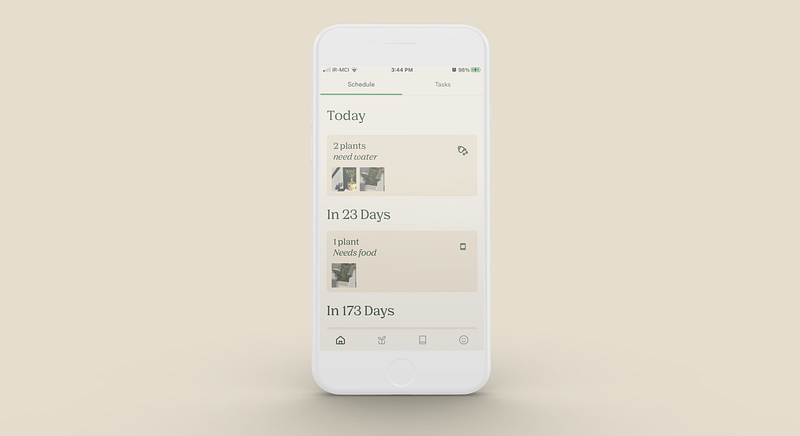
That is where Vera comes into play. Vera is a free app that allows you to add your plants by searching their name and finding them from a vast database. You can then add the last time you fertilized and watered them and let the app notify you of when to take care of them.
It allows you to take photos, and learn about how to care for them. You can download Vera for free from the App Store.
4. Listly . Beautiful lists
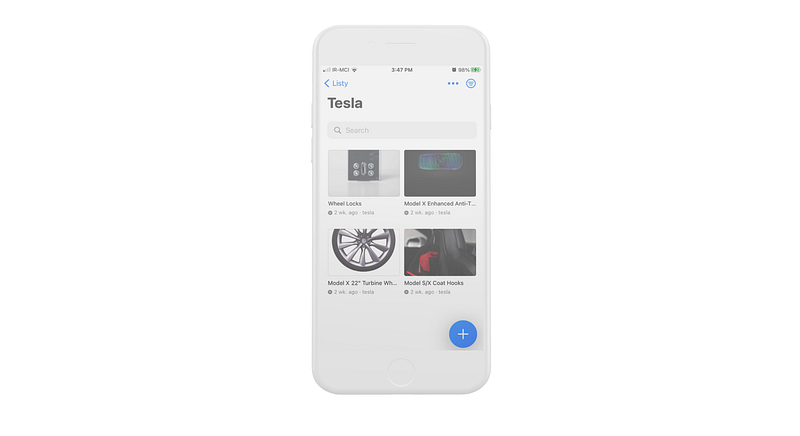
Listly is all about lists with a dead simple user interface and a wonderful share extension which allows you to add almost whatever item you are dealing with into a list.
While creating a list, you can easily use a pre-defined category which would be Movies, Video Games, TV Shows, Books, Links, and many more. You can also define the state of whether that item is completed or not then filter your view based on those states.
I use this app for keeping track of the potential items I want to purchase: whether they are apps, games, car accessories, etc…
Lastly, the thumbnail preview of the links saved from the web helps you easily get a sense of what items you are dealing with.
You can download Listly for free from the App Store:
5. Mindset4Dementia
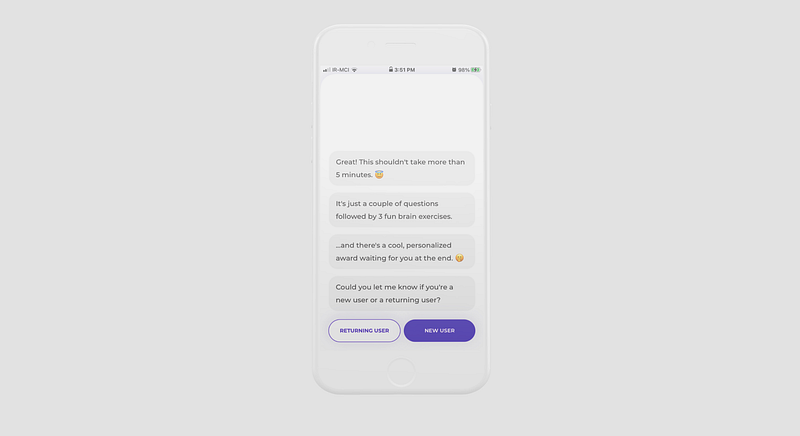
The number one priority for everyone is their health. We tend to forget that our mental health requires as much if not greater care than our body. For that reason, I would like to introduce this application.
In this day and age, it is easy to become anxious and depressed, along with other difficulties however not having yourself in control and not realizing the actual problem is a bigger problem on its own. Mindset4Dementia is an application developed by a team of Engineers and doctors.
You can use the application and let its artificial intelligence help you diagnose if you have dementia.
You can download Mindset4Dementia for free from the AppStore:
6. Craft — Docs and Notes Editor
Apple users love it when something just works, and Craft is one of those apps that just works. I love it so much that I wrote an entire article reviewing the application. Here is the link:
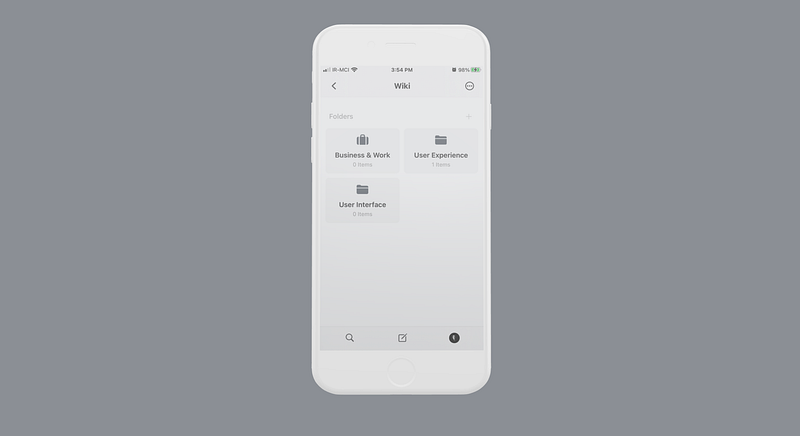
To put it in simple terms, Craft is an advanced note editor that helps you organize and style every text with support for mathematical formulas and programming codes.
I think it is here to replace Notion by bringing a wonderful design, fast performance and exclusive support for the Apple platform.
You can buy the subscription of Craft for $44.99/year from the AppStore:
7. An Otter RSS Reader
Otter is a minimalistic RSS reader application. There are lots of great applications on the AppStore and to be honest, this application is not one of the top ones but since it is so new to the game, it is not making some of the same mistakes as other ones.
It is made to run on iPhones, iPads, and Macs.
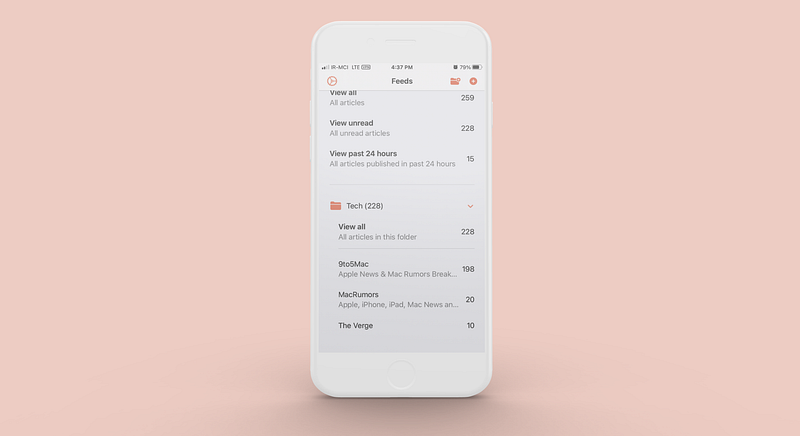
Otter is simple, just put the address of the website you want, and it will automatically find its RSS source and add it to your list.
One of the greatest features of Otter is grouping feeds, and of course, the approach it has to show the content; it doesn’t load a different version of the article you are about to read, it simply loads the webpage like opening it normally on Safari which makes the experience so simple.
Finally, you can use the widgets that come with Otter and let it display the newest feeds on your home screen.
You can download Otter for free from the AppStore:
8. Fasta: Intermittent Fasting
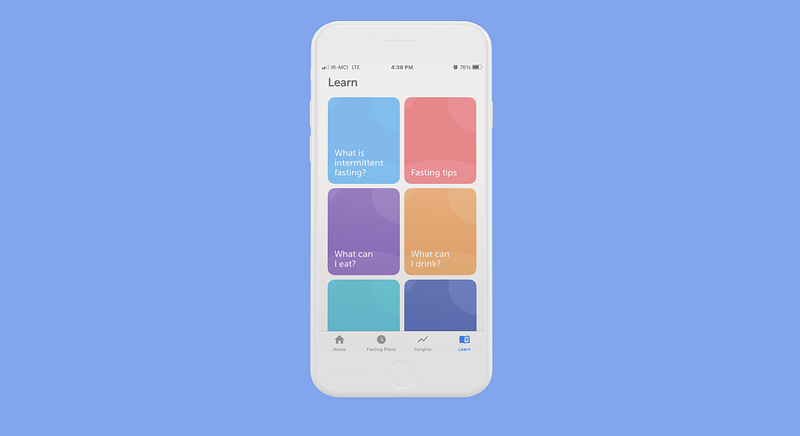
Fasting is not easy, specially intermittent fasting since there are many variations of it, and you are going to be without any food for the majority of the day.
Managing the time of starting the fast, and seeing your progress is one of the best features of Fasta.
Fasta comes with over 15 different intermittent plans, and is very keen on privacy — their AppStore page says that all the data is stored in the iCloud account, and a look at the App Privacy section proves that.
Fasta is also one of those great apps that comes with Apple Watch support, and it supports Apple Health.
There are widgets for your home screen and lastly, it supports dark mode which is a must-have for me.
You can buy the premium subscription of Fasta for $39.99/year from the App Store:
9. Directive — Maintenance App
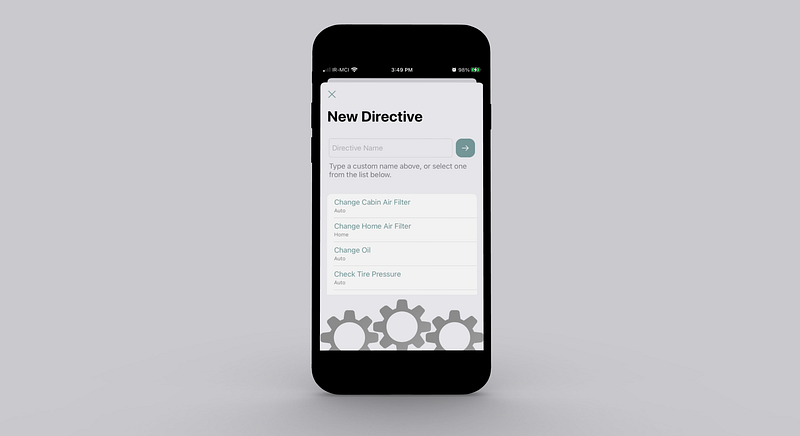
When we grow up, our responsibilities become more and more. A lot of us purchase a car, some get a house then we think everything is right where it should be, but, our efforts are far from over. As much as I like to say, it is not an easy job to keep when we are due for payments, or even changing something as simple as the air cabin filter of our car.
That is where Directive comes into play, Directive is an application that help you remember when your events are due, and remind you of them.
It even helps you purchase the items directly from amazon which is convenient for those who don’t like to spend too much time on simple stuff.
Directive has a simple user interface, and works on iPhones, iPads, and MacBooks.
You can purchase the Pro version of Directive for $3.99 from the AppStore:
10. Aviary
There are many talented indie developers for the Apple platform. One of them is Shihab Mehboob who has great talent in iOS development and also builds applications that would normally look like Apple itself made.
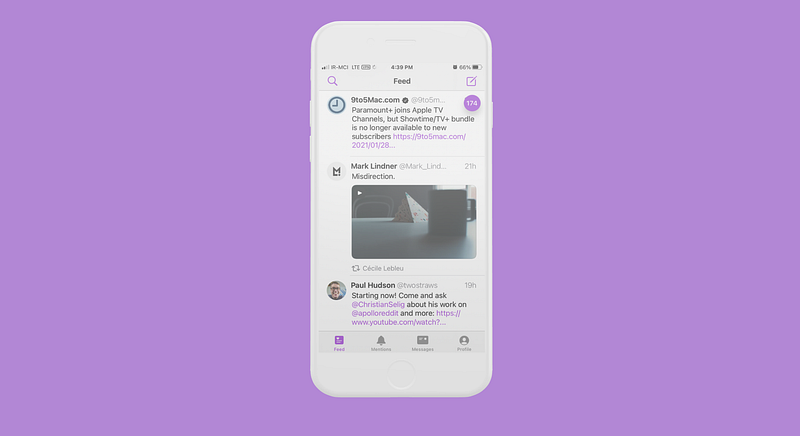
Aviary is a Twitter client that offers so many customization options. It runs on Apple Watches, iPhones, iPads, MacBooks.
You can use Aviary to browse Twitter without ads. Customize gestures, change the application icons, tweak the accent color, and use its widgets on your Home Screen.
If you are a fan of clean, optimized, and universal third-party applications then give Aviary a try. You won’t be disappointed.
You can buy the Aviary app for $3.99 from the AppStore:
Thank you for reading this edition of 10 iPhone applications for the month of March. If you enjoyed it, help me out by giving some claps, and of course, if you know other awesome applications, let me know in the response section, and I will include them in my next article.
You can also check the previous editions below:


