
10 of the Best iPad mini Accessories for 2022
How to turn Apple’s tiny iPad into a productivity powerhouse
So, after a brief flirtation with the reMarkable 2, I’m back to full-time digital note-taking on the wonderful iPad mini 6.
This little tablet has transformed my working day. Unlike every other iPad I’ve owned, it’s always by my side, thanks to its size, convenience, and unbeatable performance-per-square-inch of screen estate.
But like so many Apple products, the iPad mini isn’t complete until you add a few extras.
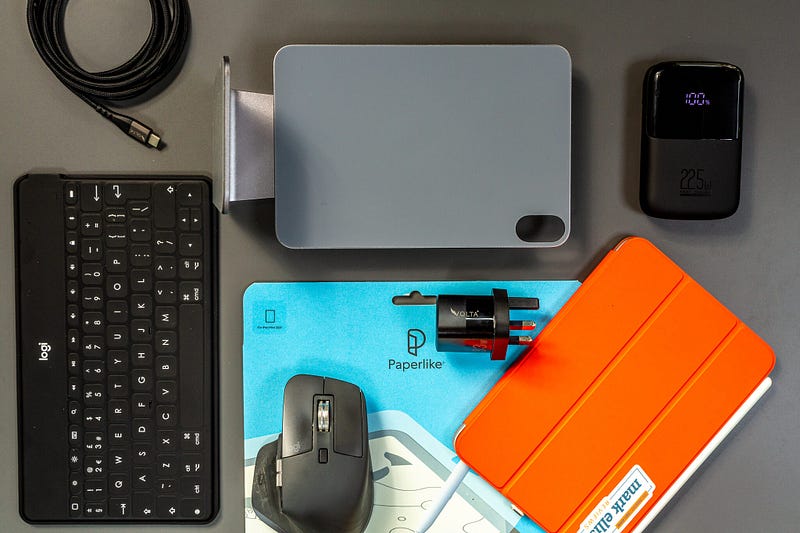
As you might expect, there’s a huge range of iPad mini accessories out there, which makes choosing the right setup for your needs pretty challenging. The good news is that I’ve done a lot of the legwork for you by rounding on ten brilliant iPad mini accessories that I couldn’t live without.
There’s something in here for everyone.
1. Apple Smart Folio case
I’m a bit of a snob when it comes to iPad cases. As great as the third-party options are, I’ve always felt more comfortable investing in the official Apple stuff.
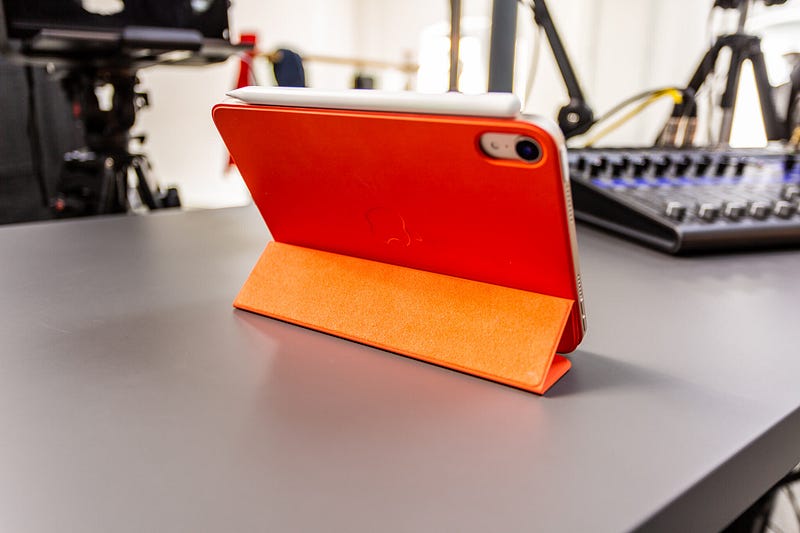
I’ve been through a fair number of third-party iPad cases in the past, and while they’re ok, none of them quite match the fit and finish of those that emerge from the spaceship campus.
The Smart Folio case for the iPad mini is — literally — a case in point. It’s durable, functional, and comes in a massive range of colours. If there’s anywhere you should invest directly with Apple, it’s the case — and this one is a must for any iPad mini owner.
2. Apple Pencil 2
I lied; there’s another area in which you should invest in Apple’s own stuff, and that’s the Apple Pencil 2.
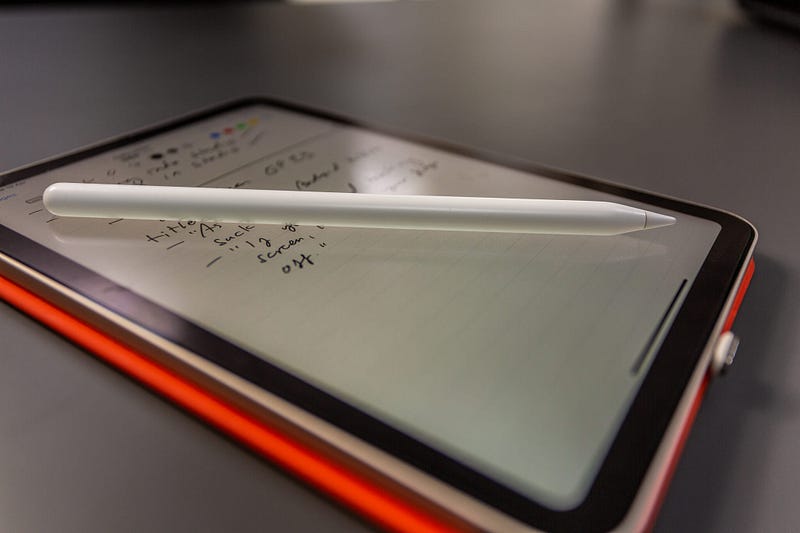
This is, obviously, because there isn’t really any alternative (if you ignore the education-focused Logitech Crayon). The Apple Pencil 2 is not only the best iteration of the stylus Steve Jobs suggested we’d never see — it’s the only way to turn your iPad mini into a full note-taking machine.
Ergonomics, charging, and usability were all turned up to 11 when the Apple Pencil 2 launched in 2018, and it seems to be suited to the iPad mini more than any other iPad on the market.
3. Paperlike
I held off, again, and again. I did not want to put a screen protector of any kind on my shiny new iPad mini. Why would I? They make the display feel horrible, dull the colours and are always an absolute pain in the backside to fit.
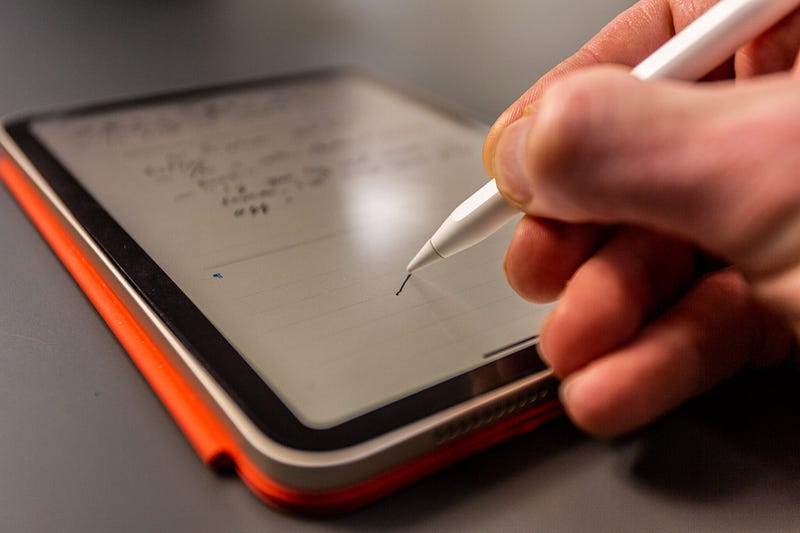
Then, I discovered Paperlike. This was, arguably, the main thing that made the iPad mini the ultimate digital note-taking device for me.
For the uninitiated, Paperlike is a screen protector with one unique feature: it mimics paper. The effect is genuinely surprising and makes for a far more pleasurable writing experience on the iPad. What’s more, all of my fears about screen protectors were dashed as soon as I’d finished the simple application process (if I can do it, you can — trust me).
If you’re serious about using the iPad mini for note-taking, you need Paperlike — it’s that simple.
4. Logitech Keys-To-Go
If there’s one issue with the iPad mini, it’s the lack of an Apple Magic Keyboard for it. I know that sounds absolutely bonkers, but hear me out.
I’m not expecting to write long-form blog posts on the iPad mini, nor am I intending on using it as a replacement for the brilliant M1 MacBook Air. But I would occasionally like to reply to a few emails, plan out next month’s content, or bash through my YouTube comments.
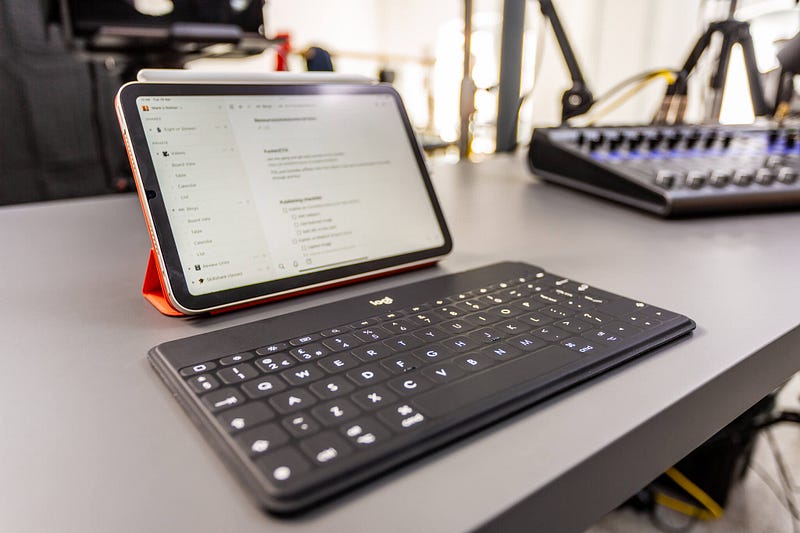
Clearly, I needed some form of portable, wireless keyboard. That led me to Logitech and the brilliant little Keys-To-Go. At just 6.3mm thick and 24cm long, it’s an awesome keyboard accompaniment for the iPad mini. It won’t win any awards for keyboard feel, but that really isn’t the point (although it’s perfectly enjoyable to use for short periods).
Keys-To-Go is also spill-resistant and feels durable enough to throw into practically any bag. Its keys are pretty much full-sized, and the battery will last three months on a single charge. But perhaps most impressive is the fact that it beats the Apple Magic Keyboard with a row of incredibly useful function buttons that include media controls, screen brightness and a home button!
Are you listening, Apple?!
5. MX Master 3
While putting this guide together, I began researching options for a mini, highly portable mouse. However, while there are some great options out there (for instance, the Logitech Pebble), I decided to stick with what I know.
My mouse of choice is the Logitech MX Master 3, and it probably will be for a long time to come. It travels with me everywhere.
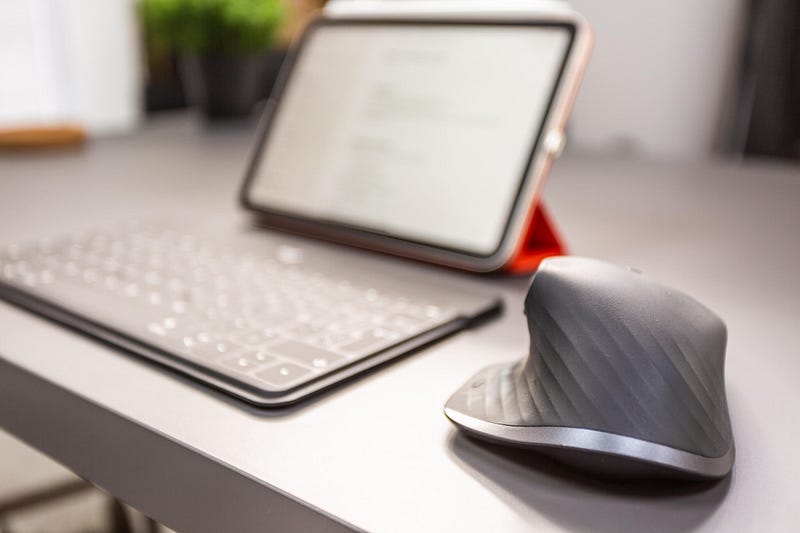
There are two reasons for this. The first is the unbeatable ergonomics — this thing feels incredible in the hand. The second is the fact that you can easily pair it to three different devices, to which you can quickly switch via the handy slider on the underside of the mouse. That makes transferring the MX Master 3 between duties on my Macs and iPad mini as simple as it should be.
Paired with my favourite MX Master 3 hard carry case, it’s quite an addition to the iPad mini.
6. Volta Spark and Volta Giga
Lucky you — number six in my favourite iPad accessories is actually two products! Although, obviously, 10 is a much nicer number than 11.
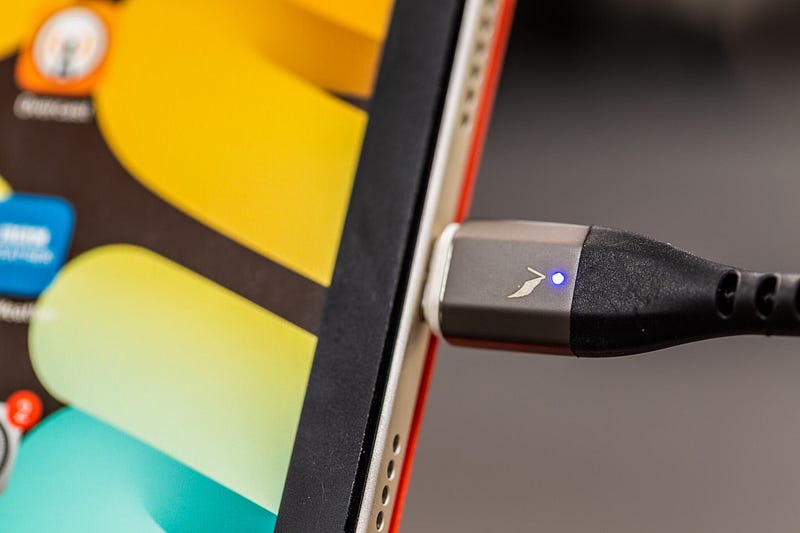
Volta contacted me recently to see if I’d like to try out their range of smart charging cables and devices, and I’m glad I said “yes” because two of them have become a firm favourite in my iPad mini armoury.
The first is the Volta Spark, which offers all of the potential connections I need for charging in one cable. It does this thanks to a MagSafe-like attachment for three different connections — USB-C, Lightning, and micro USB.
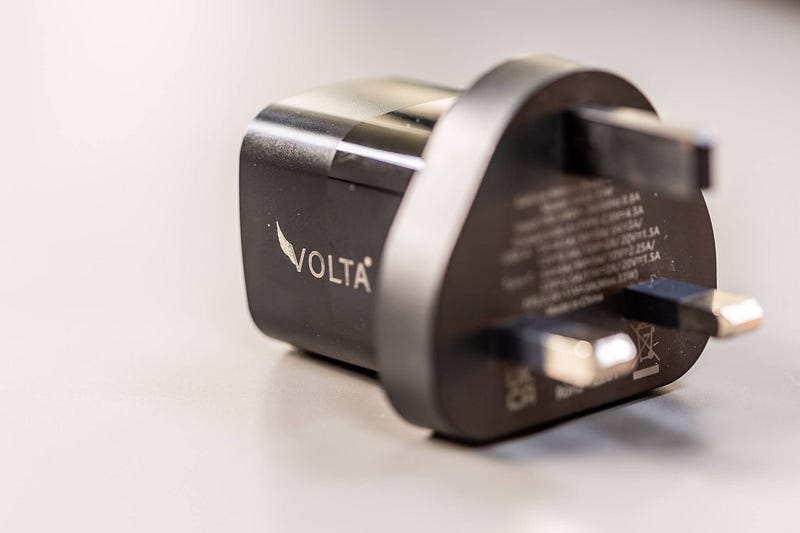
This means that I can leave the USB-C nubbin plugged into my iPad mini (it protrudes, but not enough to be an issue), and simply magnetically snap the Volta Spark cable on when I need to charge. It’s yank free, which means I no longer worry about the iPad mini being accidentally wrenched off the table, and pairs perfectly with the Volta Giga, which is a brilliantly tiny multi-charger with both USB-C and USB-A outputs, both of which are quick-charge capable.
Buy Volta Spark Pre-order Volta Giga
7. INIU 10000mAh Power Bank
If there’s one accessory I’ve bought over and over again, it’s the dreaded power bank.
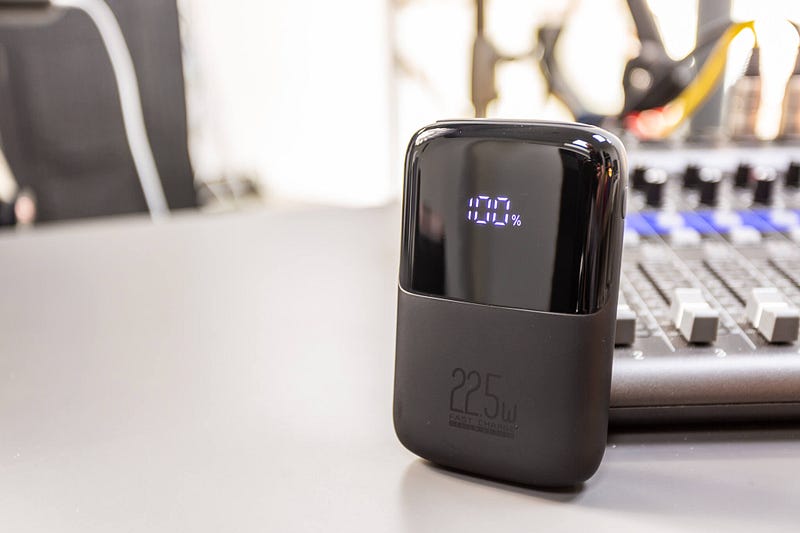
I say “dreaded”, because I invariably end up losing them, or buying power banks that are about as much use as chocolate teapots. I therefore won’t labour the point with this one, because it’s a pretty dull topic, but my current power bank of choice is made by INIU.
It’s solidly built, has a convenient charging status indicator, and offers both USB-C and USB-A outputs for its 10000mAh of fast-charging power. It’s super affordable, too.
8. Inateck tech organiser
There was a time not so long ago when I used to throw all of my cables, memory cards, and various other tech gubbins into the front compartment of my rucksack. Invariably, this resulted in frantic searches, lost items, and a needlessly heavy bag.
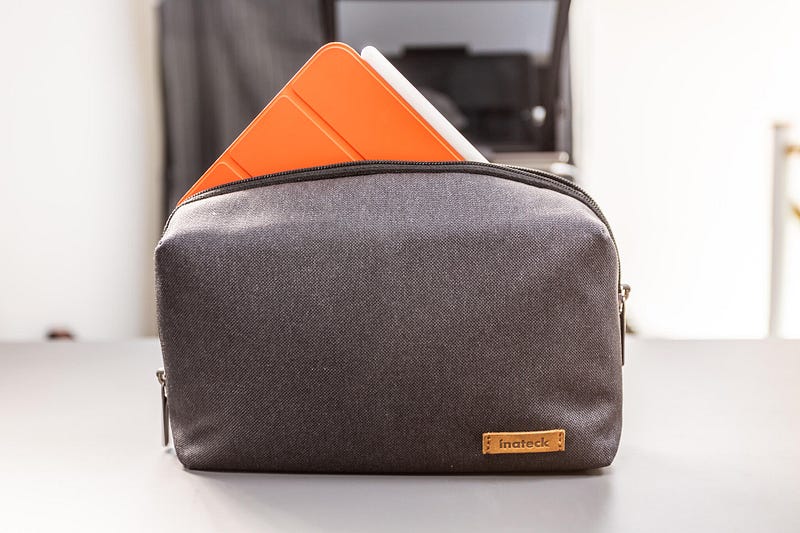
These days, I store everything in the Inateck Tech Organiser. It has been an absolute revelation in terms of keeping all of my stuff in one place and immediately accessible.
The best news? The Inateck can also carry a fully-loaded iPad mini with a folio case and Apple Pencil 2 attached!
9. Nayo Urban backpack
Ok, this isn’t the usual shoulder sling backpack or messenger bag you might expect to see on an iPad mini accessories round-up, but it is my current daily carry as far as bags go, so it makes this list.
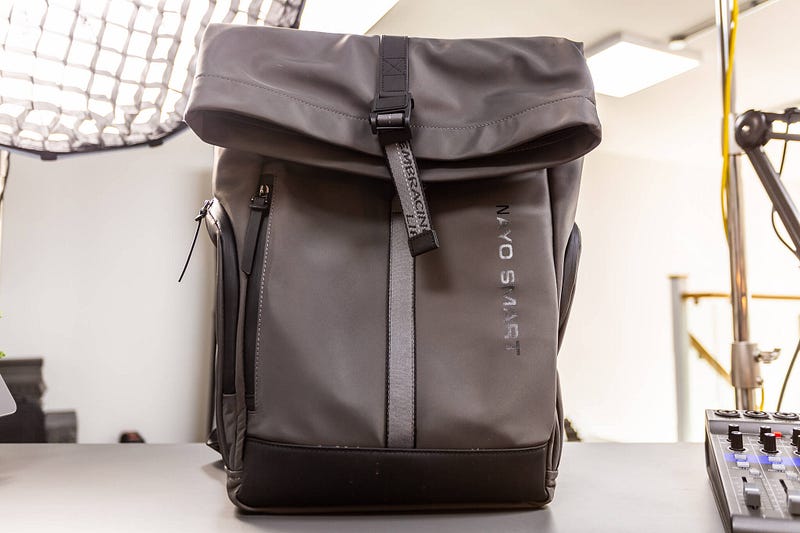
The reason it deserves a place on this buying guide is that, combined with the Inateck tech organiser and the Nayo Urban’s ludicrously cavernous internal compartment, I can fit literally everything I need for a full day’s work into one single bag. And it doesn’t break my back, either.
There are loads of other options, of course, but the simplicity of the Nayo Urban’s roll-top opening and the sheer space inside is perfect for me, and it might be for you, too.
10. Benks Infinity Stand
One of the most successful products I’ve reviewed to date in terms of referrals for the manufacturer is the Benks AirPods Max headphone stand. And it’s not hard to see why — it is beautifully designed, and could easily have been made by Apple.
Well, they’ve done it again — this time in the form of the Infinity Stand for the iPad mini. At $79.99, it isn’t cheap (and, oddly, it’s priced identically for all iPad sizes…), but it is as beautifully made as the aforementioned headphone stand.
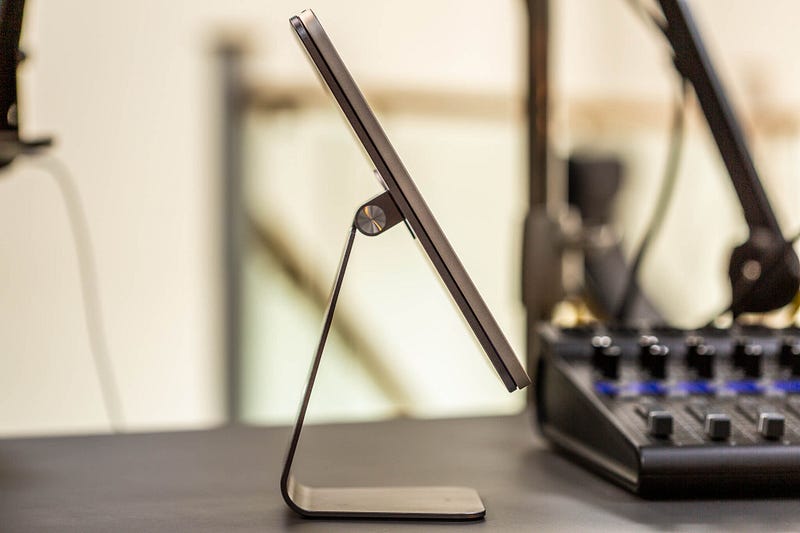
I’ve tried a whole bunch of iPad stands, and I’ve learned that you really do get what you pay for. The Infinity Stand is built from aluminium, has a super-satisfying tilt and swivel operation, and the iPad mini snaps to it confidently.
Combine this little beauty with Universal Control in macOS, and you’ve got quite the Mac companion when sitting at a desk.
Wrapping up
I hope you’ve found one or two accessories in this list to add to your own iPad mini 6 setups.
Of course, if I’ve missed an iPad mini accessory you rely on day-in, day-out, let me know in the comments section!
Before you go
Join my behind-the-scenes mailing list
If you enjoy my writing, it’s only a snippet of what’s on Medium. I’m a paying member myself and highly recommend joining. Click here to join (a portion of your membership fee will be sent my way and therefore directly support my work!).
This post includes affiliate links
Originally published at https://markellisreviews.com on April 20, 2022.


