avatarOskar Tokarski

Free AI web copilot to create summaries, insights and extended knowledge, download it at here

2908

Abstract

most important, you can add as many friends as you want and chat with them in real-time. You don’t need a few applications to work on the project from home, you just need one. You can download it <a href="https://www.taskade.com">here</a>.</p><p id="a29d"><b>→ OneTab</b></p><figure id="602a"><img src="https://cdn-images-1.readmedium.com/v2/resize:fit:800/1*2Nq01gFvlo4ibFfshRCBVA.png"><figcaption>one-tab.com</figcaption></figure><p id="9572">OneTab is an extension for Chrome and Firefox. It’s perfect for people who research a lot. When you’re writing an essay, have you ever noticed how much tabs you have open? If yes, this is a tool for you to use.</p><p id="a163">OneTab stores all open tabs in one window. You can group tabs, name the group and lock them, so links won’t disappear when you open them. It’s a game-changer if you want to save some RAM or if a particular tab search is taking you ages. Check it out <a href="https://www.one-tab.com">here</a>.</p><p id="e528"><b>→ iCloud / Google Drive</b></p><p id="ae55">There is no faster way to synchronize files between people and devices. What’s more, if your device will brake, your data is safe in the cloud, ready to restore any time.</p><p id="9ef9"><b>→ Grammarly</b></p><figure id="509a"><img src="https://cdn-images-1.readmedium.com/v2/resize:fit:800/1*ZyHQBctTap_DUcl4ZAJ8aw.png"><figcaption>app.grammarly.com</figcaption></figure><p id="76d2">Lifesaver. Grammarly corrects your mistakes in words and sentences. It works on different websites, email clients, and it shows you how does your text sound. For example, it shows if my speech is not too casual for the occasion I’m preparing it for. Check it out <a href="http://app.grammarly.com">here</a>.</p><p id="d135"><b>→ PDF Element</b></p><figure id="e37c"><img src="https://cdn-images-1.readmedium.com/v2/resize:fit:800/1*vUSa9IieLhQrdZxQN2dM7w.png"><figcaption>https://pdf.wondershare.com</figcaption></figure><p id="18eb">This software lets you create and edit PDF documents. You can highlight and format text as you like, create new, or work in already published PDF. Worth to add, PDF Element has text recognition, which means if you upload an image it will recognize the text and make it editable. Start <a href="https://pdf.wondershare.com">here</a>.</p><p id="992e"><b>→ Forest</b></p><figure id="8bc1"><img src="https://cdn-images-1.readmedium.com/v2/resize:fit:800/1*A1yk5JSBUkmlek8jg0QuHg.png"><figcaption>forestapp.cc</figcaption></figure><p id="dbbb">Forest is a focus app — the more you’re focused, the more trees are growing in your wood. What most people don’t know, has a free browser extension. You can add to blacklist pages like Netflix and Pinterest, and Wikipedia to the whitelist. It synchronizes with the mobile app if you’re using one. Quite a nice way to do your tasks.</p><p id="8528"><b>→ Fast fingers</b></p><figure id="de05"><img src="https://cdn-images-1

Options

.readmedium.com/v2/resize:fit:800/1*pNPO-SUF5APV6fy7L-7DGA.png"><figcaption>10fastfingers.com</figcaption></figure><p id="0c23">Do this exercise twice a week and you’ll see the results in a short time! You can save a lot of time by mastering typing. My current speed is 103 words per minute, what’s yours? Check <a href="https://10fastfingers.com/typing-test/english">here</a>.</p><p id="cbb8"><b>→ Note app</b></p><p id="476f">You need to find the perfect one for yourself. Check my propositions here:</p><div id="bb22" class="link-block"> <a href="https://readmedium.com/which-app-is-best-for-taking-notes-18c32b345241"> <div> <div> <h2>Which App is Best for Taking Notes?</h2> <div><h3>Best note-taking applications in 2020</h3></div> <div><p>medium.com</p></div> </div> <div> <div style="background-image: url(https://miro.readmedium.com/v2/resize:fit:320/1*oqjsom3C_PMgaKqafrT5IQ.jpeg)"></div> </div> </div> </a> </div><h2 id="b210">Keep reading</h2><div id="7a85" class="link-block"> <a href="https://readmedium.com/how-to-survive-in-college-as-an-introvert-47fc9af04689"> <div> <div> <h2>How to Survive in College as an Introvert?</h2> <div><h3>Be yourself and don’t worry</h3></div> <div><p>medium.com</p></div> </div> <div> <div style="background-image: url(https://miro.readmedium.com/v2/resize:fit:320/1*CJ2b2We71XZWes5UnaQoLw.jpeg)"></div> </div> </div> </a> </div><div id="8bf1" class="link-block"> <a href="https://readmedium.com/20-things-i-dont-buy-anymore-9e5dc292ef2b"> <div> <div> <h2>20 Things I Don’t Buy Anymore</h2> <div><h3>Following zero-waste and minimalist way of life</h3></div> <div><p>medium.com</p></div> </div> <div> <div style="background-image: url(https://miro.readmedium.com/v2/resize:fit:320/1*4V6DxsQUi3KdfWzb0spceg.jpeg)"></div> </div> </div> </a> </div><div id="2046" class="link-block"> <a href="https://readmedium.com/5-best-zero-waste-products-on-the-go-3d5a44045e2a"> <div> <div> <h2>5 Best Zero Waste Products on the Go</h2> <div><h3>How to get rid of plastic?</h3></div> <div><p>medium.com</p></div> </div> <div> <div style="background-image: url(https://miro.readmedium.com/v2/resize:fit:320/1*8oNbeHSN8RKrijU89r4V3w.jpeg)"></div> </div> </div> </a> </div></article></body>

10 Apps & Extensions Every Student Needs

Boost your productivity with these tools

Photo by Priscilla Du Preez on Unsplash

It doesn’t count what school you attend. Every student needs to fight with procrastination. Here are some apps and extensions that will help you increase your focus, boost your creativity, and make you more productive by saving time you waste.

→ Momentum
Chrome Web Store — Momentum

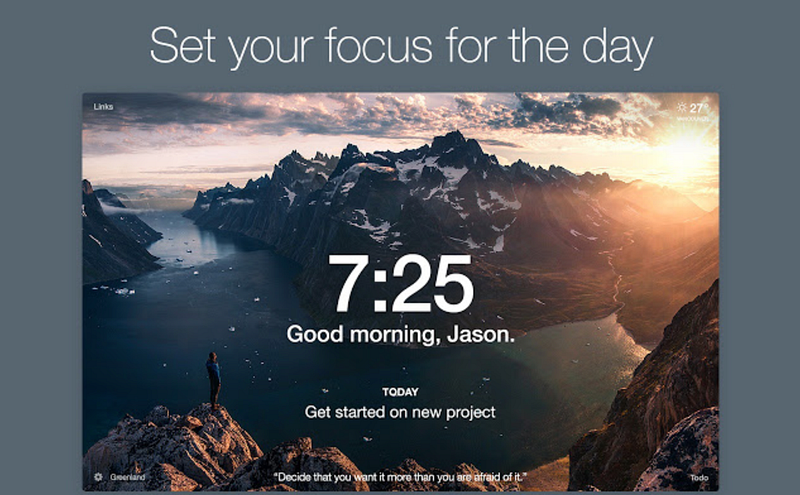
Momentum is an extension for Google Chrome. The beautiful background changes every day. It shows a large time, you can add your main focus for the day. On the bottom right you can add to-do lists and mark them off once you complete them.

It’s possible to set a motivation quote on the top and most used websites in the upper left corner, to access them easier. Another feature is the Google search bar and a lot of personalisation options on the bottom left. Download it here.

→ X-Mind
https://www.xmind.net/xmind2020/

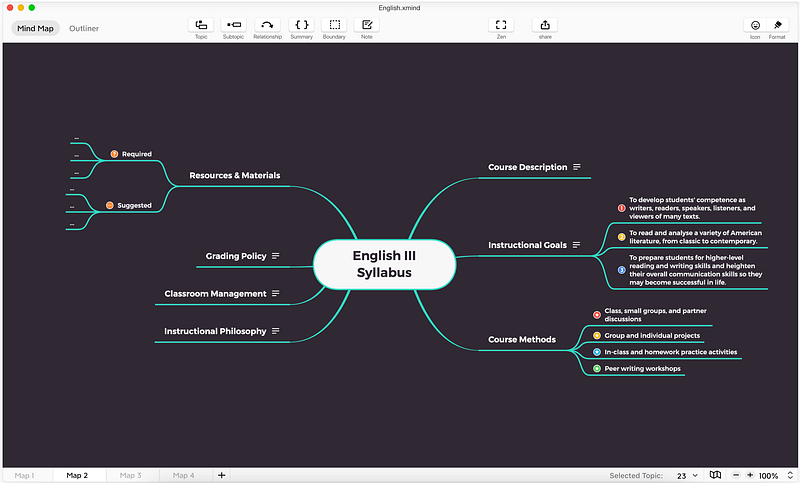
X-Mind is for visual people. It was made to help in creating mind maps. If you are the kind of learner who likes to study in this particular way, this software is for you.

There are many structures of the maps to use and even more designs. You can manage layouts, fonts, colors, pictures. When you finish it’s possible to export your work that can be easily inserted to Keynote and PPT. You can download it here.

→ Taskade
blog.taskade.com

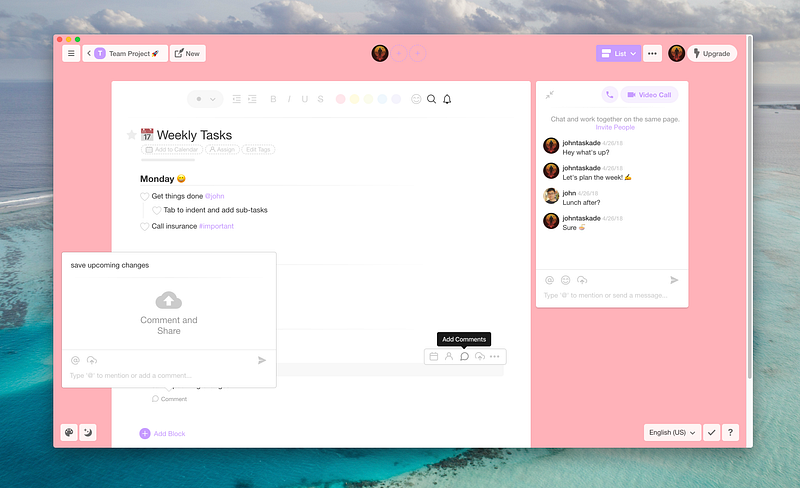
Taskade is collaboration software for all platforms. There is no better way to add and collaborate on projects. Inside of every project you can add to-dos, and format text as you like.

There is an option to add deadlines to the calendar view. There are different layouts, and what’s most important, you can add as many friends as you want and chat with them in real-time. You don’t need a few applications to work on the project from home, you just need one. You can download it here.

→ OneTab
one-tab.com

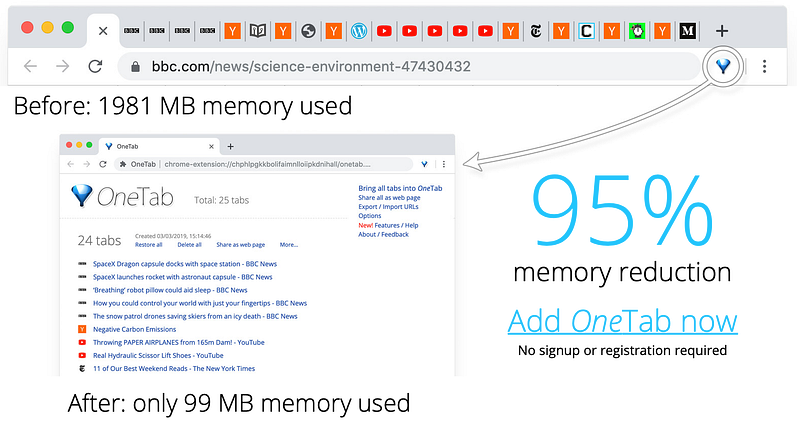
OneTab is an extension for Chrome and Firefox. It’s perfect for people who research a lot. When you’re writing an essay, have you ever noticed how much tabs you have open? If yes, this is a tool for you to use.

OneTab stores all open tabs in one window. You can group tabs, name the group and lock them, so links won’t disappear when you open them. It’s a game-changer if you want to save some RAM or if a particular tab search is taking you ages. Check it out here.

→ iCloud / Google Drive

There is no faster way to synchronize files between people and devices. What’s more, if your device will brake, your data is safe in the cloud, ready to restore any time.

→ Grammarly
app.grammarly.com

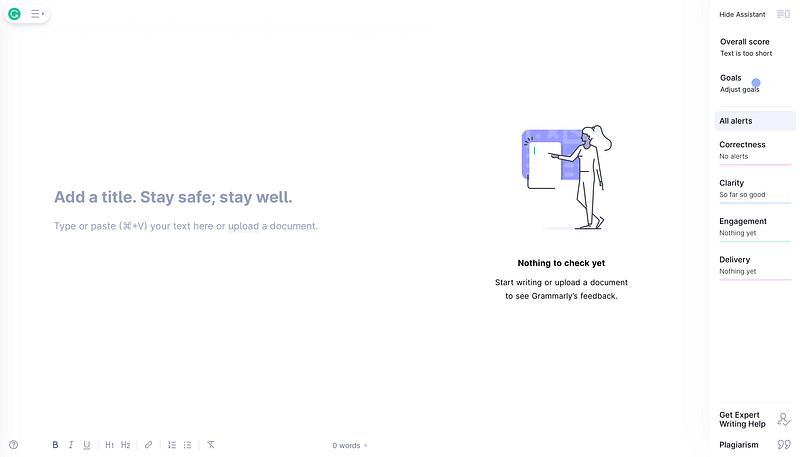
Lifesaver. Grammarly corrects your mistakes in words and sentences. It works on different websites, email clients, and it shows you how does your text sound. For example, it shows if my speech is not too casual for the occasion I’m preparing it for. Check it out here.

→ PDF Element
https://pdf.wondershare.com

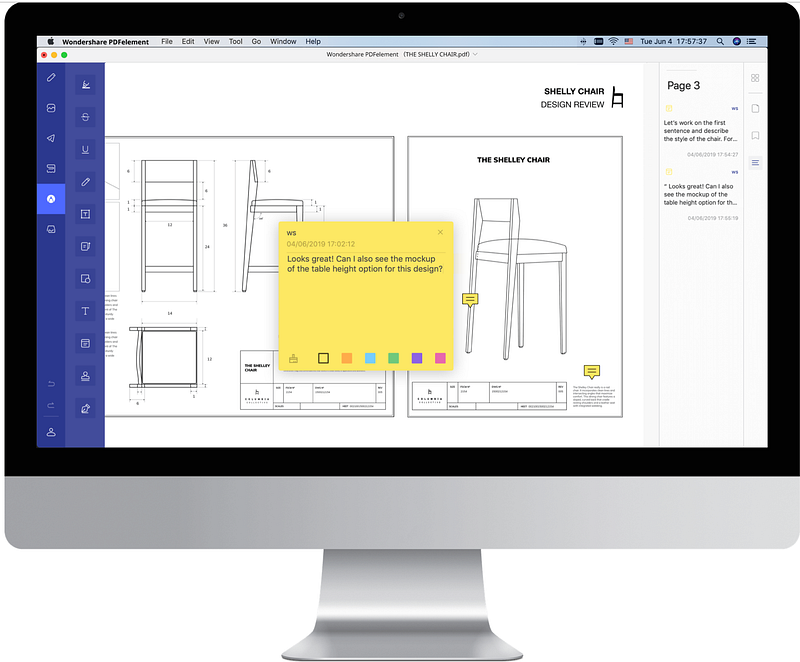
This software lets you create and edit PDF documents. You can highlight and format text as you like, create new, or work in already published PDF. Worth to add, PDF Element has text recognition, which means if you upload an image it will recognize the text and make it editable. Start here.

→ Forest
forestapp.cc

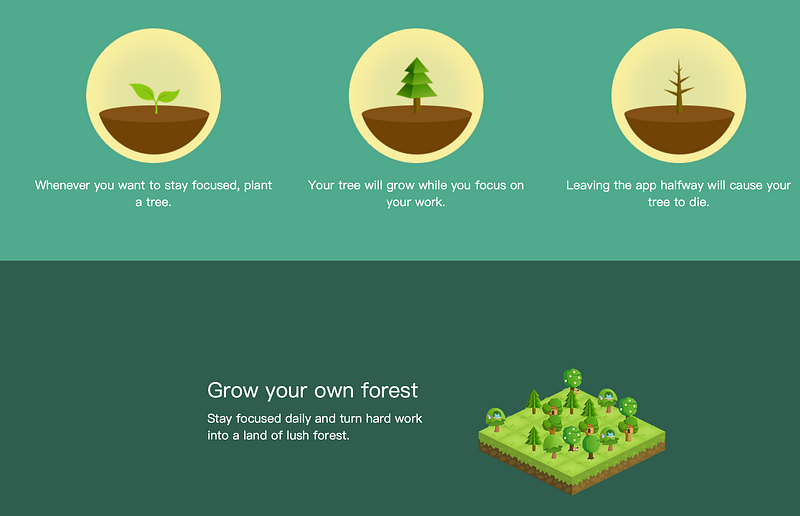
Forest is a focus app — the more you’re focused, the more trees are growing in your wood. What most people don’t know, has a free browser extension. You can add to blacklist pages like Netflix and Pinterest, and Wikipedia to the whitelist. It synchronizes with the mobile app if you’re using one. Quite a nice way to do your tasks.

→ Fast fingers
10fastfingers.com

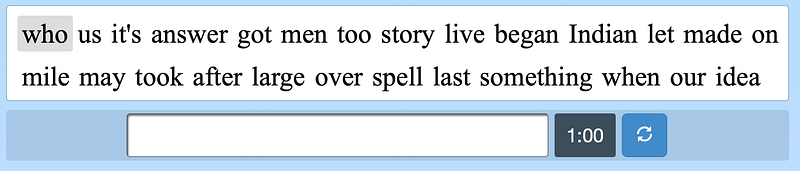
Do this exercise twice a week and you’ll see the results in a short time! You can save a lot of time by mastering typing. My current speed is 103 words per minute, what’s yours? Check here.

→ Note app

You need to find the perfect one for yourself. Check my propositions here:

Keep reading

Productivity
Creativity
Organization
Students
Apps
Recommended from ReadMedium