
Why Should You Schedule Dark Mode Instead of Using it 24 Hours?
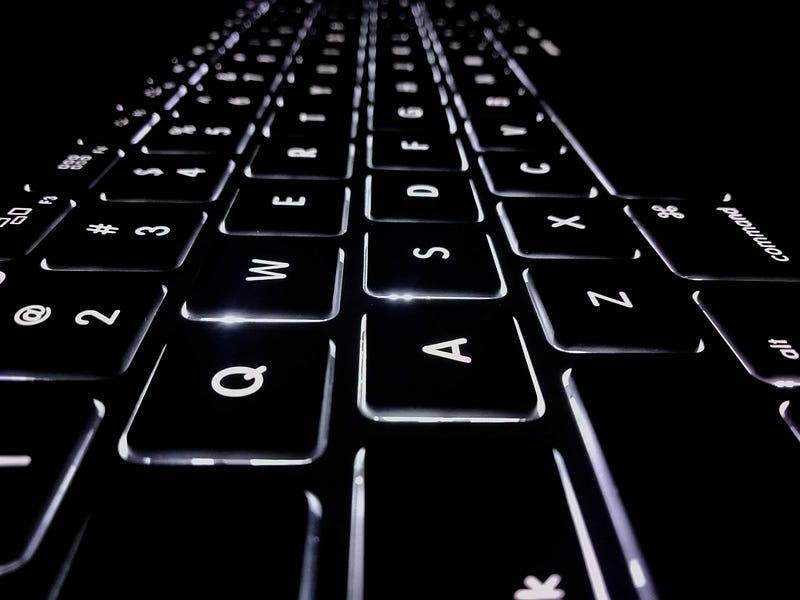
The dark mode is an exciting design preference for coders who prefer to use it in their text editor. It is becoming the new cool in smartphones and computers for the general public too.
I also enabled it when Apple rolled out for the first time on iOS 13 and iPadOS in 2019, and one year before in 2018 on macOS Mojave.
It is a great feature and feels less stressful to the eye.
But here is when it gets dangerous. If you are in a dark environment with dim or no light, then the dark mode is the best option for you if you stay in that environment long enough to finish your work. Otherwise, if your eye is shifting between high contrast brightness frequently, then dark mode may not be the right preference to go.
Take the example of turning on the lights when you are sleeping in the dark (I will discuss the benefits of sleeping in the darkness in later posts). It is a pain for the eyes, right? A burst of light and your eyes have to adjust quickly because of the brightness.
Scheduling dark mode
Though it is difficult to understand the environment at which the dark mode is most beneficial, there are two things you can control:
- The situation you are working: whether it is dark or light.
- Brightness customisation of your device according to the ambience.
The safe option is using the dark mode during night time, mostly after sunset.
If you can customise the dark mode to be active only from the sunset to the sunrise, then it is healthy for eyes.
Why using dark mode all the time is unhealthy?
What happens when the dark mode is active in the day time too? Your eyes have to adjust a lot while exposing to profoundly extreme levels of brightness.
One time you are looking at your device in the dark mode with the expanded pupil (allows more light to enter your eyes), the next time you are Googling on your desktop with a light background with a constricted pupil ( allows entry of less light ).
We need to make sure our eyes do not have to adjust so frequently according to the surrounding. Your optic muscles are at work here. The continuous switching between light and dark environment is the recipe to quickly reach burnout.
Customise the work environment
If you are working long hours in a particular space, your device(s) brightness should match the ambience; otherwise, the frequent contracting and expansion of pupil is detrimental to eyes in the long term.
I prefer using dark mode only in these two cases:
- From sunset to sunrise with night mode activated. Night mode helps with better sleep by filtering blue light. Blue light suppresses melatonin production, a hormone that triggers sleep onset.
- When I know I will be working in a dark environment for a long time, say 2 or 3 hours.
- To even avoid repeated exposure to contrasting brightness when using the dark mode on the same device, using a browser extension that converts any webpage to dark mode helps. It is a healthy way to focus on the task at hand for long hours without stressing your eyes.
Your eye is an architectural wonder, protect it.
These are simple healthy habits that we tend to avoid because of the new features technology is providing us.
Paying attention to them might sound a bit of manual work. But it’s not. Once you start considering how technology affects your health, taking reasonable steps will become second nature. It is like “use tech to fight tech”!
This article belongs to a series of posts I am publishing in this 100-days streak. Navigate to the end of article 22, for the references from day 23 onwards. If you would like to read the ones before day 22, this is the first one that documents them in the end.
~ Sanjeev


