
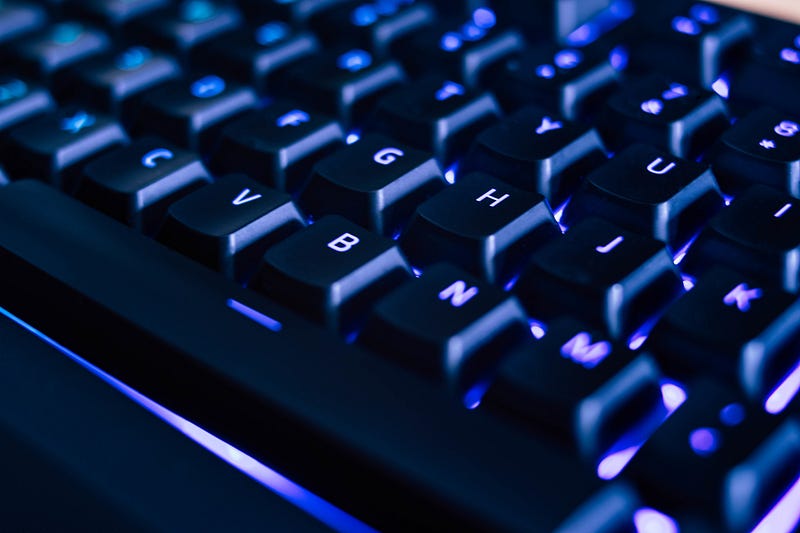
Why You Should Buy Your First Mechanical Keyboard In 2020
So, you’ve heard about all the hype and you want a reason to get into mechanical keyboards, but have no clue where to start? Look no further!
Short answer
Because it will potentially, dramatically improve accuracy, speed and provide you with the most satisfying typing experience since typewriters. The tactile response and audible feedback while typing is lightyears ahead, even of the best laptop keyboards (Thinkpads btw.).
That said, it still all comes down to personal preference. I know a few people, who actually prefer the low-profile chiclet-style keys on their laptop to a clicky mechanical keyboard. I might lack whatever is needed to understand their choice, but I can respect it! So… if you never used a mechanical keyboard, you should really give it at least a try.
Indepth answer with FAQ
Hello and welcome fellow typists, writers and nerds. This is my short-as-possible, sweet and (hopefully) very informative guide to buying (and understanding) your first mechanical keyboard/mecha in 2020. I try to be as focused and precise, providing a whole lot of information on the subject, to get you off the ground.
Clickety-clackety, let’s get started!
What IS a mechanical keyboard?
Mechanical keyboards use tiny mechanical devices containing sliders and spring mechanisms, called switches, beneath each key to provide the typist with palpable feedback. The sensation is similar to electrical typewriters of the 90’s and can differ depending on the type of switch used. Cheap, or off-the-mill keyboards often use rubber domes to provide some sort of feedback. The resistance you feel comes from squeezing the rubber dome, which will then expand again, when you release the key. Compared to mechanical switches it is rather “mushy”. Keyboards on laptops usually use this technique, combined with flat scissor switches, that provide ultra-low-travel of each key, which is needed, to fit the keyboards in increasingly slim devices.
What’s a “switch”?
Firstly, there are many brands of switch manufacturers, the most common and reliable ones are the ones by Cherry, based in germany (you know, german engineering and all that). To not complicate things even further, I will focus just on Cherry MX switches. Each switch contains a mechanism that is meant to provide the “feel”. Compared to rubber dome and laptop keyboards this feedback is crisp and distinct, also quite audible, while the switches provide deeper travel for each key.
How do the switches differ?
There are three main categories of switches (but many more variants):
- LINEAR (i.e. Cherry MX RED switches)
- TACTILE (i.e. Cherry MX BROWN switches)
- CLICKY (i.e. Cherry MX BLUE switches)
While all three types of switches can be used for any kind of scenario, their intended use-cases are: RED for gaming, because of their ultra-fast-response, BROWN as a competent allrounder and BLUE for typing.
This is how these little contraptions work internally:
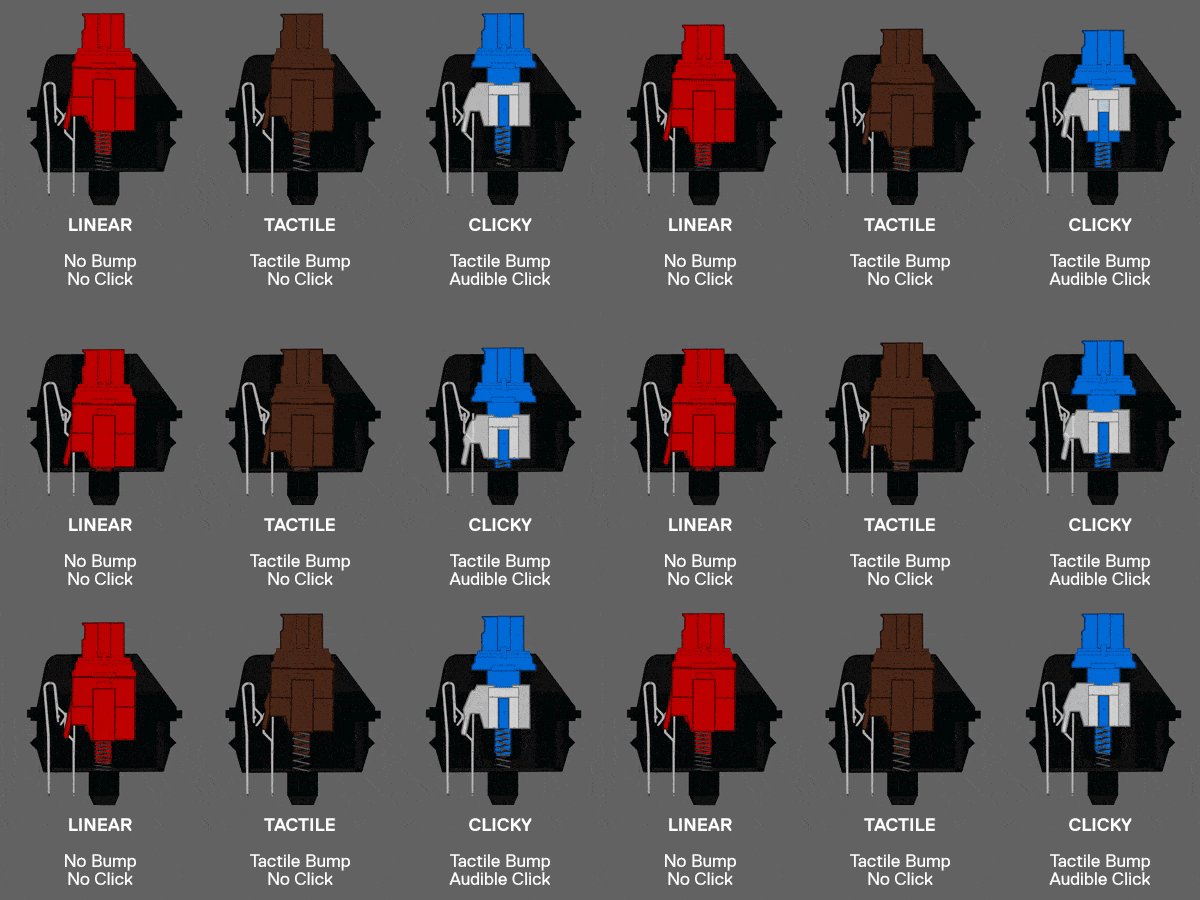
LINEAR ones provide no feedback. They’re quick and smooth (I’d call them bland). TACTILE ones provide you with a palpable “bump” somewhat in the middle of the key’s travel. I find it too “scratchy” though. The CLICKY ones are exactly that. Crisp, precise and clicky. Incredibly satisfying to type on. They are loud though and some people are annoyed by this. To my ears, it’s music that will get me into my writing-flow… take a listen:
Aaah, what a joy, right?
Will I be typing faster on a mechanical keyboard?
After you got used to it, most likely yes, despite your fingers taking a deeper travel on each keypress, compared to a laptop keyboard. I did improve my typing speed, from around 95 wpm on my excellent Thinkpad, to a peak of 125 wpm on my Ducky mechanical.
Will I be more accurate?
You will definitely be more accurate than on a flat chiclet or rubberdome keyboard. The extra feedback will train your muscle-memory and the high-profile keys with deeper travel and molded tops that “welcome” your fingers, are easier to hit (even though you have to lift your fingers slightly higher) than on a flat keyboard.
Full size, TKL, 65%, 60% what?
Mechanical keyboards (or any, really) come in different sizes. A full sized (100%) keyboard is the classic keyboard with all the F-keys, arrowkeys and a numpad. TKL means “ten keys less” and those omit the numpad for a more comfortable positioning of your mouse (it’s closer to your keyboard, everything is more centered, reduces strain on your muscles, when working long hours). The 65% or 60% ones are “mini keyboards” that can be described as “portable”. Most mechanical keyboards are wired, but there are some wireless variants available too.
Keycaps and materials
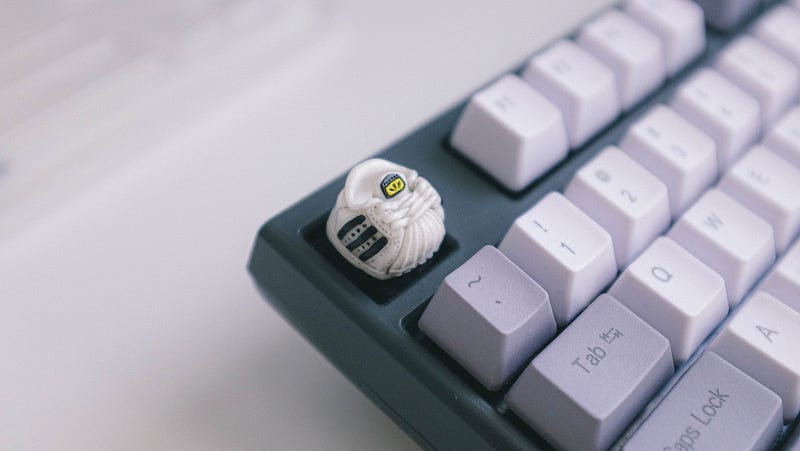
When using mechanical keyboards, for many it’s all about the “feels” or the goosebump-inducing soundscape. But the sharp, crisp response and the delightful, audible click of Blue Cherry MX Switches are only one half of the excitement. The other half are the actual materials used in the keyboards, especially the keycaps.
For the ultimate experience and longevity you want PBT double-shot keycaps.
Usually the plastic of choice for most PC peripherals (like mice, gamepads and many cheaper keyboards) is ABS. This is fine, as it is cheap to produce and easy to mold. But it also shows wear and tear pretty easily. You know the shiny spots on your mouse’s left click button or on often-used-keys on your laptop? That’s ABS plastic becoming shiny through abrasion and finger oils. PBT plastic is way more resistant to this kind of wear and will feel more sturdy and heavier. It’s also more brittle and harder to work with, why PBT plastic tends to be more expensive than ABS.
Cheap keycaps are either laser-engraved or printed. Both techniques are susceptible to wear and tear. After a while, the letters on often-used-keys can and will fade. What you want is double-shot molded keycaps. Using this technique, the lettering on the keycaps is actually a seperate plastic in a different color, directly molded into the key. The lettering on such keys will never fade.
Gaming keyboard, LED, macros huh?
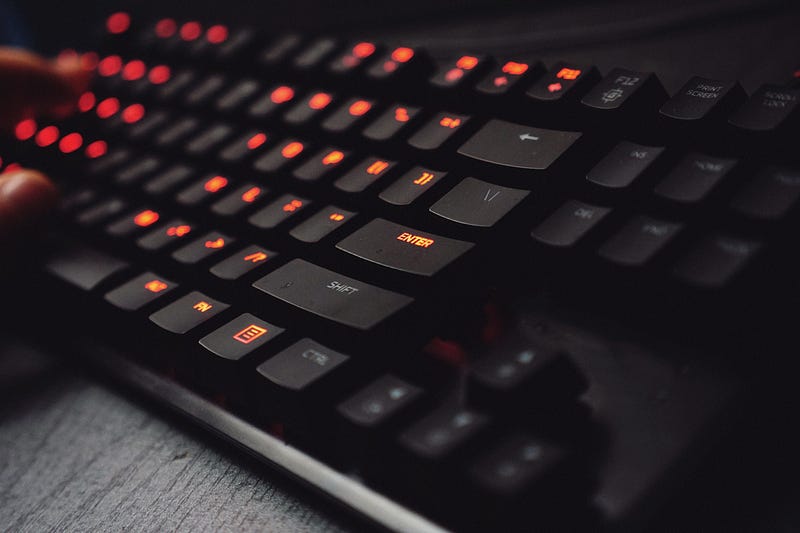
Many mechanical keyboards are geared towards gamers. They sport additional features like weirdly blinking full-color LEDs, macros or even little adjustment knobs or screens. If you find them tasteful, or if you want to actually use them for gaming, that’s fine, go for it. Again, personal preference is key. If you only worry about writing and how each keystroke feels, it’s all about the plastics and the switches, all else is “bells and whistles” you don’t need at all. Having some kind of LED on your mechanical keyboard is nice (as you also can turn it off) but most of us are touch-typing blindly anyways, so this is not a must, at least for me. I prefer the subtlety of a non-lit keyboard, as my work area is bright enough, should I need to check, where my fingers are positioned.
Are there laptops with mechanical keyboards?
There are, some. But they are all big, chunky, gaming laptops with abysmal battery life. If you happen to be a gamer and a writer, those might be for you, but for most of us, they’re really overkill — and hard to find. The machines coming closest to an actual mechanical keyboard on a slim and usable laptop, are the Thinkpads by Lenovo. The internal keyboards on the Thinkpads sport ergonomically shaped keys, more-than-average keytravel and still some sort of “tactile” feedback, even though, they are scissor-switch-keyboards with rubberdomes.
So, what mechanical keyboard to actually get?
There are plenty of options out there and you are free and encouraged to explore what’s right for you on your own — that’s part of the fun after all. But... if you just want to get your hands on what I consider to be the best no-thrills, keyboard for an amazing typing experience and get started, then look no further than the
Ducky One 2 Skyline TKL
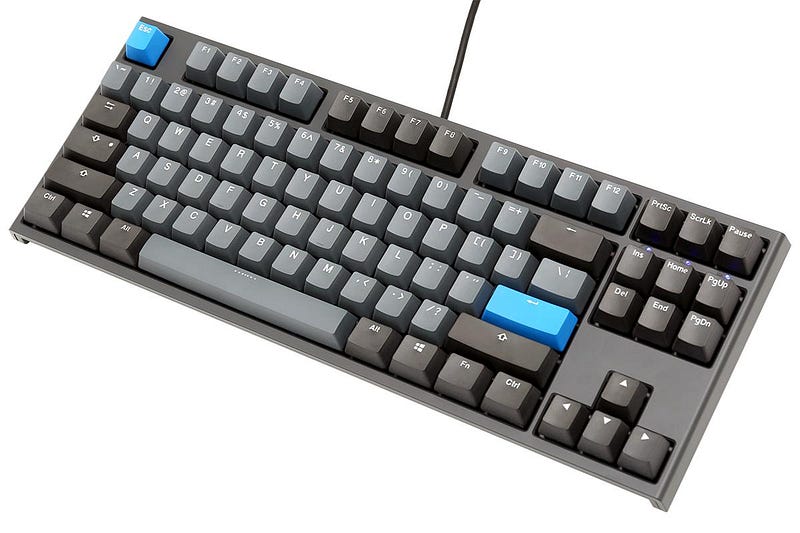
(If you don’t like the blue highlight color, there are official keycap sets in green, yellow and red, to quickly change the color scheme of your mecha! Also, there are many variants of the One 2 series by Ducky and all of them are good.)
It’s what I use, besides my Thinkpad and it checks all important boxes for me:
- heavy, sturdy body and keycaps made from PBT and double-shot PBT keycaps
- wonderfully full and heavy “thunk” sound when bottoming out a key
- removable USB-C connector
- 3-way-adjustable feet
- NO LEDs or other “gamey” bling
- a subtle, retro color scheme with light and dark grey PBT plastics
- keycap remover comes in the box, to switch out individual keys
- huge aftermarket of keycaps in different colors
- sweet Cherry MX Blue switches
- transparent dust cover included in the box
- no drivers needed for it to work on either Windows, macOS or Linux
- reasonable price (got mine for € 129,00 — about $ 145,00)
Ducky keyboards can sometimes be tricky to get your hands on, as they have a very spotty global distributor-coverage. Just google for Ducky One 2 Skyline TKL, followed by your preferred language. There are many layouts (ANSI for US, ISO for EU) available that should fit your needs. You will find some useful links following this arcticle, though.
Where to go from there?
Well, there’s a saying…
Once you go mech, you never go back!
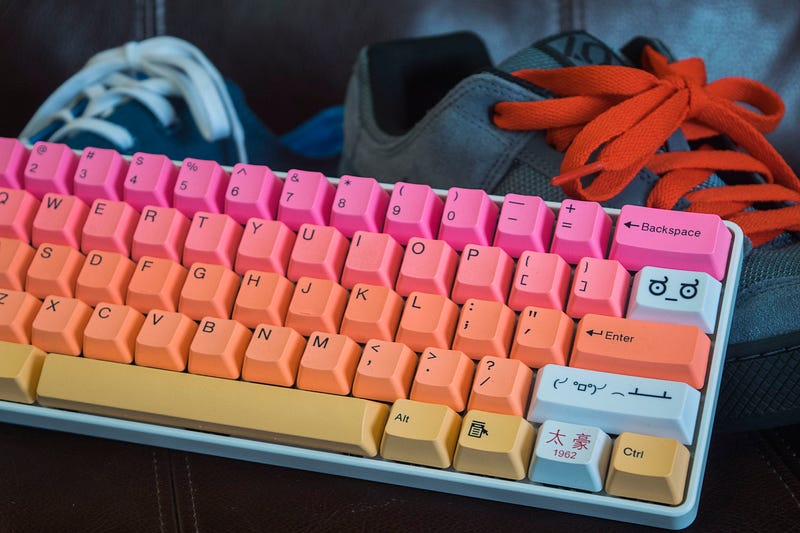
… and it’s true for most people. After using a quality mechanical keyboard, everything else will just feel like mush. The market for mechanical keyboards is huge and it turns into a hobby, a passion even, really quick. Customized or even DIY mechanical keyboards are all the craze at the moment. I can see why, just like the typewriters of yore, they’re a great tool that can last you a lifetime, but they also make for great collectibles!
Conclusion
First and foremost, mechanical keyboards are about the passion for writing. Not having a mechanical keyboard is no excuse for not writing. The artist makes the art, not the tool.
You can write your best-selling novel on any janky keyboard you can find, but if you’re about to spend hours upon hours of your time typing up your thoughts, why not make it as comfortable, stylish and productive as possible? If you’re serious about writing, you should at least give it a try and see how you like it. Chances are… you never go back!
Thank you so much for reading! This article is purely based on extensive first-hand experience and contains no affiliate links. I am not associated to any of the discussed brands and products in any way.
Ressources:
Build your own customized, mechanical keyboard: WASD Keyboards
Great site to order your mechanical keyboard in the US: mechanicalkeyboards.com
Another great site: Taekeyboards
If you’re in europe (particularly Germany), you should try this webpage: Caseking
Great all-purpose, full sized keyboards: Das Keyboard
Ducky’s taiwanese company website: duckychannel.com.tw


