
Why Tags Are Better Than Folders
Making the most of organisational structures
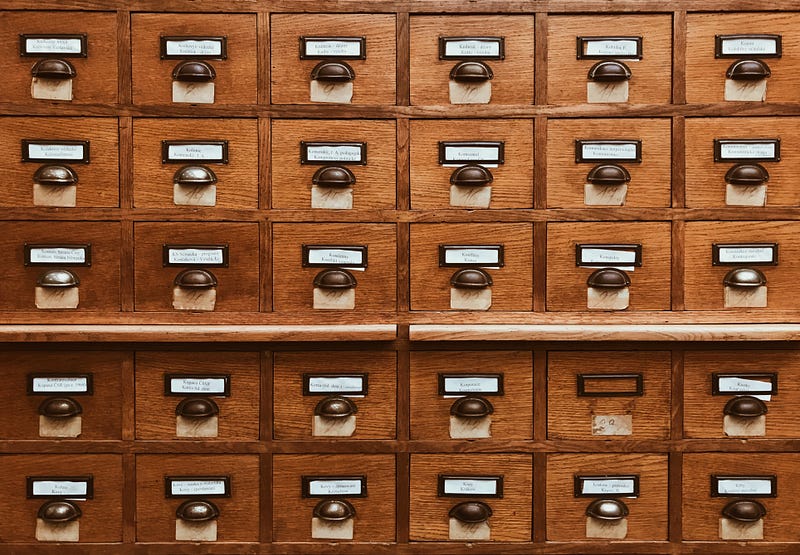
Note-taking is big business.
There are many companies out there vying for your hard-earned cash to provide you with a service to capture your thoughts.
It used to be so simple.
A notepad and a pen to write down your thoughts. That was it.
Now we are besieged by a plethora of apps that offer all kinds of functionality, all with the single aim of making it easy for us.
The thing is, what is easy?
When I want to capture a note, that’s basically it. Capture a note.
- I don’t really want to add any formatting, or colour, or images.
- I just want to write the words that are in my head.
- I don’t even care where they live.
Folders
I have been an Evernote user for years and I loved it.
Notice the past-tense: loved
I couldn’t fault them, it was a great app, until they blew it with their bloating!
Evernote, even as their name suggests, should be for notes, for ever. Not a calendar! Not a task manager!
Stop trying to be all things to all people and focus on the one job you were really, really good at.
Rant over!
Evernote is predicated on a folder structure.
You create notebooks to store your documents.
This worked for me for a long time.
Until it didn’t!
I came unstuck when I realised I wanted to store some documents in two folders.
Maybe I was being short-sighted, but that’s how I worked.
Except, it’s not possible.
And I get it, that in most file-based structures, an item can only live in one place.
That doesn’t mean I need to accept it.
I’ve also used Bear and Apple Notes.
Apple Notes, until relatively recently, only had a folder structure, but since the introduction of tags and “smart” folders, this has broadened its usability for me.
I use Apple Notes as my repository for scanned documents and images, but I’m thinking of moving to Google Drive for them.
Bear is a good app. Lightweight. Nothing to bloat it.
It’s a simple editor, based on markdown.
The structure is purely based on tags, which means there’s no problem adding multiple tags to help search for a note, when needed.
I’ve used Bear quite a bit, but I always found it lacking, something.
Tagging
The one feature that they both utilise well is tags.
Yes, I know tags are available elsewhere, but go with me here…
You can add multiple tags to a note, which 10x the flexibility of the storage system.
Already, I don’t need to think about where. More about ‘what’.
They’re probably the most flexible tool for organising files.
Example
Let’s take that project you’re working on, for a client.
You have the brief and you want to save it in your own project folder, and also within the client folder.
What to do? You can only choose one!
Here’s the solution:
- Use tags to add some metadata; client name, project name etc.
- Store the file in the project folder.
- No more having to remember the name of the document you’re looking for, or where it’s stored.
It’s really simple.
Drafts
I can’t help myself, but I’m going to talk about Drafts (again!)
You can read previous stories here
Drafts has the best of both worlds.
Tags + Workspaces
Within Drafts, you can create “Workspaces” which are, essentially, very powerful filters.
This means I don’t need to think about where I want to store my notes, and I can display a workspace to see all the notes with specific tags.
Until I assign a tag, the document sits in the Inbox, waiting patiently for me to do something with it (or not).
Workspaces can also be set to do some pretty clever things when they’re selected, which can completely personalise your experience. (That’s for another story)…
I love it.
And, what’s more, I keep discovering ways to make it better.
To Recap
As you can tell, I find folders can be quite restrictive, if you want to be free-flowing.
The need to stop and think where to store a note breaks the flow.
Tags give the flexibility to keep organised on the go. Plus you can easily add/remove tags as necessary.
Do you have a preference?
Now, before you jet off into the sunset, have a read of this story by Eve Arnold
Thank you for reading
👉🏻 Click here if you’d like to receive my articles directly into your inbox
👉🏻 Sign up with this link for access to everything on Medium, and you’ll support me directly with a portion of your fee, it won’t cost you a penny more.
👉🏻 If you’d prefer, please buy me a coffee to show your appreciation. 20% of payments received will be donated to Cancer Research UK.
👉🏻 You can buy my Productivity Playbook, filled with hints and tips to achieving more. Use MEDIUM20 to get 20% off at the checkout


