
Distraction-Free Writing Doesn’t Have To Cost The Earth
There’s an app for that
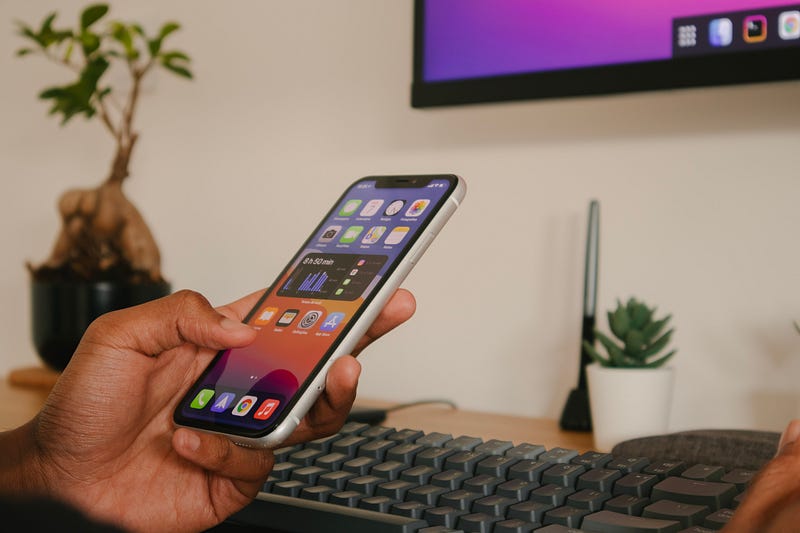
In my recent story about my first month on Medium, I mentioned that I use an app called Drafts to compose the initial… Draft.
This allows me to concentrate, be distraction-free, as well as have a backup of the story, should anything happen.
Why Use Drafts
Using the Medium interface is pretty clear, when in the editor. Then there are apps like Word or Google Docs.
Ulysses is the writing app of choice for many and costs approximately £50. Personally, I think this is quite expensive!
However, I’ve been using Drafts, on my iPhone and MacBook, for a number of years.
It’s less than half the price of Ulysses and gives me just what I need.
It is pure distraction-free. I can hide all the menus and sidebars, and just look at what I’m writing.
At its heart, it’s a markdown editor but is powered by steroid-like ‘actions’ which enable much more to happen.
When I’m ready, I push the draft document into Medium automatically, where it creates a draft version. I can then work on this, add images, tidy up the formatting and be ready to publish.
To further enhance the ‘no distraction’ policy, I have also set the ‘Focus’ mode on my MacBook, so that when Drafts is open all notifications are paused. This helps me to concentrate on my writing without being disturbed.
More about Drafts
The Drafts app is only available on iOS (via iPhone and iPad) and Mac. It’s a shame it’s not everywhere, because, when you get under the bonnet (hood) and take a look, this is a very clever piece of software.
Imagine you need to take some notes. They’re not tasks, and they’re not something you’re going to do anything with immediately. What do you do? Fire up Todoist? Open Evernote? Get a notepad?
Drafts is an app that lets you type what you want, and just holds on to it until you decide what you want to do with it. (Of course, you don’t need to do anything more).
You can dictate, almost perfectly, without a time restriction.
Compose a tweet or message, create a file and add to Dropbox (or somewhere else), add an item to your reminders.
There is some much you can do. The number of integrations is simply staggering. There is a directory of ‘Actions’ for ready-to-use actions for 3rd party apps.
The organisation within Drafts means you can create workspaces, add tags, flag them and archive them.
Recently introduced, Drafts also has the ability to transcribe audio files, and make PDFs editable, once imported. I’ve tried both, and it’s very impressive.
If you’re looking for somewhere to write your stories without distraction, then give Drafts as whirl…
This is not a sponsored post and I’m not an affiliate. I just wanted to share what I think is a great app.
Thank You
👉🏻 If you enjoyed this post, please hit those clapping hands many times 👏🏻
👉🏻 Click here to join my mailing list
👉🏻 Become a Medium member. It only costs $5 per month. By signing up with this link, you’ll support me directly with a portion of your fee, it won’t cost you a penny more.
👉🏻 If you fancy buying me a coffee, then that would also be very much appreciated.


