
Use This AI Tool to Get The Grey Scale Out Your Coloring Pages💫
Because nobody wants to color a grey page 🤷🏾
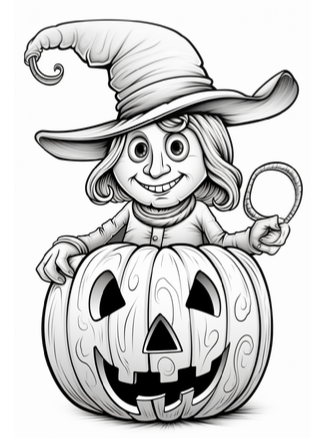
The biggest issue that I see when creating color pages in Midjourney is the grey scale. Sometimes it produces images that have them and sometimes it doesn’t.
Its pure chance.
At first, I was like…ughh…this isn’t gonna work. Who is going to buy a coloring book full of grayed out areas?
I surely wouldn’t.
But alas, Book Bolt comes to the rescue.
What is Book Bolt?
Book Bolt is a software that helps you create low and no content books for sale on platforms like Amazon KDP. I use it faithfully and am able to create these types of books in 10 minutes flat.
I also use Book Bolt for keyword research. This is an important step if you are considering selling books on Amazon KDP.
Never upload books because you like it. Its best to do some keyword research to see what’s in demand and what the people are asking for.
I made this mistake in the beginning, but quickly pivoted.
Always publish to market.
The Process
When you are inside the Book Bolt Studio, simply create a new project and upload your image.
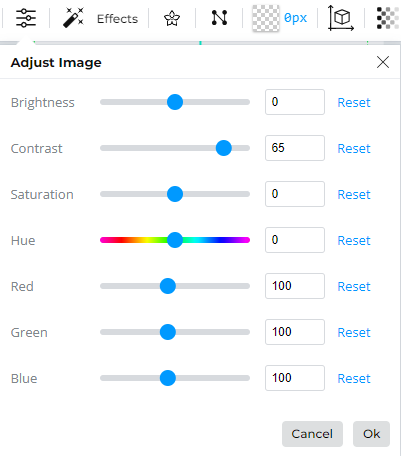
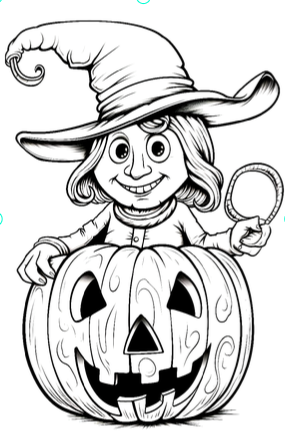
Once uploaded, press the adjust image icon and change the contrast of the image. I changed to 65 for this image, but this will vary with each image.

This is the outcome.
Looked a little blurry to me, so I upscaled the image on bigjpg.com
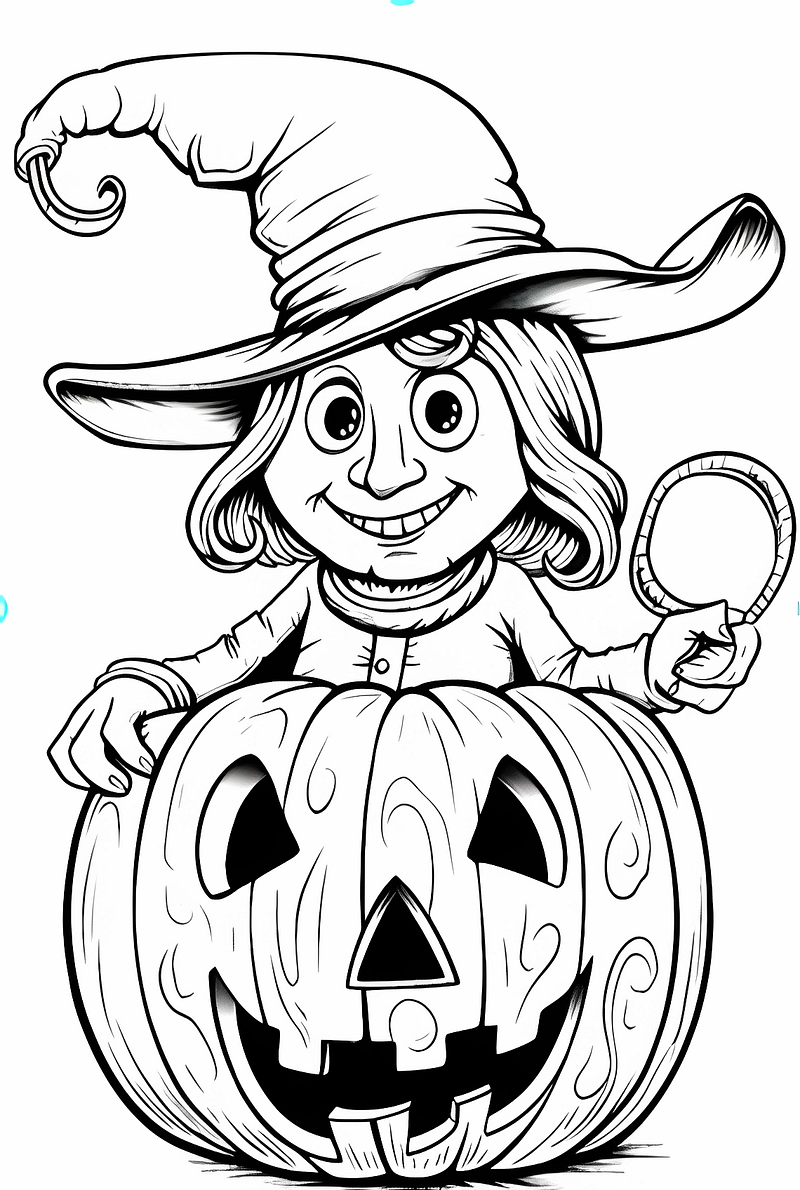
This looks a lot better than the image that was filled with grey scale.
Short. Sweet. Simple.
Sign up for Book Bolt today and get started on your journey to making some online coins.💰😊
If you enjoy reading my articles, please consider buying me a coffee. ☕ I’d greatly appreciate it. Or, you can do the below:

Please note that some of the links above are affiliate links, and at no additional cost to you, I will earn a commission if you decide to make a purchase.
Visit my site @ grndly.com for additional side hustles that you can do from the comfort of your couch. Sign up for my newsletter while you are there. :)