avatarJulian Cosky

Summary

The article emphasizes the importance of using two-factor authentication (2FA) as a critical step in enhancing online security, beyond just creating strong and unique passwords.

Abstract

The article discusses the critical importance of online security, comparing the treatment of digital passwords to the care taken with physical keys. It highlights the necessity of creating strong and unique passwords and the use of a password manager to maintain them effectively. The author advocates for the adoption of two-factor authentication (2FA), also known as MFA, as an additional security layer. This method requires a second form of identification, such as a text message or a code from an authentication app, which significantly increases account security. The author encourages readers to enable 2FA on their accounts immediately, suggesting it as a simple yet powerful action to prevent unauthorized access and potential hacking.

Opinions

  • The author is a strong proponent of treating online security with the same seriousness as physical security for items like house or car keys.
  • There is a clear call to action for readers to implement two-factor authentication as a means to secure their online accounts further.
  • The author believes that password managers are crucial for managing strong and unique passwords effectively.
  • The article conveys that the inconvenience of setting up 2FA is minimal compared to the significant security benefits it provides.
  • The author suggests that readers should act immediately to set up 2FA, indicating a sense of urgency regarding online security.
  • The author promotes the use of specific authentication apps like Google Authenticator, Authy, and LastPass Authenticator for generating the required codes.
  • There is an underlying assumption that readers may be currently neglecting their online security, which needs to be addressed promptly.

This Single Action Could Save Your Life

It’s a case of the more the merrier
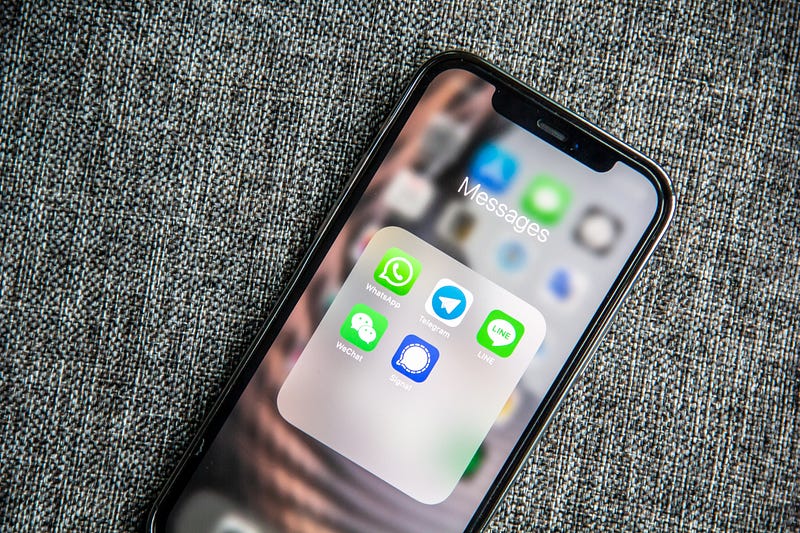
Photo by Adem AY on Unsplash

It amazes me how cavalier some people are about their online life!

I am a HUGE advocate of treating online security with the same attitude that you take with your house keys or your car keys.

You wouldn’t leave them lying around, so why do you treat your passwords with such disregard?

I’ve written before about creating strong and unique passwords.

The longer a password is, the more difficult it will be to crack.

Using a password manager is crucial to help you do this effectively.

However, there is an additional step you can take to make your online accounts even more secure.

Two-factor Authentication

Also known as 2FA or MFA

Once this is set up, when you log into your accounts online you’ll be asked to enter another piece of identification, generated on a device you physically have with you.

It could be a text message that’s been sent to your number, or it could be a number that is generated by an app.

There are different apps, such as Google Authenticator, Authy and LastPass Authenticator, that generate random codes that you need to enter.

Without this code, you (or some nefarious hacker!) cannot access your account. Regardless of having your username and password, your account is safe.

It’s becoming more common, so check your favourite websites and where available, set it up in the account settings. It takes a couple of minutes, but it could make the difference between safety and having your account hacked!

Here’s your challenge. If you don’t already have two-factor authentication set up, do it right now, on at least one account.

Thank you for reading

👉🏻 Click here if you’d like to receive my articles directly into your inbox

👉🏻 Sign up with this link for access to everything on Medium, and you’ll support me directly with a portion of your fee, it won’t cost you a penny more.

👉🏻 If you’d prefer, please buy me a coffee to show your appreciation. 20% of payments received will be donated to Cancer Research UK.

Online Security
Cybersecurity
Productivity
Two Factor Authentication
Technology
Recommended from ReadMedium