
These Figma plugins will make you 10x faster // vol 1
Styler
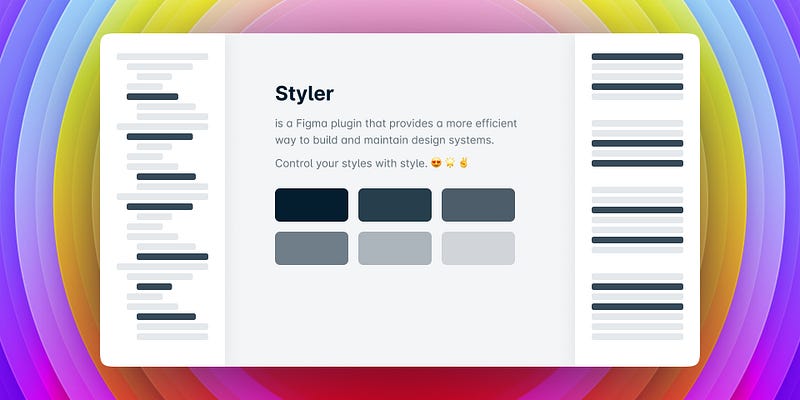
With Styler, managing multiple styles at once is made easy by modifying layer properties. You can create, rename, remove, or update styles, and even extract them from one file to another. The plugin allows you to generate styles from chosen layers, or you can detach already existing styles.
https://www.figma.com/community/plugin/820660579767995949/Styler
Batch Styler
Batch Styler is a powerful Figma plugin that allows you to change multiple text and color styles simultaneously.
With just a few clicks, you can modify the values of multiple styles at once, instead of going through the process of changing each style individually. Whether you need to change 2 or 30 text styles, Batch Styler can help you easily switch from one font family to another, while keeping all font weights and other style attributes intact.
Say goodbye to the tedious task of changing styles one by one, and hello to more efficient design workflows with Batch Styler.
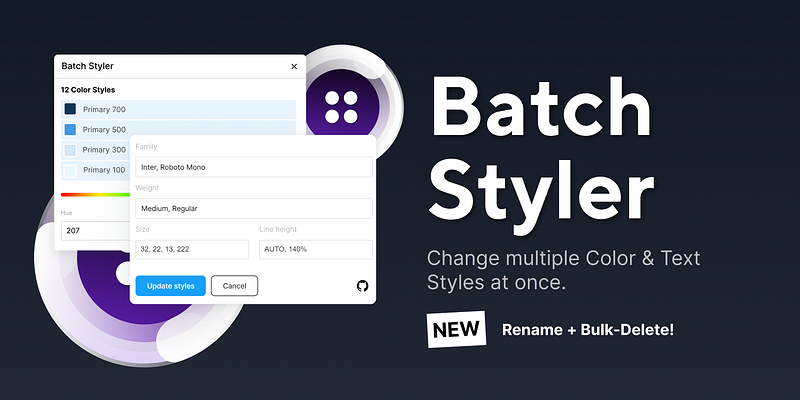
Batch Styler also makes it easy to update all color styles based on the same hue value. Simply make the change to one color style, and Batch Styler will automatically update all other color styles that are based on the same hue value. This saves you time and ensures consistency in your design.
Features:
- Batch change color styles including hue, saturation, lightness, alpha, and hex values
- Batch changes typography styles such as font family, font weight, line height, and letter spacing
- Batch deletes multiple styles at once
- Batch renames styles with ease
- Edit descriptions of styles in bulk
https://www.figma.com/community/plugin/818203235789864127/Batch-Styler
Autoflow
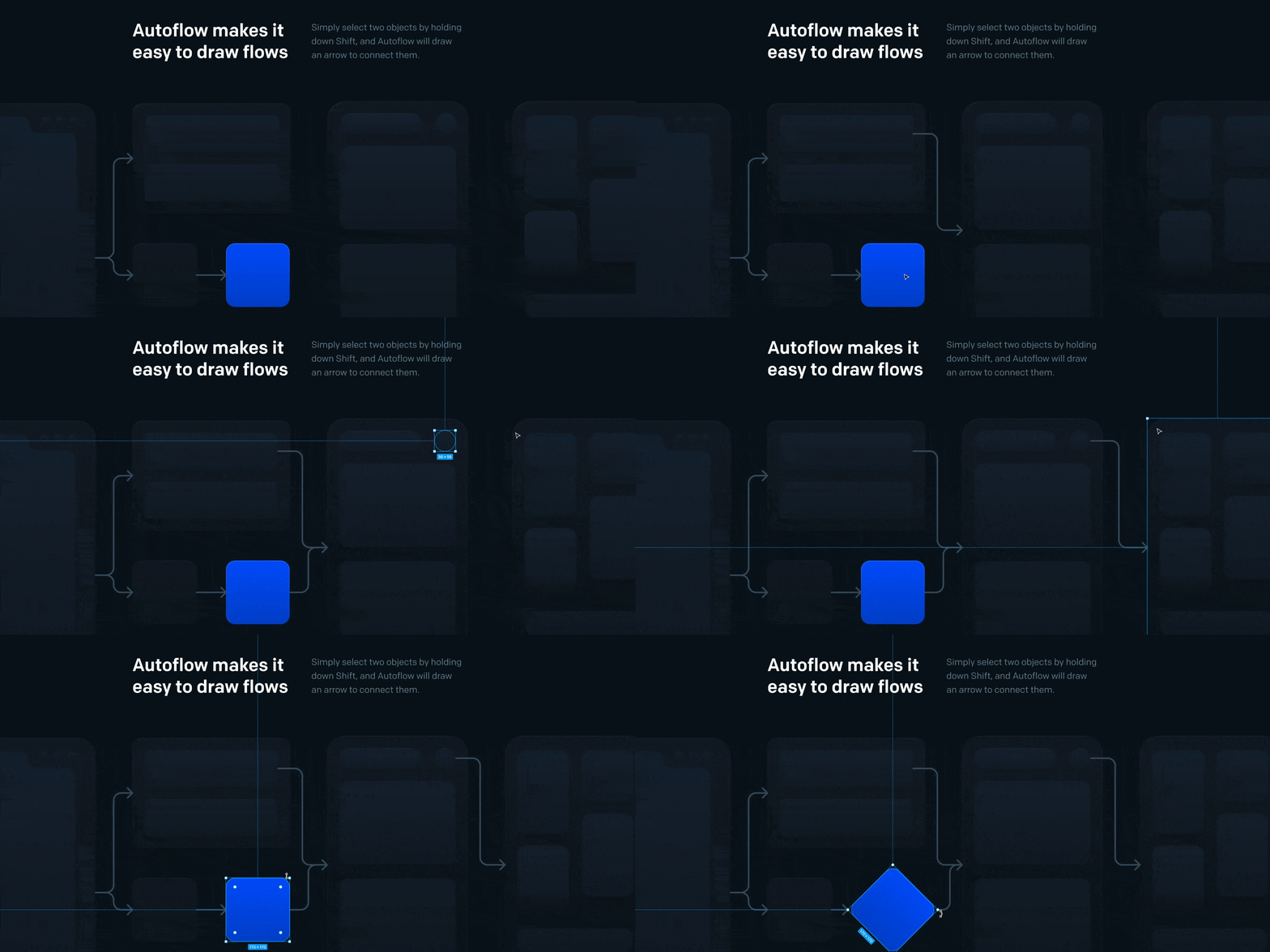
Autoflow is a Figma plugin that automates the process of drawing flows between objects. You can easily connect any two objects by selecting them and clicking on the Autoflow plugin. It saves time and effort by automatically creating a line between the selected objects.
- Firstly, run Autoflow
- Then select any two shapes while holding down the SHIFT button. Autoflow will draw lines between each selection, creating a flow.
- Keep selecting until you’re all wired up!
https://www.figma.com/community/plugin/733902567457592893/Autoflow
Vector Logos
With this plugin, you can quickly find and insert SVG versions of logos and brands without leaving the Figma interface. The plugin offers a simple and user-friendly interface that saves you time and effort while enhancing your design process.
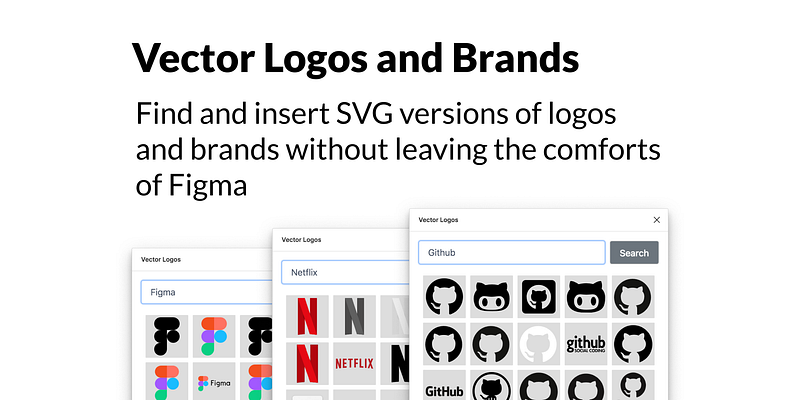
Here's how you can use the Vector Logos plugin in Figma:
- Open the Vector Logos plugin.
- Use the search bar to find the logo or brand you're looking for.
- Browse through the results and select the one you'd like to insert.
- The logo will be added to your Figma project, ready for use in your designs.
https://www.figma.com/community/plugin/854152902511629627/Vector-Logos
Charts
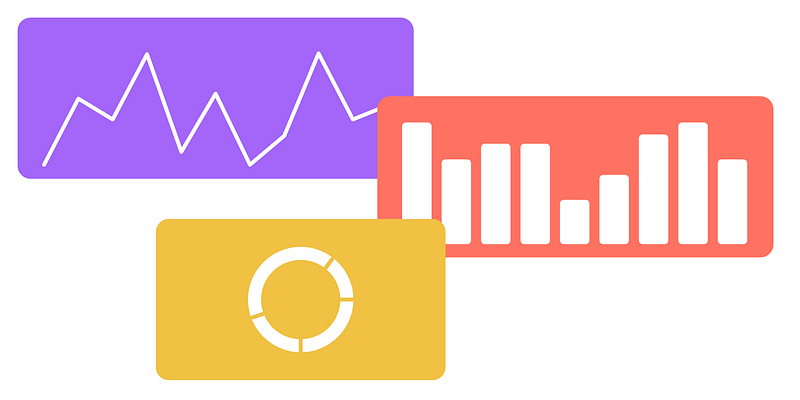
Here’s how you can use the Charts plugin in Figma:
- Open the Charts plugin
- Choose the chart type you want to use (Line, Area, Pie, Doughnut, Scatter, or Bar)
- Configure the chart settings such as the number of data points, minimum and maximum values, labels, and colors
- Click on “Create Chart” and the chart will be added to your Figma document
- Edit the chart by selecting it and adjusting the settings in the plugin panel. The changes will be reflected in real-time on the chart.
If you have a frame selected when you create the chart, it will be placed within the frame. Otherwise, it will be placed at the coordinates 0x0, and the viewport will move to that position.
https://www.figma.com/community/plugin/731451122947612104/Charts
Pexels
Integrate free, high-quality images from Pexels directly into your designs with ease. Pexels is a community-driven platform that offers a vast collection of stock photos and videos, featuring content from a diverse group of over 100,000 photographers worldwide.
Images are free for both personal and commercial use.

https://www.figma.com/community/plugin/829802086526281657/Pexels
Remove BG
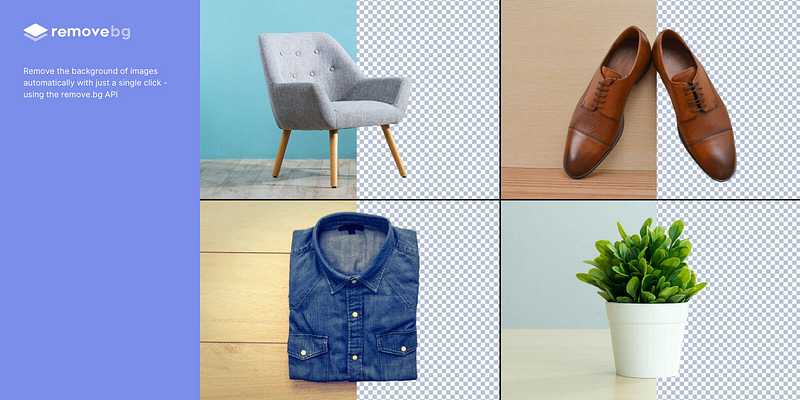
The remove.bg plugin allows you to remove the background of images automatically with just a single click. This plugin uses the remove.bg API to achieve this feature.
Note: You will need a remove.bg account for this plugin.
https://www.figma.com/community/plugin/738992712906748191/Remove-BG
Isometric
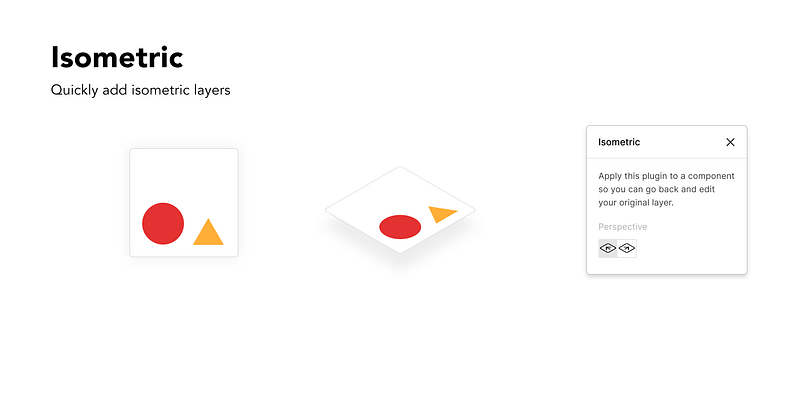
Isometric is a Figma plugin that simplifies the process of creating isometric layers, without the need for manual setup.
- All you need to do is choose your layer
- Right-click and select “Isometric”,
- Then choose your preferred perspective.
This project is open-source and licensed under MIT.
https://www.figma.com/community/plugin/741184519069077841/Isometric
Lorem Ipsum
With our Lorem Ipsum generator plugin, you can quickly fill your text layers with dummy text. Simply select all the text layers that you want to generate Lorem Ipsum for and click “Generate”. The plugin will generate unique text for each layer.
Auto-generate
The “Auto-generate” feature automatically fills your selected text layers with Lorem Ipsum that perfectly fits their existing frames.
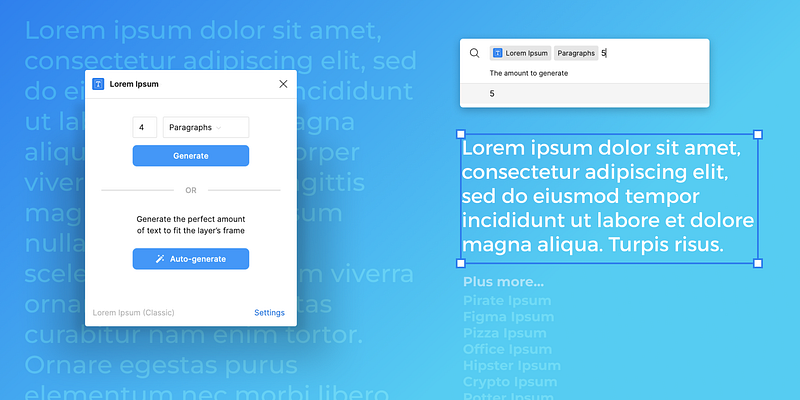
Quick actions
With support for Figma’s Quick Actions, generating text using the Lorem Ipsum plugin is even more convenient. By using the keyboard shortcut (cmnd + / (on Mac), or ctrl + / (on Windows), you can bring up the actions bar, type “Lorem Ipsum,” and press tab to progress to select the type and count of text you want to generate. This saves you time by allowing you to generate text without opening the plugin window.
Wireframe
The Wireframe plugin is a popular and free library available for anyone to use. With this plugin, you can easily create beautiful wireframes, user flows, prototypes, and basic structures directly in Figma without the need for additional kits, files, or skills. All wireframes are provided under a creative commons license, and since they are SVG files, they can be easily edited to suit your needs. Simply drag and drop the wireframes into your Figma project and start designing. With this plugin, you can easily manage all your wireframing and prototyping activities to create professional and visually appealing designs.
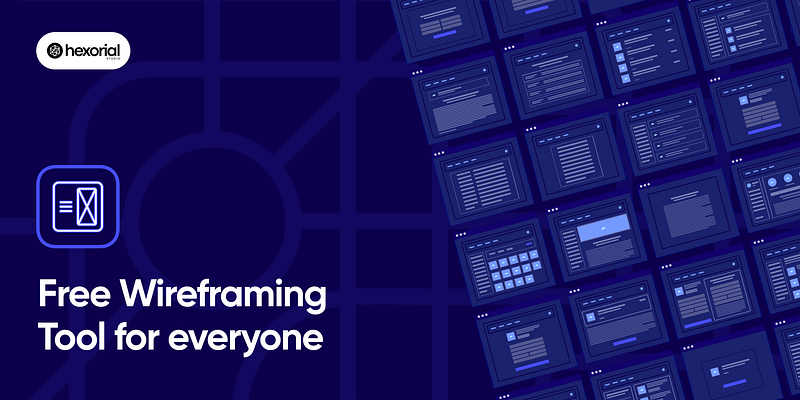
The “Wireframe Plugin” offers several benefits for you and your team, including:
1. Project Ideation and Collaboration: With collaboration in mind, Wireframe allows you to invite your co-workers on Figma and work together in real-time to design the user flow for your next project.
2. Custom Graphics for User Flows and Wireframes: Wireframe includes over 350 custom-built graphics and cards, covering most web and mobile elements, interactions, and usage cases.
3. No Additional Skills or Resources Required: Wireframe is easy to use and doesn’t require you to upload or use any additional resources on Figma, saving you time and effort.
Wrap up
Do you find this article helpful? Then clap me to motivate writing such another blog 😇
Let’s be friends! You can connect with me on Linkedin and follow me on Instagram, and don’t forget my Medium and check my design content on UI8.net 😜
Click to see Vol 2:
Don’t miss these blogs:


