
The Power and Convenience of useAsync
An introduction to react-async, a utility belt for declarative promise resolution and data fetching

How do you make async calls in React? Do you use axios, fetch, or even GraphQL?
In that case, you should be familiar with getting data for a successful call, and receiving an error for a failed call. Likely, you also need to track the loading status to show pending state.
Have you considered wrapping them with a custom Hook?
All of these have been accomplished by react-async (react-async), a utility belt for declarative promise resolution and data fetching. We are going to show you how easy it is to use this powerful react-async.
Demo With Create React App
As always, magic starts with Create React App. Install react-async with the command npm i react-async. Then modify src/App.js as follows:
Lines 6 to 10 are a fetch function. It is called by useAsync on lines 13 to 16.
This useAsync is destructured with three items: data, error, and isPending. These items are used by lines 21 to 25 to display a proper UI.
Based on whether this call is in a pending state, this call results in an error or this call returns data. It is simple, without the need to wrap the side-effect by useEffect.
Run npm start, you will see the following UI:

This is the result of line 23, since the fetch forhttp://localhost:4000/asset-manifest.json failed.
You can try any URL with data, or follow these steps to launch an application on localhost:4000:
git clone --single-branch --branch chunkOptimization https://github.com/JenniferFuBook/micro-frontend.git
npm i
npm start
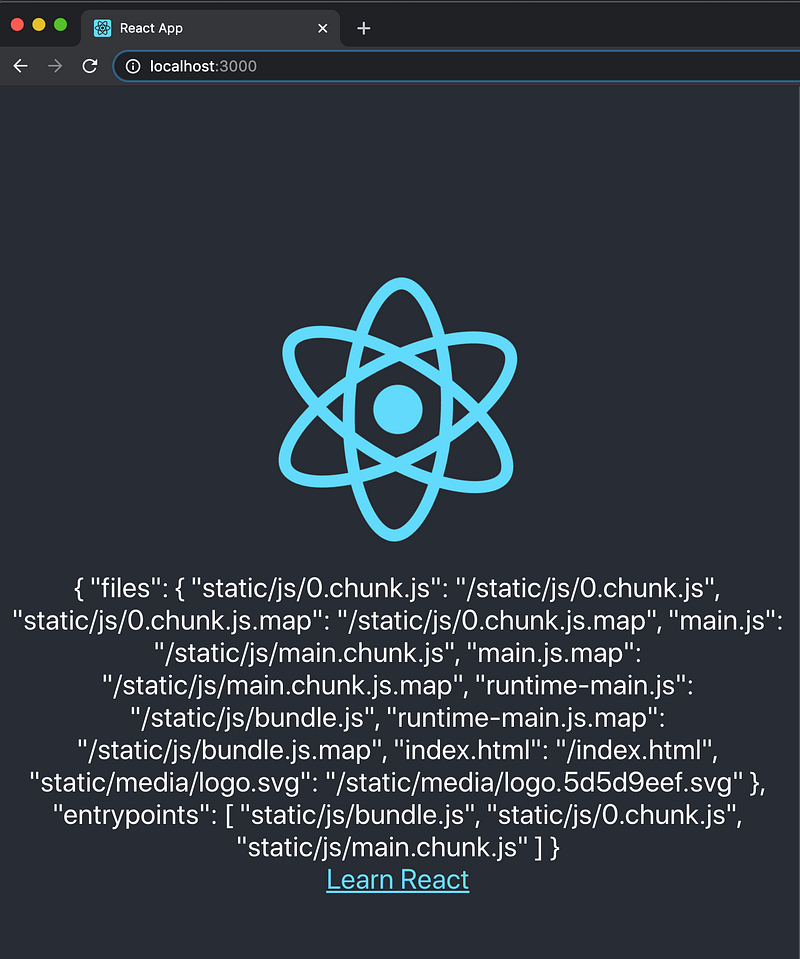
Now, you will see this result of line 24:
How about the pending state on line 22?
It is a little tricky. Since it is a transit state, you may see it or you may not.
Set your network to Slow 3G:
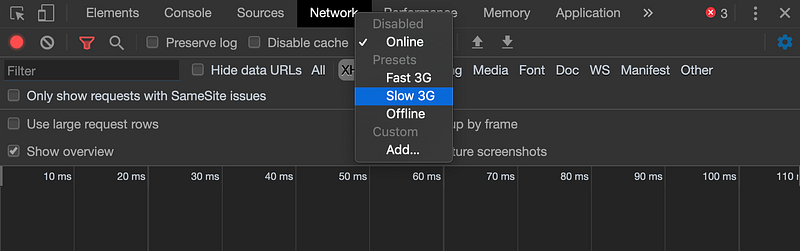
Now you are guaranteed to see it. Of course, the spinning logo is loaded slowly too.

useAsync Hook
Let’s learn about useAsync: It is a Hook, which can be used by fetch, axios, or other data fetching libraries. It takes options and returns a state.
const state = useAsync(options)options are defined in the docs. We used two of them:
promiseFn: Function that returns a Promise, automatically invoked.onResolve: Callback invoked when the Promise resolves.
state properties are defined in the docs. Line 14 destructured three of them:
data: Last resolved Promise value, maintained when a new error arrives.error: Rejected Promise reason, cleared when new data arrives.isPending/isLoading: True when a promise is currently awaiting settlement.
We put a console.log statement on line 15. It displays ‘Resolved’ when the promise is fulfilled.
Abort the useAsync Call
useAsync is abortable. In addition to onResolve, there is an option of onCancel:
onCancel: Callback invoked when a Promise is canceled.
There is also a cancel function as one of the state props:
cancel: Cancels the currently pending promise by ignoring its result and callsabort()on theAbortController.
AbortController is a JavaScript object that allows you to abort one or more web requests as and when desired.
In the above code, lines 18 to 20 cancel the fetch call. Therefore, line 16 prints out ‘Canceled’.
This is useAsync’s built-in way to abort a Promise. The abort can also be implemented by the following promise function: fetchManifest.
The second parameter on line 6 is an instance of AbortController. abortController.signal is passed as a signal into the fetch call.
We have two console.log calls. In line 7, the promise is not aborted. In line 11, the promise is aborted by the call on line 10. Interestingly, this way of abort will not trigger onCancel on line 20 to print out ‘Canceled’.
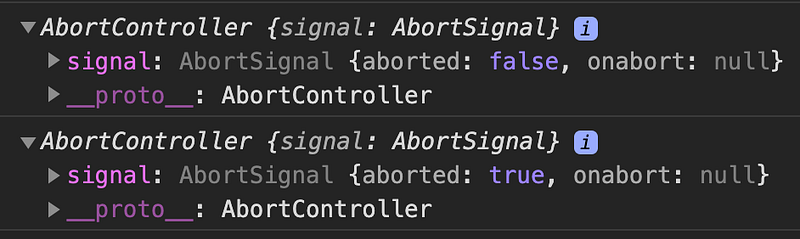
We added a debugger statement on line 9. Without the pause, both AbortControllers show abort as true, since the transition from false to true is too fast for console.log to catch.
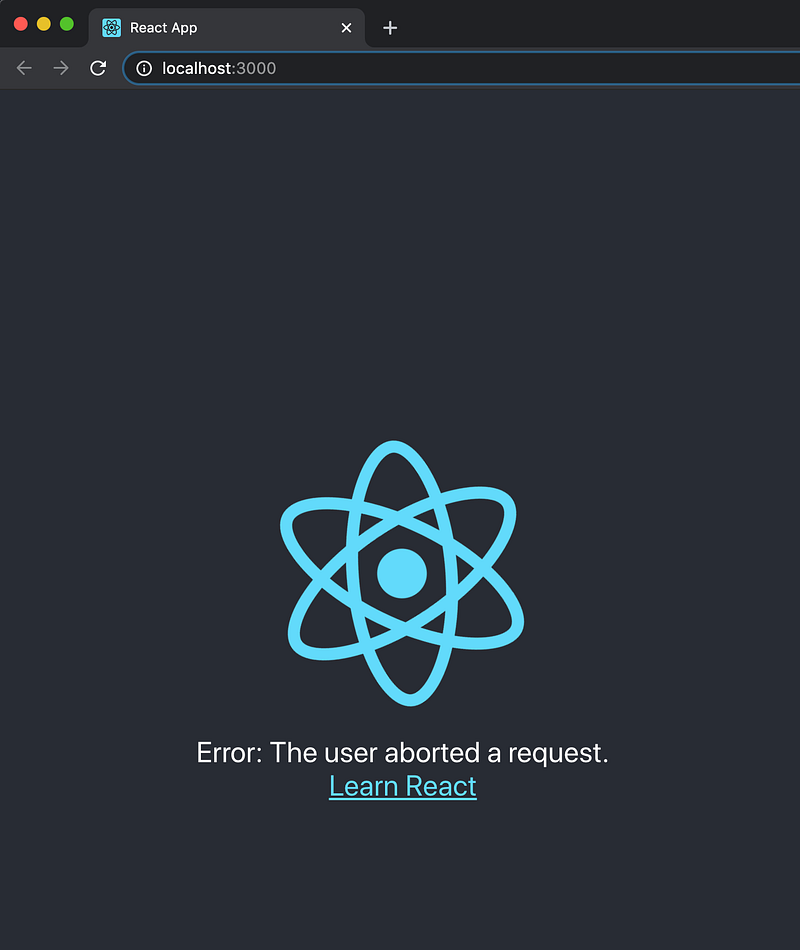
The following screenshot shows the abort error in line 29.
More often, we will see the promise function is written as follows:
There is no need to explicitly call abort. When the promise function is invoked again, or when we leave a page, the existing promise will be automatically aborted.
useFetch Hook
If you use fetch to get data, the useFetch Hook can save a few lines of code.
Lines 7 to 10 call useFecth, and the state is destructured with three items: data, error, and isPending.
These items are used by lines 15 to 19 to display a proper UI. Based on whether this call is in a pending state, this call results in an error, or this call returns data.
IfPending, IfRejected, and IfFulfilled
React-async provides several helper components that make JSX more declarative and less cluttered.
IfPending: Renders only while the Promise is pending.IfRejected: Renders only when the Promise is rejected.IfFulfilled: Renders only when the Promise is fulfilled.
The following is an example with these component helpers:
Look at lines 20 to 28, does it look cleaner to you?
Async Component
The <Async> component and its state helpers can accomplish the same thing.
Async.Pending: Renders only while the Promise is pending.Async.Rejected: Renders only when the Promise is rejected.Async.Fulfilled: Renders only when the Promise is fulfilled.
Look at lines 17 to 25. Do you prefer the <Async> component? It is totally up to you.
Conclusion
React-async works well even in larger applications with multiple or nested data dependencies. It encourages loading data on-demand and in parallel at the component level instead of in bulk at the route or page level.
Since it is entirely decoupled from routes, it works well in complex applications that have a dynamic routing model or do not use routes at all.
Thanks for reading. I hope this was helpful. You can see my other Medium publications here.


