
Tame Your Inbox and Improve Your Efficiency
Clear email clutter and manage incoming email
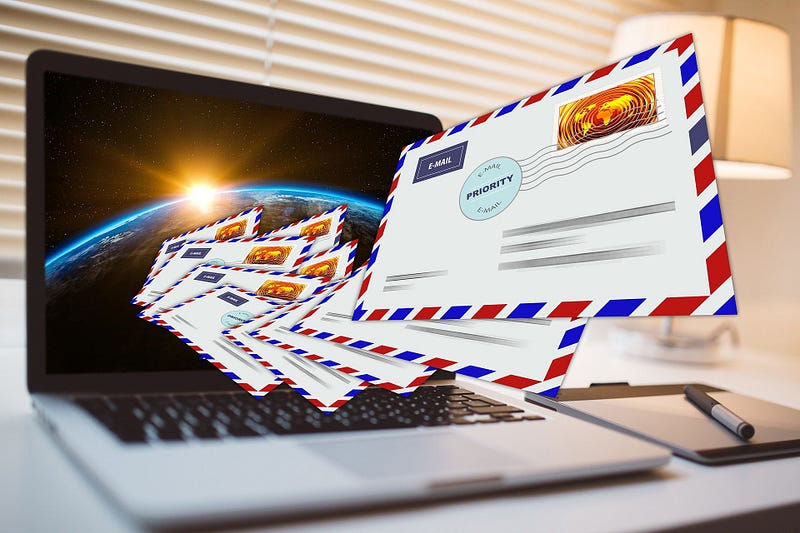
Is your inbox cluttered with emails you previously have read and taken care of but are still there like partygoers who refuse to leave? If so, you’re not alone. A colleague shamefacedly disclosed that she had more than 10,000 completed emails in her inbox. I was surprised she hadn’t been blocked from receiving more.
Every time we have to pick through completed emails to find the ones we need to work on, our self-esteem suffers because all those completed emails represent an inability to get and stay organized. Facing a mess every time we open our inbox can make us feel irritable and tired before we even begin the day. But lost self-esteem isn’t the only loss: we lose efficiency, which comes from our ability to perform tasks by minimizing effort and maximizing results.
Clear clutter and control incoming
Taking control of our inbox requires a strategy for clearing email clutter and managing incoming email going forward. Some people adhere to an Inbox Zero system where they aim for zero email. If that seems too daunting, here’s a simpler strategy.
Email clutter comes from completed emails that remain in our inbox. Stop thinking about the inbox as a holding pen for emails that we’re not responding to right now or that require follow-up. Instead, think about the inbox as a filing cabinet for email. Just like a real filing cabinet contains folders for paper documents, the inbox filing cabinet contains folders for both completed email and those awaiting completion.
- Set up a system of folders that makes sense for you.
- Create a folder labeled “Pre-[today’s date].”
- Move every completed email from your inbox into this folder. This eliminates the clutter and the emails can be organized into other folders later. For now, just move completed emails here, so they are out of the inbox proper.
- Now tackle remaining email that remain in the inbox and all incoming email.
- Open each email and do the following, based on David Allen’s Getting Things Done:
- Do it. Take whatever action is needed to complete the email, then file it in a properly labeled folder or dump it in the trash.
- Delegate it. If someone else needs to handle it, pass it on to them.
- Diary it: If the email requires follow-up.
This system clears existing clutter and helps us manage incoming email to avoid future clutter.
Diary for follow-up.
A diary helps us find an email in the future while getting it out of the inbox. We may need to follow up when an email is delegated for completion, we need more information before deciding or acting, we need time to think about it before replying.
Start by setting up follow-up system. Any system works as long as the email can be readily found when needed. I use four folders, each labeled for one week of the month. I open and handle emails in the Week One on Monday of the first week of the month; Week Two is the second week of the month and so on. In this way, I can find and track incomplete emails until they are done. Once I decide I need to follow up, the email goes in the appropriate folder based on when I want to handle it. After the email is completed, it needs to be filed or trashed.
Email can quickly get out of control and erode our efficiency. While Inbox Zero may be beyond our reach, most of us can install a process that helps streamline the flow of email into and out of our inbox. By doing so, we increase our ability to be efficient, productive, and effective and boost our self-esteem. As an added bonus, we improve other’s perception of us as professionals who are on top of things.