
Supabase for Advanced Full-Text Search
Searching within your database is a handy feature for your users. However, there are many different ways to do this. Supabase has multiple different functions implemented that can be used for it all based on SQL and PostgreSQL functionality. We will explore eq, like, ilike, textSearch, and how to index for textSearch.
The examples given below are all run on the same database of coffees and teas. We are looking for all the drinks with rooibos in the name; rooibos is a kind of herb tea from South Africa.
By using EXPLAIN I get a cost for the queries to compare against each other. This is done on the SQL equivalent of the Supabase functions. The cost will be in the form of 1..10 meaning it is between 1 and 10. The numbers are an abstraction. Lower numbers are better, numbers close to each other mean there is not a lot of variance. In general, I take the highest number to compare different queries.
Prerequisite knowledge
I assume you have the following knowledge:
- Set up a basic Supabase project (Article)
- You can use select, from, and order on a Supabase object (Article)
- (optional) Advanced full-text search in SQL and PostgreSQL (Article)
This blog is part of caffeinecritics.com the code can be found on GitHub.

Preparation
To make the comparison more realistic an index is put on the column name. This is done with the following SQL query.
CREATE INDEX if not EXISTS idx_drink_name
ON public.drinks
USING btree (name)
TABLESPACE pg_default;
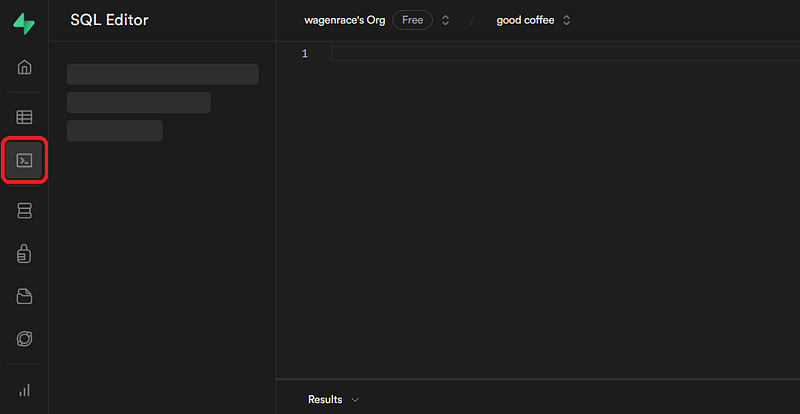
You can execute SQL queries in SQL Editor within your Supabase dashboard.
eq
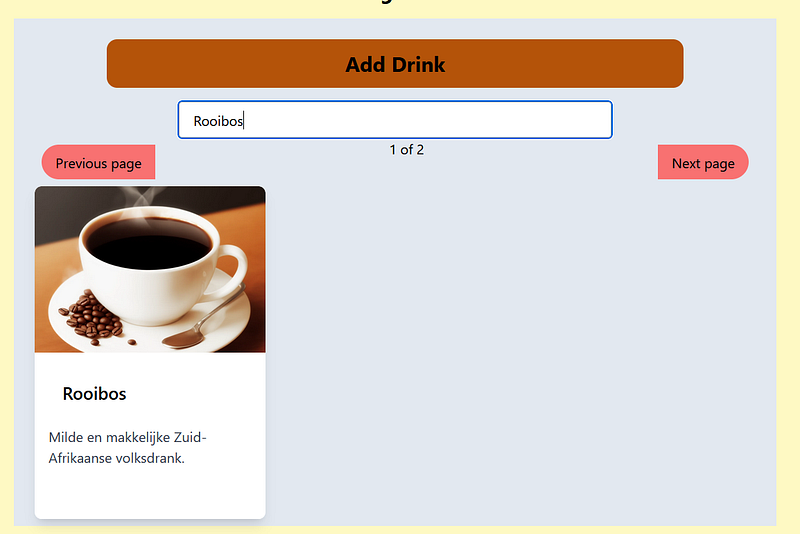
The most basic search is comparing. You use eq to compare a column against a value. This has the lowest cost of all methods, but it is also very sensitive to errors. A wrong capital, only part of a word, or only one word, and it does not work. For this reason, it is often used for IDs and other cases where you know exactly what you are looking for.
supabase
  .from('drinks')
  .select('id, name, image_url, description')
  .eq('name',"Rooibos")
  .then((res) => {
    const data = res.data
    // Do stuff
})
cost=0.27..2.49
LIKE and ILIKE
The like operator is used for pattern matching in place of the eq. It is used to search for a specified pattern in a column. The % wildcard is often used within a like operation to represent any sequence of characters, and _ (underscore) represents a single character.
The ilike operator is similar to like. However, it disregards the case of the letters in the comparison. So like would say Rooibos and rooibos are different, but ilike would say they are the same.
There is no cost difference between like and ilike. However, the max cost is about 10 times higher as a naive comparison.
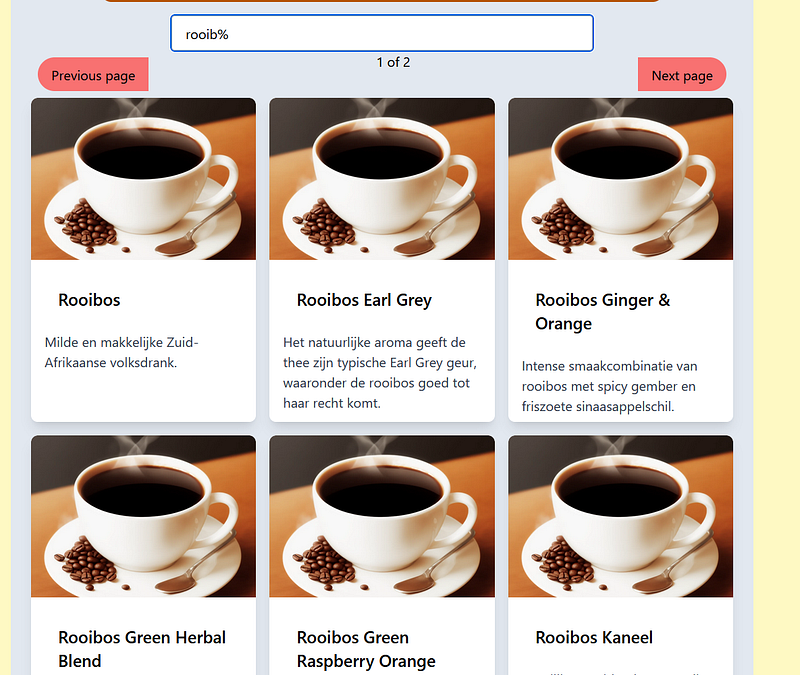
The query will return 17 results, from “Rooibos” to “Rooibos Green Raspberry Orange”
supabase
  .from('drinks')
  .select('id, name, image_url, description')
  .ilike('name', "Rooib%") // replace with .like if you want case sensitive search
  .then((res) => {
    const data = res.data
    // Do stuff
})
cost=0.00..24.36
Text search
Behind the textSearch is PostgreSQLs tsvector, a special data type used to represent text in a form optimized for full-text search. It’s part of PostgreSQL’s full-text search capabilities. A tsvector is a vector of lexemes, which are the basic units of text. It is a way to simplify language for search operations. This processing involves breaking down the document into words followed by:
- removing common words. These are words like the, for, in, is, be, being etc. These words are so common that it does not add value to know if they are there. If you search for “the best coffee” you do not care for every coffee with the word “the” in the name.
- Stemming is reducing a word to its most basic form. No plurals, and verbs only in the simplest form. So “cats” become “cat”, “loving” becomes “love” etc. This will help us if we search for “coffee loved by cats” you will find “a cat loves this coffee”.
Let’s look at this in action.
"This coffee is great for cats! Meow Coffees"will become
'cat':6 'coffe':2, 8 'great':4 'meow':7Coffe is a weird result, but this does not matter, because all coffee, coffe, coffees will all become coffe. For us, it is useful that a typo will still result in coffee results.
The number behind the word is the location where the word is found. In the case of coffee, the second and eighth words have the stem coffee.
Direct textSearch
We do not have to use tsvector directly, Supabase will do it for us when we use textSearch. Firstly we are going to transform our data on the fly. This means all the cost will be at the moment we search. This cost is very high, but we can bring that down later using an index. The below query will give us every name that has at least 1 word matching our text “rooibos”.
I would not recommend to match on the fly, in most cases like or ilike will be a cheaper alternative.
supabase
  .from('drinks')
  .select('id, name, image_url, description')
  .textSearch('name', "rooibos")
  .then((res) => {
    const data = res.data
    // Do stuff
})
cost=0.00..158.86
Using a wildcard
Let’s power this up a bit with wildcards. We do not need to complete the word “rooibos” but can use a wildcard with :*. Similar to % in like and ilike. Also here it does not have an impact on the cost.
Again matching on the fly is not really worth it, using like or ilike is generally better.
supabase
  .from('drinks')
  .select('id, name, image_url, description')
  .textSearch('name', "rooib:*")
  .then((res) => {
    const data = res.data
    // Do stuff
})
cost=0.00..158.86
Text search index
In order to index the vectors we are going to introduce a new column with the vectors. Every time we update a row or insert a new one, we will generate a (new) value for this column. This index makes inserting and updating more expensive. This time we will search over the name AND description combined.
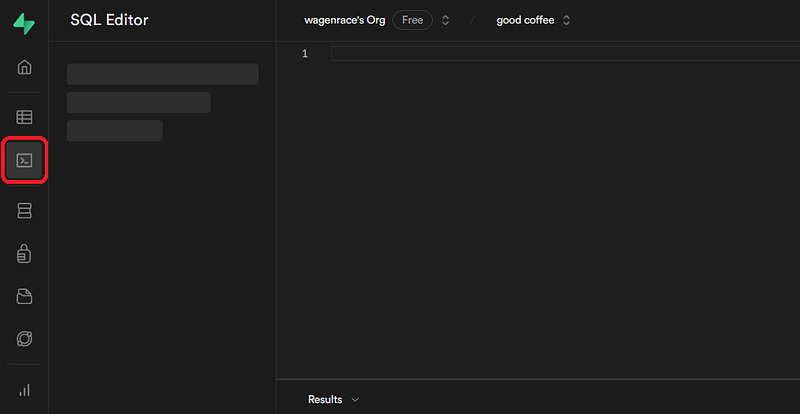
In order to do this we do need to use the SQL editor with the Supabase dashboard.
Step 0: Remove NULL
Make sure none of the values are NULL. Replace them with empty strings. The query below does this for all descriptions.
UPDATE drinks
SET description = COALESCE(description, '')
WHERE description IS NULL;
Also, make sure new entries of name or description are not nullable. Edit the table and click the gear behind the columns to uncheck is Nullable.
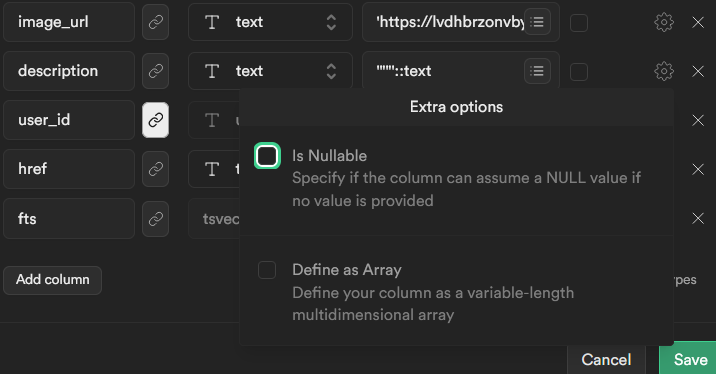
Screenshot showing the checkbox of “is nullable” being unchecked
Step 1: Create an index
Just run this query. Trust me!
ALTER TABLE drinks
ADD COLUMN fts tsvector
GENERATED ALWAYS
as (to_tsvector('english', description || ' ' || name)) STORED;
CREATE INDEX drink_fts
ON drinks
USING gin (fts);
Fine, let’s break it down so you do not just have to trust a random person on the internet.
ALTER TABLE drinks
ADD COLUMN fts tsvector
GENERATED ALWAYS
as (to_tsvector('english', description || ' ' || name)) STORED;
This command adds a new column called “fts” of type tsvector. The generated always makes sure that the values in the “fts” column are automatically generated when a row is updated or inserted.
The data in this column is generated using the to_tsvector function, which processes the concatenated values of the “description” and “name” columns. It will use the English dictionary to get the stem of the words. The stored keyword indicates that the generated values are stored physically on disk for efficient retrieval.
CREATE INDEX drink_fts
ON drinks
USING gin (fts);
This command creates an index named “drink_fts” on the “drinks” table. The index is a GIN (Generalized Inverted Index) index, and it is created on the “fts” column. GIN indexes are suitable for indexing complex data types like tsvector.
Step 2: New search query
So now we use the indexed column “fts” for searching. We do this by replacing the to_tsvector(name) with our new column. The cost is lower than even the LIKE and the ILIKE. If we add a wildcard the cost is going up but still lower than the LIKE and the ILIKE. Making our PostgreSQL perform better than native SQL for full-text searching.
supabase
  .from('drinks')
  .select('id, name, image_url, description')
  .textSearch('fts', "rooibos")
  .then((res) => {
    const data = res.data
    // Do stuff
})
cost=3.31..4.42
supabase
  .from('drinks')
  .select('id, name, image_url, description')
  .textSearch('fts', "rooib:*")
  .then((res) => {
    const data = res.data
    // Do stuff
})
cost=4.69..11.26
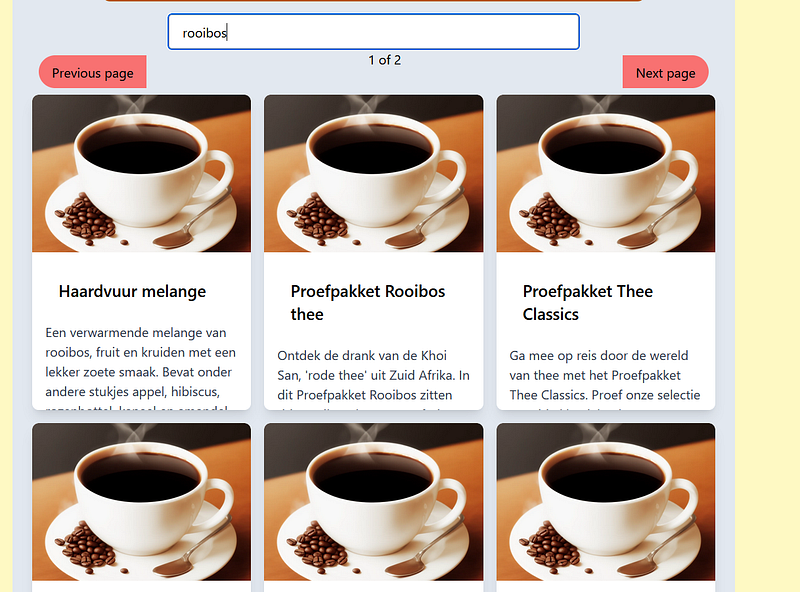
If I want to order the results I will still name and NOT fts. So that would be:
supabase
  .from('drinks')
  .select('id, name, image_url, description')
  .textSearch('fts', "rooib:*")
  .order('name', { ascending: true })
  .then((res) => {
    const data = res.data
    // Do stuff
})
Conclusion
In summary, Supabase offers powerful tools for advanced database searches. We explored methods like eq, like, ilike, and the robust textSearch. Each method serves different purposes, from basic comparisons to flexible pattern matching. The textSearch feature, backed by PostgreSQL’s tsvector, stands out for optimized full-text searches if we use the index.


