
Getting started with Supabase
While I like building web apps, I avoid backend requirements. It adds a level of complexity to the project that I want to avoid in my hobby projects. However, I came across Supabase, a back-end-as-a-service (BaaS). You can set up a database and interact with it without writing APIs. It used PostgreSQL to store the data. And while SQL knowledge comes in handy, it is not needed.
The goal is to set up a simple project that can fetch all records from the tabledrinks.
This blog is part of caffeinecritics.com the code can be found on GitHub.

Setting up
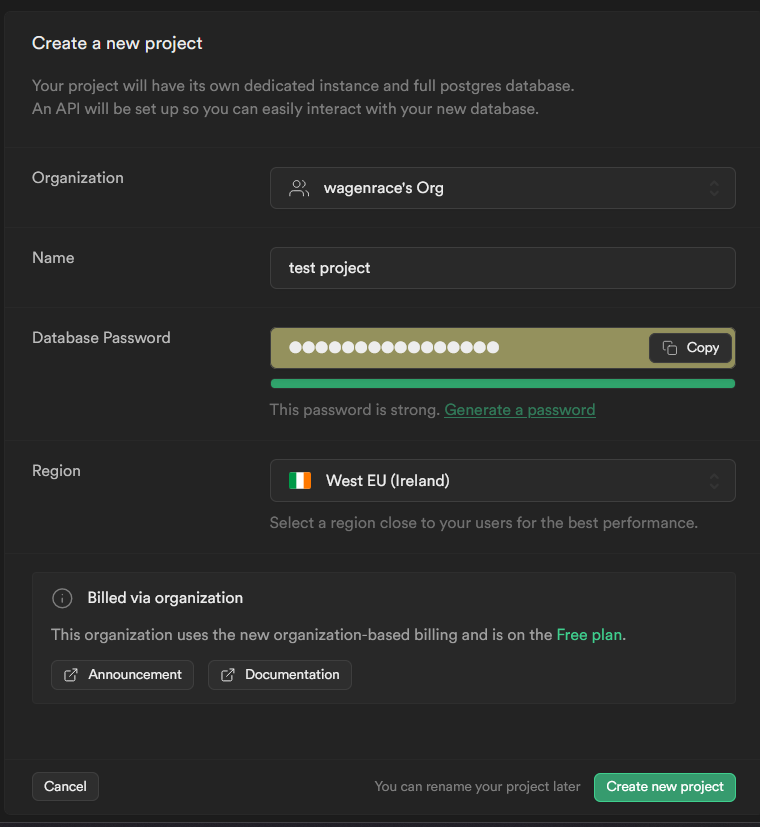
Go to Supabase and create an organization and project. I picked West EU (Ireland) given I am in the EU.
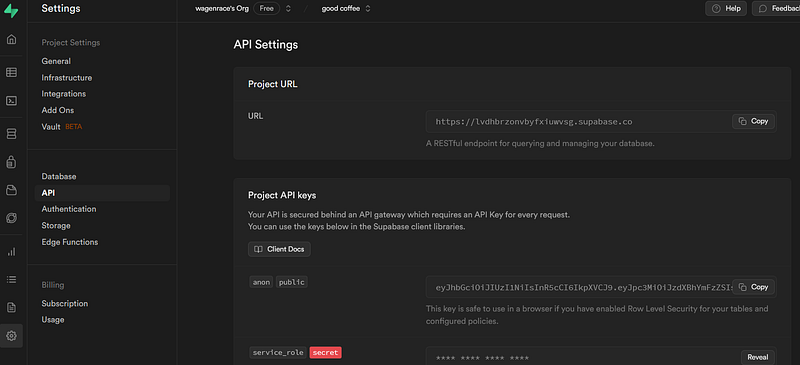
Once you create a project you need to store 2 variables, project url and anon public key. Both can be found under settings and then API. These need to be in your project in order to connect.
Given I use VITE I added them to the .env file as VITE_SUPABASE_URLand VITE_SUPABASE_ANON_KEY.
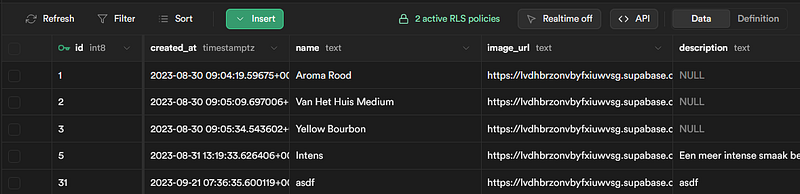
When we have created the project we are going to make 1 table for now, drinks. The column ID and created_at we get for free but we add 3 more columns to it, name, image_url, and description. All three are of type text.
You can manually fill this table with a few examples.
Within your JavaScript project you need to install the supabase client which can be done via `npm i @supabase/supabase-js` or `yarn add @supabase/supabase-js`.
Lastly we create a supabase object within our project with the following code. We will refer to this object whenever we need to interact with supabase. Note that I use VITE secrets via `import.meta.env`. If you are not using VITE you might need to access this in a different way.
Get all drinks
In order to get all from the table drinks we need to get our Supabase object and select from drinks with the code below.
- .from tells what table we want to connect to, in our case,
drinks - .select tells Supabase we want to select and what columns we want to select (leave empty for wildcard)
- .order will order our results by name. This ordering will be done in the database, which is very useful for the next step.
- .limit will limit us to the first 15 elements. Removing this will return all records of the table. Because we apply order and limit in the database we get the first 15 elements by name without having to download all the records. This is a great improvement.
- .then is needed because all of this returns a promise. So we chain `then` to it to finish.
When we combine it with some styling we get our overview page of our drinks.
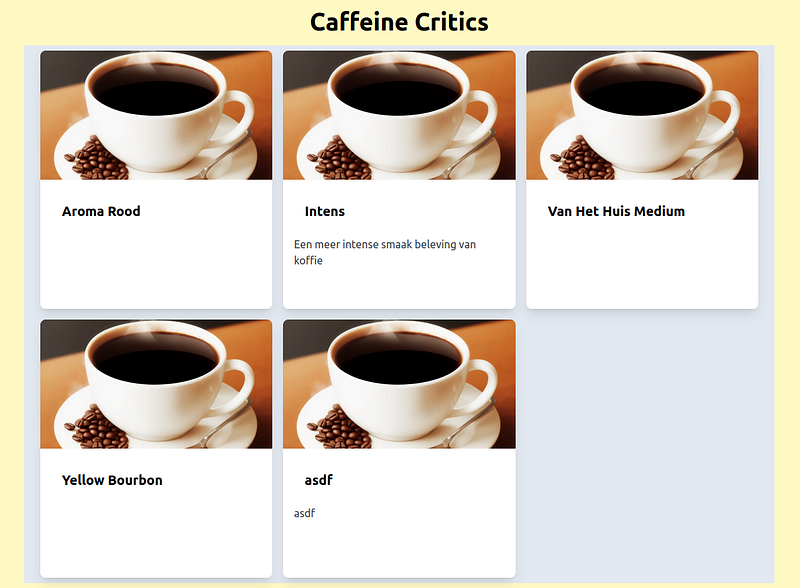
With that, we have set up a basic Supabase project.


