Free AI web copilot to create summaries, insights and extended knowledge, download it at here
1428
Abstract
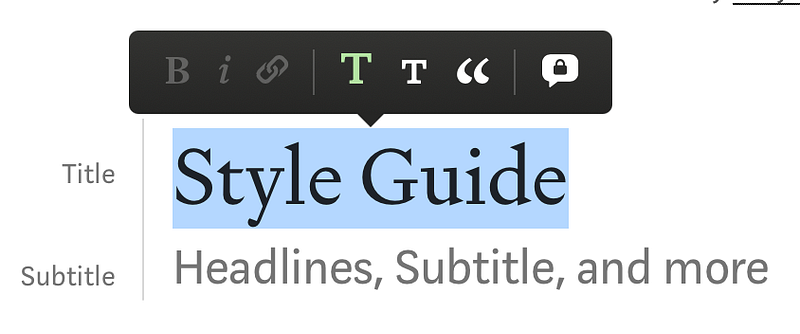
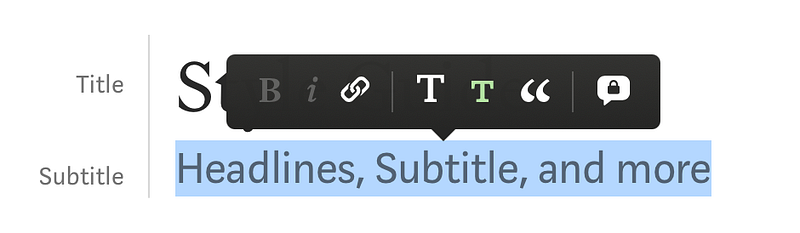
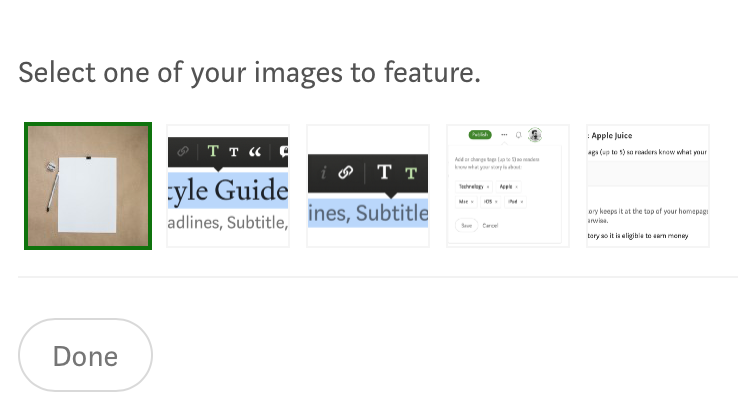
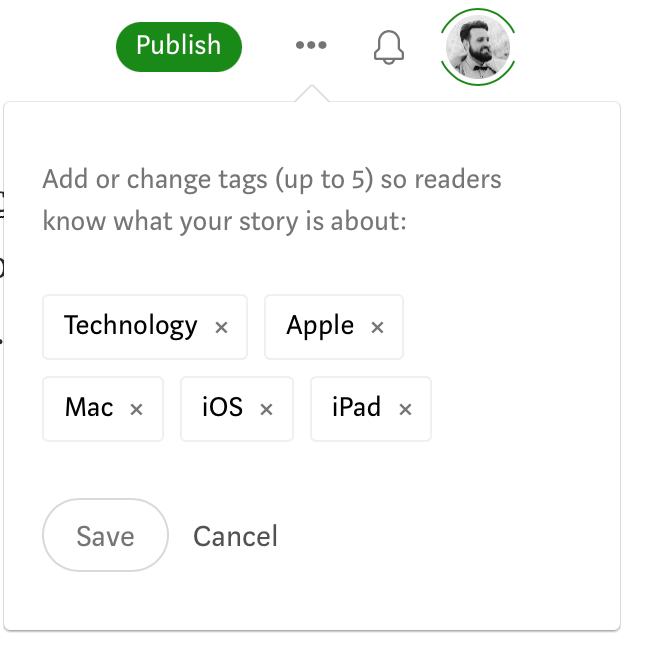
8">1. Headline</h1><p id="09a1">Write a great <i>headline</i>! Make it a large <b>T</b> in your Medium editor.</p><figure id="49e9"><img src="https://cdn-images-1.readmedium.com/v2/resize:fit:800/1*VrFzydzkJuPk_3xTzx6cbQ.png"><figcaption>Screenshot by author</figcaption></figure><h1 id="b09a">2. Subtitle</h1><p id="3447">All posts need a <i>subtitle</i>. Think of something catchy! Use a small <b>T</b> in your Medium editor for this one.</p><figure id="697b"><img src="https://cdn-images-1.readmedium.com/v2/resize:fit:800/1*xR5C6CHM88XO0nHrRbyQOA.png"><figcaption>Screenshot by author</figcaption></figure><h1 id="84f4">3. Image</h1><p id="296a">Use a <i>featured image</i> for your post. Every story needs one. <a href="http://Unsplash.com">Unsplash.com</a> is a great free resource. So are <a href="https://www.pexels.com/">Pexels</a>, <a href="https://pixabay.com/">Pixabay</a>, or <a href="https://www.freepik.com/vectors">FreePik</a>. Always cite the source! Even when you took the photo yourself. Then just use “photo by author” as the <i>alt text</i> below the image.</p><p id="b504">Don’t overuse images! One or two is usually enough.</p><figure id="bf46"><img src="https://cdn-images-1.readmedium.com/v2/resize:fit:800/1*GUkaVSpwR6sdDEkvfx6AUQ.png"><figcaption>Screenshot by author</figcaption></figure><h1 id="e2a9">4. Tags</h1><p id="ca73">Use appropriate <a href="https://readmedium.com/these-tags-are-seriously-
Options
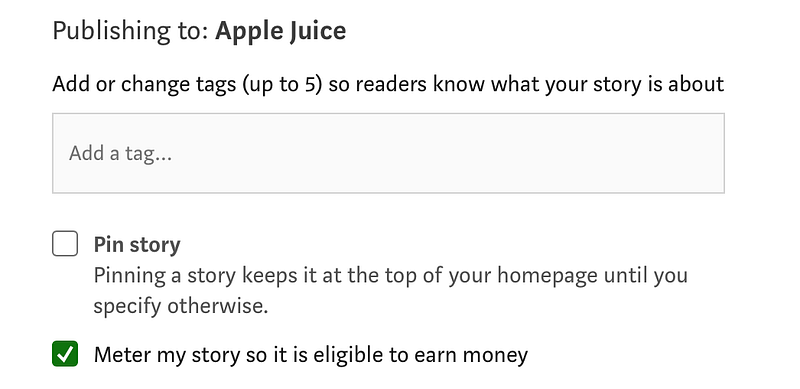
trending-on-medium-2021-856943e78b20">tags</a> for your story. These should include broad tags like “Life” and a few fine tags. You can and should use up to 5.</p><figure id="5ace"><img src="https://cdn-images-1.readmedium.com/v2/resize:fit:800/1*PJYfHVmNbQmaysT3B6lqTw.png"><figcaption>Screenshot by author</figcaption></figure><h1 id="31d9">5. Paywall</h1><p id="46a4">Add <i>meter settings</i> to your posts. We prefer stories behind paywall.</p><figure id="41e1"><img src="https://cdn-images-1.readmedium.com/v2/resize:fit:800/1*gOsJbaoBj6lmWZS-r1oVXw.png"><figcaption>Screenshot by author</figcaption></figure><h1 id="af2f">6. Grammarly</h1><p id="e196">Make sure your posts are free of grammatical errors. The easiest way to ensure this is using the free browser extension <a href="https://grammarly.com/">Grammarly</a>.</p><h1 id="92a5">7. Read our submission guide</h1><p id="fe47">Before you submit a post, please read the publication’s submisson guide carefully! Also, take a look at <a href="https://policy.medium.com/medium-rules-30e5502c4eb4"><b>Medium’s rules</b></a> and the <a href="https://help.medium.com/hc/en-us/articles/360006362473-Medium-s-Distribution-Standards-What-Writers-and-Publications-Need-to-Know"><b>Medium Distribution Guideline</b></a>.</p><p id="bb60"><i>— <a href="undefined">Burk</a>
That’s it. Happy writing! Connect with me: <a href="http://burkr.de">burkr.de</a></i></p></article></body>