
Stop Using Midjourney! These 5 Free AI Image Generators Are Even Better
No more spending your hard-earned money.
Currently, I’ve been using various AI-powered image generators to enhance the quality of my work.
You know what’s really cool? These tools can actually make the exact images I’m thinking of. And what’s really mind-blowing is how unbelievably realistic the images they make look — way better than what I first thought.
Just think about making images that look almost like real-life scenes for your projects. And because of this, you don’t have to stick to using regular photos anymore. These special AI image generators help me do a lot more and make my ideas really exciting.
One more thing that’s pretty cool is how flexible this technology is. It’s not just good at one thing. It works in lots of different areas and does lots of different things.
And we know, there’s this awesome image generator called Midjourney that creates really realistic pictures. But here’s the catch — it’s not free. The good news is, there are plenty of other AI tools that do similar things and won’t cost you a dime.
They are as follows:
1. Lexica
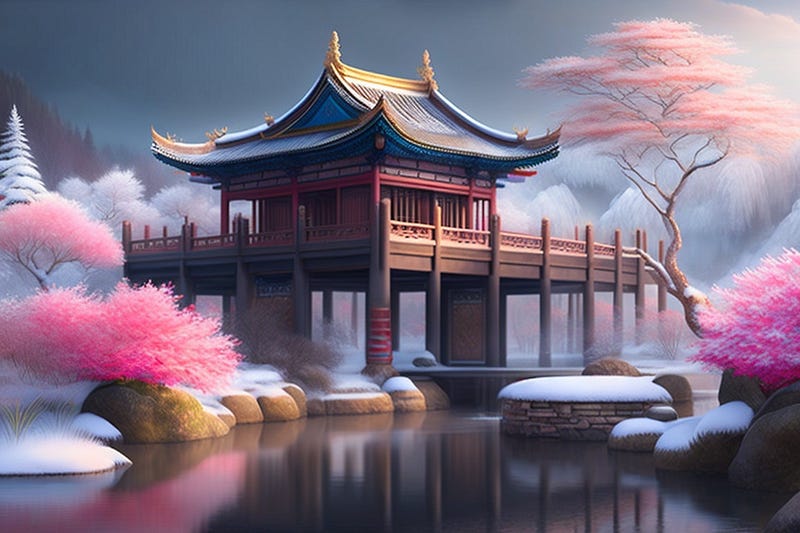
I’ve found this AI tool to be among the finest I’ve used frequently.
It’s quite simple: you input your desired prompt, and the tool provides you with a variety of AI-generated images.
If none of those options suit you, you can effortlessly generate a new image at no cost and download it in just one click.
Additionally, you have the option to access your history, where all your previously generated images are stored. Pretty neat, isn’t it?
And here’s something to consider: I’ve been using this tool extensively and haven’t yet opted for the paid plan.
2. Playground AI
Lexica is user-friendly, but if you wish to enhance your image using various filters, you’ll need to use Playground AI.
The process remains consistent: you provide a precise prompt, and it generates an image accordingly. The difference lies in the additional options available.
After generating the image, you can apply several filters. These filters encompass aspects like image dimensions, guidance for the prompt, image quality, and finer details, among others.
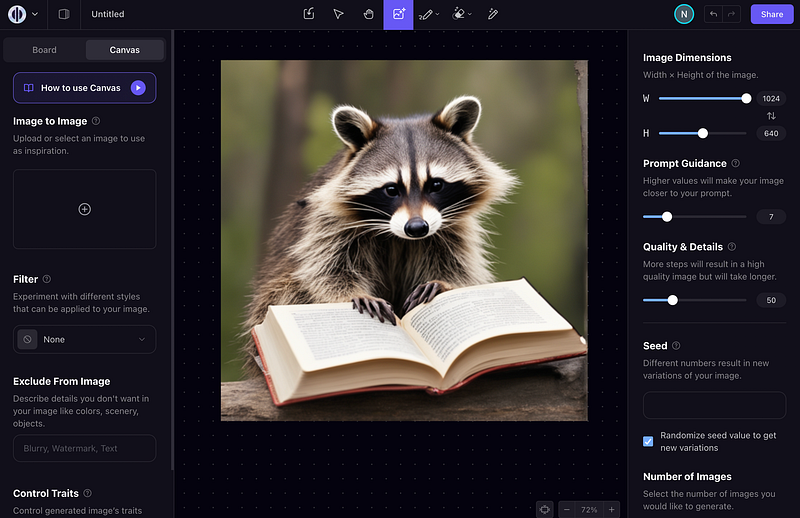
When it comes to cost, it’s quite remarkable — you’re able to create up to 1,000 images each day without any charge.
Pretty impressive, don’t you think?
3. Blue Willow
If you’re familiar with using Midjourney, transitioning to Blue Willow will be a breeze.
It allows you to craft images directly within the Discord app.
Here’s how:
- Download and install Discord.
- Complete the verification process.
- Head to any rookie channel.
- Type a designated prompt following the format “/imagine: your prompt”.
Upon entering your prompt, the tool generates four images based on your input.
Besides this, not only you can modify these images, but you can also enhance them. Additionally, you can harness Blue Willow’s capabilities to design logos and graphics as well.
4. Leonardo AI
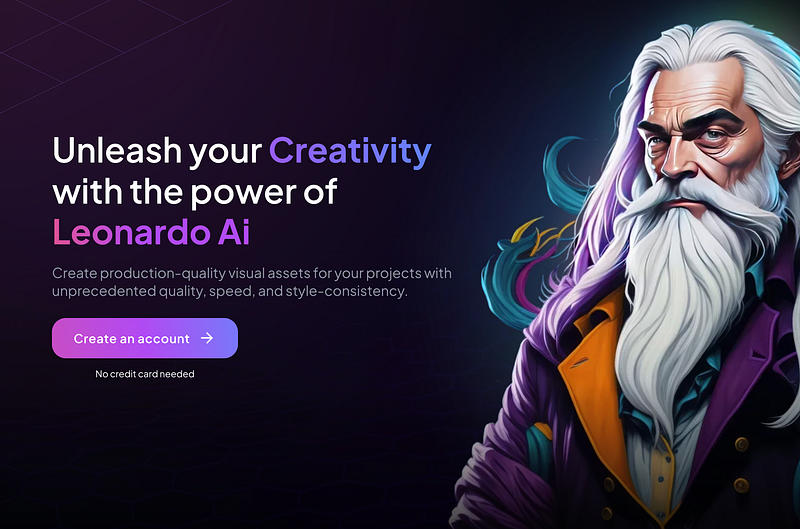
It’s quite similar to Lexica and Playground AI but with a special focus on creating detailed character portraits.
In simple terms, Leonardo AI is your go-to tool for generating a variety of images related to character design, game assets, concept art, graphic design, fashion, marketing, advertising, and more.
What makes it stand out even more is the array of filters it offers. These filters empower you to craft the perfect image that suits your specific requirements.
5. Bing Image Creator
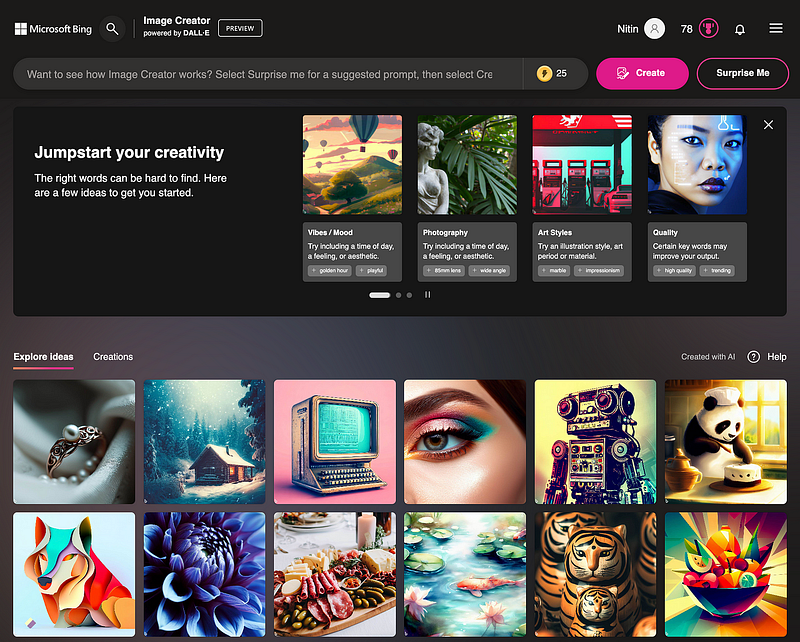
If you’re familiar with Microsoft Edge, you might already be aware of the various features Microsoft has introduced, such as Chat, Compose, and Insights.
Following suit, they’ve developed an Image Creator tailored for users like us. The process is quite similar to other AI-powered image-generation tools.
All you need to do is visit a specific web address and input your desired prompt. The noteworthy aspect is that the resulting image quality is notably superior and meets high standards.
For instance, I typed in “A dream home near mountains and rivers,” and these are the images it generated.
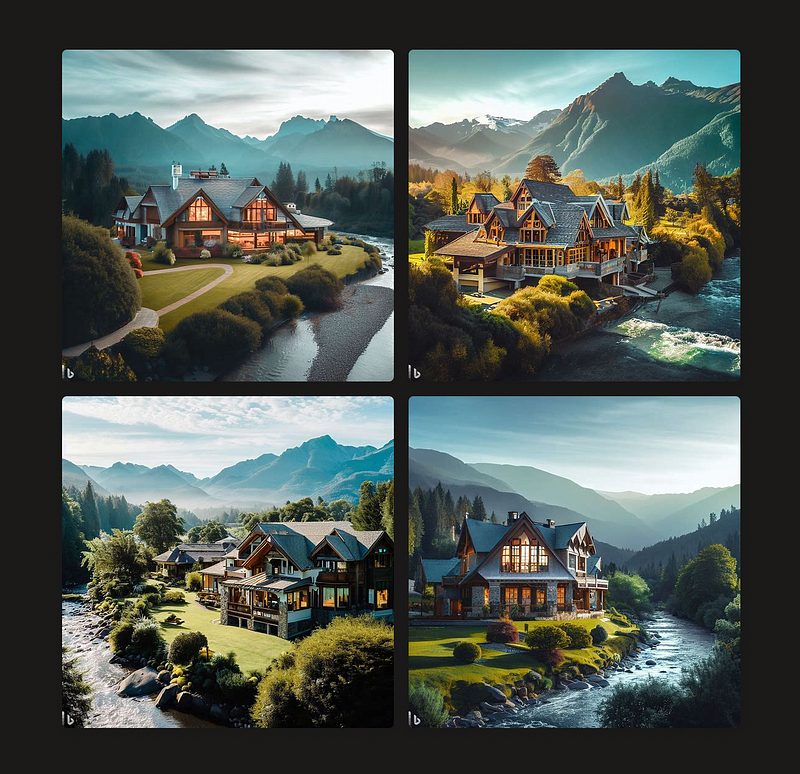
Cool, right?
Feel free to explore each image and use them according to your needs.
Hope you like it.
That’s it — thanks.


