avatarKiran Yasmin

Free AI web copilot to create summaries, insights and extended knowledge, download it at here

2691

Abstract

edium.com/the-secret-to-getting-700-to-1-000-followers-in-one-month-19fa55ab2a71"> <div> <div> <h2>The Secret To Getting 700 To 1,000 Followers In One Month</h2> <div><h3>It’s time to boost your performance as a writer and earn sufficient money…</h3></div> <div><p>medium.com</p></div> </div> <div> <div style="background-image: url(https://miro.readmedium.com/v2/resize:fit:320/1*-zgAr5QSqLhgTaA7lj1KVQ.png)"></div> </div> </div> </a> </div><h1 id="be0e">Where To Find Great Images For Articles?</h1><figure id="2a9b"><img src="https://cdn-images-1.readmedium.com/v2/resize:fit:800/0*jEfUNbshE5CzW-vk"><figcaption>Photo by <a href="https://unsplash.com/@j_erhunse?utm_source=medium&amp;utm_medium=referral">Jeffery Erhunse</a> on <a href="https://unsplash.com?utm_source=medium&amp;utm_medium=referral">Unsplash</a></figcaption></figure><p id="388d">Here are a couple of options.</p><ol><li><b>Burst —</b> Burst is a free stock photo platform by Shopify. Here you can find free and royalty-free photos according to the nature and topic of your article. The best part is that Burst has a section of business ideas where high-resolution images can be found in a large number.</li><li><b>Pexels —</b> Pexels is another great image search website. It has its own license that clarifies what a user can do with the photos. An advantage of this platform is that you can use as many images as you like. The option of modification is also available.</li><li><b>Pixabay —</b> Pixabay is the platform where every image is licensed under Creative Commons Zero. It means you can easily and quickly use or download your favorite photos without waiting for permission or giving credit. Still, I suggest you give credit to avoid any problem.</li><li><b>Free Images —</b> Free Images is yet another website where you can find plenty of stock photos. It is a good alternative to Unsplash. There are more than 250,000 free stock images to choose from. Once you get the license, you will be allowed to download and edit them.</li><li><b>Flickr — </b>Flickr is basically an image hosting platform where commercial and non-commercial photos are present in excess. Go to the ‘any license’ filter and choose ‘commercial use and mods allowed’ to check whether the images you are using are licensed or not.</li><li><b>GettyImages— </b>I am personally using photos from GettyImages in my articles. I think it is one of the best websites for royalty-free images. You can download the photo or embed it into your content within seconds. This platform is tru

Options

sted by hundreds of bloggers and content writers.</li></ol><div id="e09d" class="link-block"> <a href="https://readmedium.com/how-to-make-an-extra-2-000-monthly-without-breaking-a-sweat-f9967bb72a8d"> <div> <div> <h2>How To Make 2,000 Monthly Without Breaking A Sweat?</h2> <div><h3>You need to spend one to three hours daily to make extra income…</h3></div> <div><p>medium.com</p></div> </div> <div> <div style="background-image: url(https://miro.readmedium.com/v2/resize:fit:320/0*mVxW4-uzYysXhkrL)"></div> </div> </div> </a> </div><h1 id="e494">Takeaway</h1><figure id="0506"><img src="https://cdn-images-1.readmedium.com/v2/resize:fit:800/0*RHgw5z-nvxwhAPOX"><figcaption>Photo by <a href="https://unsplash.com/@introspectivedsgn?utm_source=medium&amp;utm_medium=referral">Erik Mclean</a> on <a href="https://unsplash.com?utm_source=medium&amp;utm_medium=referral">Unsplash</a></figcaption></figure><p id="82d7">I am not discouraging anyone from using Unsplash. I have only given a couple of options to make you realize that Unsplash’s images have been used various times and that you can make your articles look better by using photos from other platforms.</p><div id="028c" class="link-block"> <a href="https://readmedium.com/avoid-these-filler-words-in-your-writing-ce48d11679d2"> <div> <div> <h2>Avoid These Filler Words In Your Writing</h2> <div><h3>I am also using them in my content, but I have decided to avoid them…</h3></div> <div><p>medium.com</p></div> </div> <div> <div style="background-image: url(https://miro.readmedium.com/v2/resize:fit:320/0*MCqsnmu4GkRk4iE_)"></div> </div> </div> </a> </div><div id="30b6" class="link-block"> <a href="https://readmedium.com/how-to-make-over-100-per-month-without-followers-613b492b1a35"> <div> <div> <h2>How To Make Over 100 Per Month Without Followers?</h2> <div><h3>Anyone can make money without worrying about followers…</h3></div> <div><p>medium.com</p></div> </div> <div> <div style="background-image: url(https://miro.readmedium.com/v2/resize:fit:320/0*qR3o_4ioRvYqp-nh)"></div> </div> </div> </a> </div><h2 id="4568">Have you tried any of these sites for royalty or copyright-free images?</h2></article></body>

Photo by Doug Maloney on Unsplash

Stop Depending On Unsplash For Your Photos

You can find quality images for your content from many other sources…
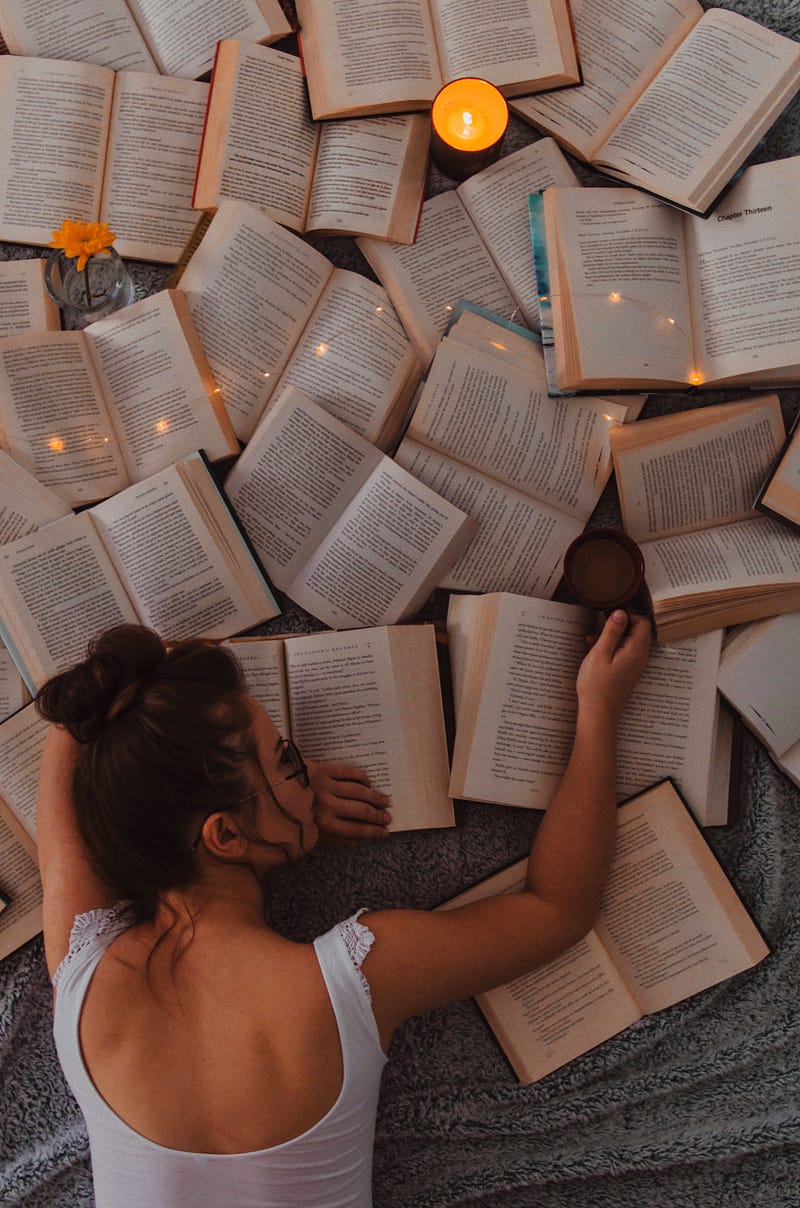
Photo by Gaman Alice on Unsplash

Unsplash is one of the most popular websites. It is used by photographers to sell different photos or images. The website claims to have more than 200,000 contributing photographers and is capable of generating over 15 billion photo impressions every month.

Most of us are depending on Unsplash for royalty-free images. These photos can be accessed from the ‘add an image from Unsplash’ section, but the problem is that the range of photos is quite limited. I have also observed that some of the images have been used hundreds of times. A few examples are given below.
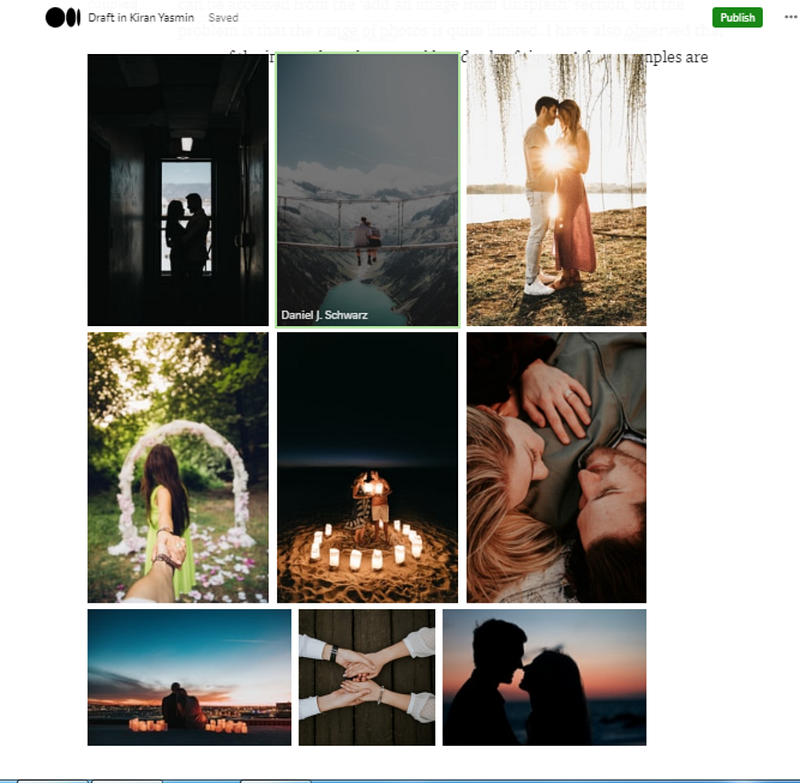
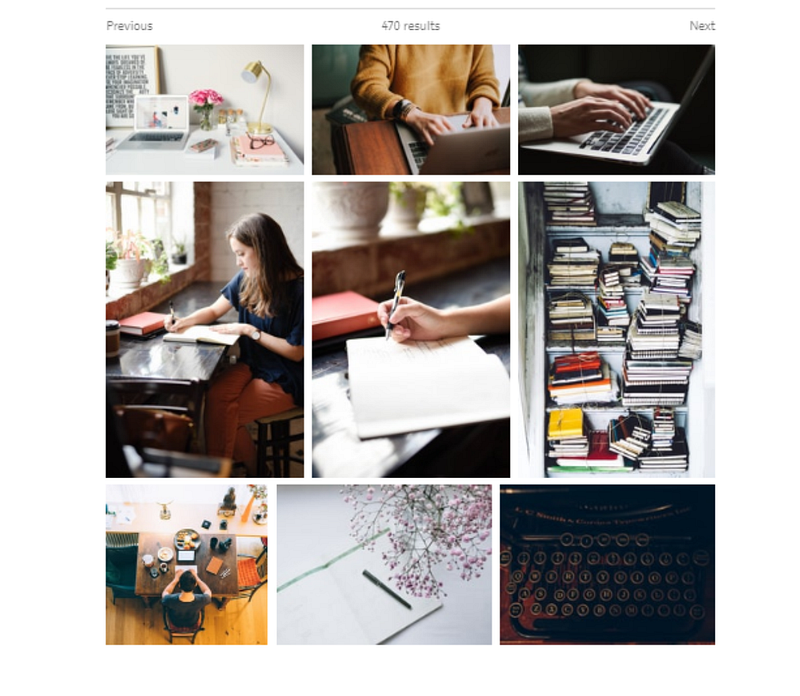
Image from Author’s ID

Don’t you think these photos have been used by almost everyone? It makes me feel that we should stop relying on Unsplash for featured and other images. Instead, we can find copyright-free photos from other sites.

Where To Find Great Images For Articles?
Photo by Jeffery Erhunse on Unsplash

Here are a couple of options.

  1. Burst — Burst is a free stock photo platform by Shopify. Here you can find free and royalty-free photos according to the nature and topic of your article. The best part is that Burst has a section of business ideas where high-resolution images can be found in a large number.
  2. Pexels — Pexels is another great image search website. It has its own license that clarifies what a user can do with the photos. An advantage of this platform is that you can use as many images as you like. The option of modification is also available.
  3. Pixabay — Pixabay is the platform where every image is licensed under Creative Commons Zero. It means you can easily and quickly use or download your favorite photos without waiting for permission or giving credit. Still, I suggest you give credit to avoid any problem.
  4. Free Images — Free Images is yet another website where you can find plenty of stock photos. It is a good alternative to Unsplash. There are more than 250,000 free stock images to choose from. Once you get the license, you will be allowed to download and edit them.
  5. Flickr — Flickr is basically an image hosting platform where commercial and non-commercial photos are present in excess. Go to the ‘any license’ filter and choose ‘commercial use and mods allowed’ to check whether the images you are using are licensed or not.
  6. GettyImages— I am personally using photos from GettyImages in my articles. I think it is one of the best websites for royalty-free images. You can download the photo or embed it into your content within seconds. This platform is trusted by hundreds of bloggers and content writers.

Takeaway
Photo by Erik Mclean on Unsplash

I am not discouraging anyone from using Unsplash. I have only given a couple of options to make you realize that Unsplash’s images have been used various times and that you can make your articles look better by using photos from other platforms.

Have you tried any of these sites for royalty or copyright-free images?

Writing
Life
Life Lessons
Self Improvement
Self
Recommended from ReadMedium