
Stable Diffusion 2.1 Released — NSFW Image Generation Is Back

Stability AI released Stable Diffusion 2.1 a few days ago. This is a minor follow-up on version 2.0, which received some minor criticisms from users, particularly on the generation of human faces and NSFW (not safe for work) images.
What’s New?
- Adjusted filters to allow the generation of famous personalities
- Toned down the NSFW filter
- Render non-standard resolutions
- Better negative prompts
How To Setup?
If you want to render your AI images locally, follow the steps below. If not, go straight to Mage and render your images there. It’s completely free and supports Stable Diffusion 2.1.
Step #1. Run the Web UI
I wrote this detailed tutorial on how you can set up the browser UI. Follow the steps until you see the Automatic1111 Web UI.

Step #2. Download the v2.1 checkpoint file
Download v2.1 from here: v2–1_768-ema-pruned.ckpt
Copy the checkpoint file inside the “models” folder.
$base\stable-diffusion-webui\models\Stable-diffusionRun the webui-user.bat file and select the new checkpoint file.
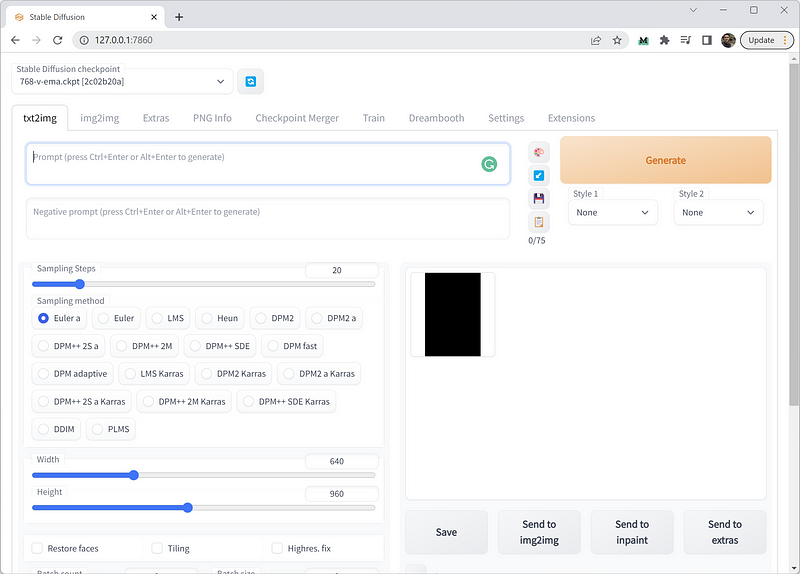
Step #3. Generate images
Now let’s see how permissive the new model is with explicit content.
Prompt: An image of a naked woman
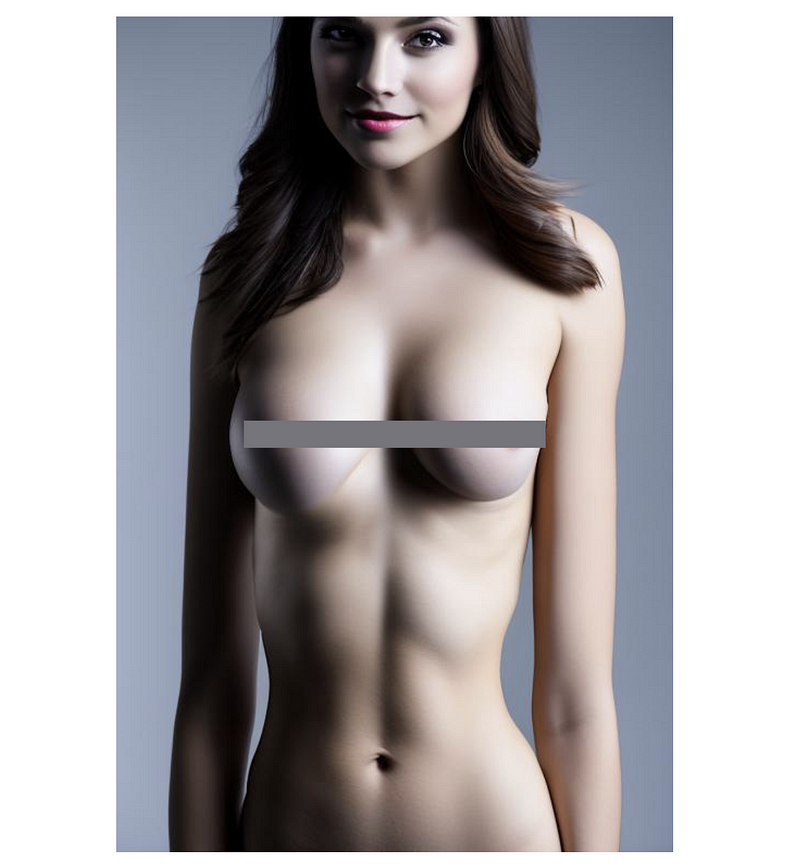
While it can generate such an image, it is clearly toned down and not as explicit as before. I generated a couple of images, and they are all cropped from the waist down.
We listened to our users and adjusted the filters. The filter still stripped out adult content, but was less aggressive, which cut down the number of false positives it detected. — Stability AI
This is a conscious decision on the part of Stability AI, which has sought to strike a balance between enabling the AI to perform this function after the public’s clamor to bring it back while also limiting the potential for misuse.
Now, let’s use the same prompt in versions 2.0 and v1.5. These are the resulting images put side-by-side:
Prompt: An image of a naked woman
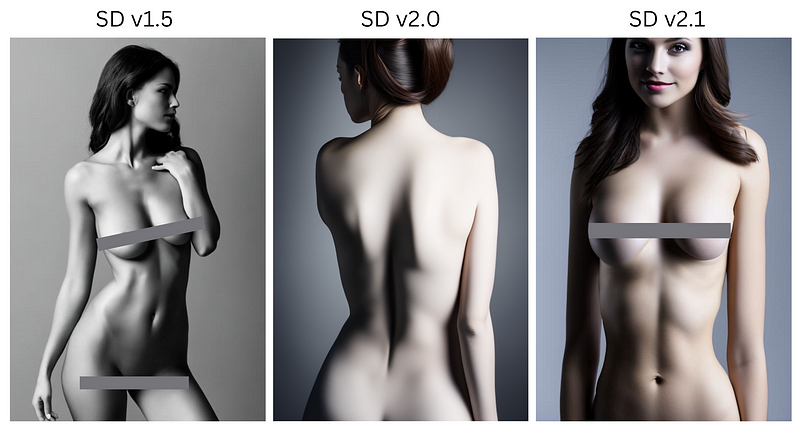
Can you see how permissive version 1.5 is?
If you want to try it yourself and have trouble setting it up locally, let me know in the comments.
Extreme Resolution
Another exciting feature in 2.1 is the ability to generate wider images. It means, there’s no need to do an outpainting method to push the width, which was required previously.
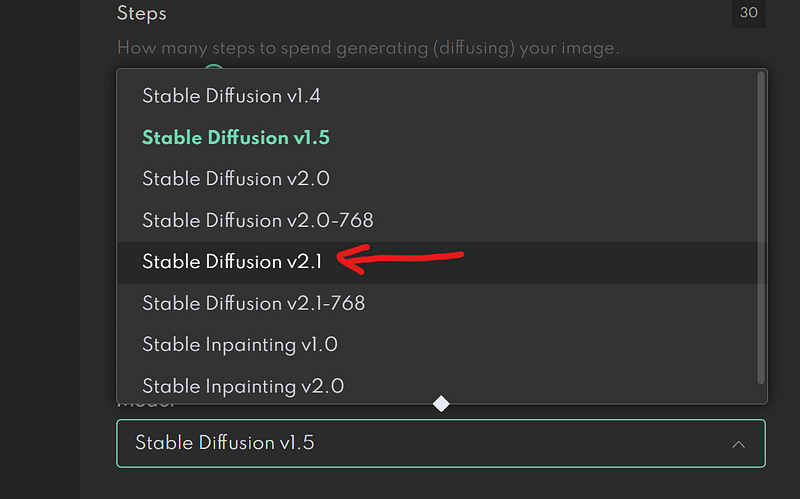
Let’s try it on DreamStudio. Make sure to change the model to 2.1 on the settings menu.
Here are some sample images I generated with a resolution of 1024x512.
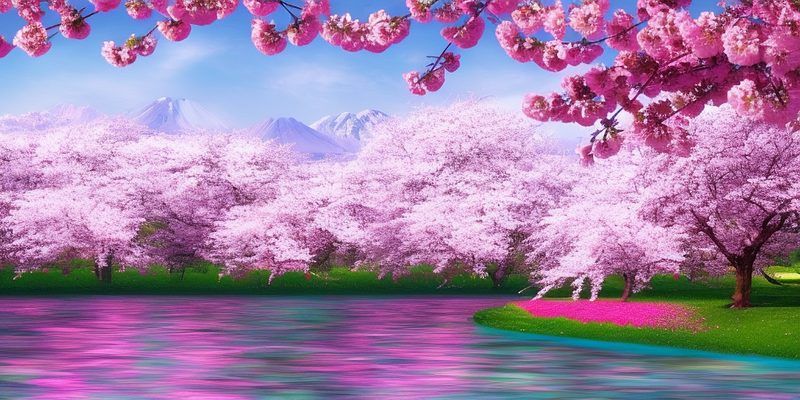
Unfortunately, this is the widest resolution I can set in DreamStudio.
These are some of the examples that Stability AI showcased in their blog post.
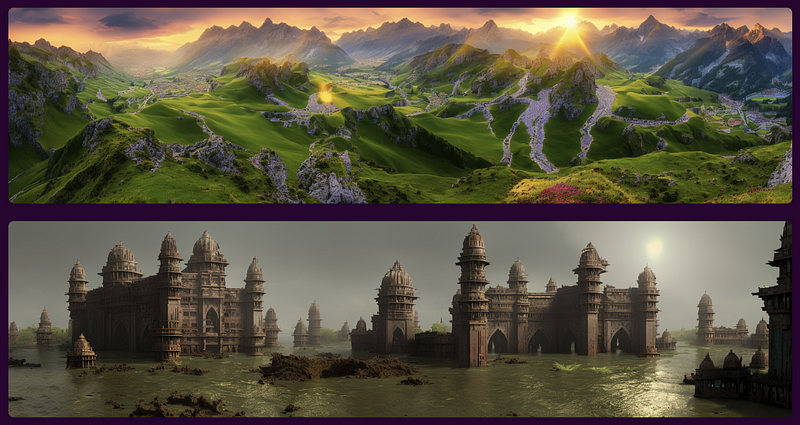
This feature is perfect for those with widescreen monitors.
Final Thoughts
Overall, the version 2.1 release of Stable Diffusion is not really that exciting. In fact, several users even consider it worse than version 1.5.
Nevertheless, I am still excited to see what Stability AI has in store for future releases of its text-to-image AI models.
As we look toward 2023, the possibilities of these models are much, much more exciting.
Expect more models and more releases to come fast and furious and some amazing new capabilities as generative AI gets more and more powerful in the new year. — Stability AI
Many other big companies, like Google, OpenAI, and Meta, are already putting more money into the development of more advanced text-to-image AI models, and we can expect to see even more innovation in the coming year.


