
Six of the Dumbest HomeBrew Tools for Mac That Actually Exist
#1, #5, #6 are completely dumb in every way

I’m a fan of HomeBrew.
Before I ever knew it existed, I never thought I could install useful utility tools on my Mac just by simple commands.
Over time, I grew HomeBrew-hungry. I collected thousands of HomeBrew tools, installed hundreds of them, and am regularly using dozens of them.
While doing that, I found six HB tools that were too idiotic — for which I found no valid reason for anyone to install. In fact, I don’t understand why they exist too.
Listing them below…
If you think I wrongly blamed a tool that’s actually helpful in some way, do let me know!
#1. cowsay
(dumb) cowsay does nothing more than displaying your input message in a speech bubble coming out from an equally dumb cow.
For example, use cowsay hi , or better cowsay "Hello World" to get this:
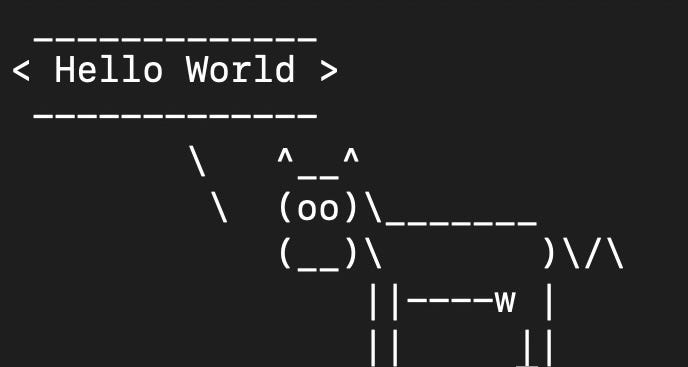
I mean, what’s the use of this?
It’s not a game. It’s not a tool that’s making anyone’s life easier. Just a useless tool sitting in the local Homebrew directory waiting to make a cow say things.
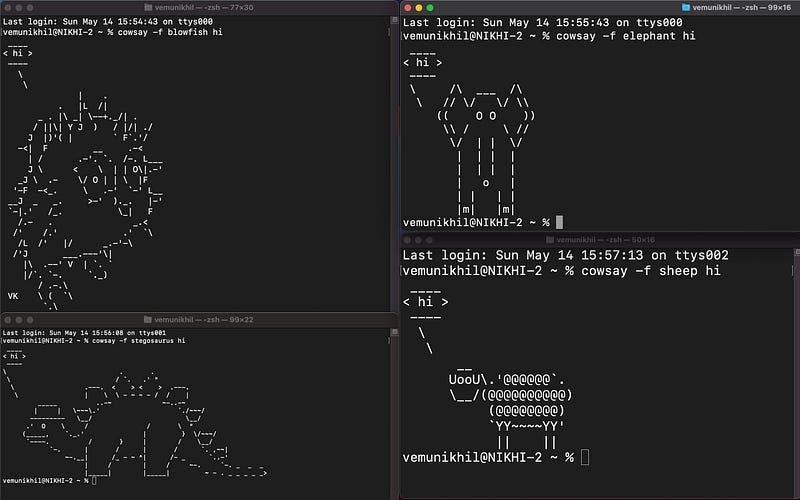
Oh, not only cow. There are more art types. Use cowsay -l to list them all. And use cowsay -f elephant hi to make an elephant say hi.
Different art types saying hi →
(I’m glad that pig isn’t included. It isn’t actually dumb.
Dead cow thinking → cowthink -d "I'm thinking"
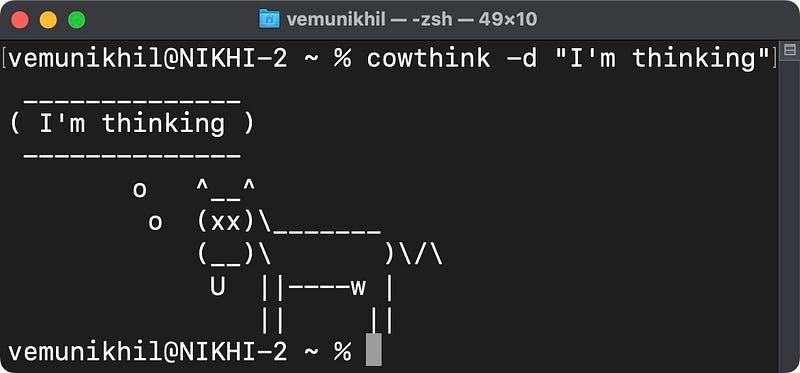
Install cowsay: brew install cowsay
ponysay
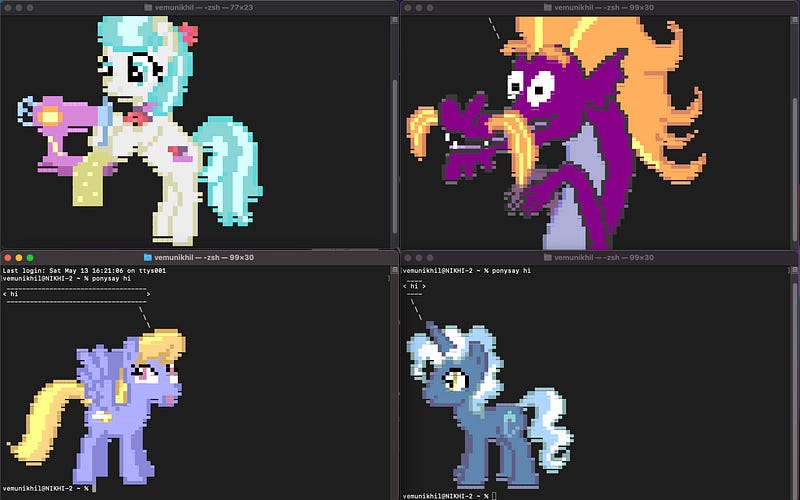
I’ve also found a similar tool — called ponysay — that’s inspired by cowsay.
Pony, in ponysay, is a fictional character that says out your input text. If you use ponysay hi ,
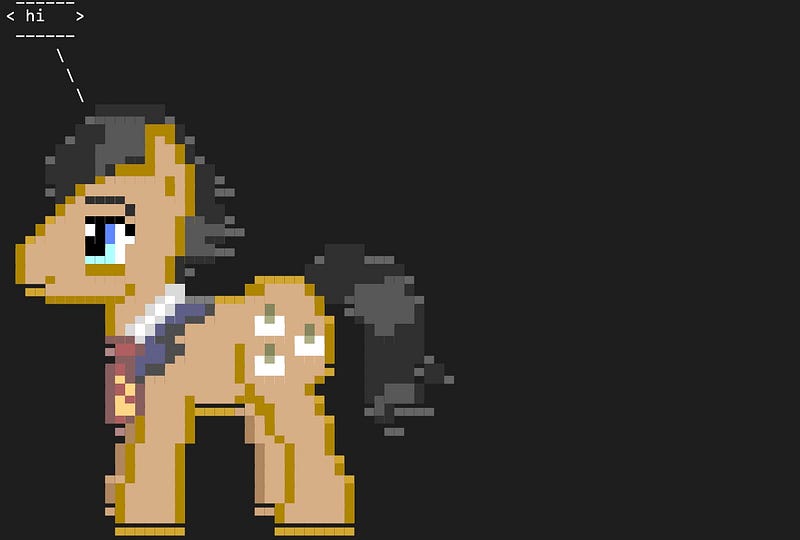
a random pony will say hi.
There are totally 472 ponies in this tool (OMG!). Get their names: ponysay -l . If you wanna have a specific pony say hi, for example Twilight, use ponysay -f Twilight hi .
I wonder who took time to create such stunning graphic images for a seemingly dumb tool.
Install ponysay: brew install ponysay
#2. shuf
shuf does the thing what comes after adding ‘fle’ to it. It shuffles.
It shuffles lines in text files i.e., randomises the order of lines in a file and spits out the result.
But, what’s the use?
Syntax: shuf file_name.txt
Install shuf: brew install coreutils (comes with coreutils)
#3. hr
hr, when given an input character, repeatedly prints it out till the string reaches the edge of Terminal.
For example, let’s try hr # :

That’s it.
- Use
hr #-to print#-#-#-#-#-... - Use
hr # — #to print
###############
---------------
###############
Found any use? No, it’s dumb.
However, after few minutes of brainstorming, I found a valid use for the tool. It can be used to separate Terminal into sections :)
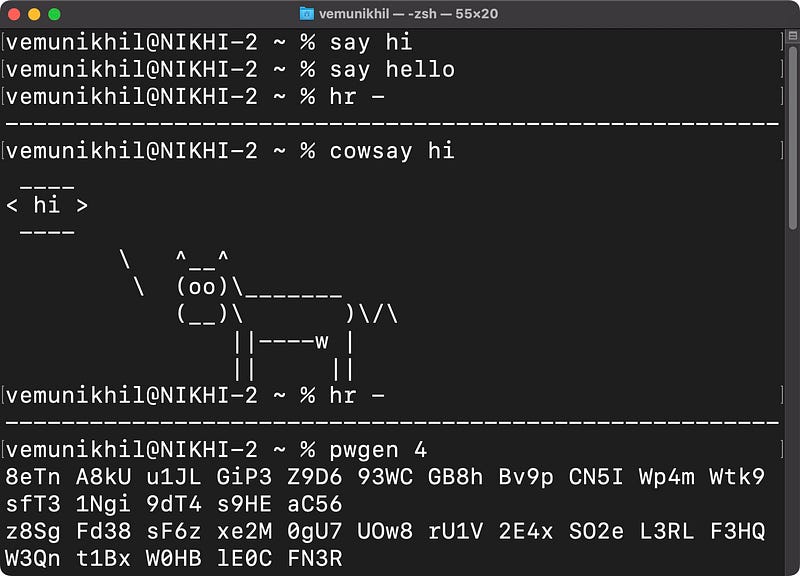
Dumb thing put for practical use.
Just like a stone. A stone, in itself, means nothing. But when you rub two stones, you get fire! (Apologies, lame comparison.)
Install hr: brew install hr
#4. showkey
showkey shows what you type. (Read that again.)
Oh, till now, I never saw what I typed. It’s just from yesterday showkey made that possible. Thanks showkey! (Sarcasm intended)
Basically, it’s a keystroke visualiser that shows you how the OS interprets what you type.
For example:
‘A’ is interpreted as ‘A’, ‘a’ as ‘a’. And most other characters are interpreted as themselves, except for:
• esc --> <ESC>
• tab --> <CTL-I=HT>
• space --> <SP>
• ⬆️ --> <ESC>[A
• ⬇️ --> <ESC>[B
• ➡️ --> <ESC>[C
• ⬅️ --> <ESC>[D
• ? --> DEL>
(So when you type A, showkey displays A. When you hit esc, showkey displays
Copy the above list to somewhere and you lose the need for showkey. But still, if you wanna
Install showkey: brew install showkey
#5. sl
sl is the reverse of ls. No brainer.
For the uninitiated, ls lists all the files in a directory. For example, if I use cd desktop; ls , I get the list of all my desktop items.
But why sl?
Sometimes, frenzy developers mistype ls as sl — and they encounter an error. To help themselves cure their bad habit of mistyping, a developer created sl.
Everytime they mistype ls as sl, an SL (Steam Locomotive) runs across their Terminal.
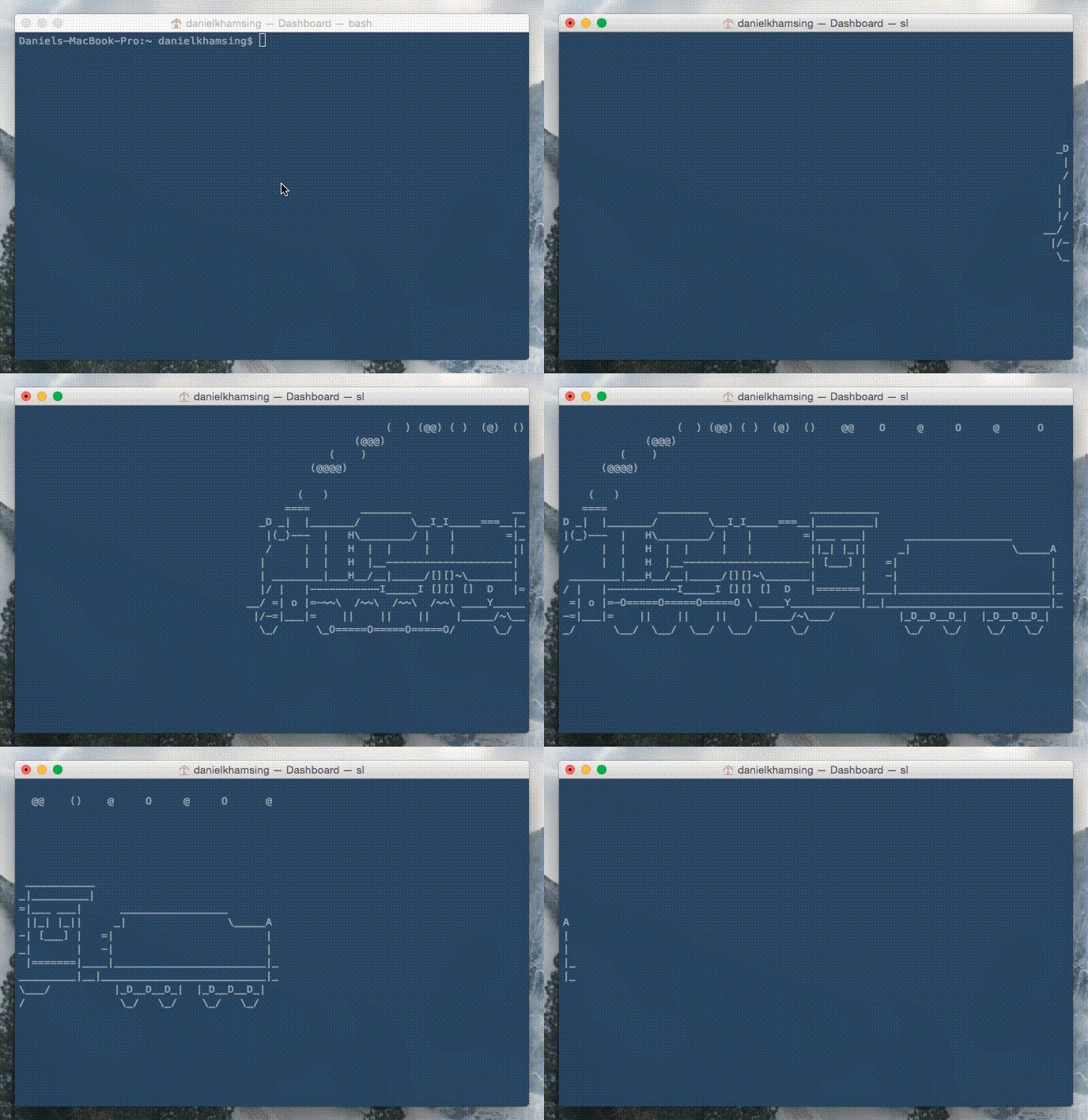
And the dev has to (patiently) wait till it reaches the other end before he’d rectify his typo — coz sl can’t be quit using ⌃ + C or esc, unlike other commands.
TLDR; by installing sl, you’re giving yourself a punishment each time you type sl instead of ls.
But why would any dev install this? I’d personally not. I don’t have time to watch a long loco running through my Terminal each time I attempt a typo.
Maybe the dev thinks everyone has.
Install sl: brew install sl
#6. Tractorgen
Generates an ASCII “tractor” art with the specified number of wheels. But, for what?
(Ugh, I’m done. Can’t take in such tools anymore. Last one.)
Use tractorgen to print the default tractor with six wheels.
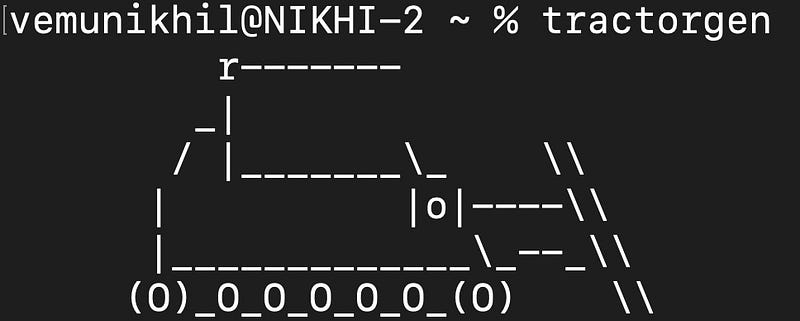
If you want one with 8 wheels, use tractorgen 8 .
Cautioning you, never give an input less than 4. It’ll call you a fool.

I’m a guy with self-esteem, and I personally don’t wanna be called a fool by a tool dumber than me.
Install Tractorgen: brew install tractorgen
Forget this article. If you wanna know some really a’macOS’zing Terminal commands, read these →
For only Homebrew tools, read these.
Join 375+ others to get notified whenever I publish a new story.


